Verifone - Adjust Date and Time
Modified on Fri, 6 Feb at 5:29 PM
Setting the Date and Time
During the time change in March and October, it may be necessary to manually adjust the date and time.
In this tutorial, we will show you how to configure the time settings on your Verifone V400m, V400c, or V200c card reader.


Main Menu
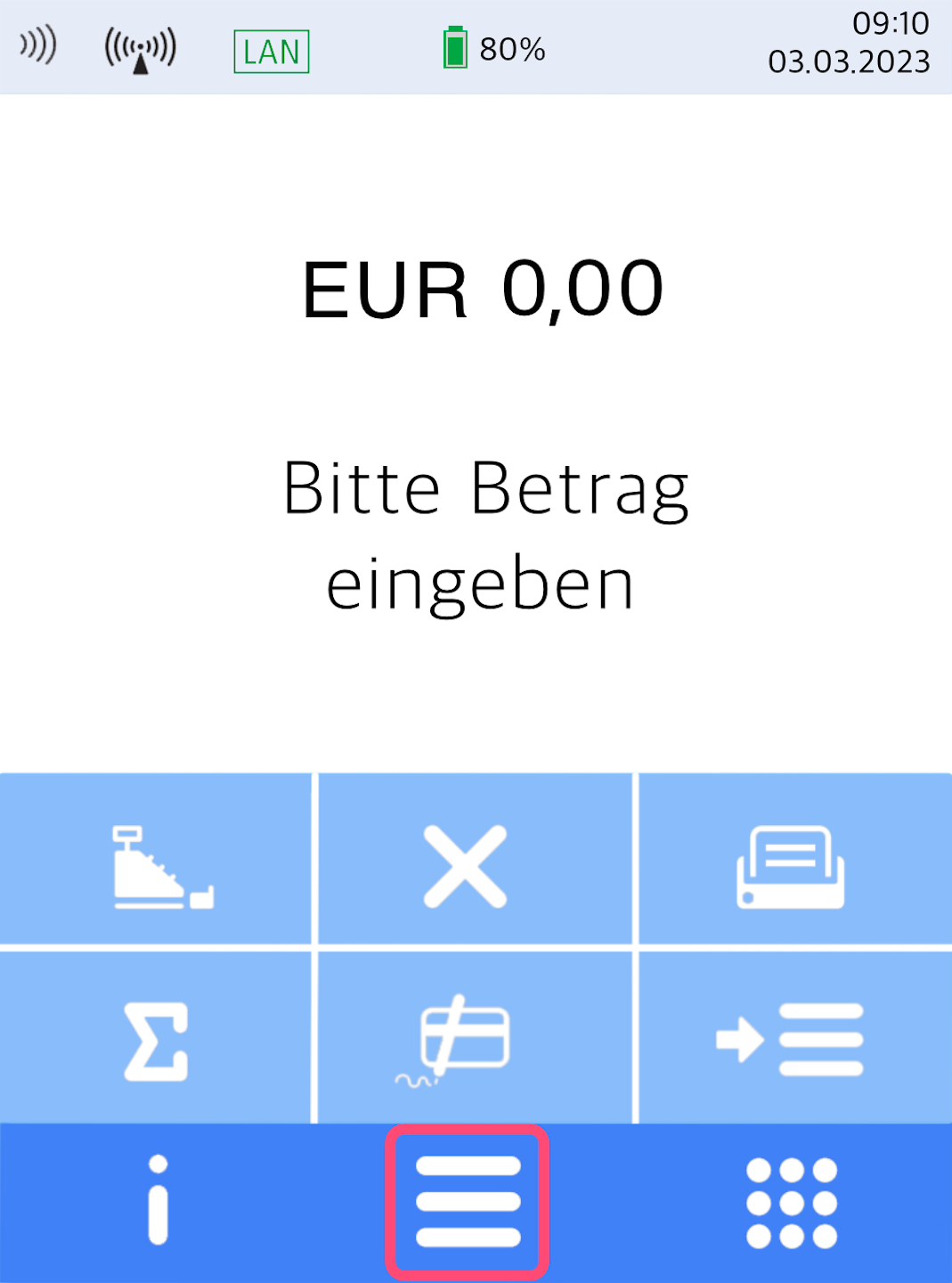
Here you see your home display.
Please press the button with the 3 horizontal bars to access the main menu.
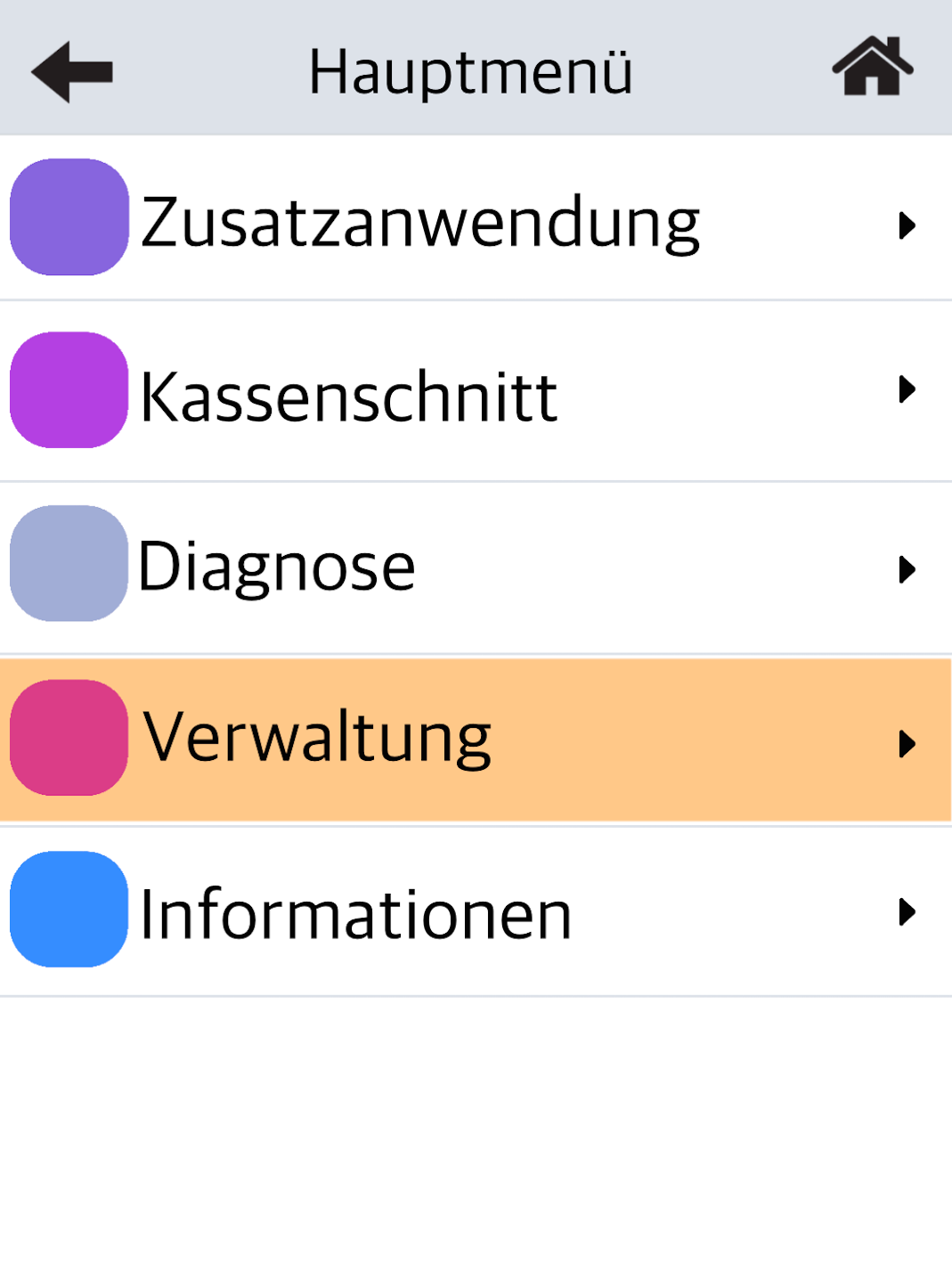
Fig. 2 – Please select Verwaltung
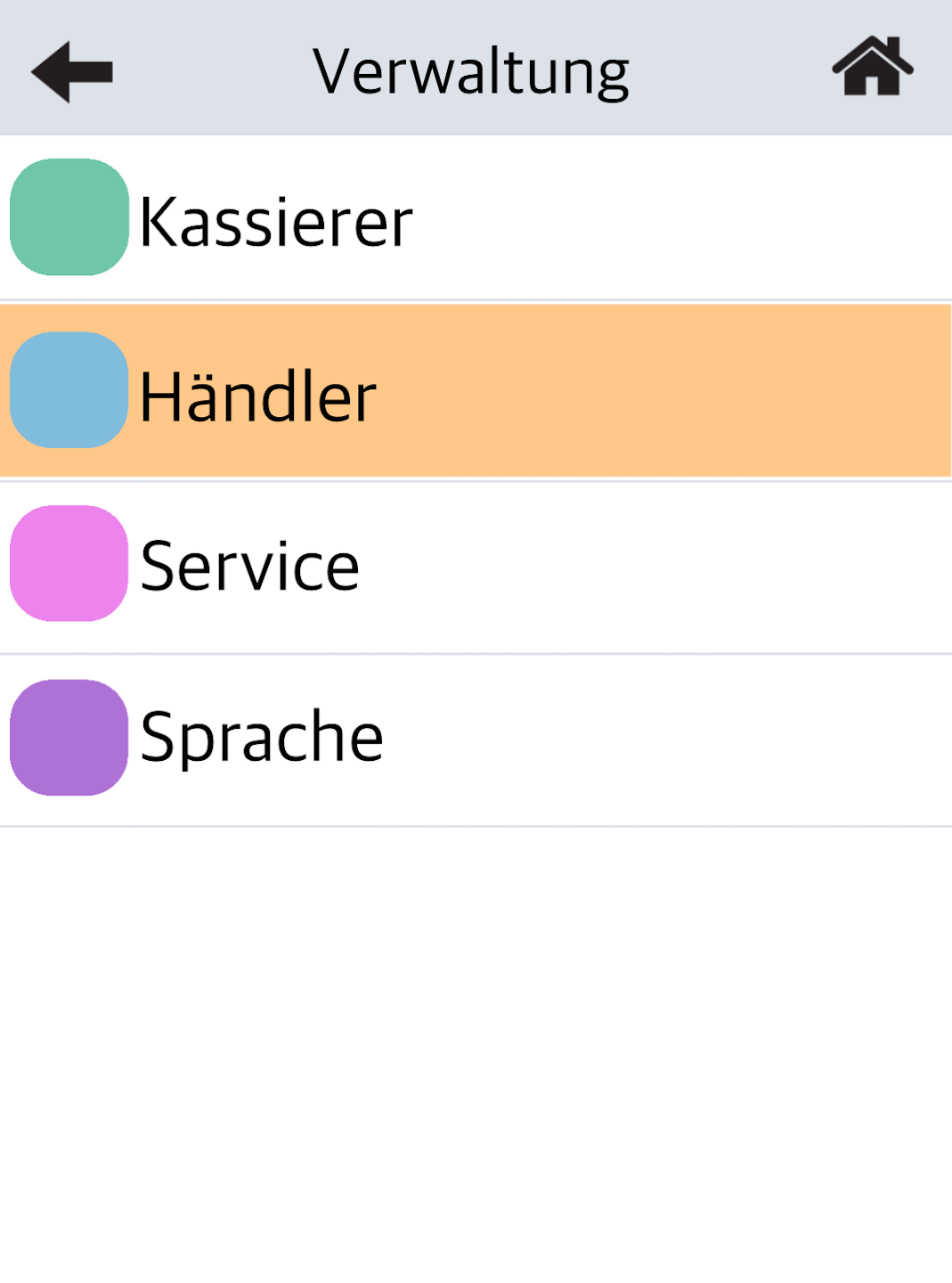
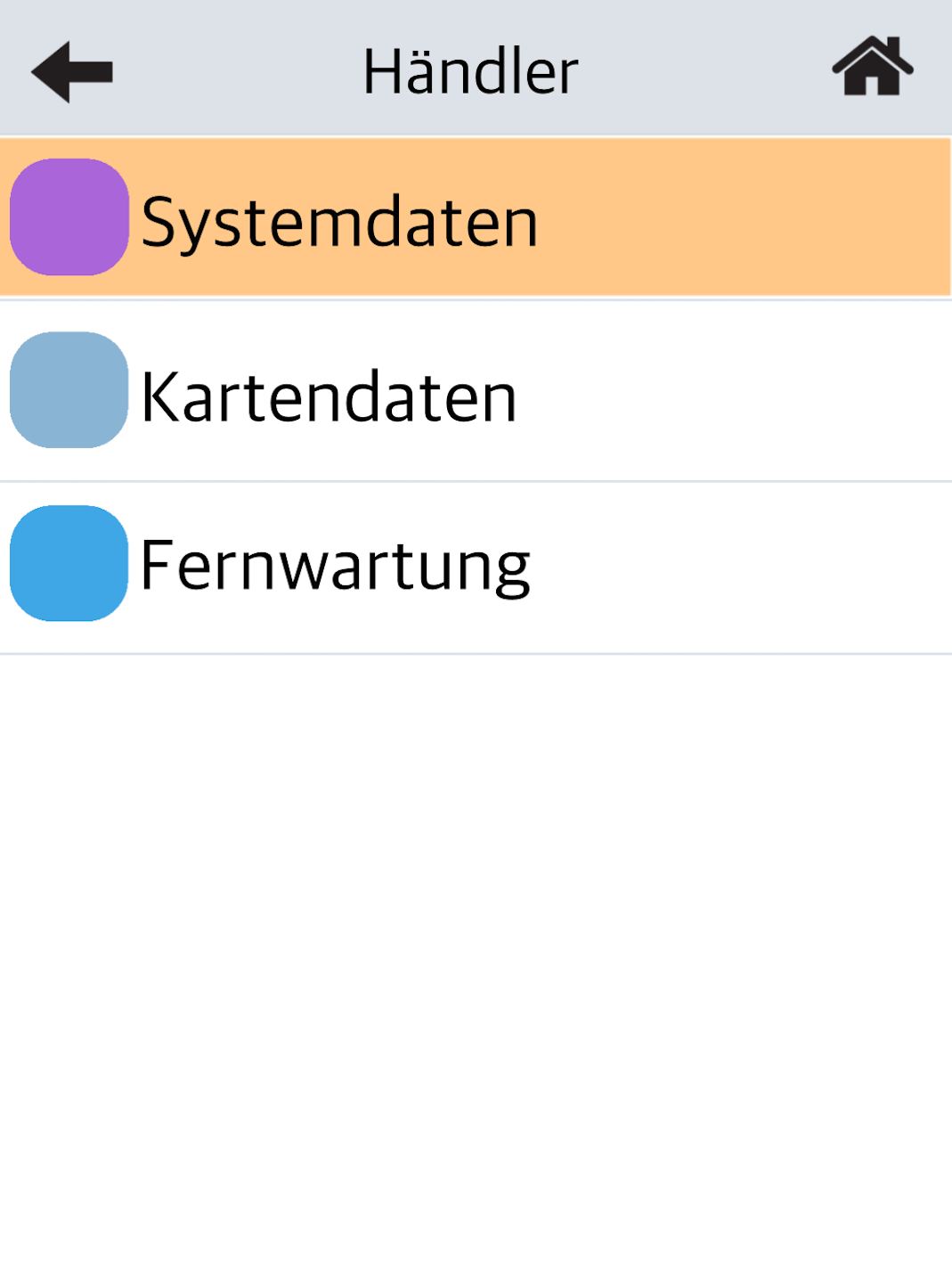
Fig. 3 – Then select Händler
Menu Selection
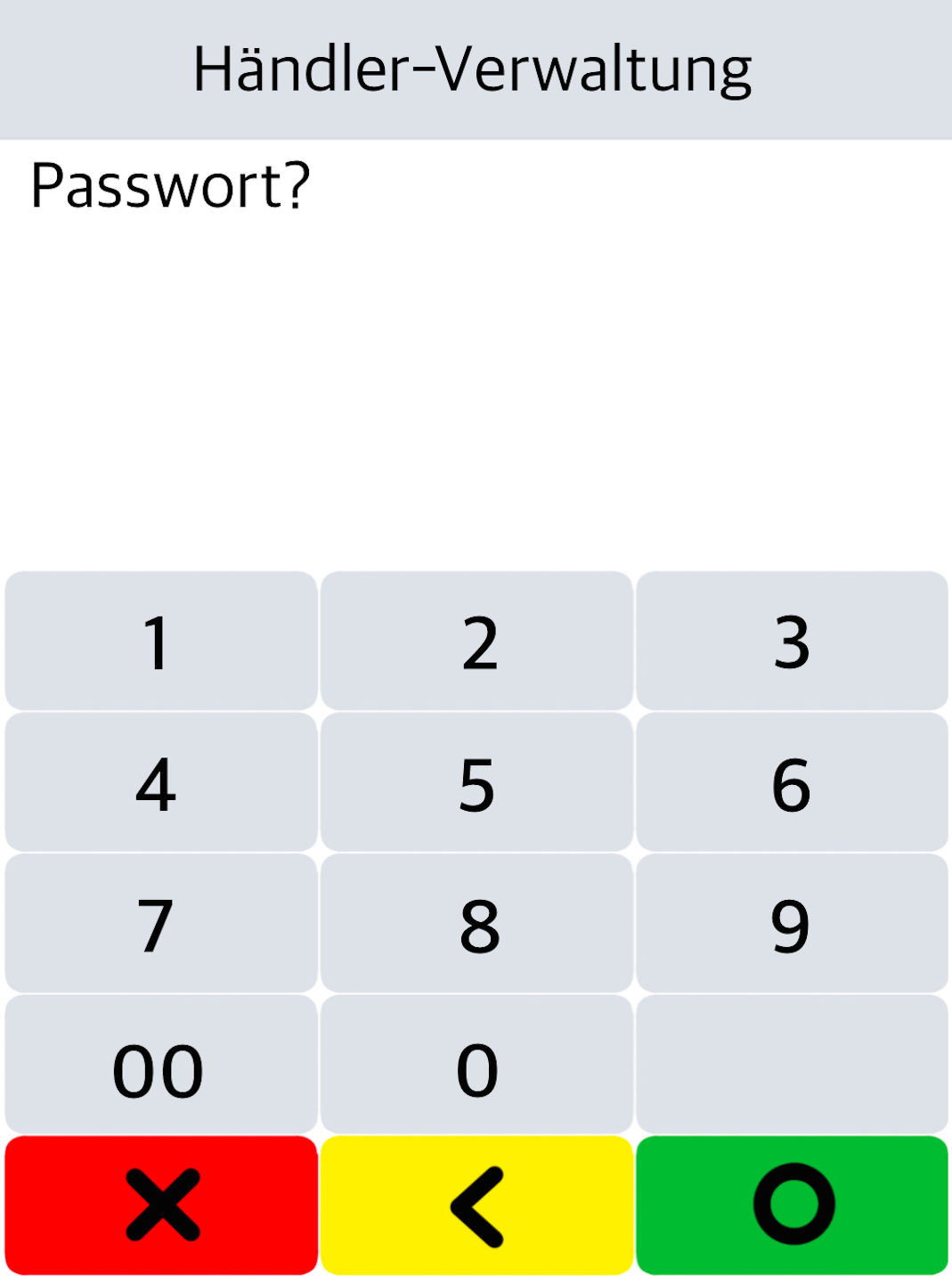
Fig. 1 – Please enter your 6-digit merchant password.
The default password is: 000000.
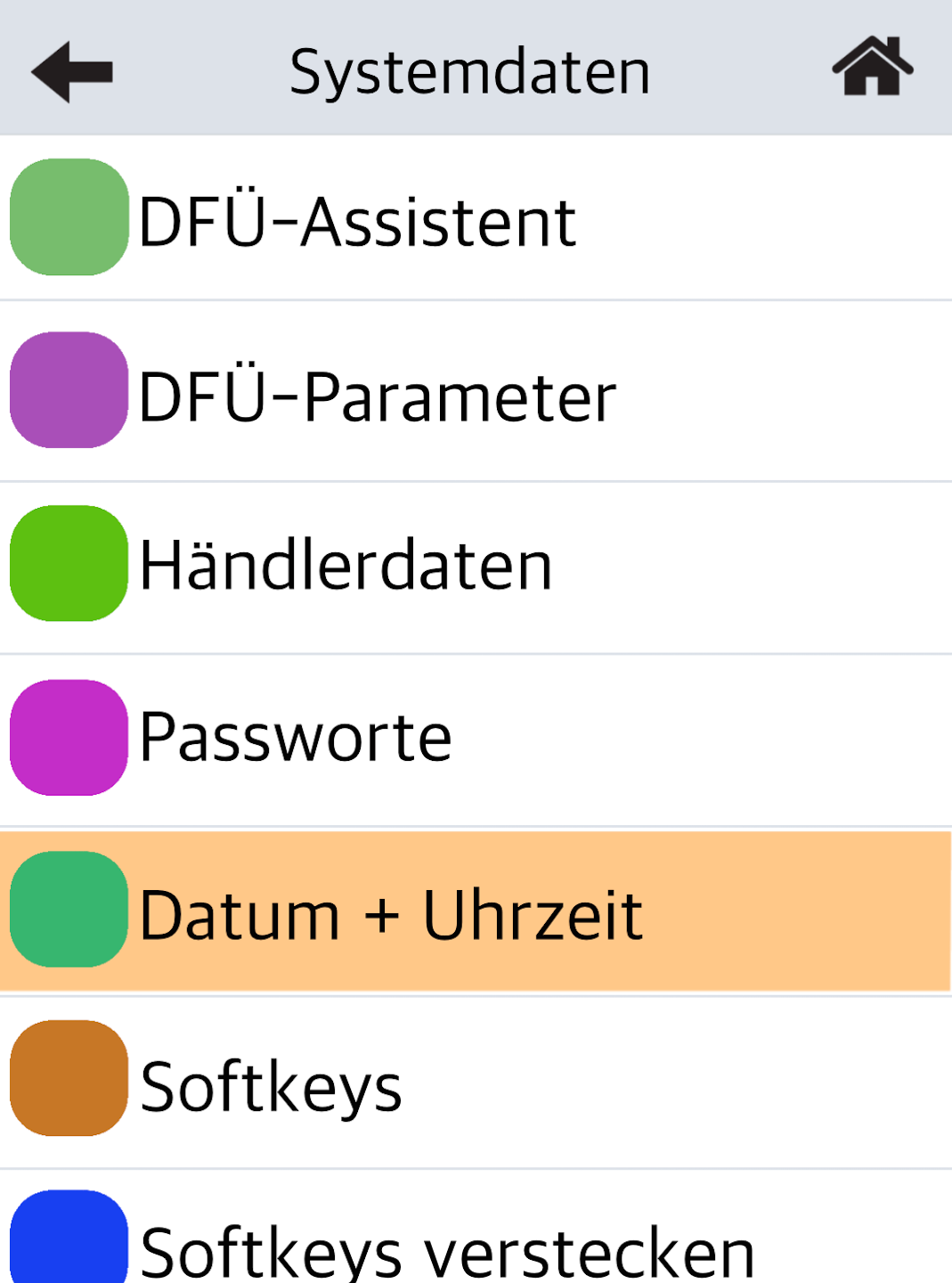
Fig. 2 – Please select "Systemdaten"
Fig. 3 – Tap on "Datum + Uhrzeit"
Enter Date and Time
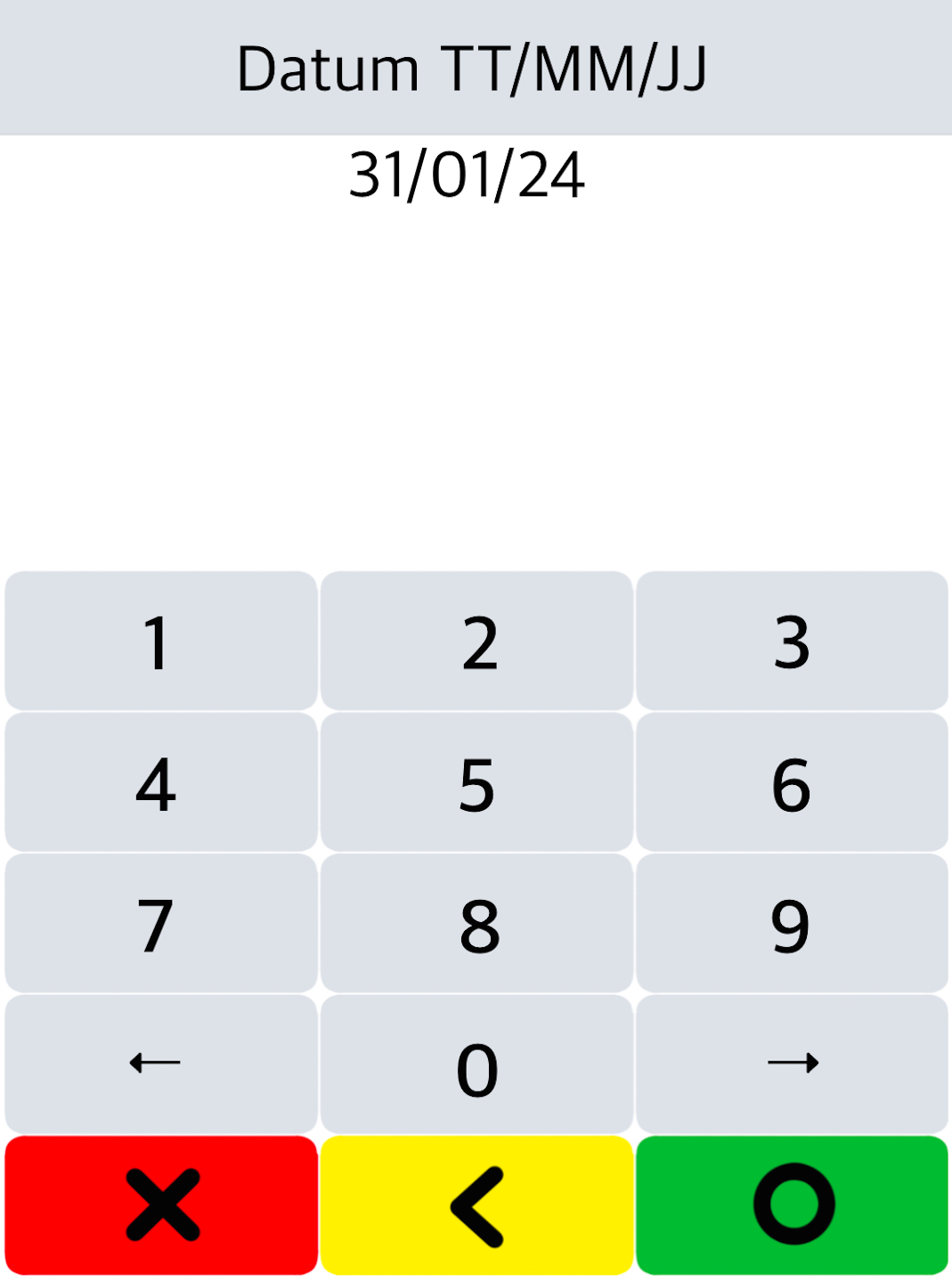
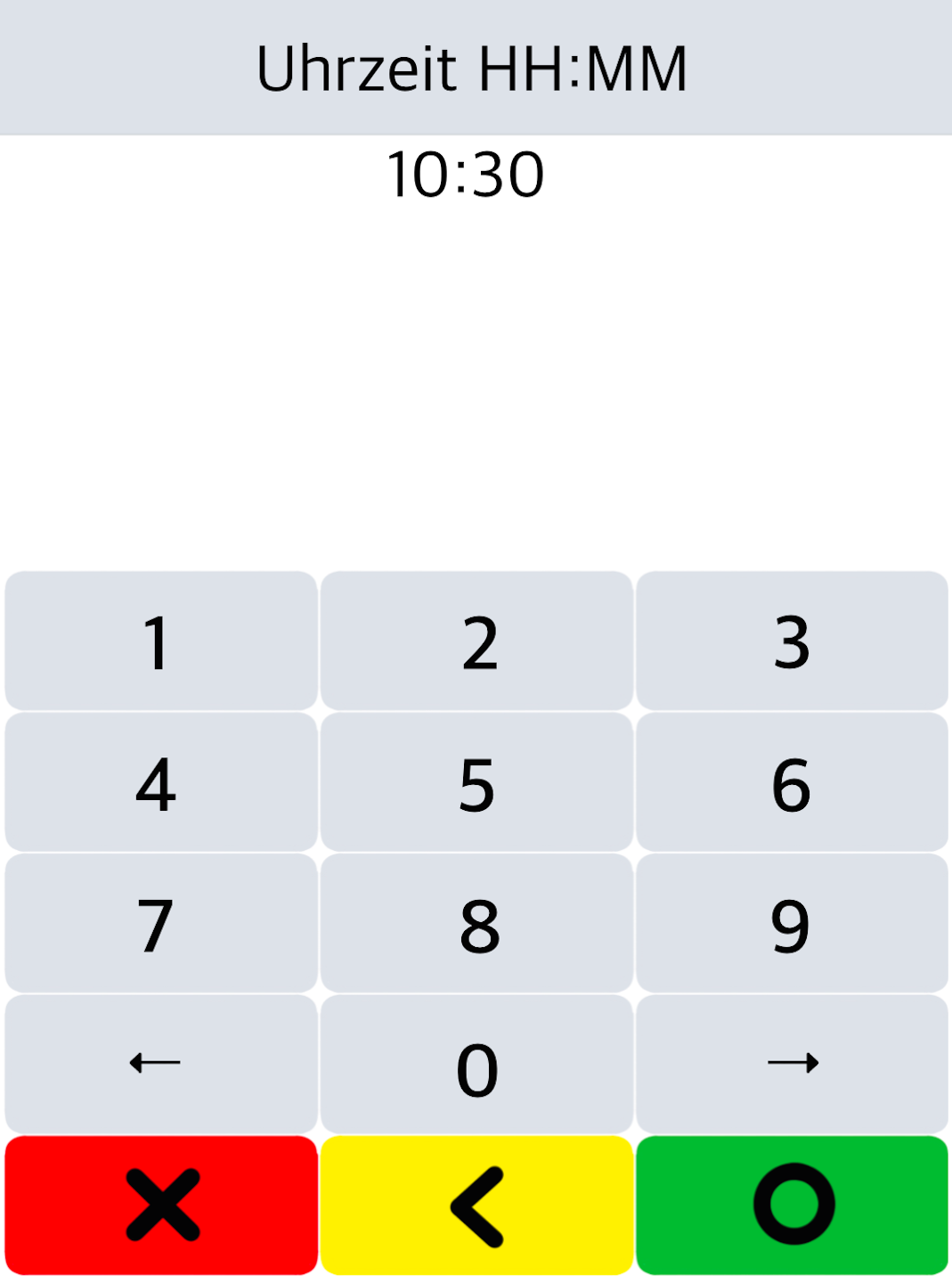
You can now enter the date and time as shown in Fig. 1–2.
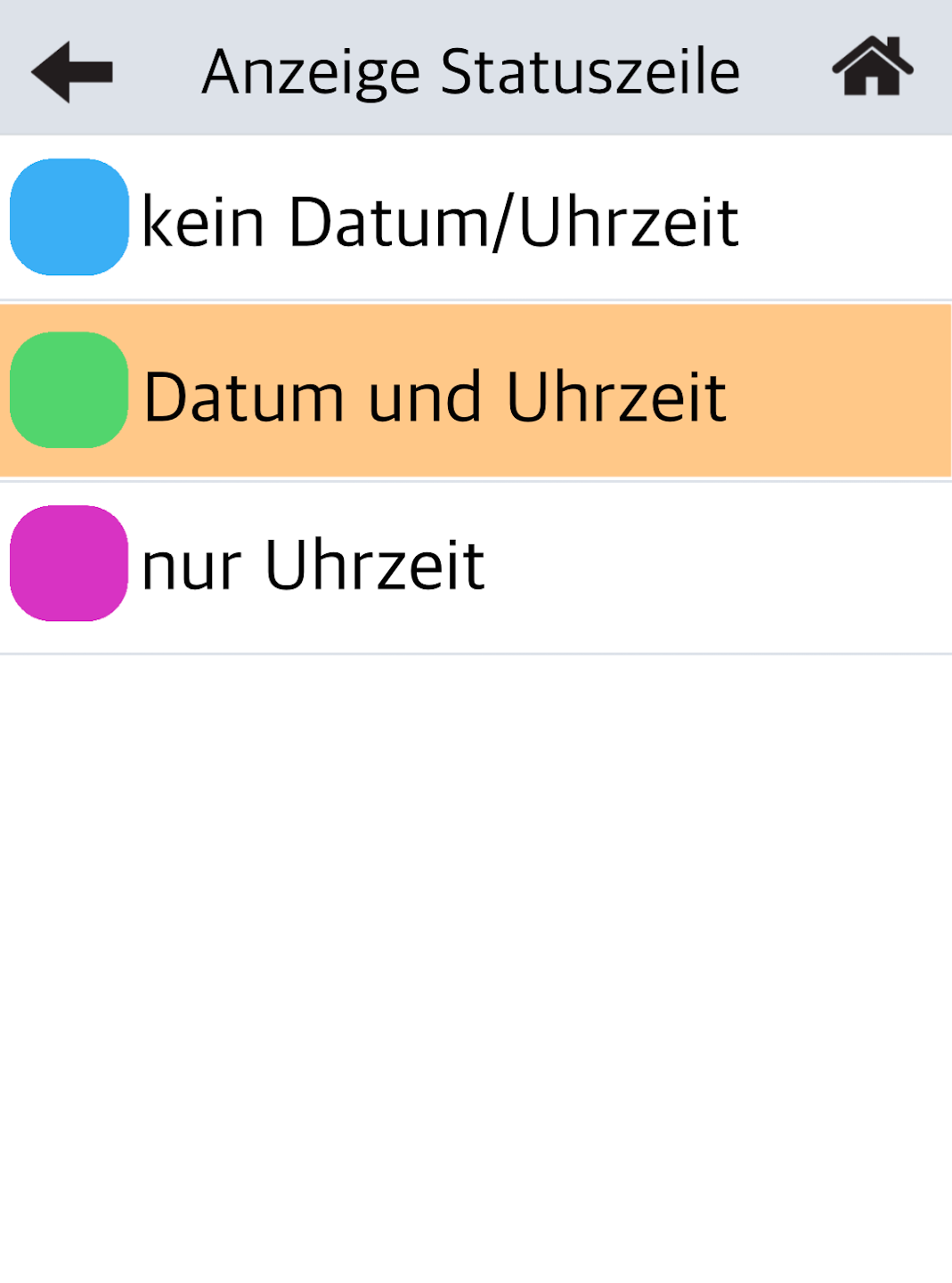
In Fig. 3, you can choose how your status bar should be displayed.
The default status bar is Date and Time.
Tap the house icon in the top right corner to return to your home display.
The setting is now complete.
Was this article helpful?
That’s Great!
Thank you for your feedback
Sorry! We couldn't be helpful
Thank you for your feedback
Feedback sent
We appreciate your effort and will try to fix the article
