Customers
Modified on Mon, 16 Feb at 10:12 AM
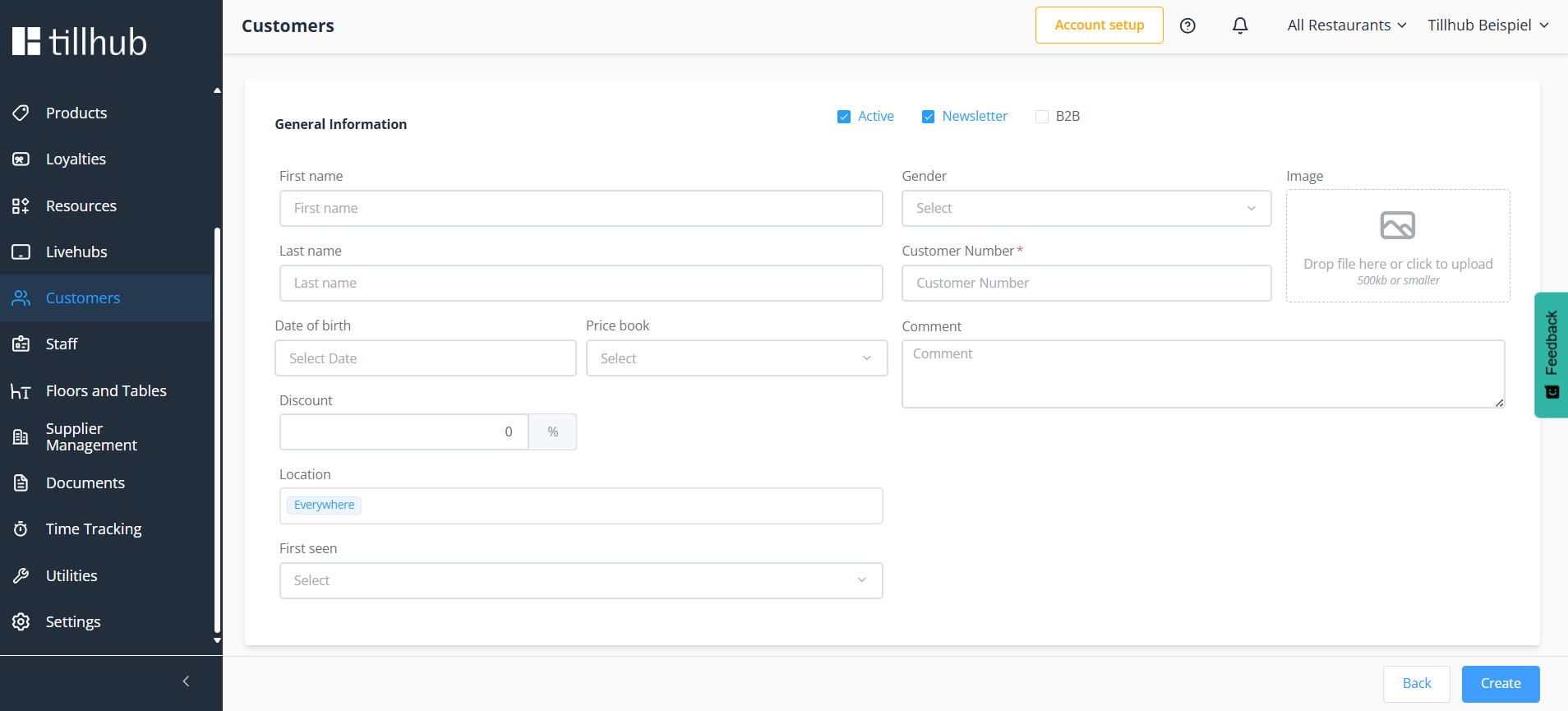
The management of your customers, along with all settings, takes place in this area. You can create a new customer by clicking "+ New" as you would normally. A new window will open, guiding you through all the options.
You can specify whether it's a B2B customer, and whether the customer account should be marked as active or inactive. Additionally, you can indicate whether the customer already receives your newsletter. There is also the option to add an internal note that can assist your employees during processing, and to set up a fixed discount that automatically applies to this customer.
The customer number is the only mandatory field that must be filled in. All other information is optional.
Edit & Delete Customers
By clicking on a customer in the overview, all details can be edited at any time. There is also the option to delete the customer directly. Alternatively, you can select multiple entries in the customer overview and remove them together.
Find Customers
For easier searching, both a filter and search function are available, allowing you to quickly find customers based on relevant data.
Was this article helpful?
That’s Great!
Thank you for your feedback
Sorry! We couldn't be helpful
Thank you for your feedback
Feedback sent
We appreciate your effort and will try to fix the article
