Storage, Removal, Transfer & Inventory Movements
Modified on Mon, 16 Feb at 10:12 AM
The "Inventory Management" menu section on the dashboard offers you options for inventory control within the company.
For example, you can store goods in specific branches, remove them, or even transfer them between different branches. The exact handling of these functions is further explained in this article.
TABLE OF CONTENTS
Storage
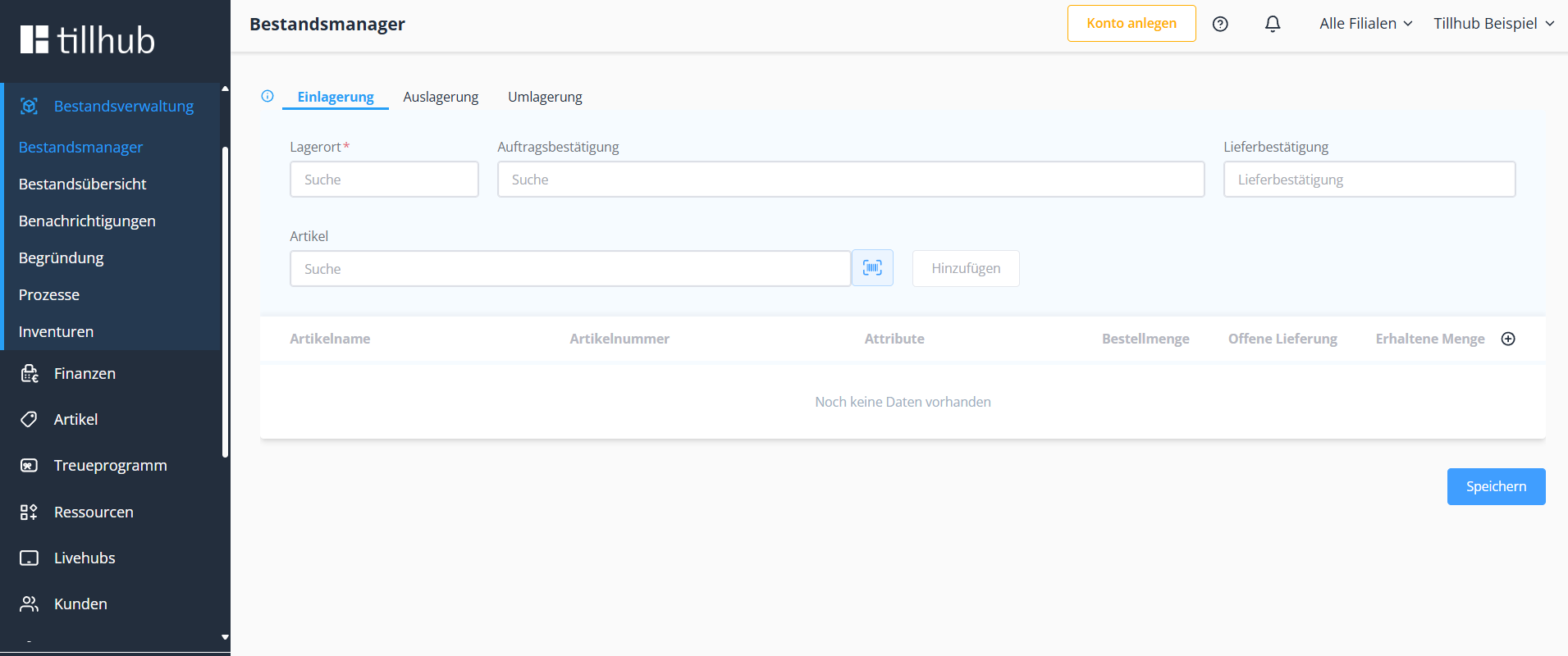
Navigate in the dashboard to "Inventory Management > Storage" and select the branch to which you want to add one of your products.
Once you have selected the branch, you can scan the relevant item or search by item number or name by clicking on the search field.
Note: The scan mode only works if the computer or iPad you are using to access the dashboard is connected to a scanner.
Once you have scanned/found the product, you can enter the quantity to be recorded. Afterward, the inventory is adjusted by clicking "Save".
Removal
The process here is essentially the same as that of storage. Again, the location, product, and quantity to be booked out are chosen to remove them at the end. This means the quantity of the item is decreased at the location.
Transfer
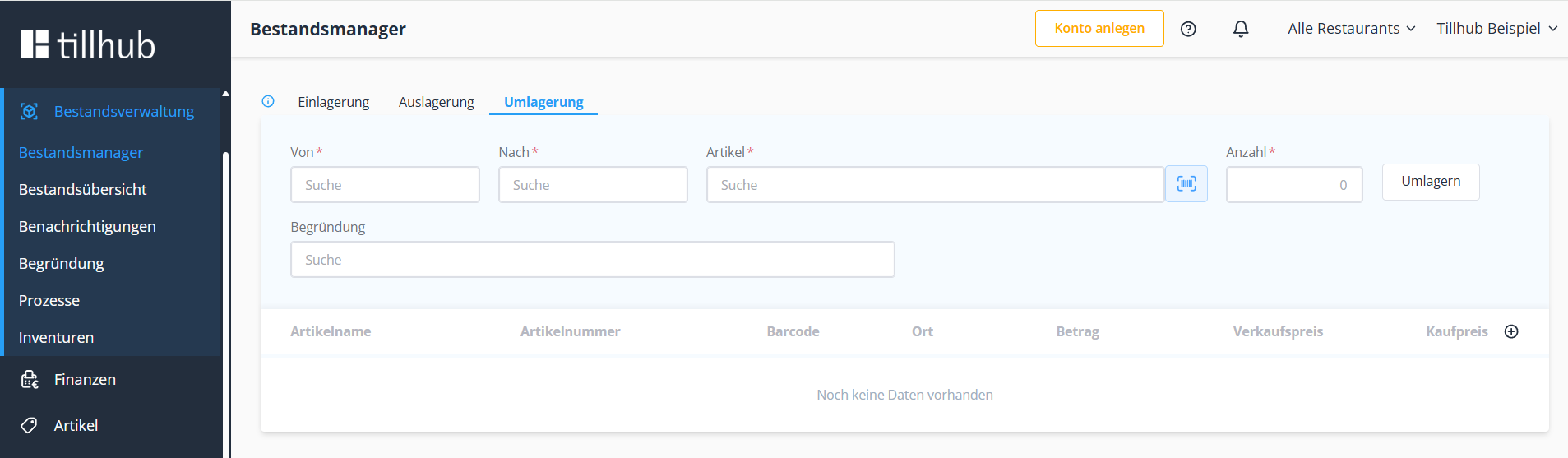
It should be noted here that you want to transfer an item from Location A to Location B. This means the inventory decreases at Location A while it increases at Location B. Again, only the respective branches need to be selected, followed by the product and the respective quantity.
Inventory Movements
In this area of inventory management, you can view and track all movements of items. Not only the storages, removals, and transfers done in the dashboard are visible here, but all sales, etc., are recorded and displayed. You can set filters in the top left corner to capture specific products/groups within certain time periods.
Was this article helpful?
That’s Great!
Thank you for your feedback
Sorry! We couldn't be helpful
Thank you for your feedback
Feedback sent
We appreciate your effort and will try to fix the article
