Setup your user account
Modified on Tue, 27 Jan at 11:49 AM
Receive invite for account setup
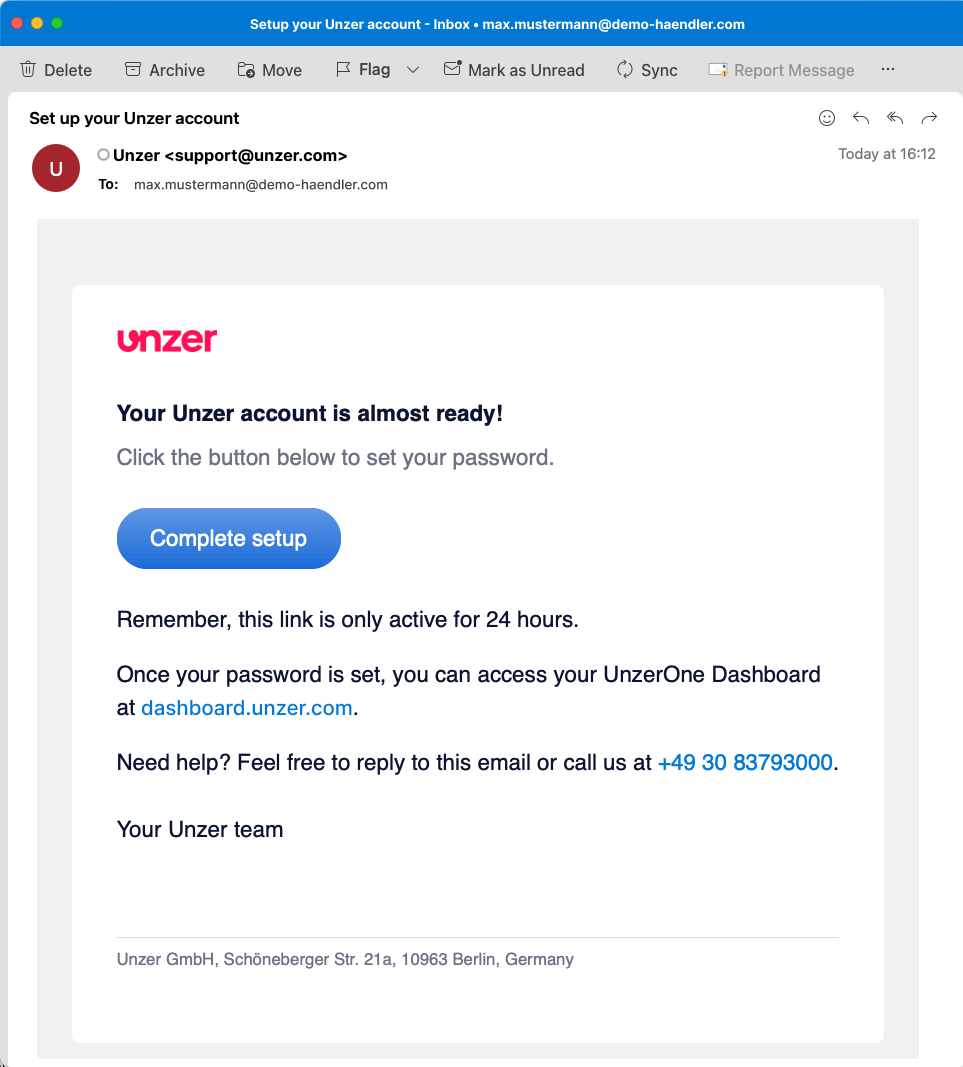
Once your merchant account with Unzer has been setup, you will receive an invitation to UnzerOne Dashboard. Click on Complete setup.
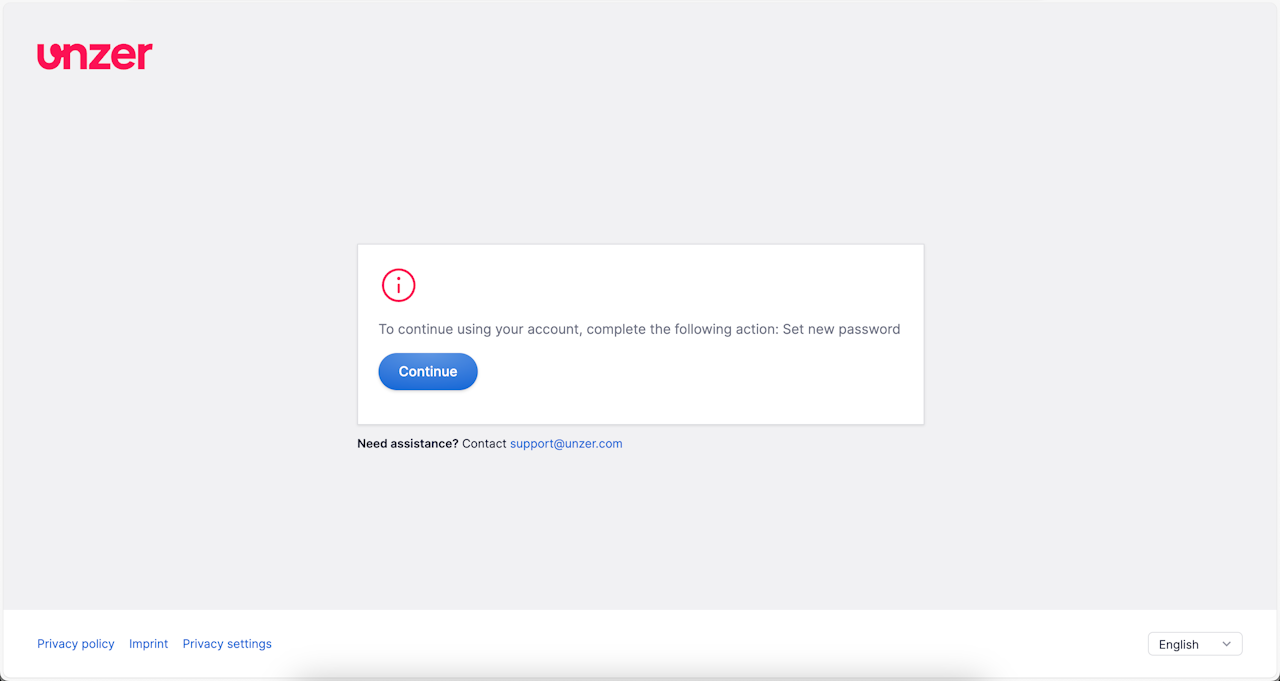
Confirm setting new password intend
You will be directed to a screen where you need to confirm your intend for setting the
password. Click Continue.
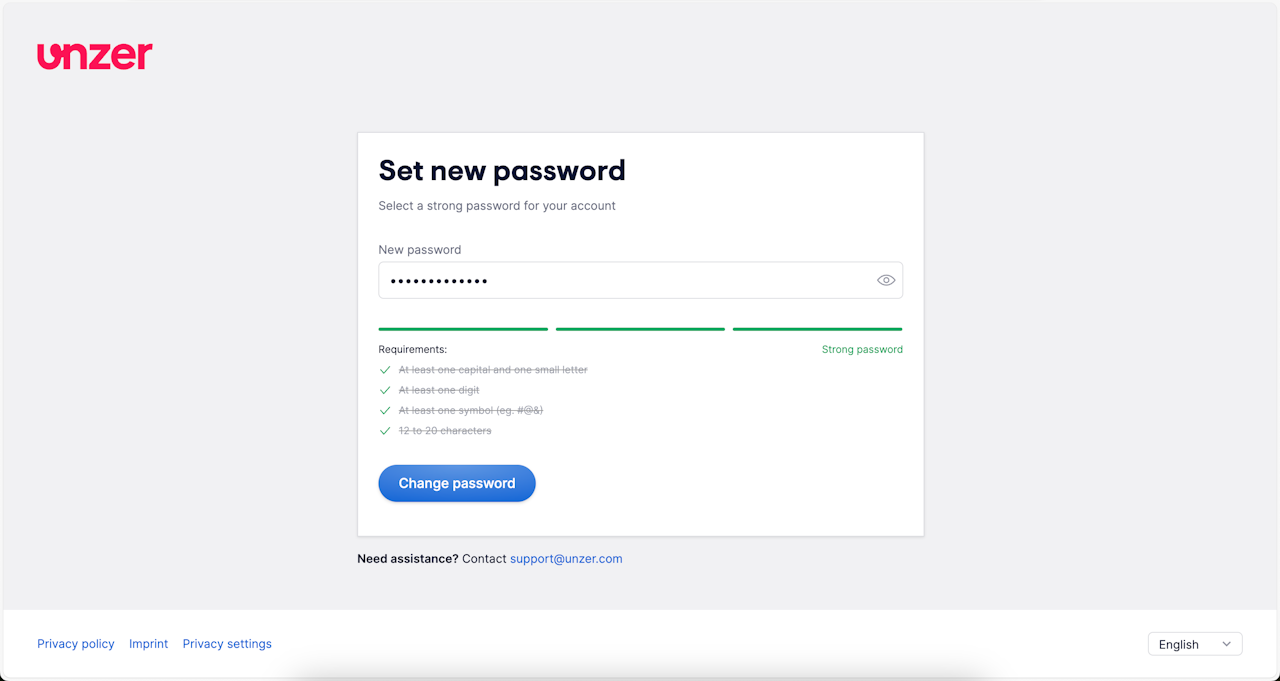
Set a password
The Set new password" screen will be open, where you need to enter a password that meets all the requirements listed on the screen. Enter the new password and click Change password.
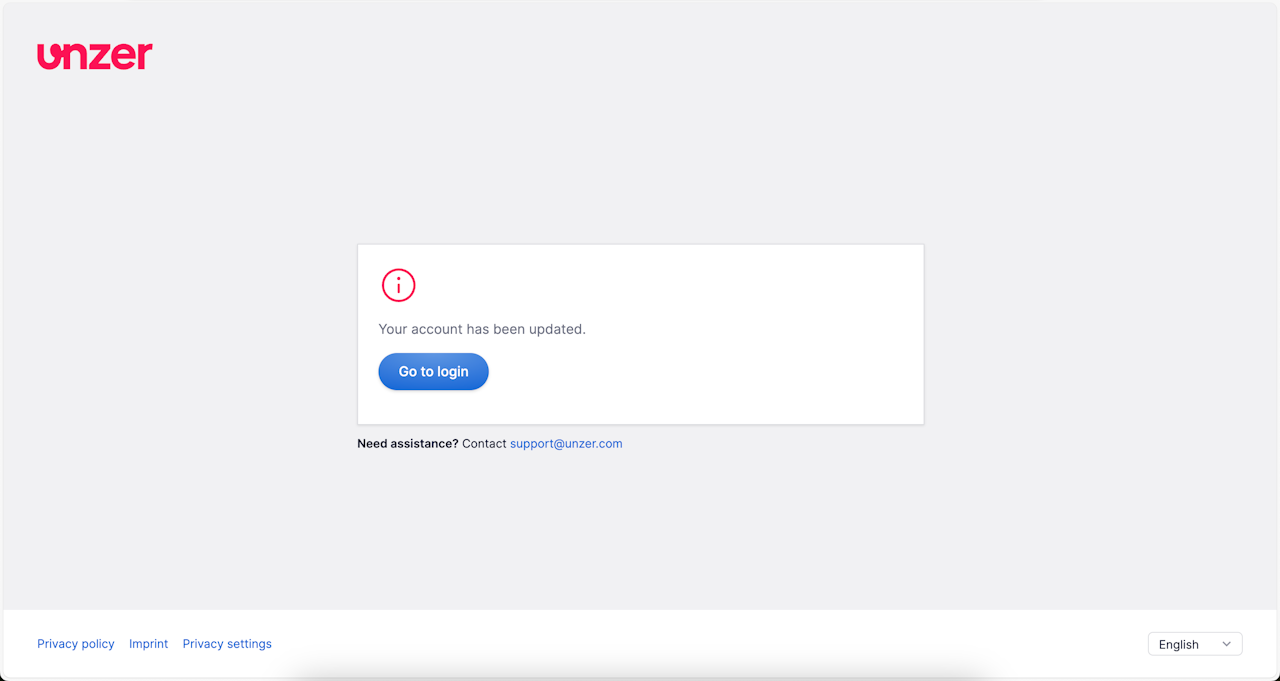
Get confirmation on password set up
You will be take to a page that confirms that your password has been set up. Click Go to login.
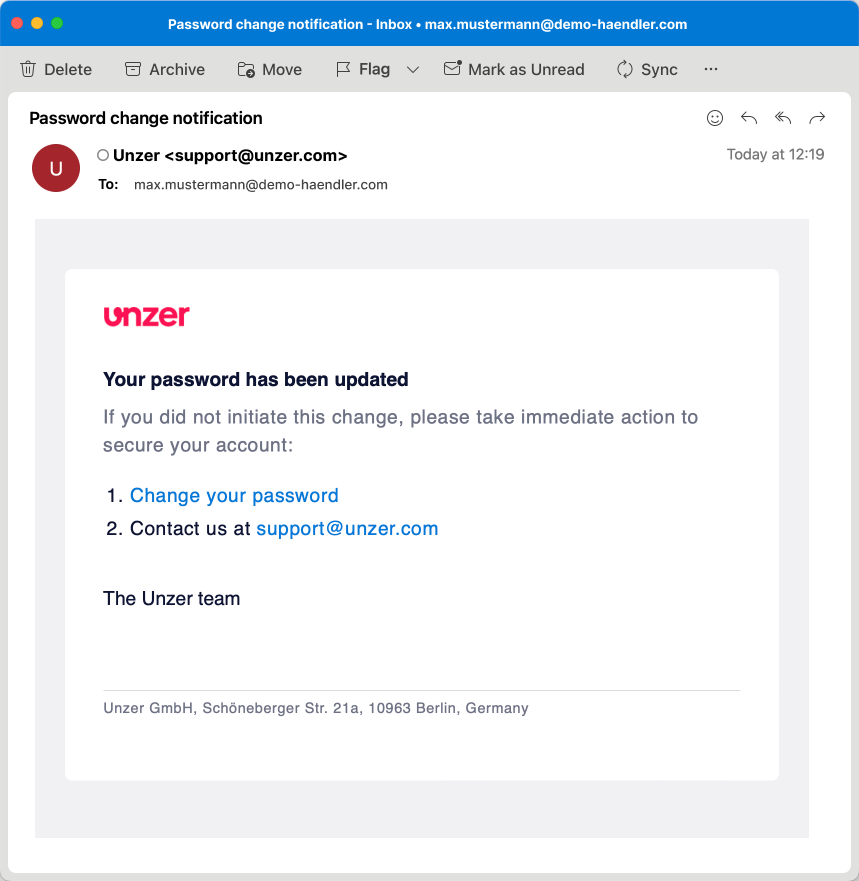
Email confirmation of password setup
After successfully setting up the password for your user account, you will also receive an email confirmation.
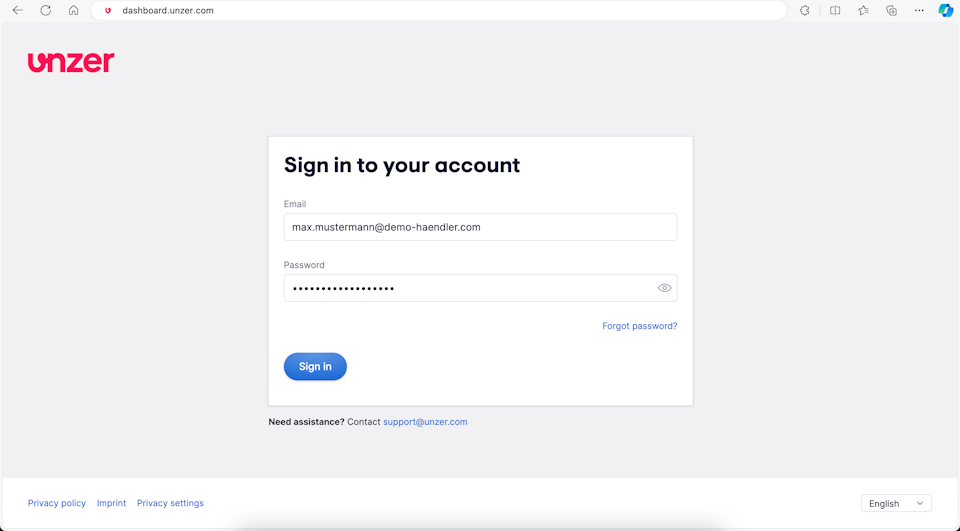
Log in to your UnzerOne dashboard
- Go to https://dashboard.unzer.com and enter your email and password.
- Click Login.
Was this article helpful?
That’s Great!
Thank you for your feedback
Sorry! We couldn't be helpful
Thank you for your feedback
Feedback sent
We appreciate your effort and will try to fix the article
