CCV PAX A920 - Restarting Your Card Terminal
Modified on Wed, 4 Feb at 9:09 AM
Sometimes it is necessary to restart your CCV PAX A920. We’ll show you how to do it.
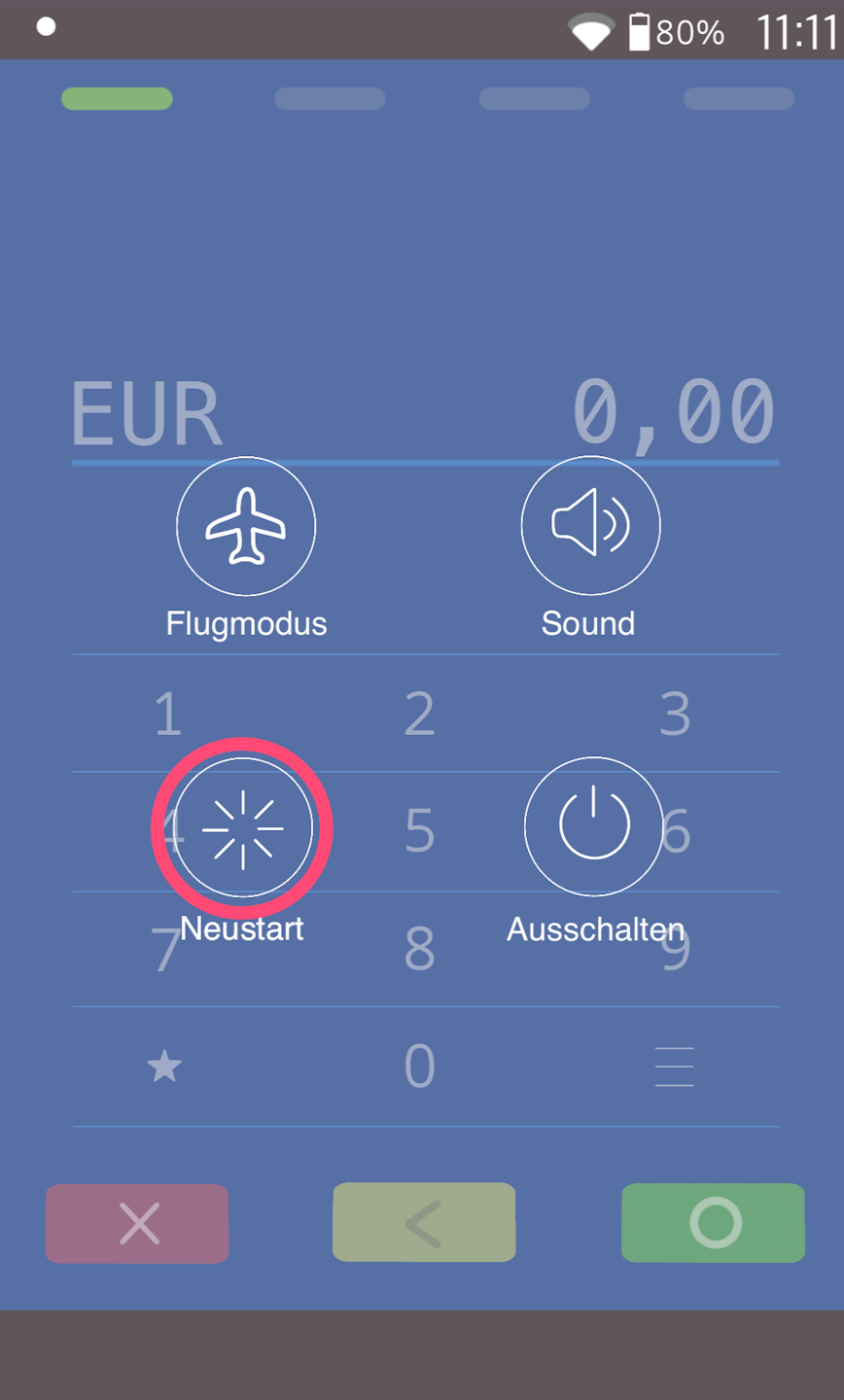
Please press and hold the power button on the right side of the card terminal. You will see the following screen (Fig. 1).
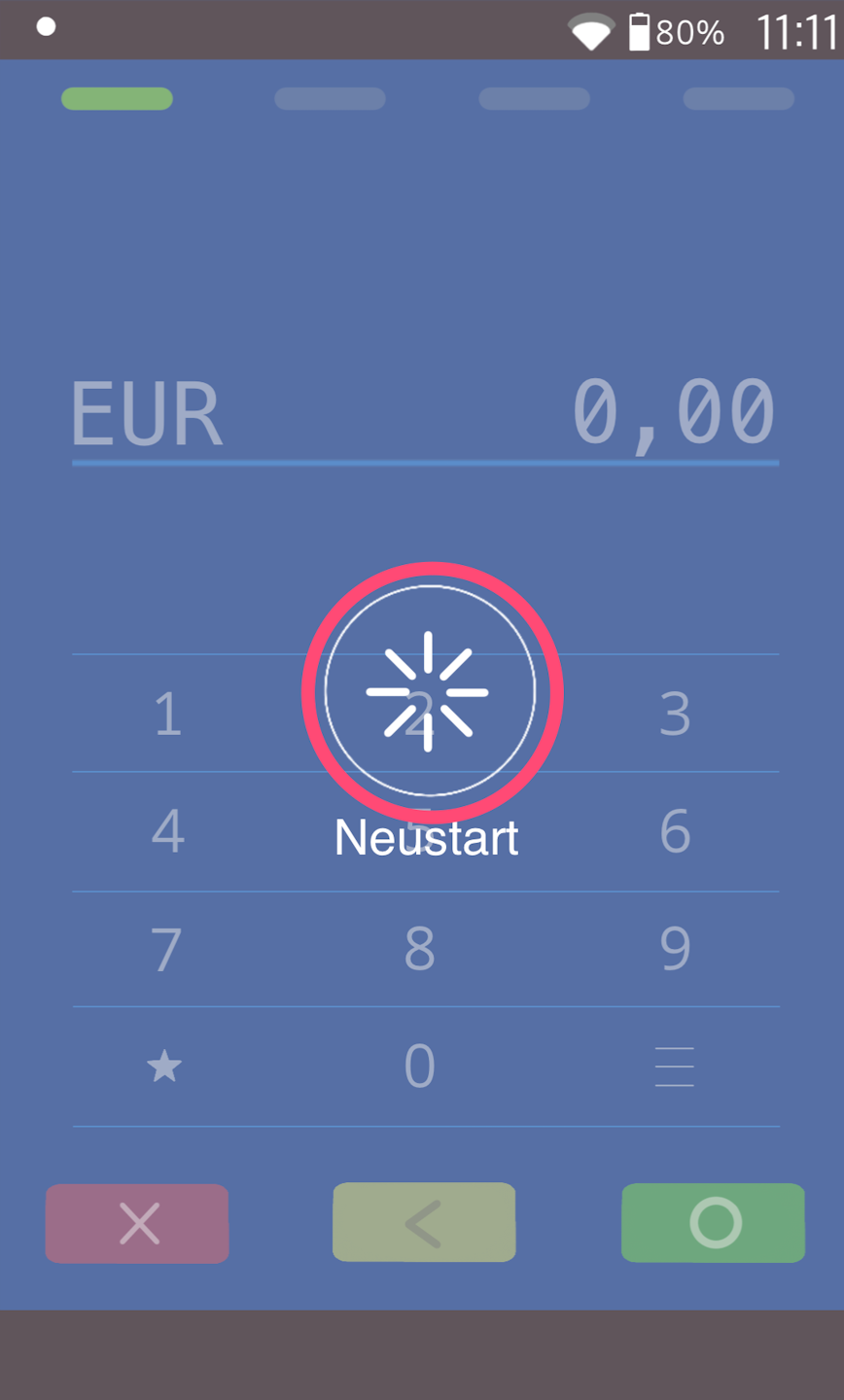
Select the "Restart" button. In Fig. 2, "Restart" must be selected again.
The device will restart automatically.
Was this article helpful?
That’s Great!
Thank you for your feedback
Sorry! We couldn't be helpful
Thank you for your feedback
Feedback sent
We appreciate your effort and will try to fix the article
