CCV PAX A920 - Language Selection
Modified on Wed, 4 Feb at 9:09 AM
Would you like to change the language on your CCV PAX A920 card reader? We’ll show you how it works.
You can set the customer language and the merchant language separately. A total of 29 languages are available.
Output display
1) 2)
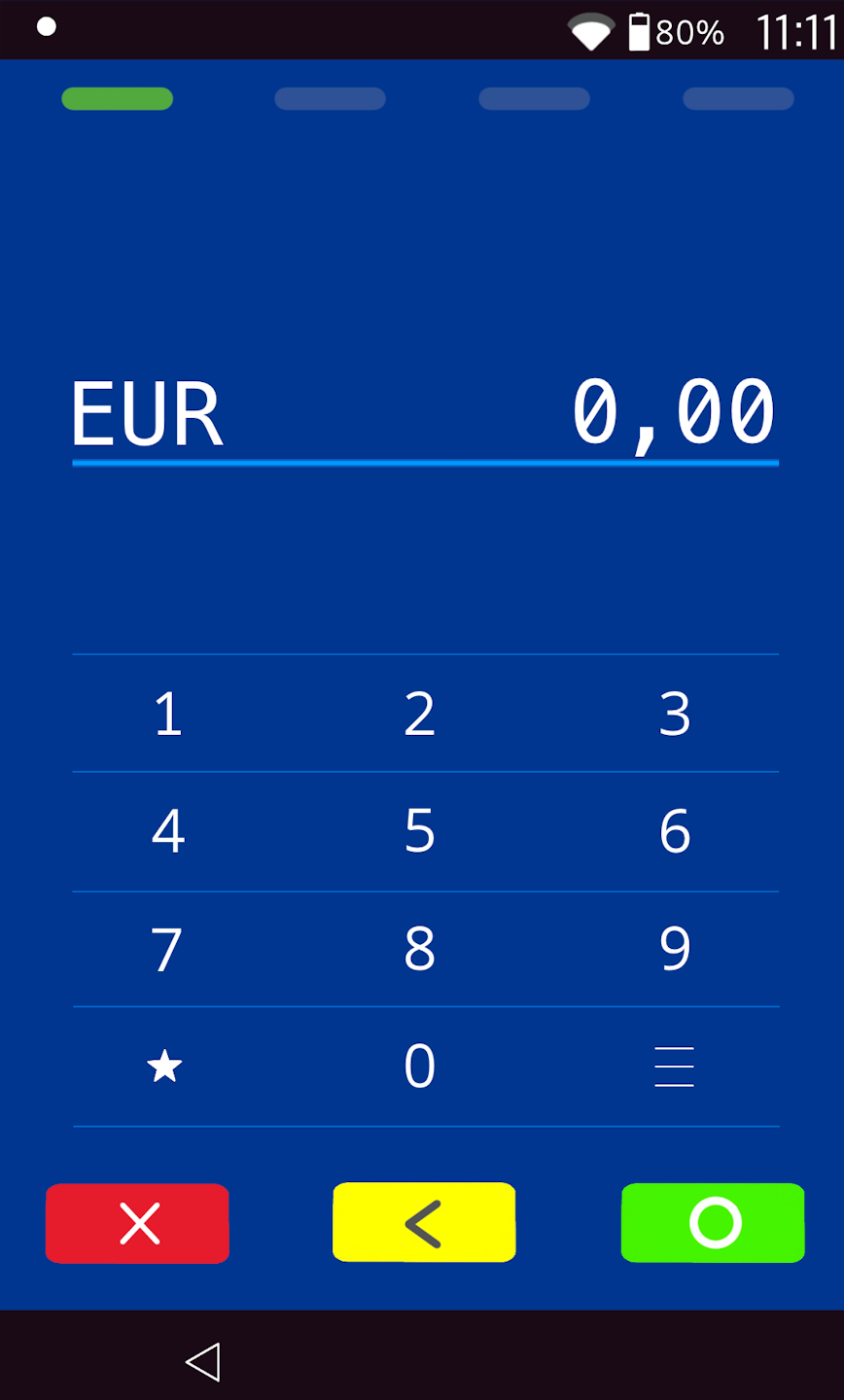
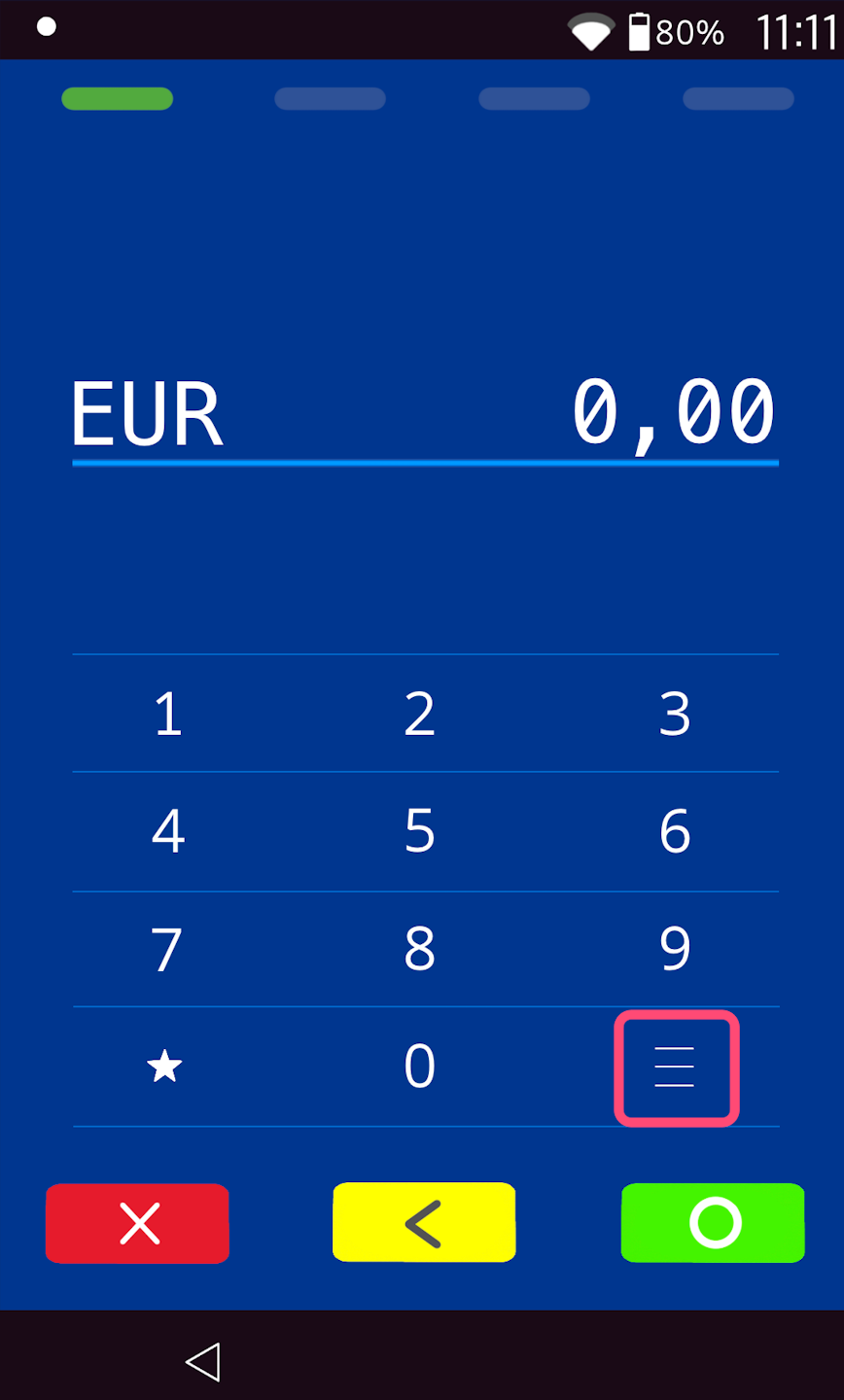
If you see display 1)
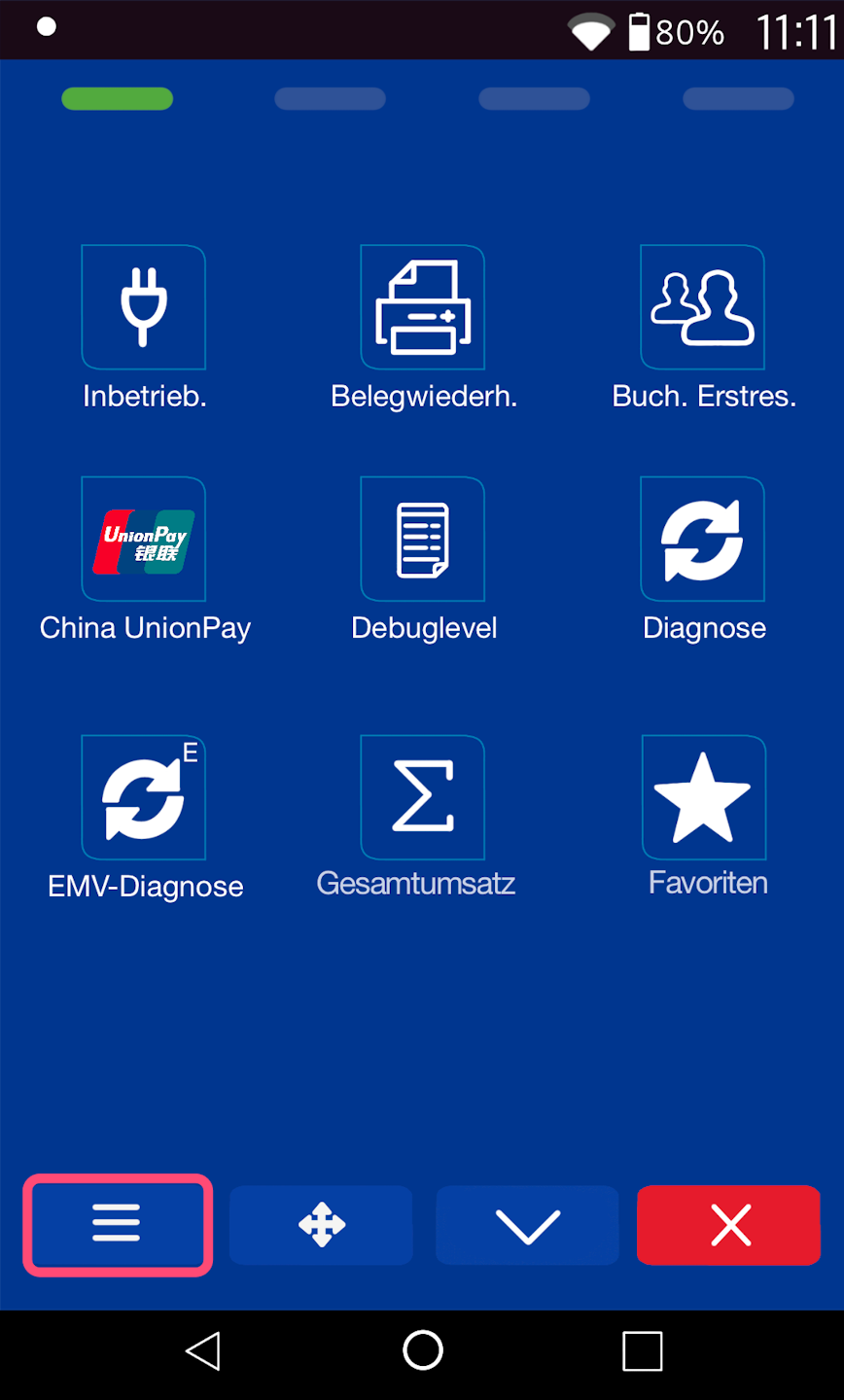
Menu button: please select the three horizontal lines at the bottom right to access the main menu, and continue to PIN Entry.
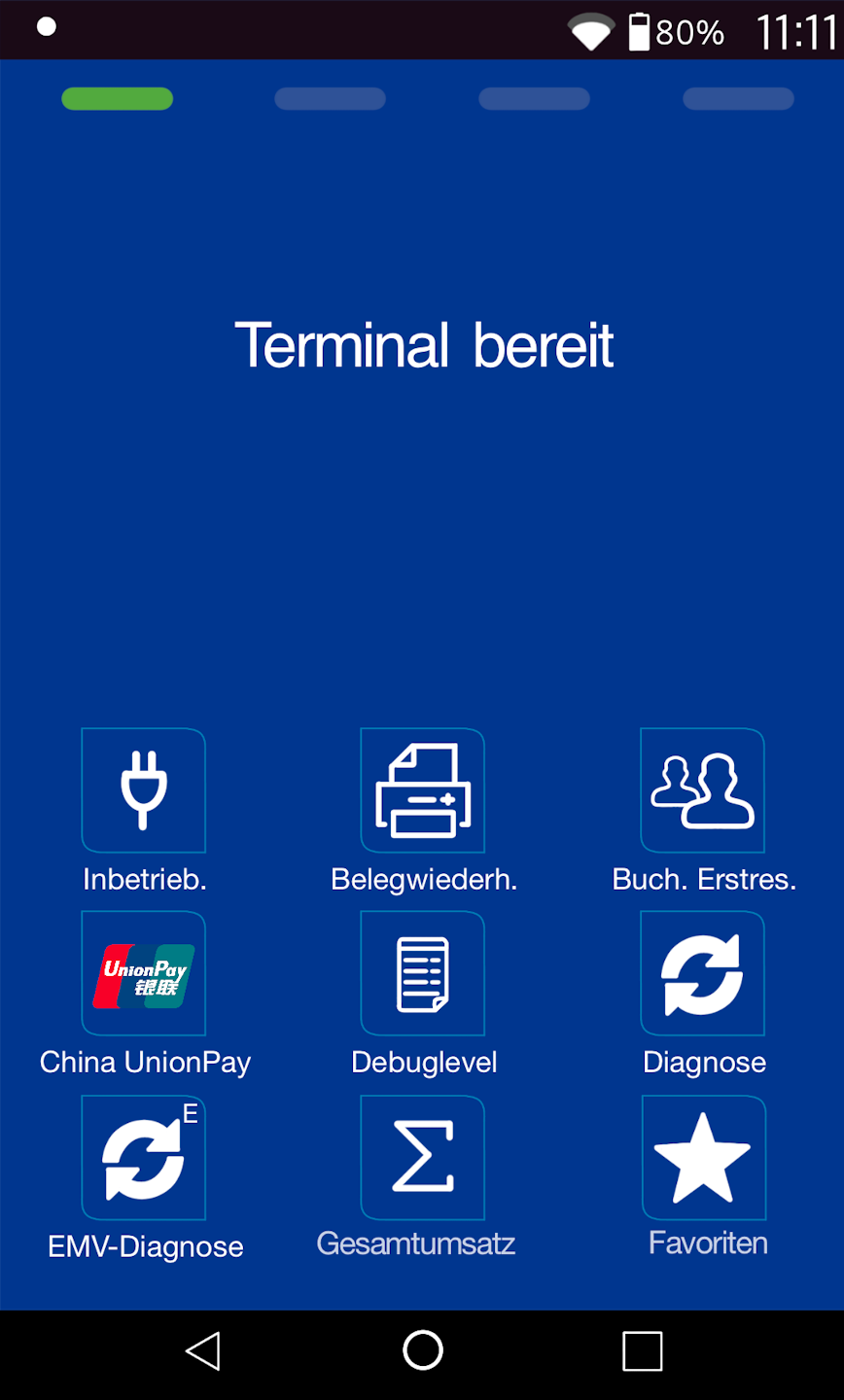
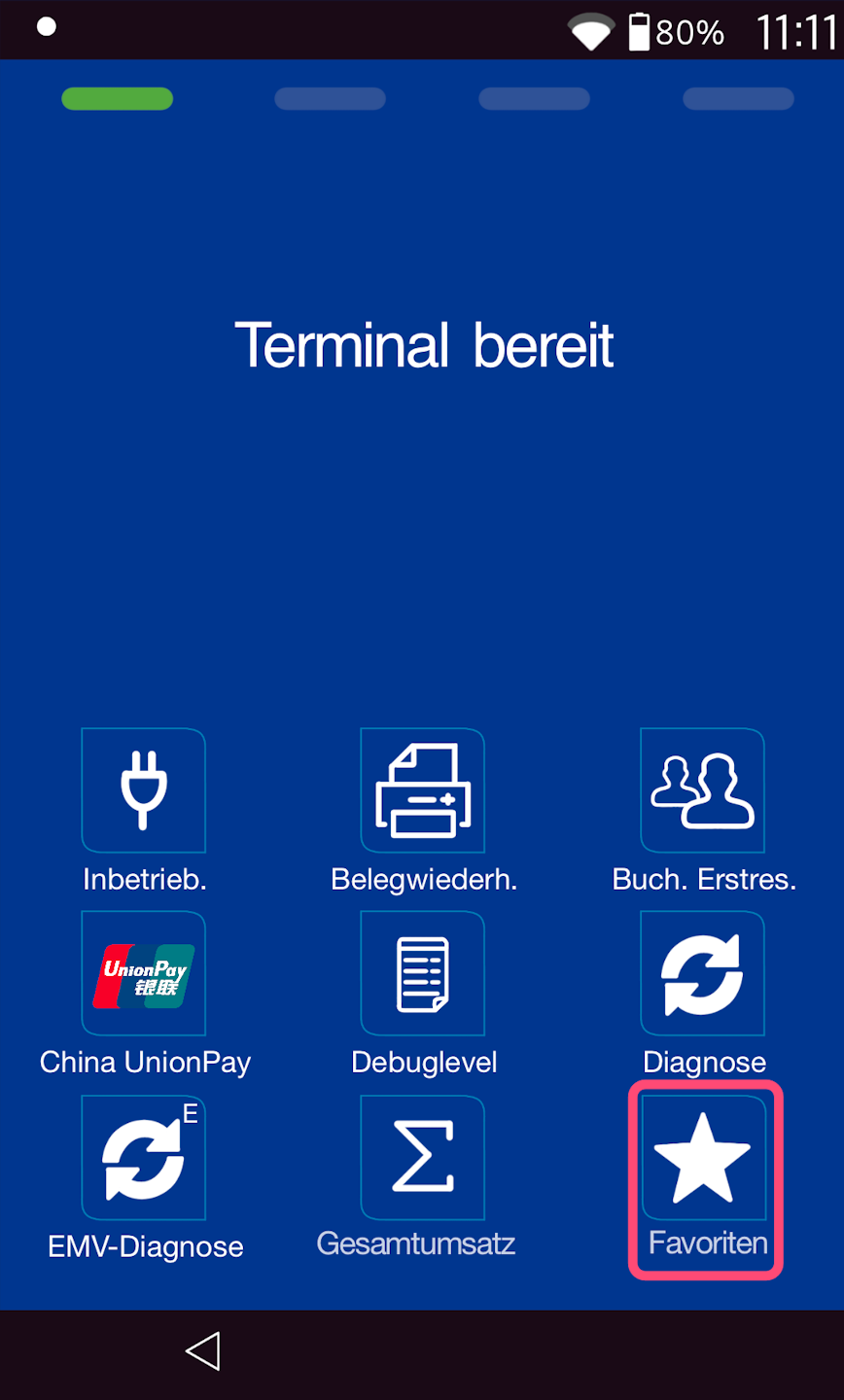
If you see display 2)
Favorites button
In Fig. 1 you can see your output display.
Please select the "Favorites" menu item.
Then, as shown in Fig. 2, select the main menu button.
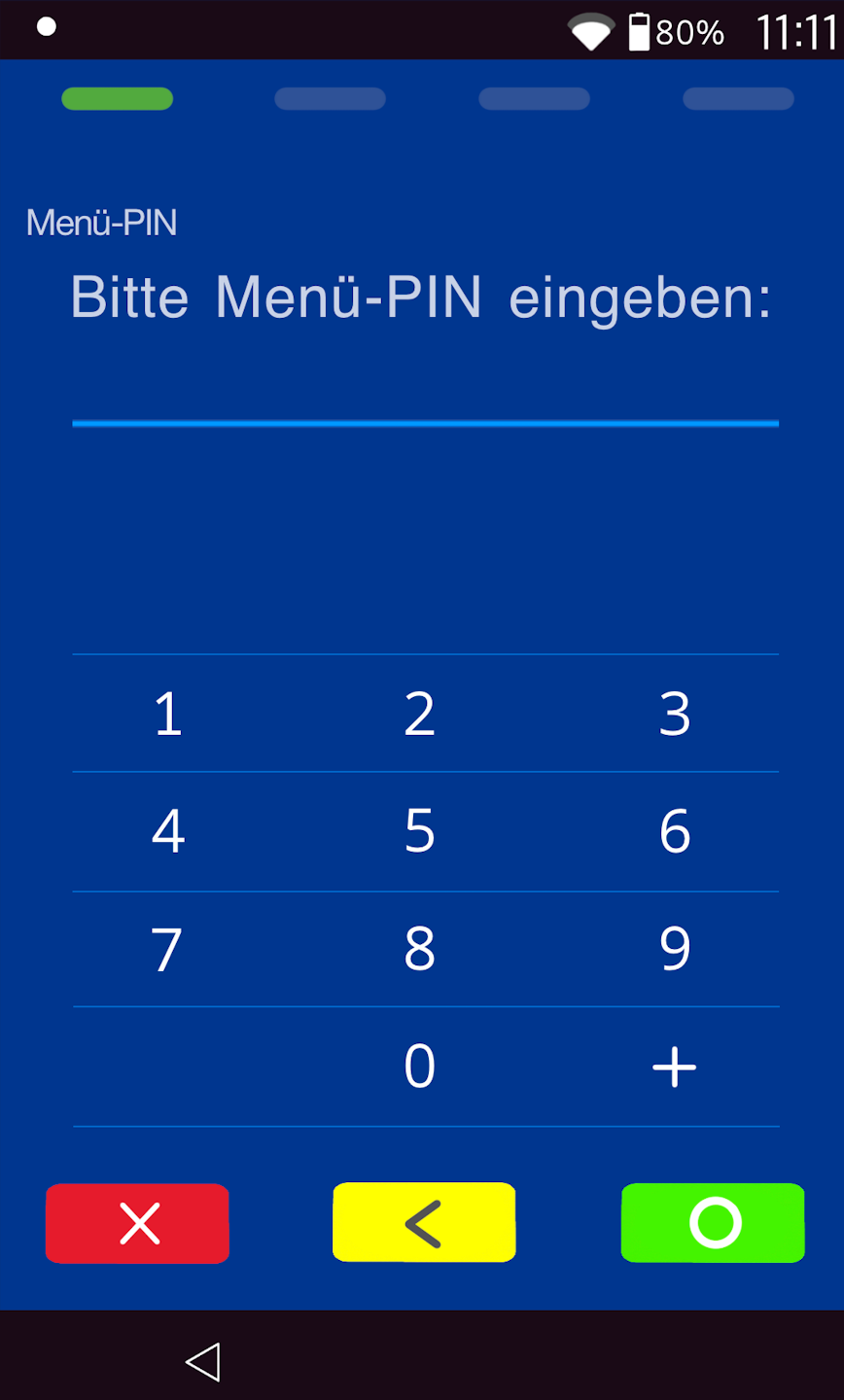
PIN entry
Please now enter your merchant PIN.
You can find the terminal ID on your merchant receipts or on the POS interface.
- Terminal IDs starting with 68xxxxxx: 111111
- Terminal IDs starting with 526xxxxx: 0123
Please confirm the entry by pressing the green OK button.
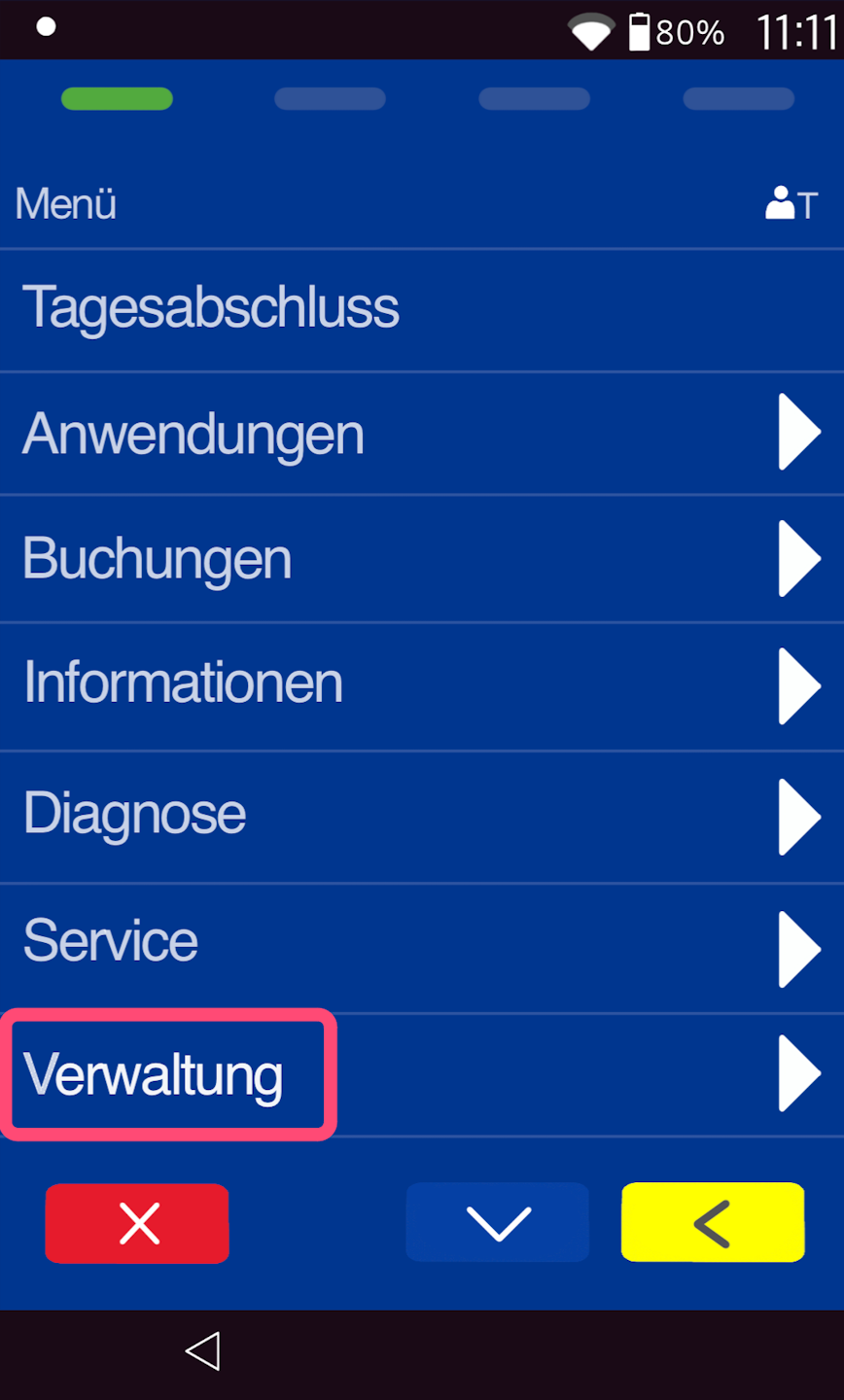
Administration
Please select the menu item Administration.
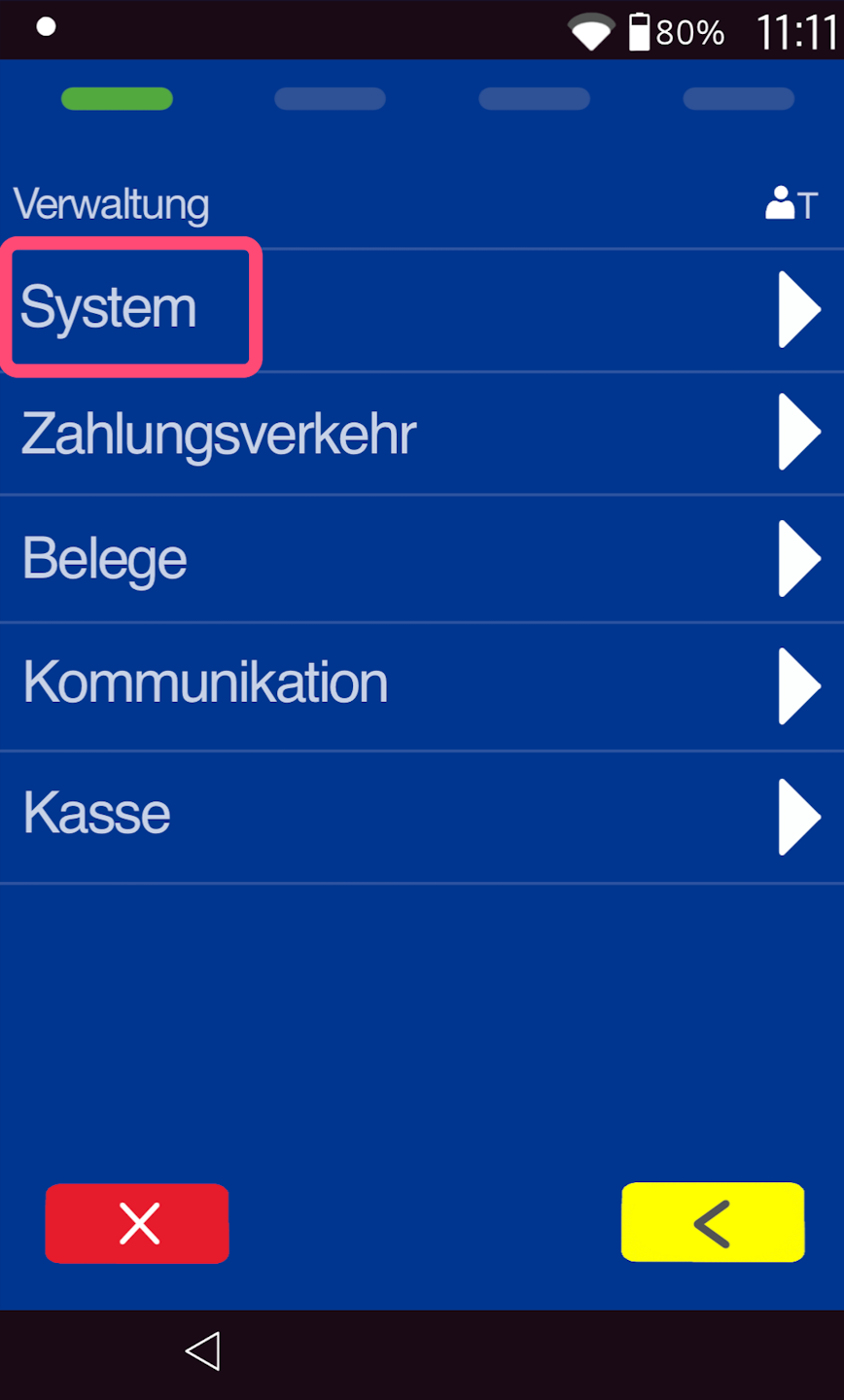
System
Please select the menu item System.
Language Module
Please select the menu item Language Module here.
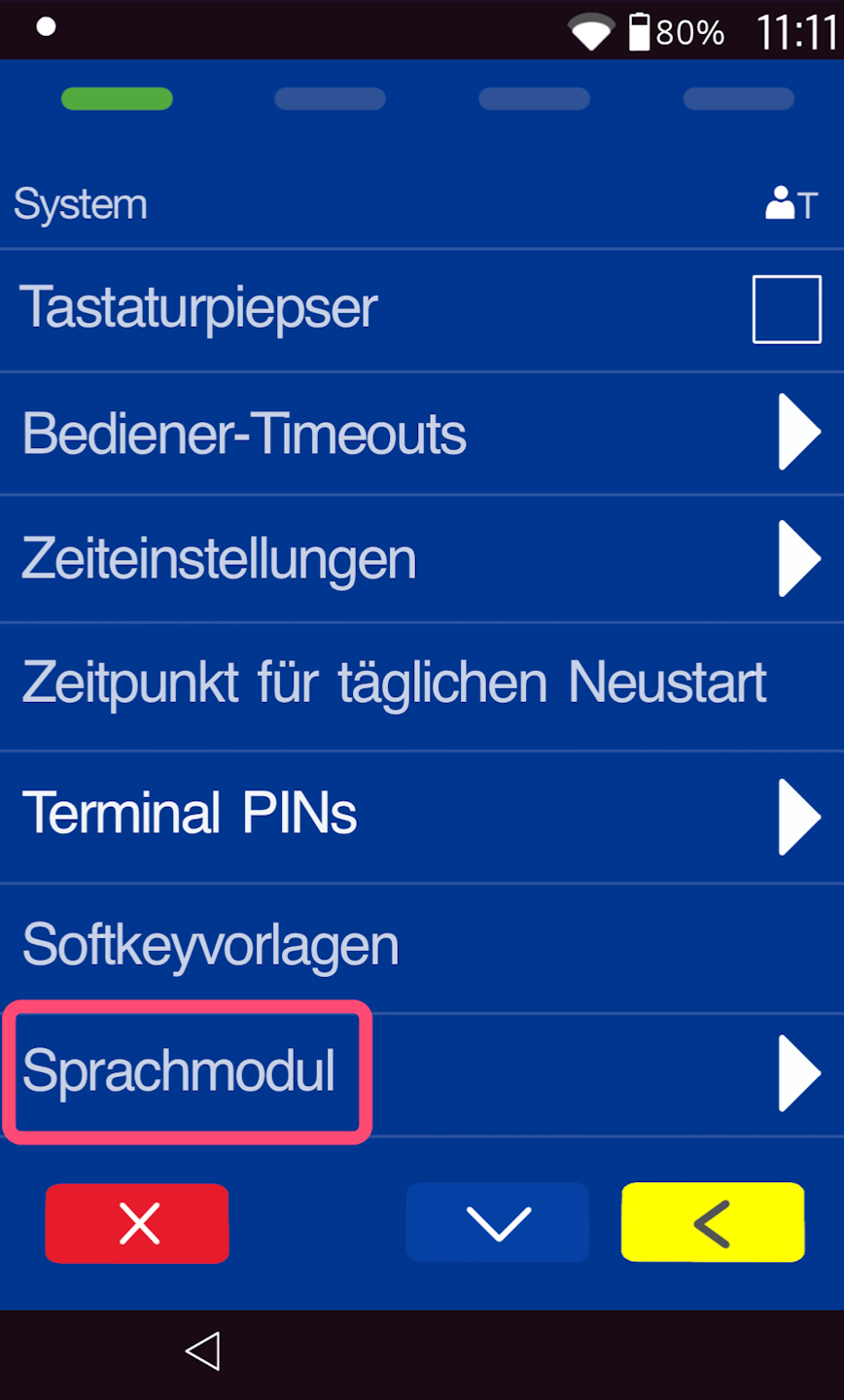
Language Selection by User
Fig. 1
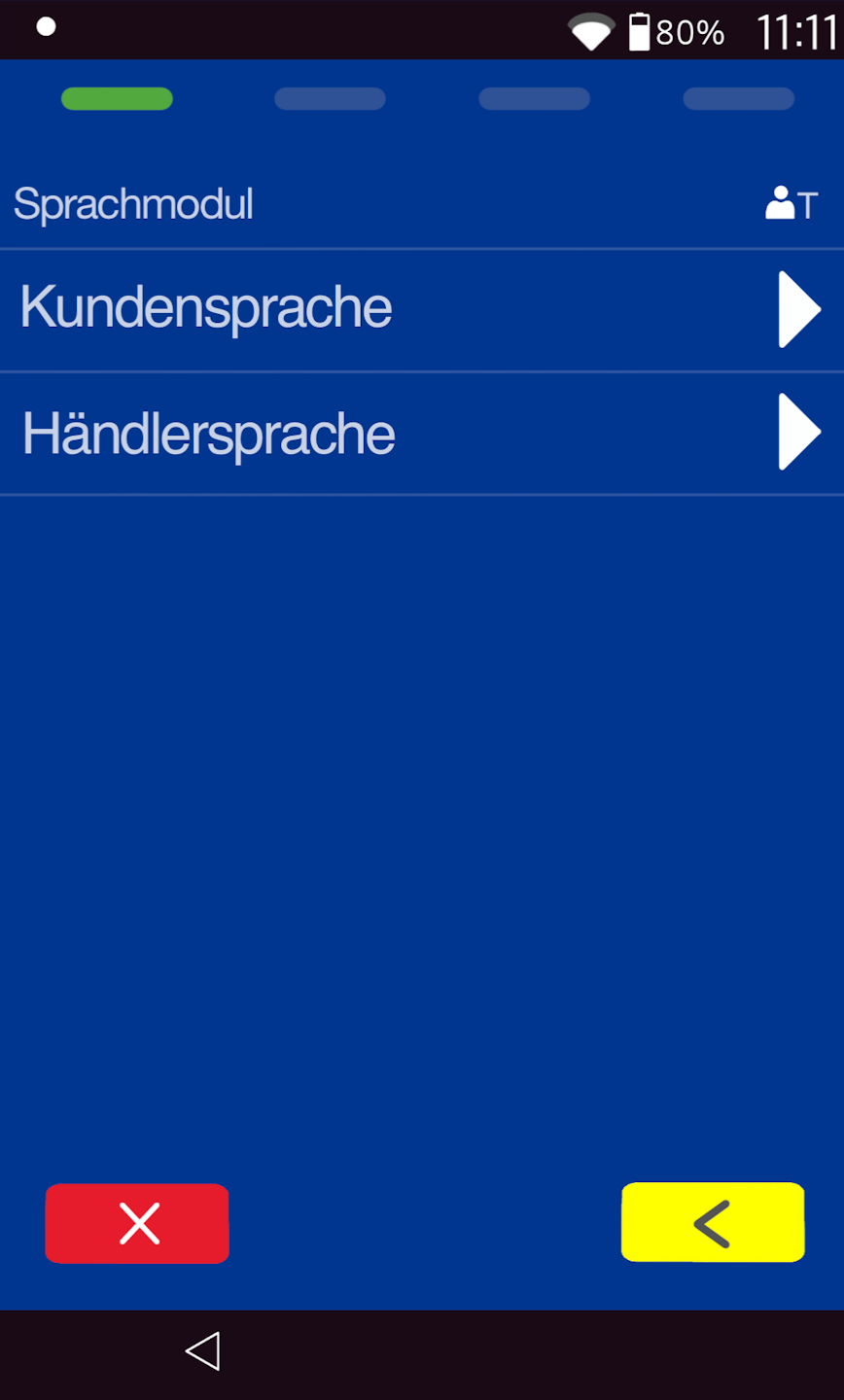
You can change the language for all customer and/or merchant displays. Please make your selection by tapping the screen.
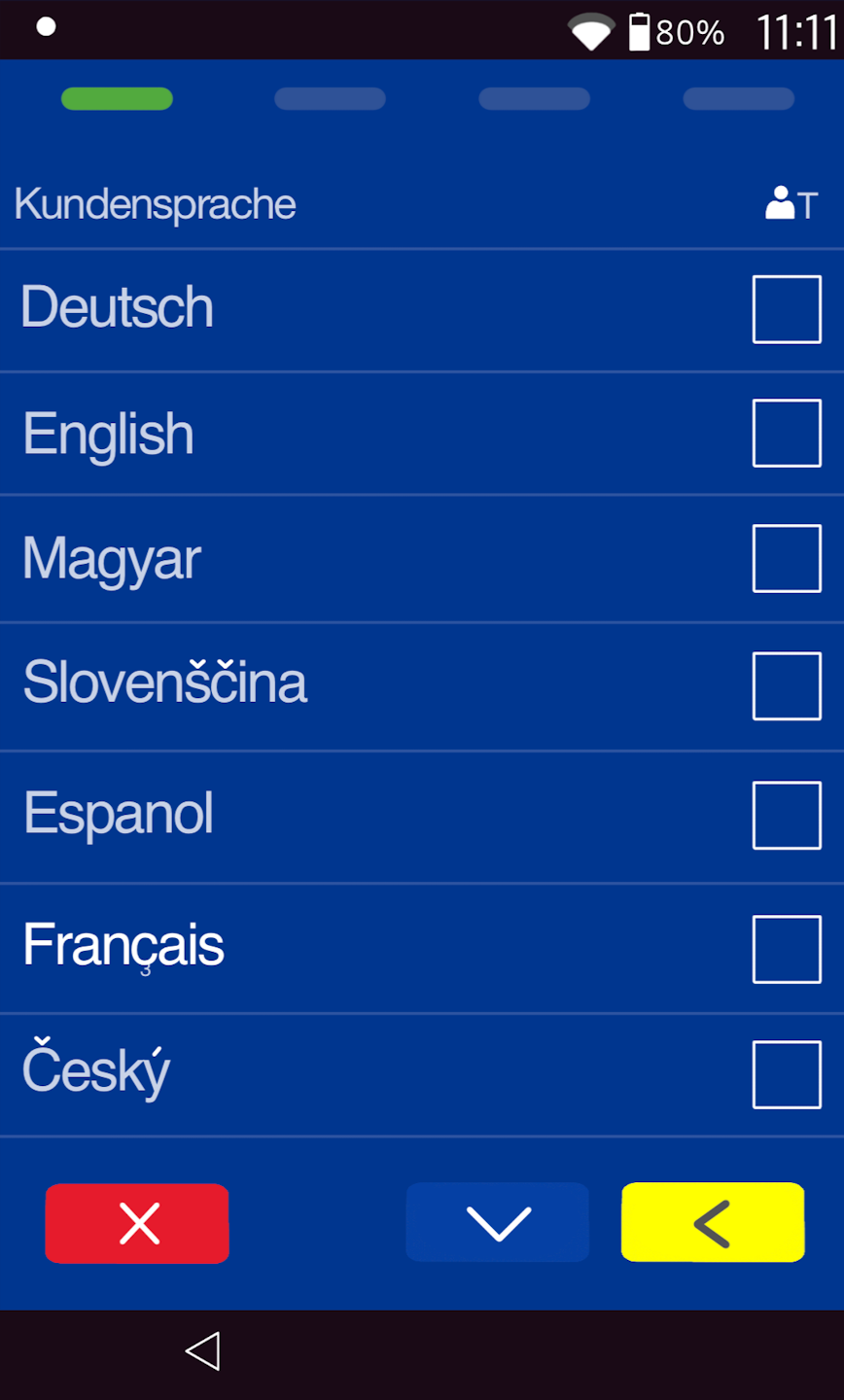
Fig. 2 – Customer Language
You are offered 29 languages.
Only one language can be selected.
Use the yellow correction key to go one step back in the menu structure.
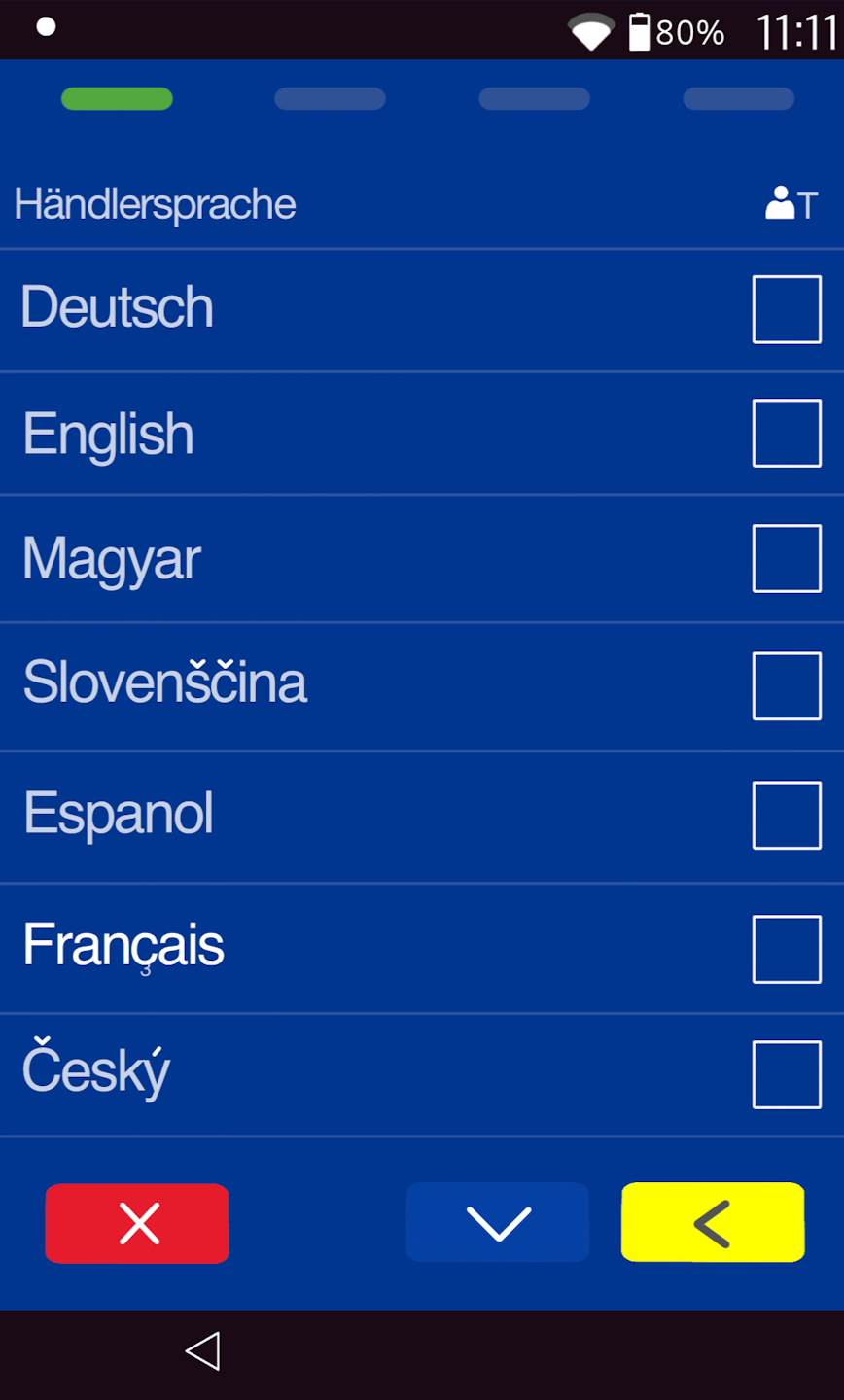
Fig. 3 – Merchant Language
Here too, you can choose from 29 languages.
With this selection, the entire menu of the card reader will also be displayed in the selected language.
Use the red key to exit the menu.
Was this article helpful?
That’s Great!
Thank you for your feedback
Sorry! We couldn't be helpful
Thank you for your feedback
Feedback sent
We appreciate your effort and will try to fix the article
