CCV PAX A920 - Set Sounds and Volume
Modified on Wed, 4 Feb at 9:09 AM
In this tutorial, we would like to show you how to adjust the volume of the sounds on your CCV PAX A920.
There are a variety of sounds that can be configured. However, only the volume, charging sounds, and touch tones are relevant.
Android System
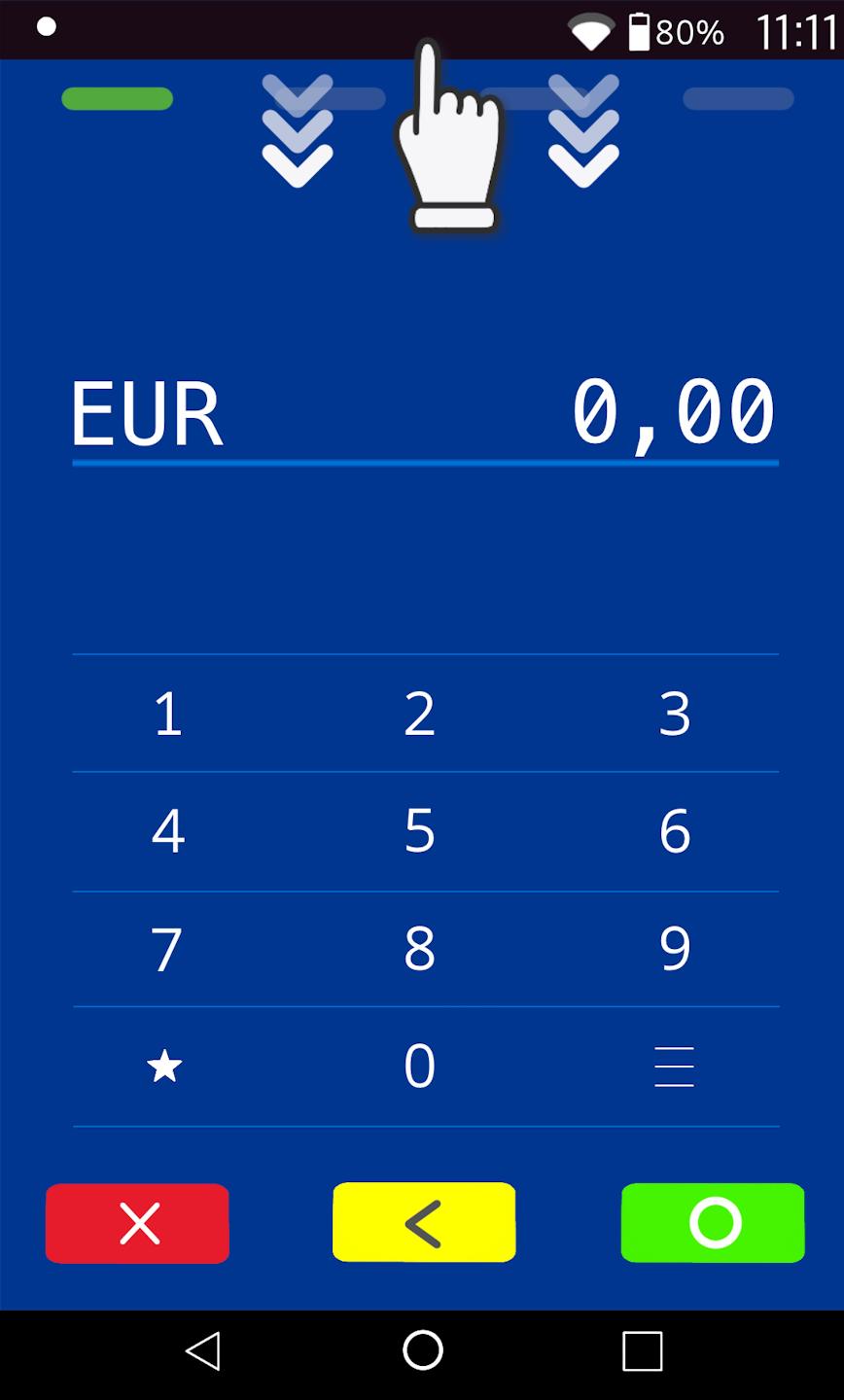
Please swipe down from the top edge of the display to access the Android system.
Android Settings
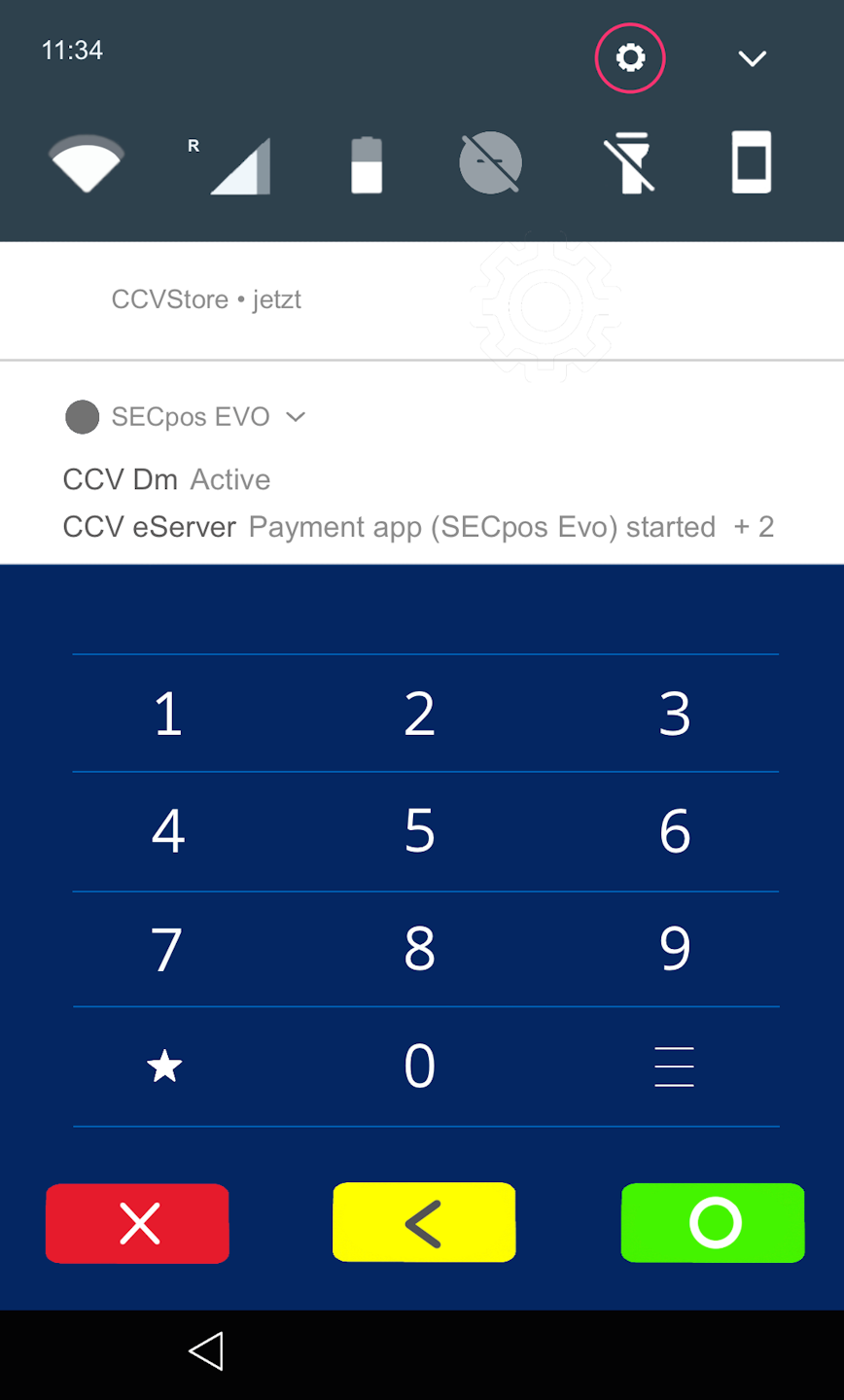
Please tap the small gear icon at the top right edge of the display.
Android Password Entry
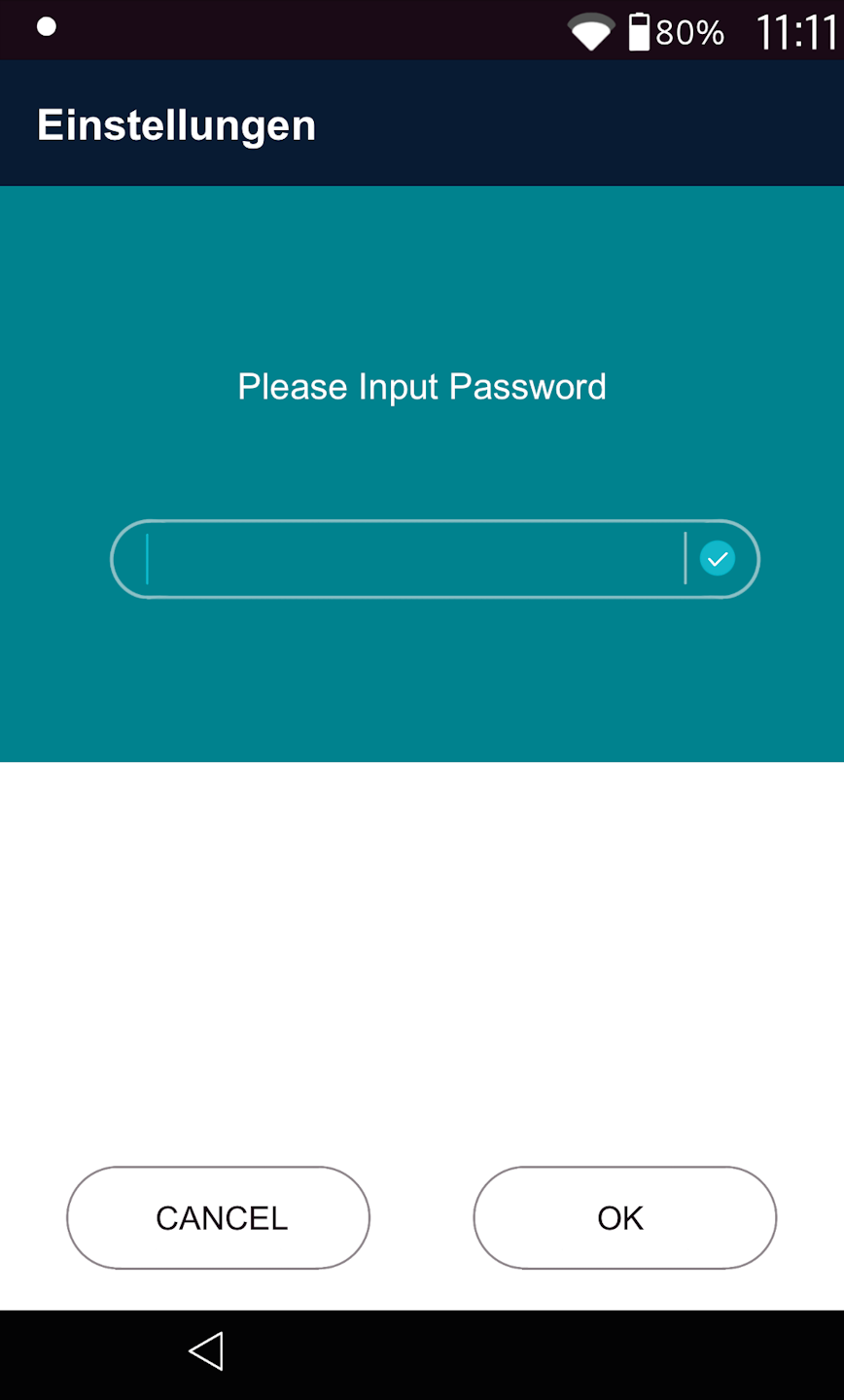
You will now be prompted to enter a password.
Please enter your system password here.
The password is: pax9876@@ or Pay0311!@)
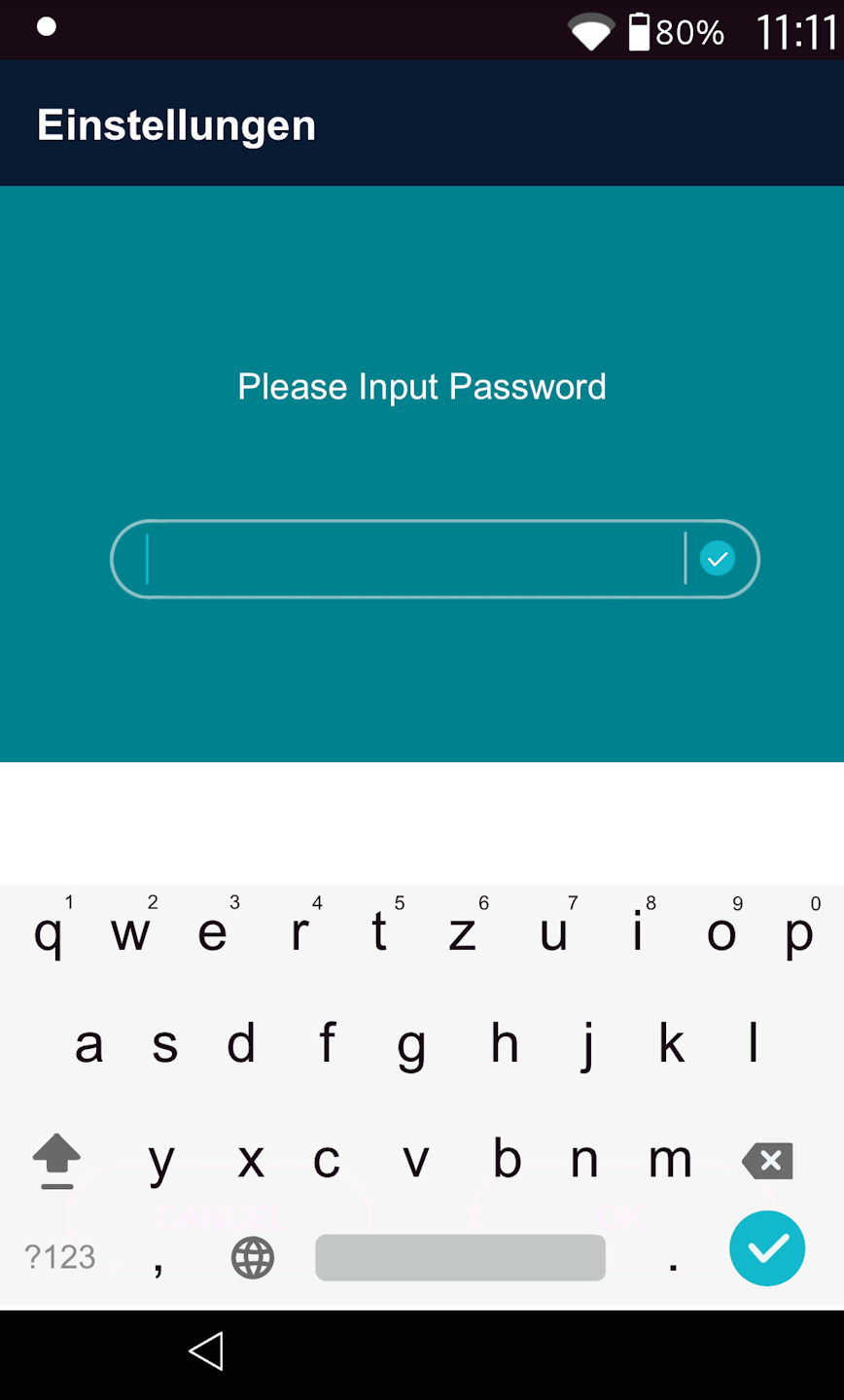
Tap inside the password field to bring up the keyboard as shown in Fig. 2.
System Settings
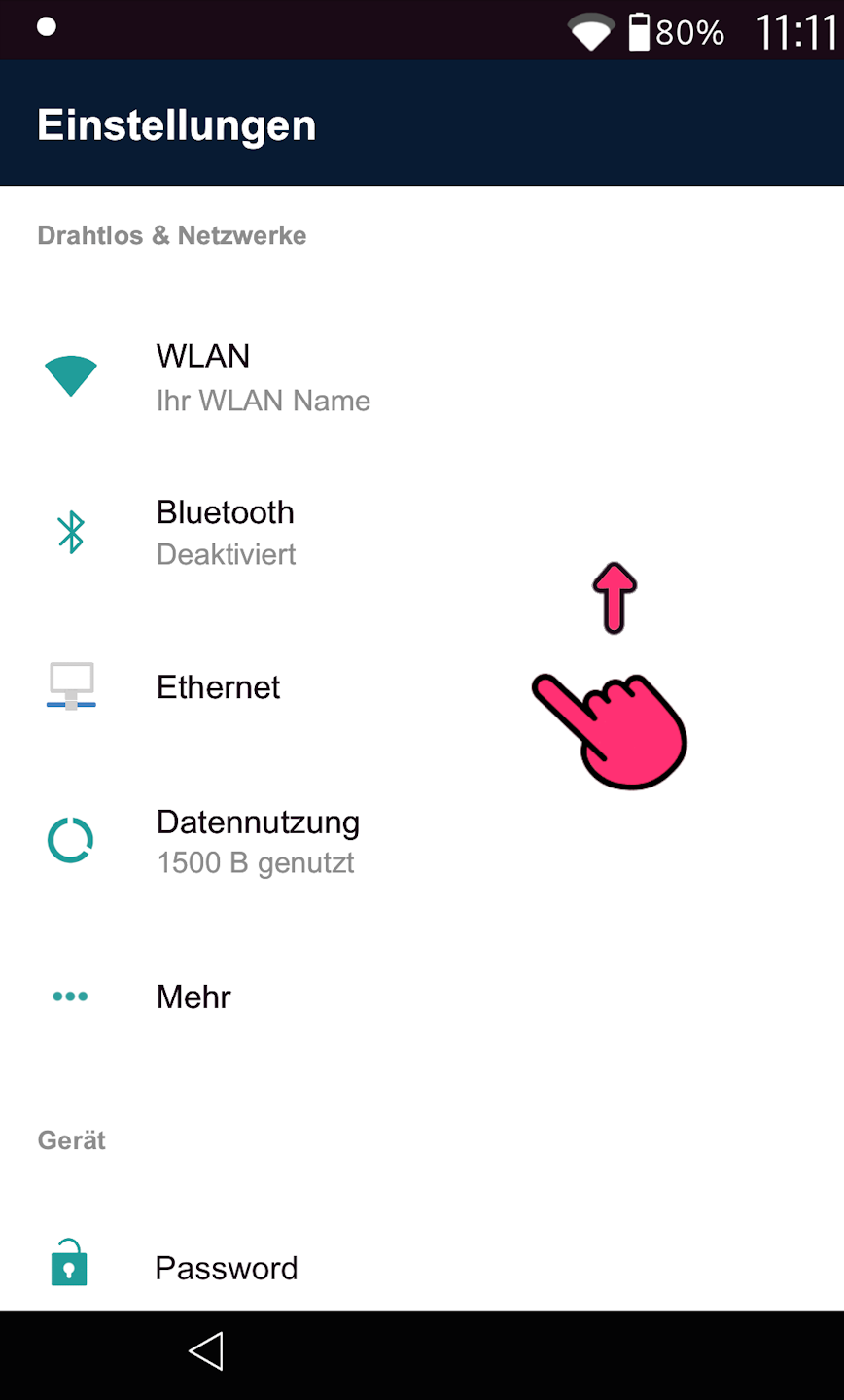
As shown in Fig. 1, please swipe up slightly in the Settings menu.
As shown in Fig. 2, you will see the sound options.
Sound Settings and Completion
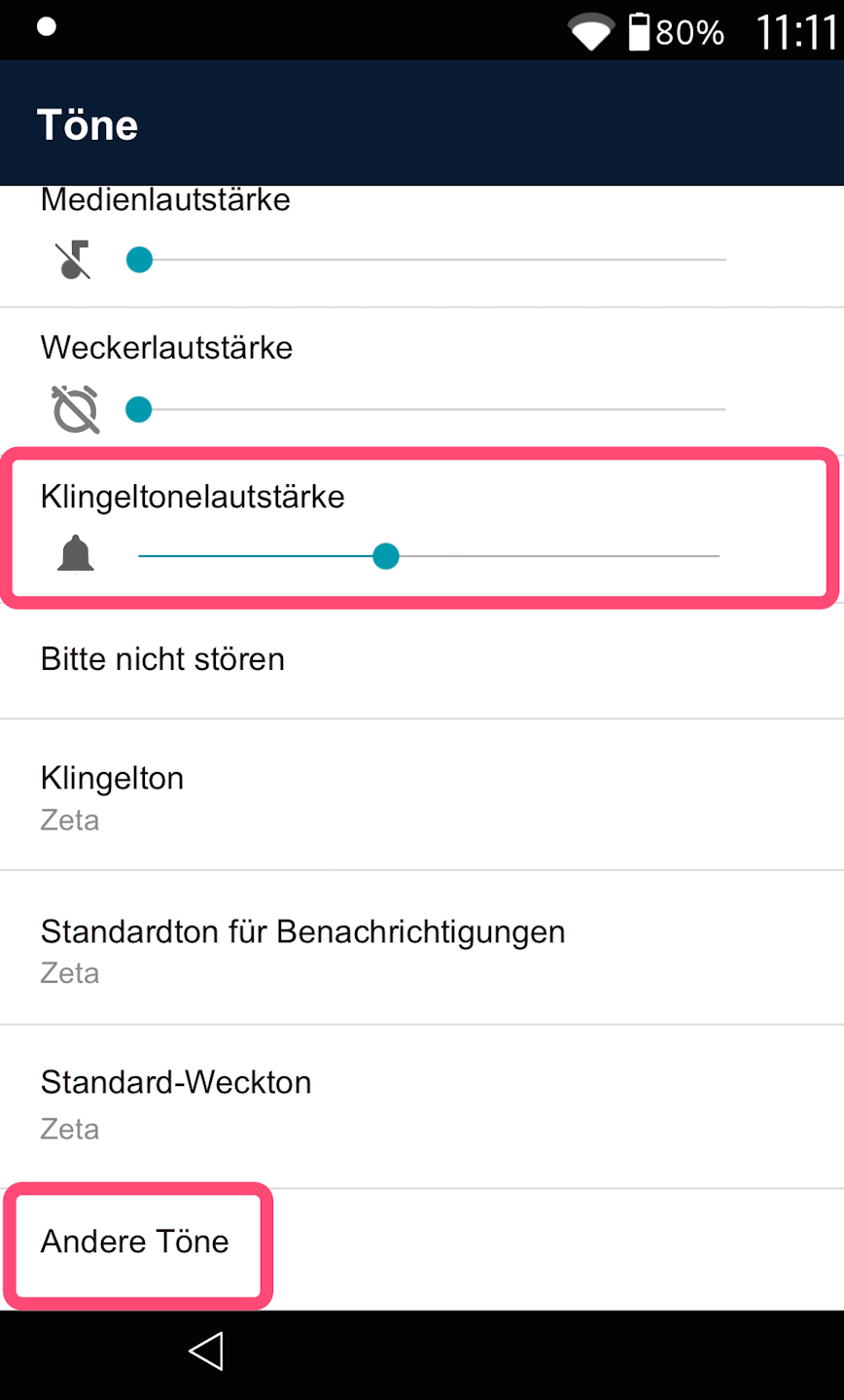
Please adjust the volume slider for the ringtone volume to the desired level (Fig. 1).
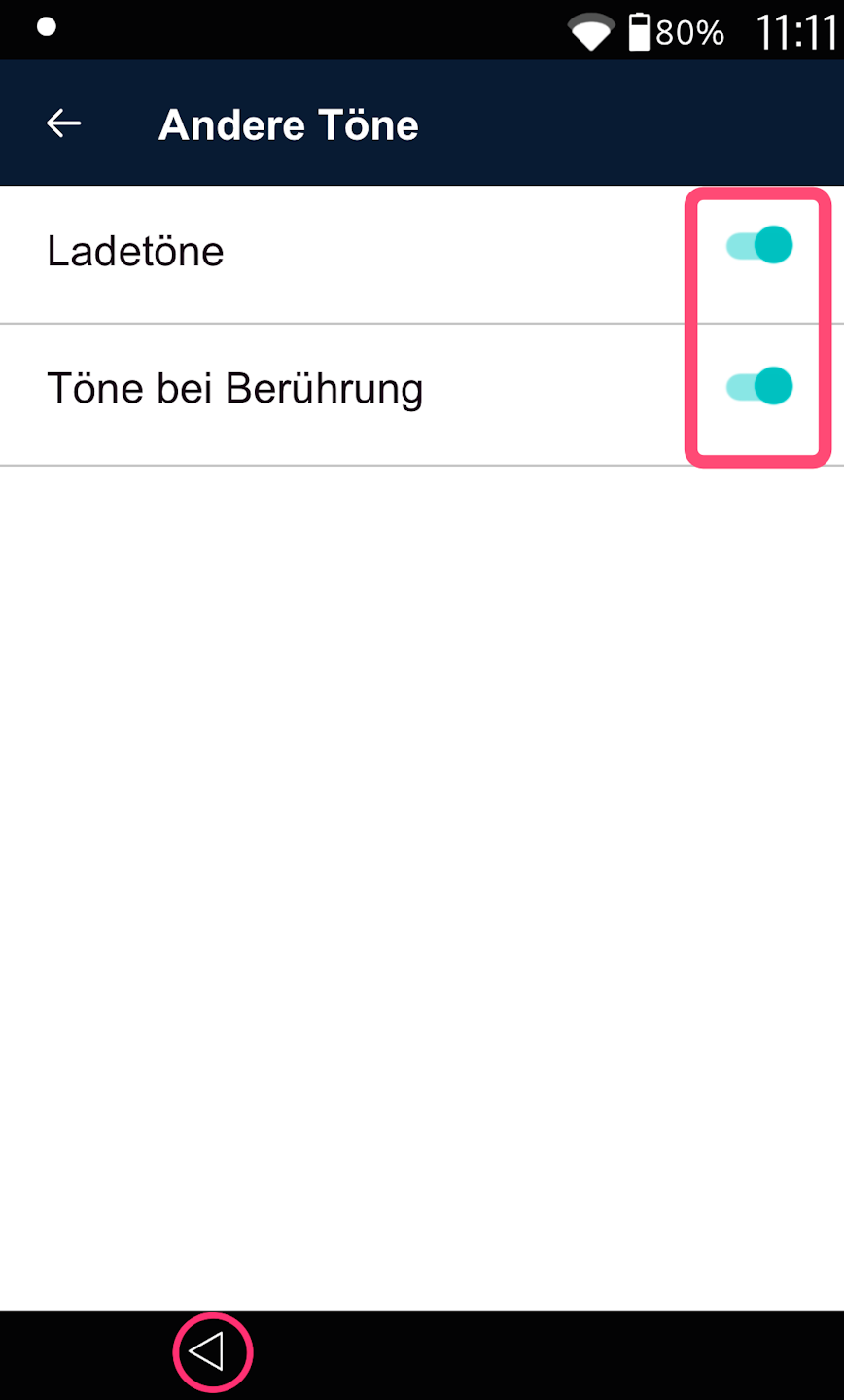
Then navigate to **Other Sounds**. There you can set whether charging sounds and touch sounds should be enabled (Fig. 2).
By default, charging and touch sounds are activated.
Once you have configured all settings as desired, use the bottom left arrow to return to the home screen / payment app.
Was this article helpful?
That’s Great!
Thank you for your feedback
Sorry! We couldn't be helpful
Thank you for your feedback
Feedback sent
We appreciate your effort and will try to fix the article
