CCV PAX A920 – The Connection Symbols
Modified on Tue, 3 Feb at 10:09 AM
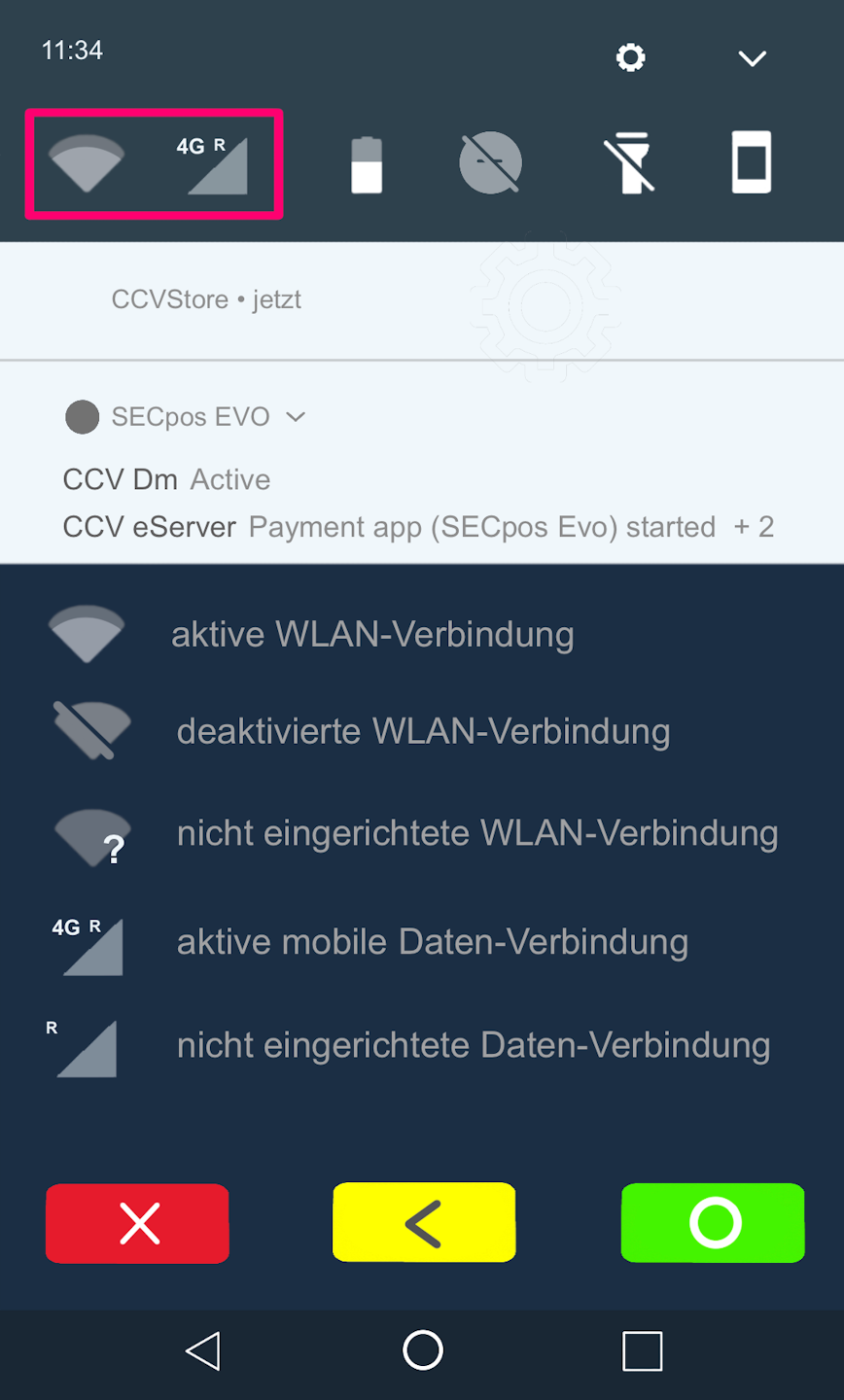
Your CCV PAX A920 card reader displays various symbols indicating the status of your connection.
Would you like to set up your connection or check your current connection? We have the right tutorial for you.
Setting up your WLAN connection
Setting up your SIM connection
Was this article helpful?
That’s Great!
Thank you for your feedback
Sorry! We couldn't be helpful
Thank you for your feedback
Feedback sent
We appreciate your effort and will try to fix the article
