CCV - Refund
Modified on Wed, 4 Feb at 9:50 AM
If you would like to perform a refund on your CCV card reader, this step-by-step guide will assist you.
Note!
A main charge must have previously been made on this exact card terminal.
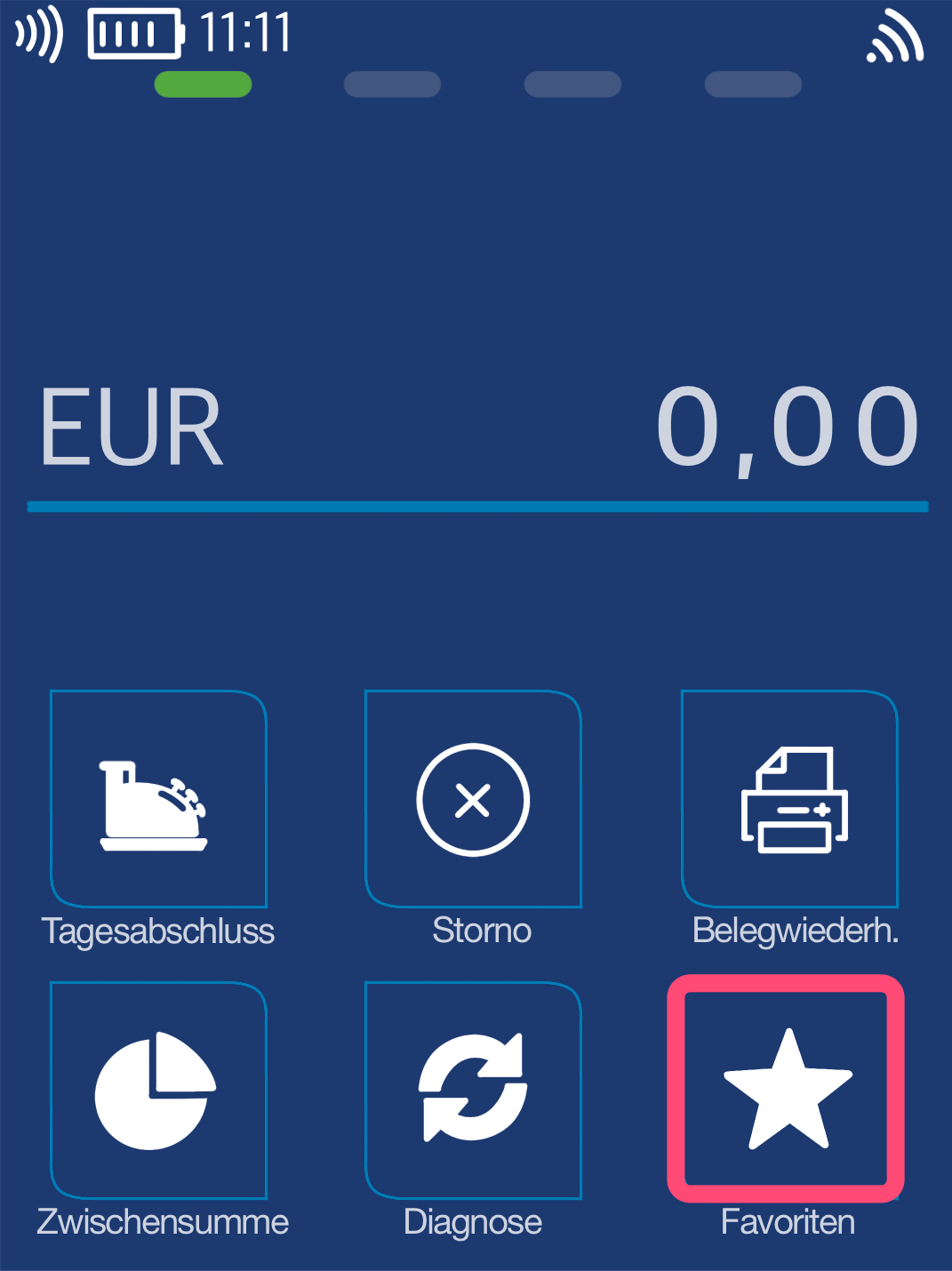
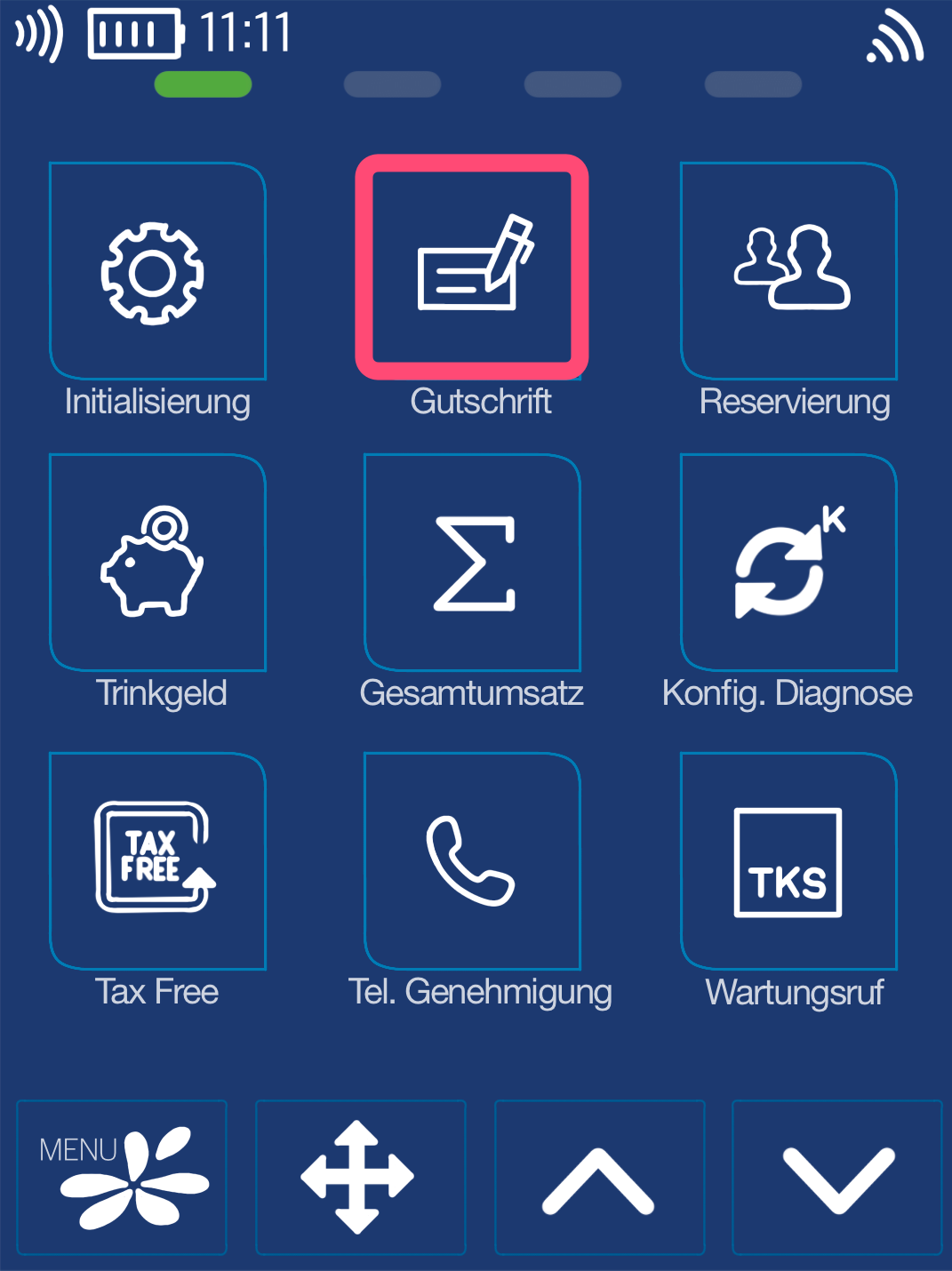
Favorites Button
In the default configuration, the refund button is located on the main display. Please select it.
If you do not see the refund button on the main display, please use the Favorites button as shown in Fig. 2. More favorites will be displayed, among which you can then select the refund button.
Menu PIN
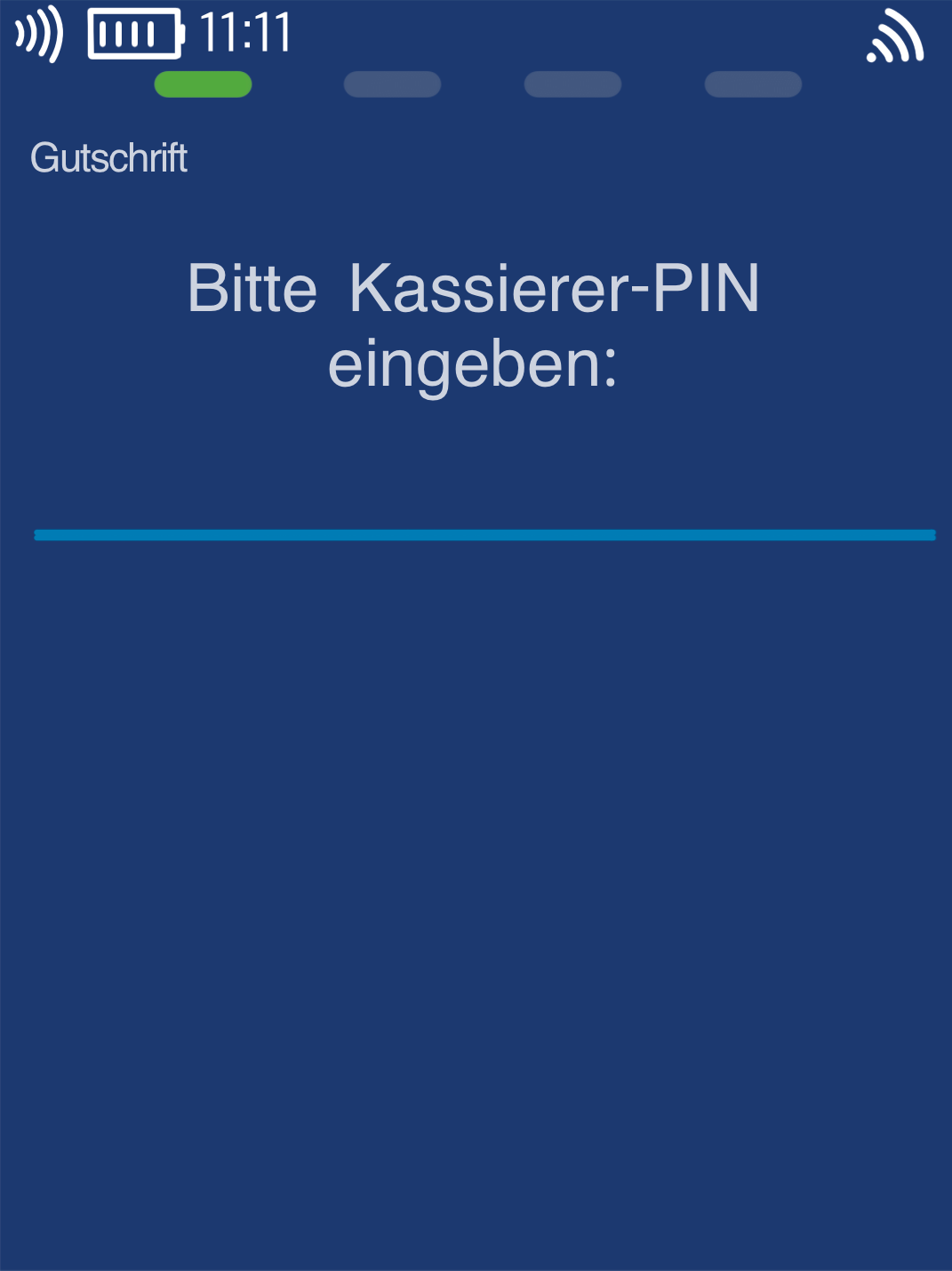
Please now enter your merchant PIN.
You can find the Terminal ID on your merchant receipts or on the end-of-day report.
Terminal IDs starting with 61xxxxxx: 111111
Terminal IDs starting with 68xxxxxx: 111111
Terminal IDs starting with 526xxxxx: 0123
Please confirm the entry by pressing the green OK button.
Enter Amount
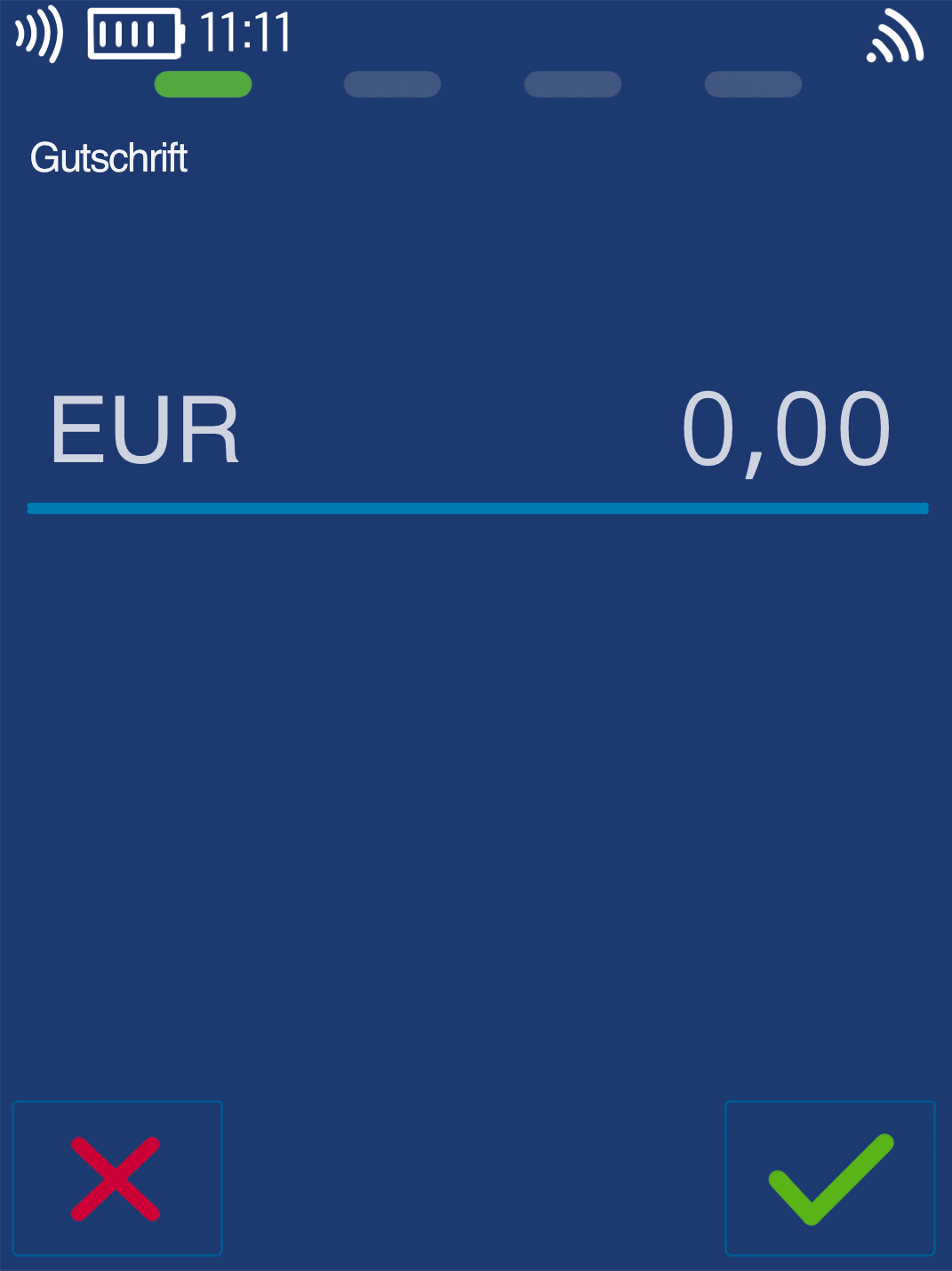
Please enter the amount to be refunded and confirm the entry.
Caution!
The refund amount must not exceed the original payment amount.
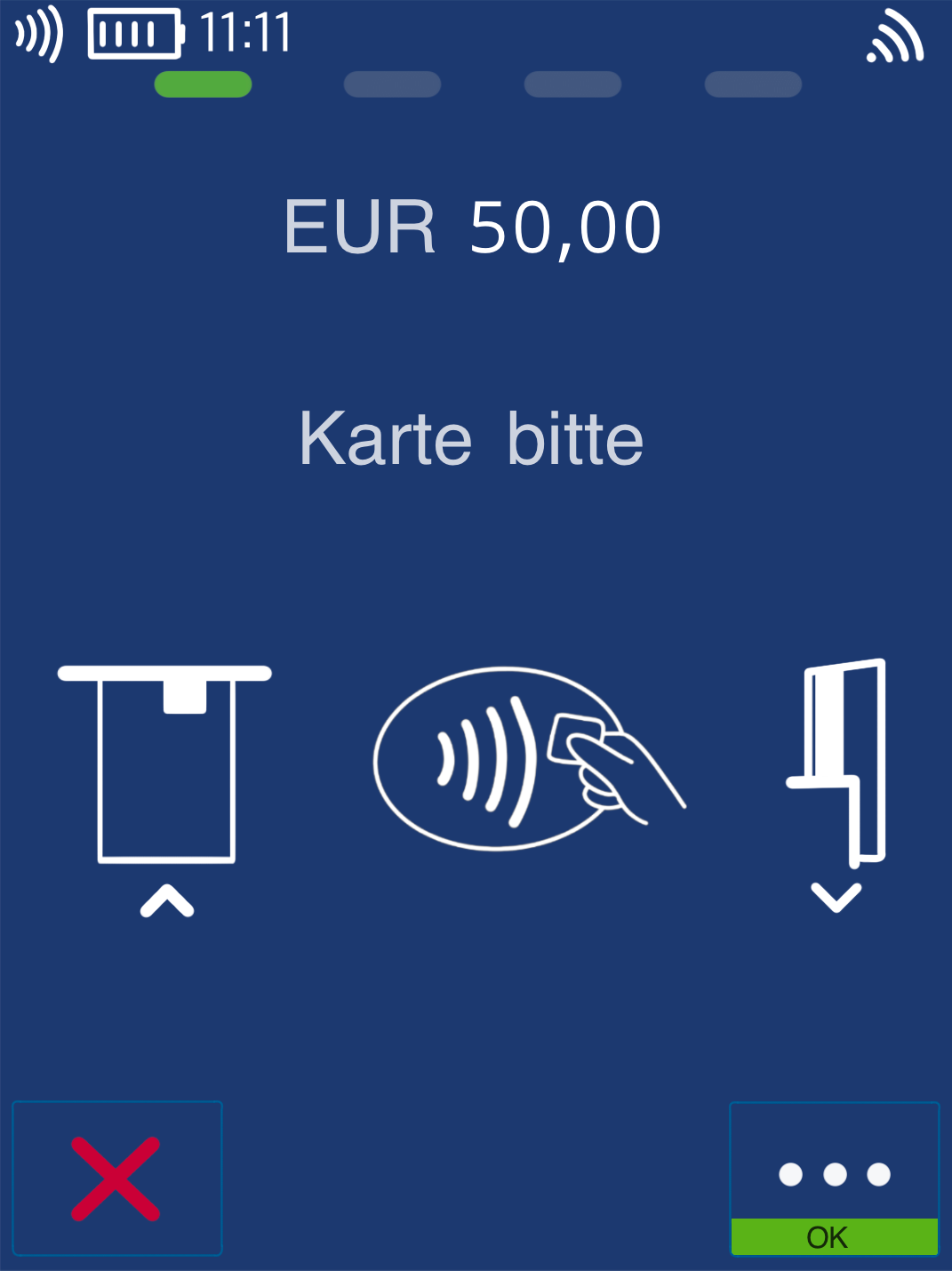
Present Card
The refund can only be processed using the customer’s card.
The card can be used contactlessly or inserted into the reader.
Was this article helpful?
That’s Great!
Thank you for your feedback
Sorry! We couldn't be helpful
Thank you for your feedback
Feedback sent
We appreciate your effort and will try to fix the article
