CCV - Cancellation
Modified on Wed, 4 Feb at 9:50 AM
Do you need to perform a cancellation? We will show you how to do it step by step.
Important Notes!
A cancellation is only possible if the end-of-day report (Kassenschnitt) has not yet been completed.
The customer's card must be present on-site.
Favorites Selection
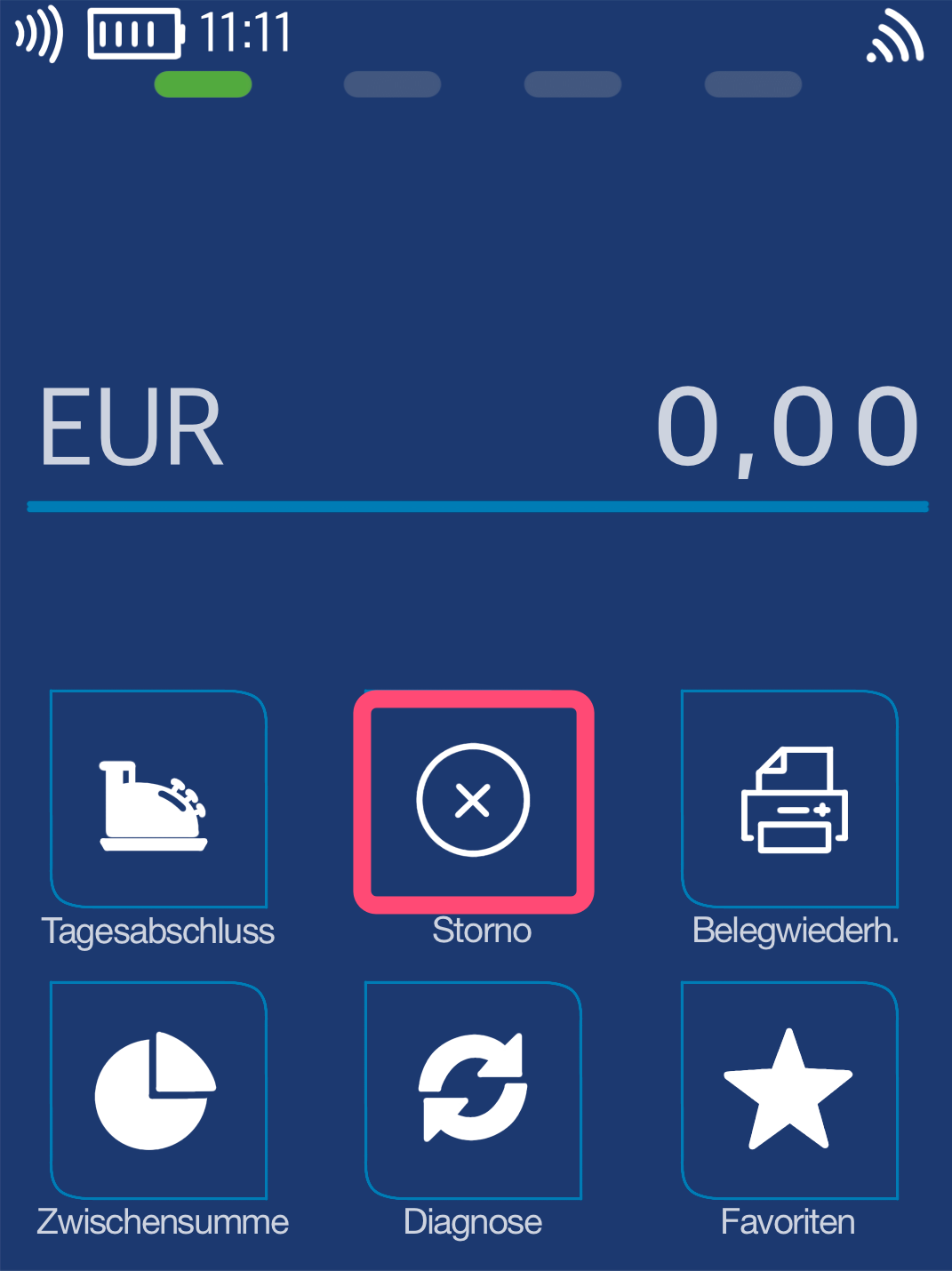
In the standard configuration, the cancellation button is located on the main display. Please select it.
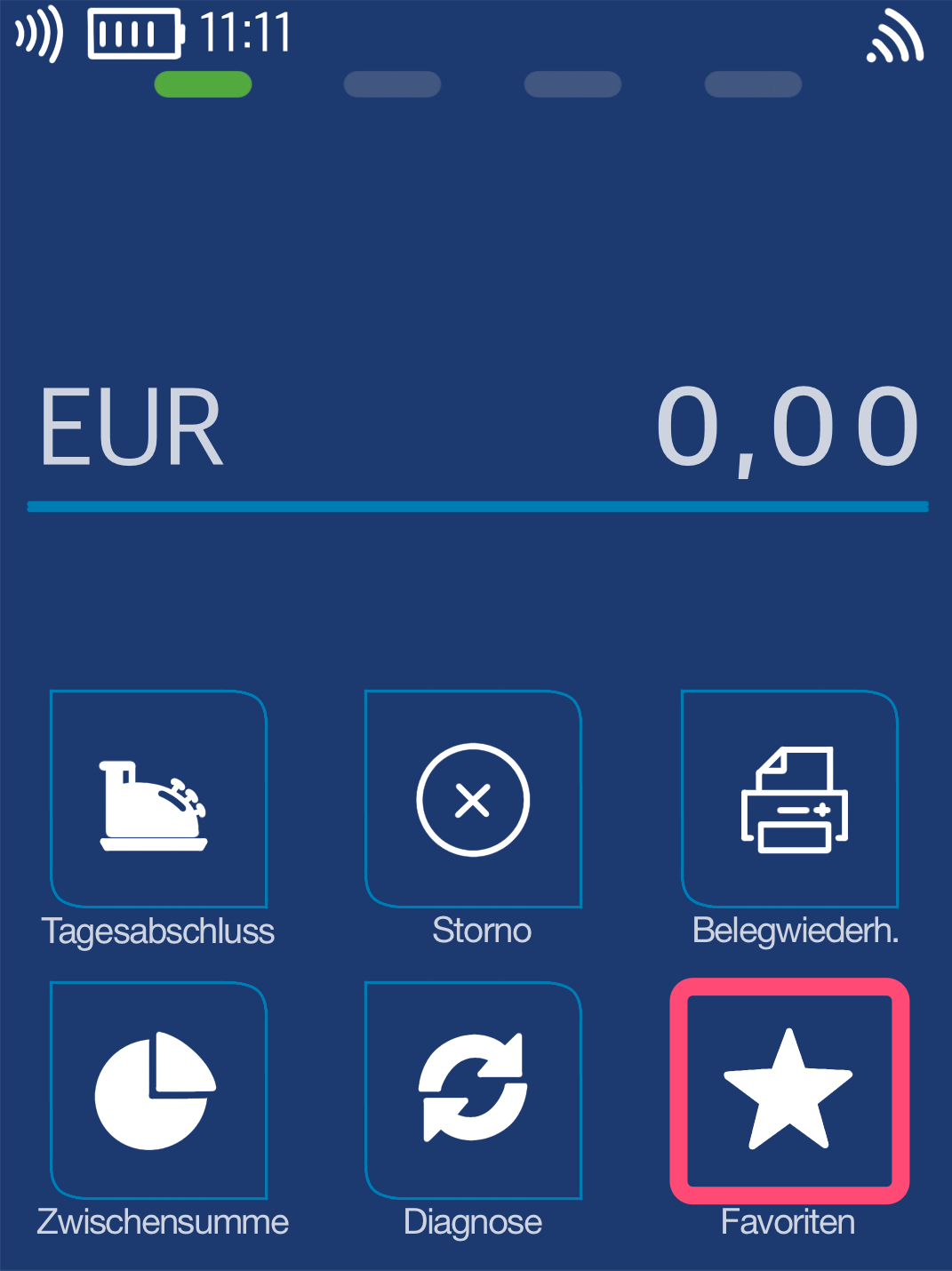
If you do not see the cancellation button on the main display, please use the Favorites key as shown in Fig. 2. You will be shown additional favorites, where you can then select the cancellation button.
Menu PIN
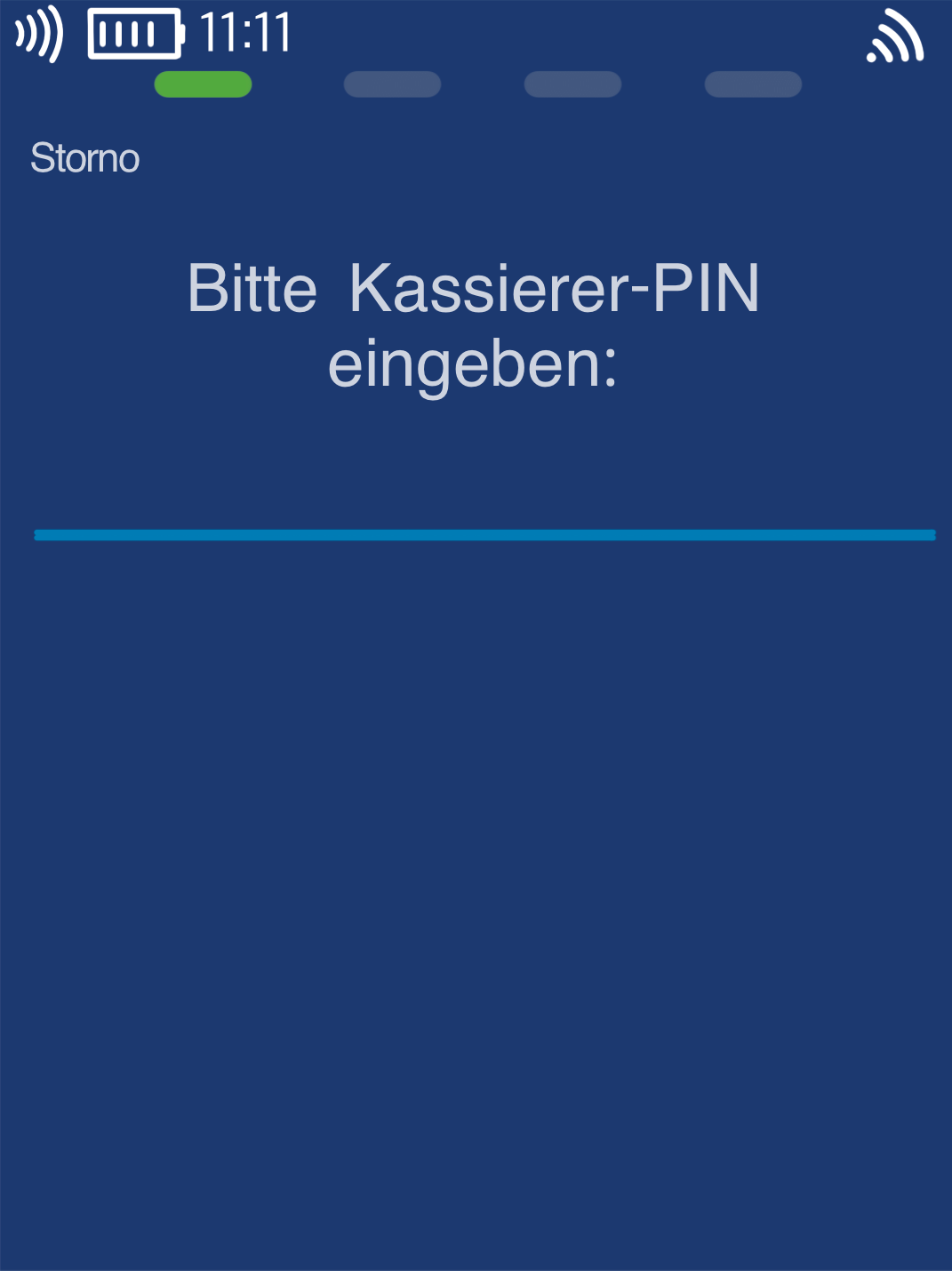
Please now enter your merchant PIN.
You can find the terminal ID on your merchant receipts or on the end-of-day report.
Terminal IDs beginning with 61xxxxxx: 111111
Terminal IDs beginning with 68xxxxxx: 111111
Terminal IDs beginning with 526xxxxx: 0123
Please confirm your entry with the green OK key.
TA Number
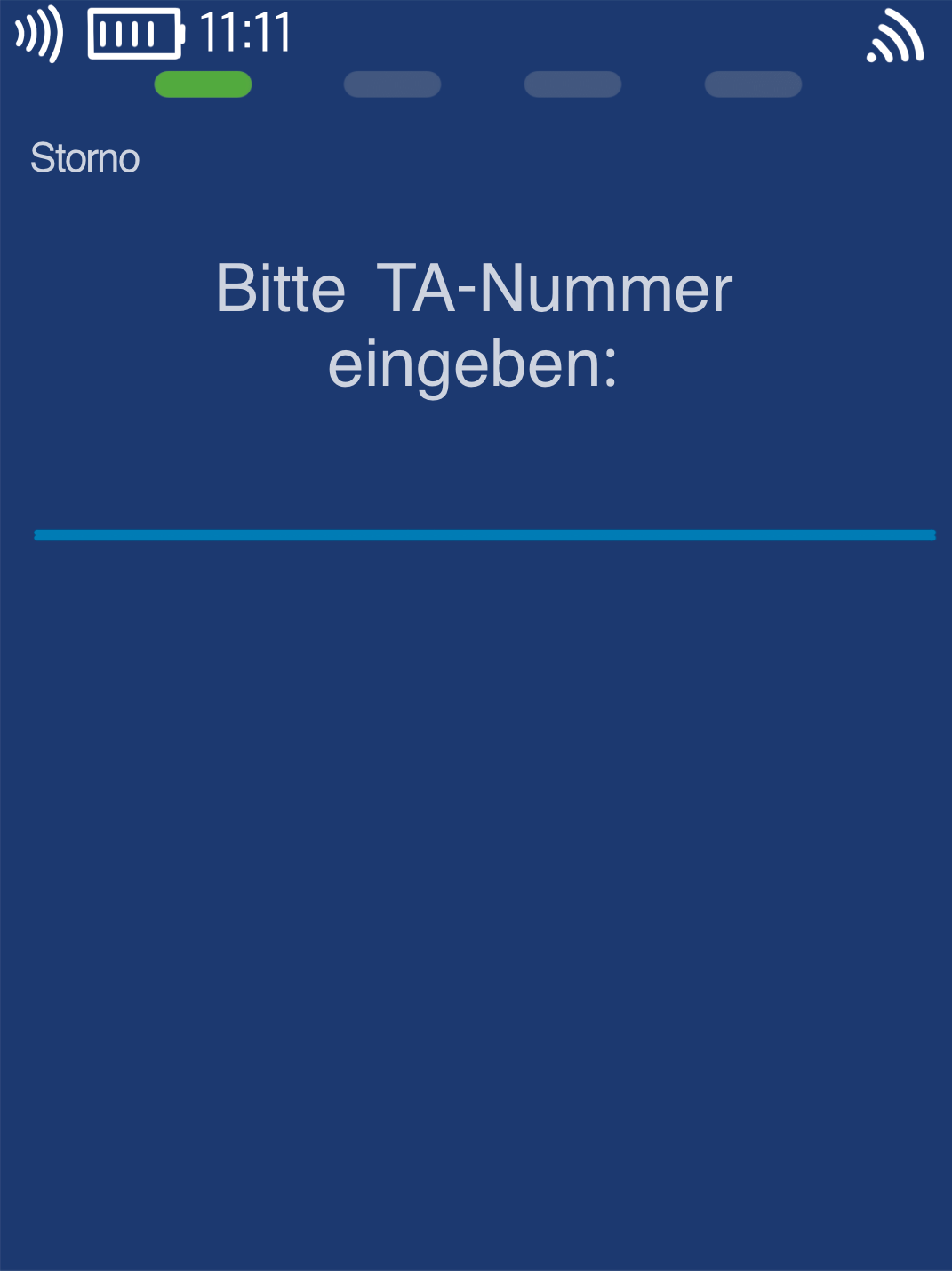
Please enter the transaction number (TA number) here.
The card reader will suggest the last TA number from the most recent successful payment. If you want to cancel a different payment, you can find the TA number on your merchant receipt.
A cancellation can only be carried out for existing payments before the end-of-day report.
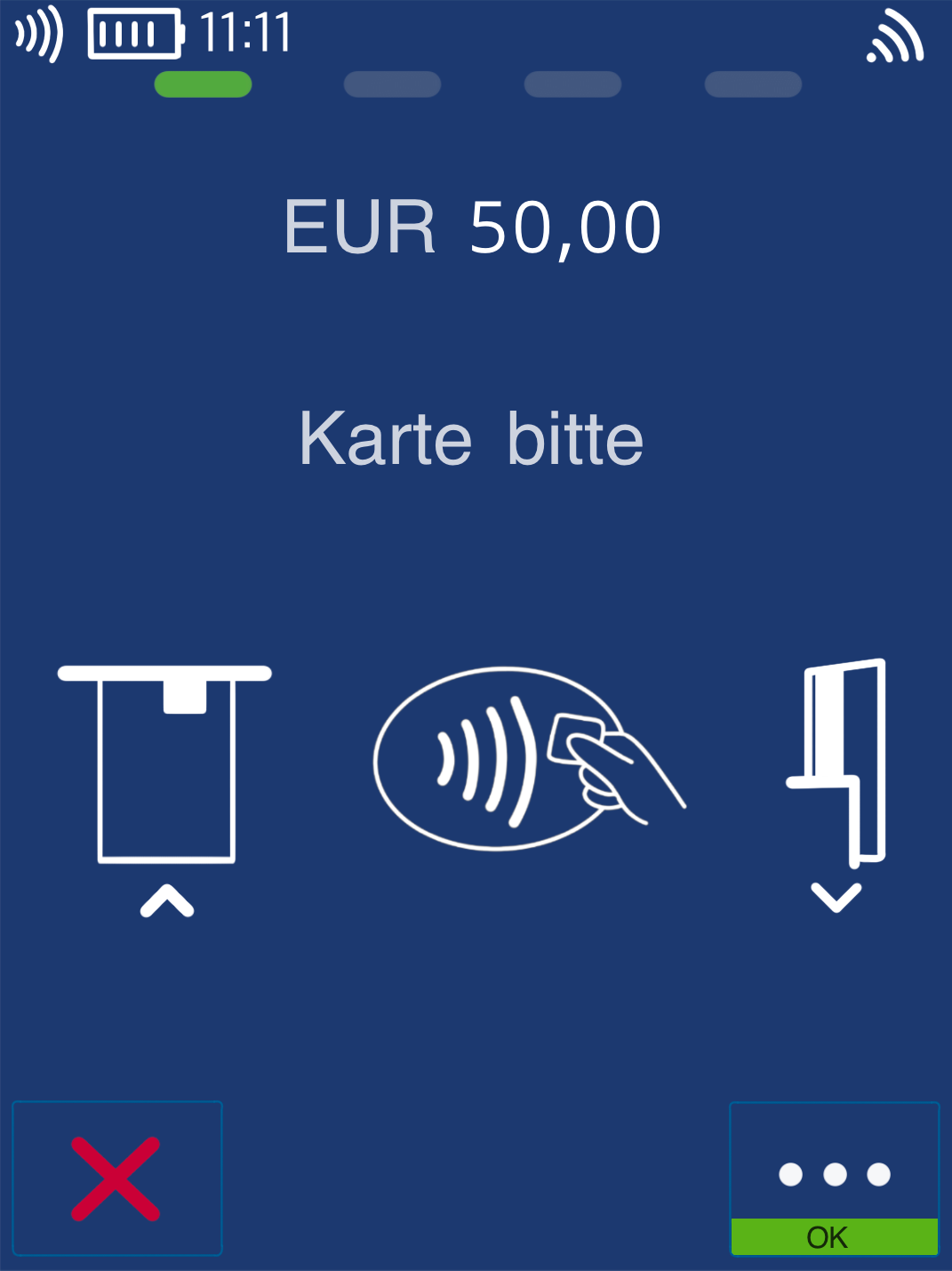
Present Card
The cancellation can only be carried out using the customer’s card.
The card can be used contactlessly or by inserting it.
Was this article helpful?
That’s Great!
Thank you for your feedback
Sorry! We couldn't be helpful
Thank you for your feedback
Feedback sent
We appreciate your effort and will try to fix the article
