Ingenico - Automatic End-of-Day Report (AKS)
Modified on Mon, 10 Nov, 2025 at 1:51 PM
Setting Up Automatic End-of-Day Report
Would you like the end-of-day report (Kassenschnitt) to be performed automatically? In this step-by-step guide, we’ll show you how to set it up.
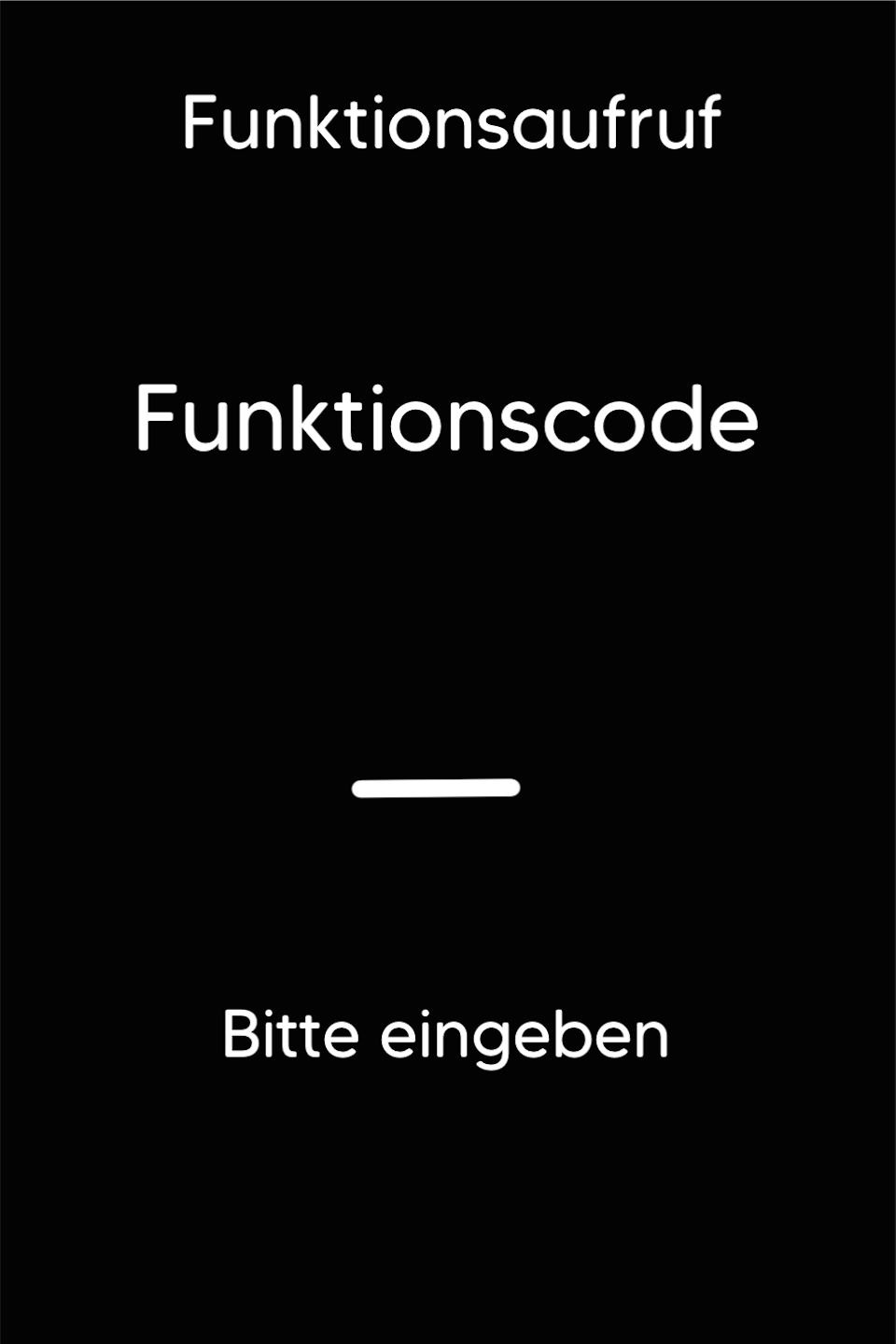
Function Code
First, press the F key at the bottom left of the keypad several times. The function code will now appear on the display.
Function Code 520
Please enter the number 520 and confirm the entry with the green OK key.
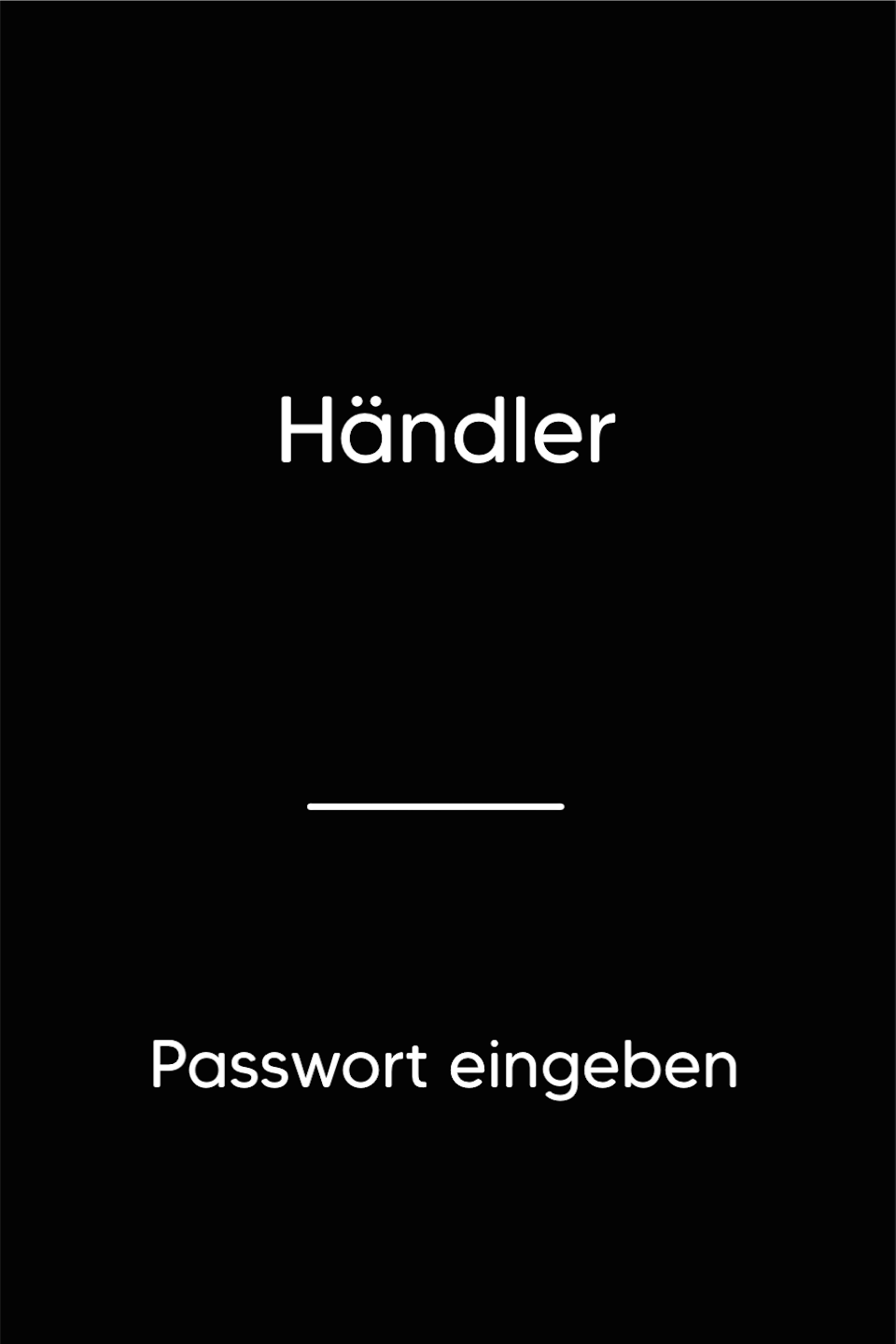
Password Entry
Please enter your 5-digit merchant password and confirm with the green OK key.
Automatic End-of-Day Report
By default, the automatic end-of-day report is deactivated. By entering a time, the function is activated. You can configure a different time for each day of the week as needed.
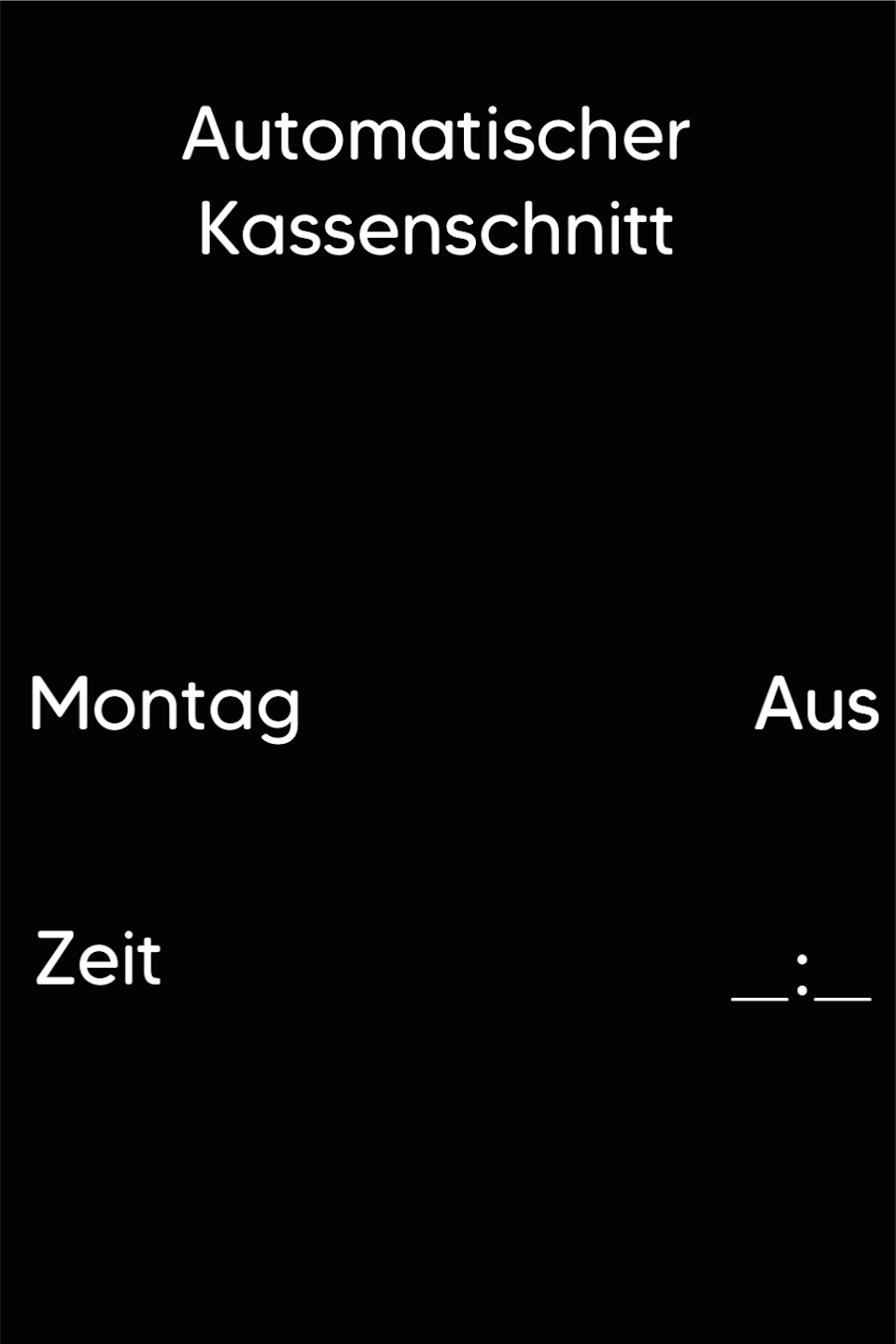
Entering the Time
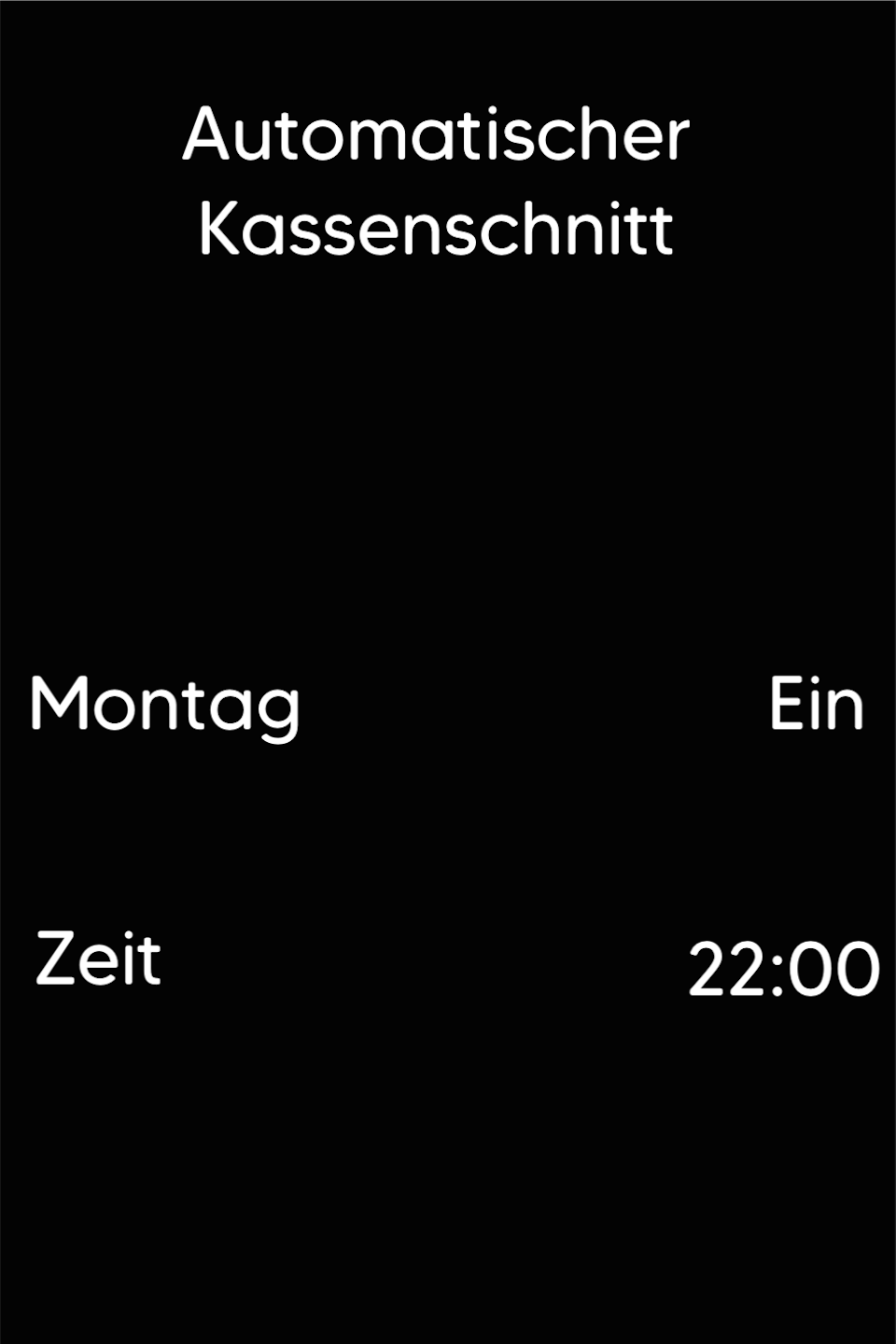
Please select the time at which the end-of-day report should be performed daily.
As soon as you confirm the time entry with OK, the next day will appear. The entered time will automatically be applied to the following day.
You can use the yellow correction key to adjust or delete the entered time.
Was this article helpful?
That’s Great!
Thank you for your feedback
Sorry! We couldn't be helpful
Thank you for your feedback
Feedback sent
We appreciate your effort and will try to fix the article
