Ingenico - End-of-Day Report
Modified on Wed, 4 Feb at 1:10 PM
The end-of-day report is responsible for transmitting all successful payments to the Unzer system and initiating the debit of the invoice amount from the customer.
It should be performed at least once a week and triggers your payouts.
We will show you how to perform the end-of-day report using your Ingenico card reader.
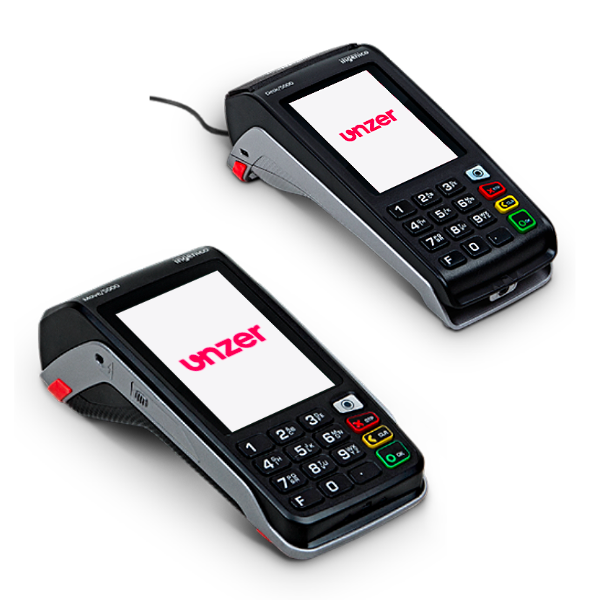
Variant 1
Favorites Key
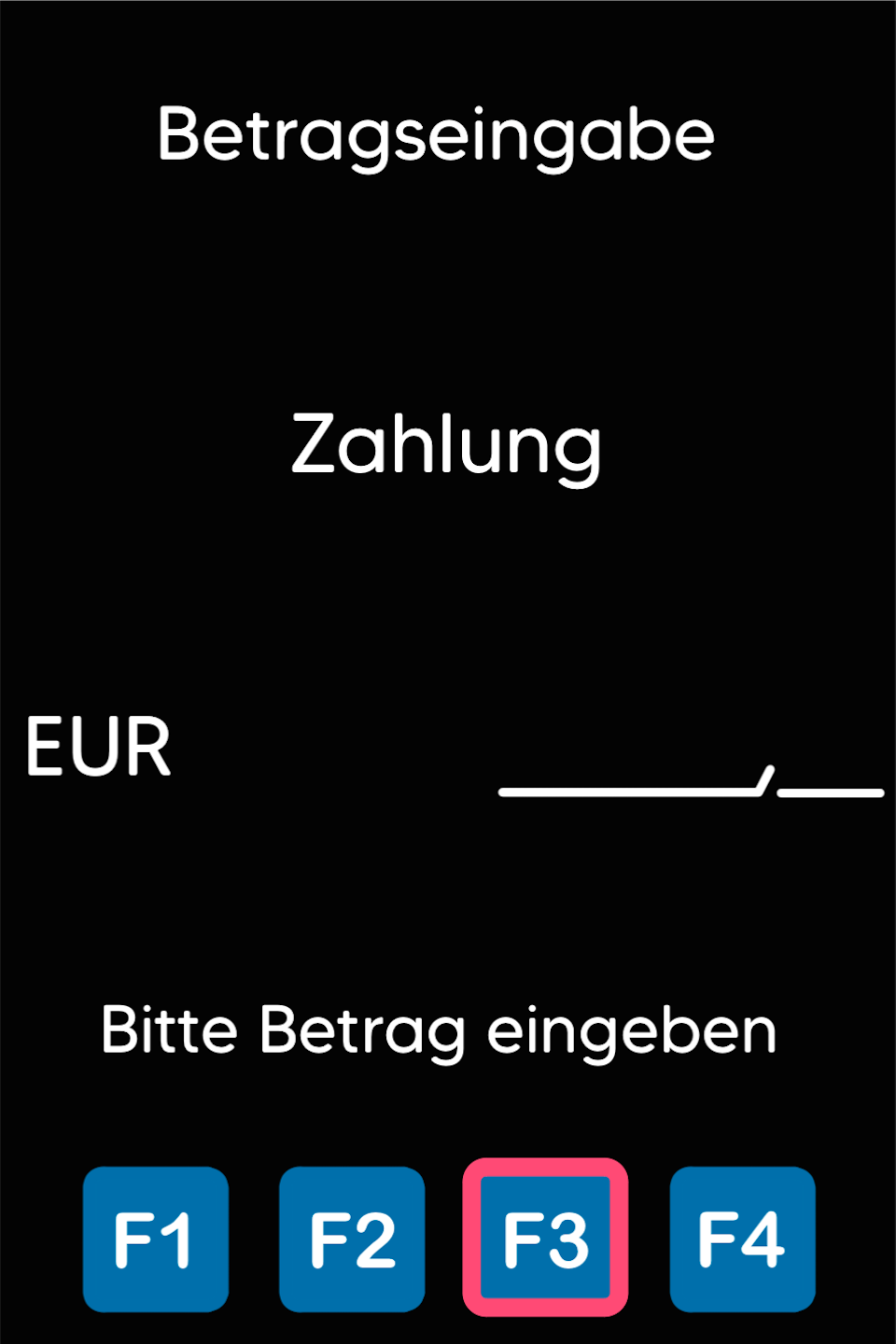
Please press any key to access the amount entry screen.
Select the favorites key F3.
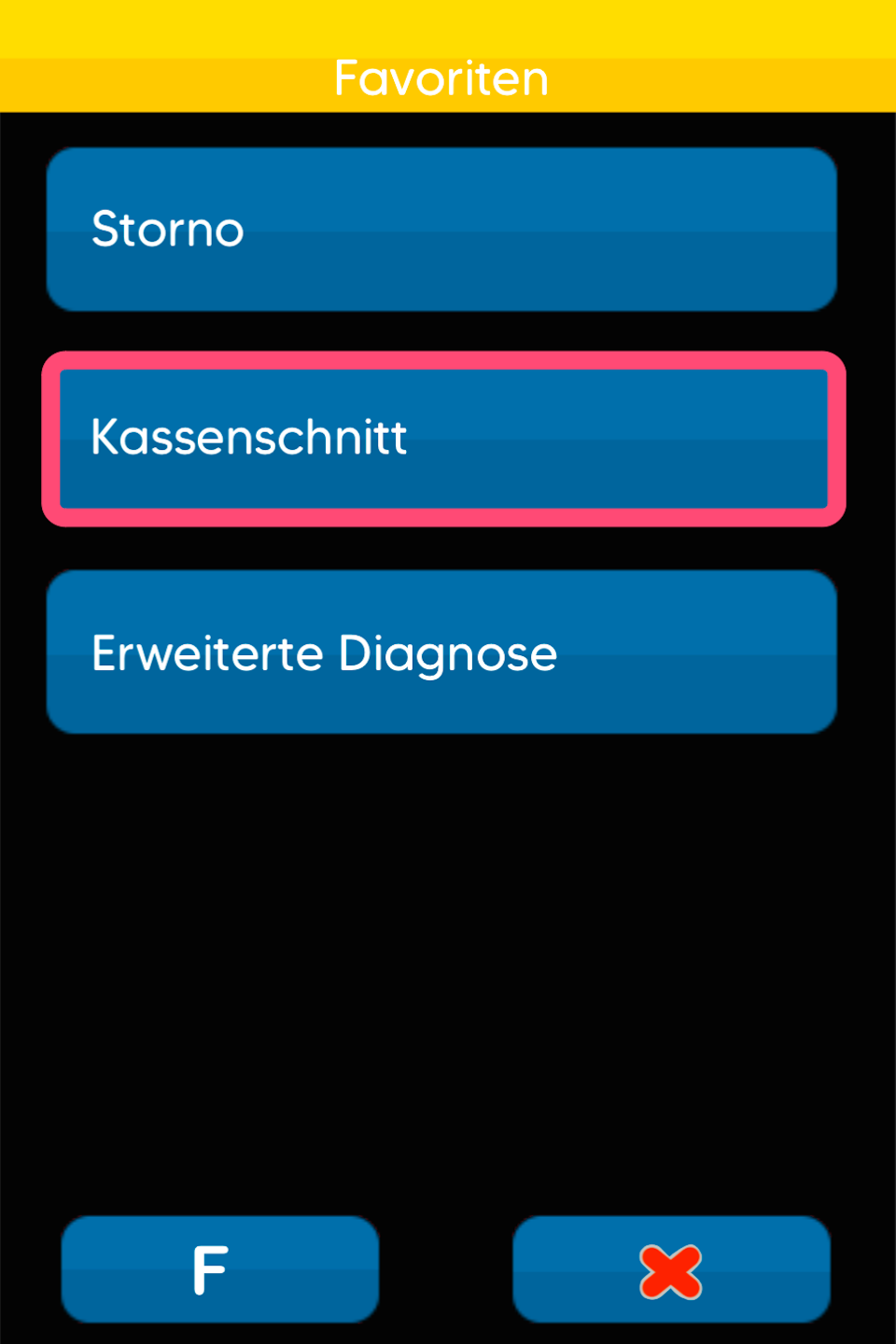
End-of-Day Report
In the favorites menu, select End-of-Day Report.
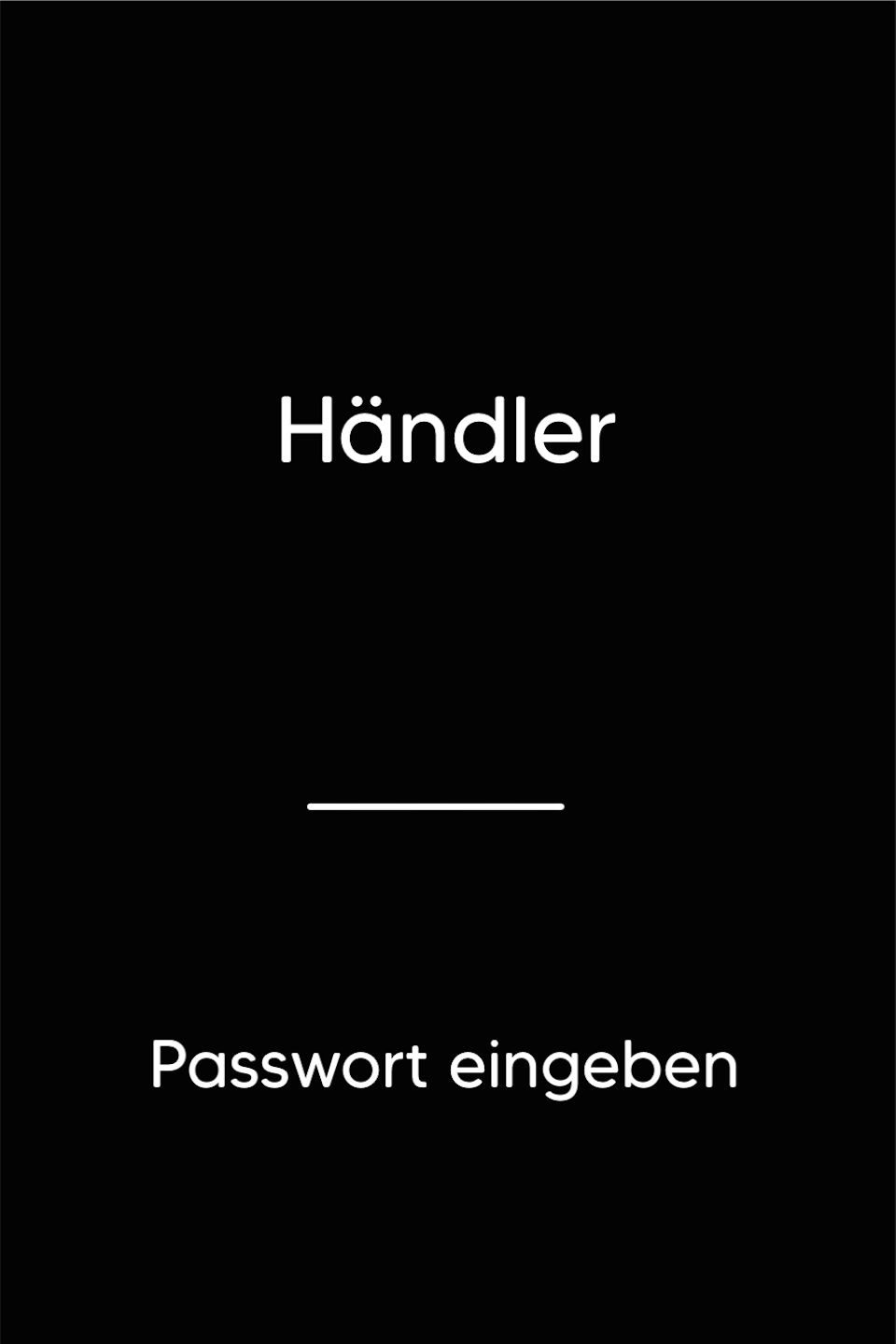
Password Entry
Please enter your 5-digit merchant password and confirm the entry with the green OK button.
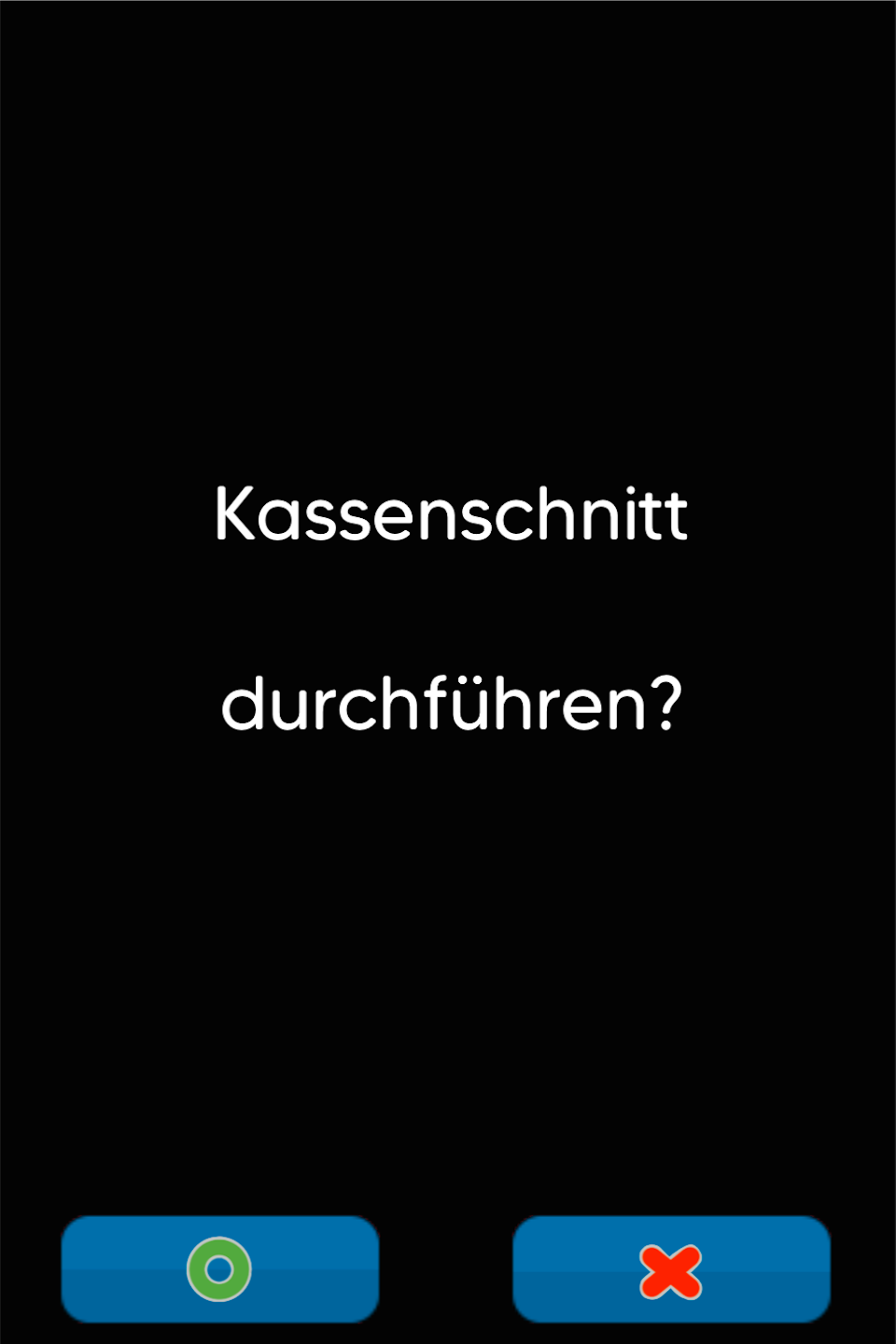
Perform End-of-Day Report
You will now be asked whether the end-of-day report should be carried out.
Please confirm the prompt with the green OK button.
Variant 2
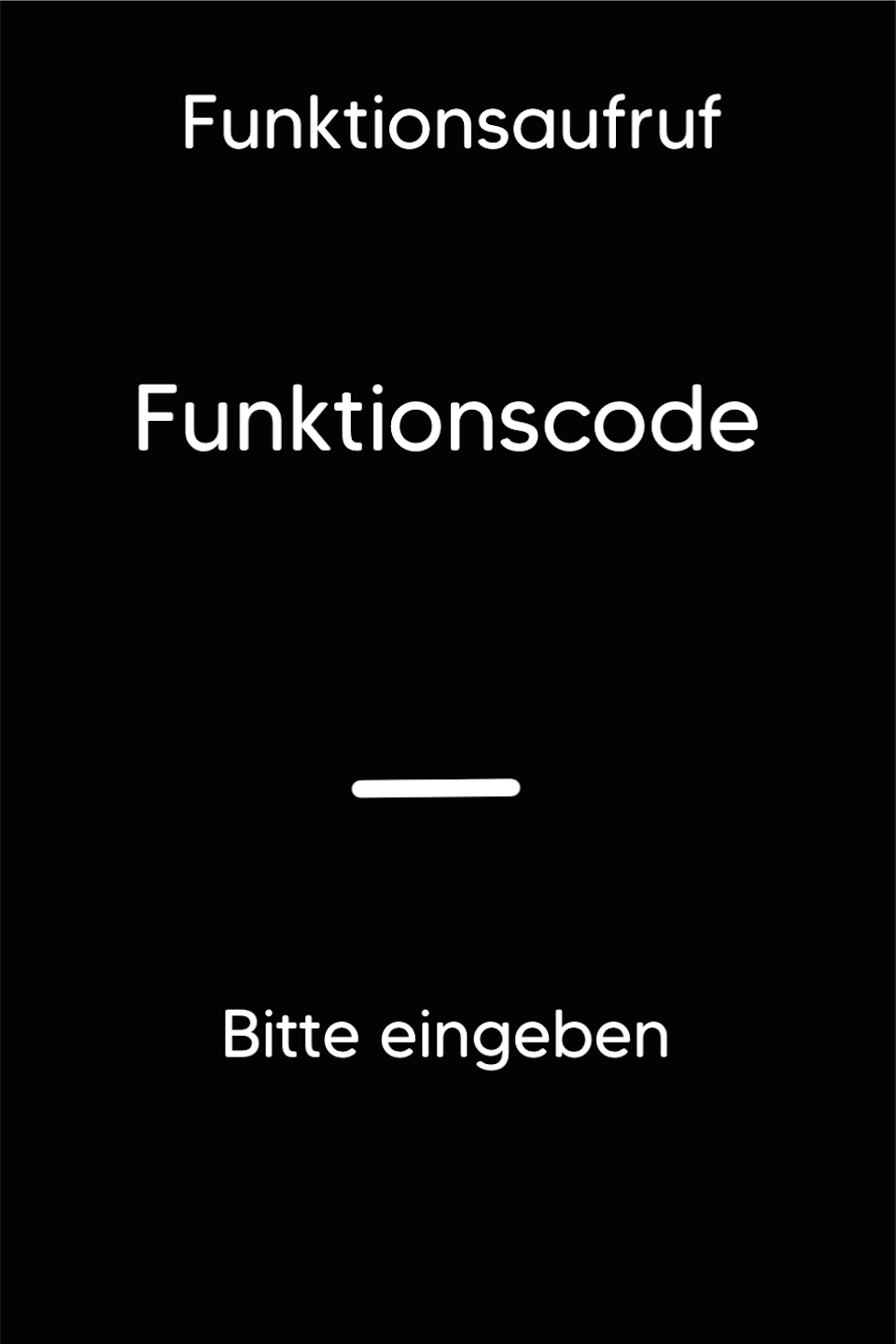
Function Code
Press the F key at the bottom left of the keypad repeatedly until the function code appears on the display.
Function Code 4
Please enter the number 4 and confirm the entry with the green OK button.
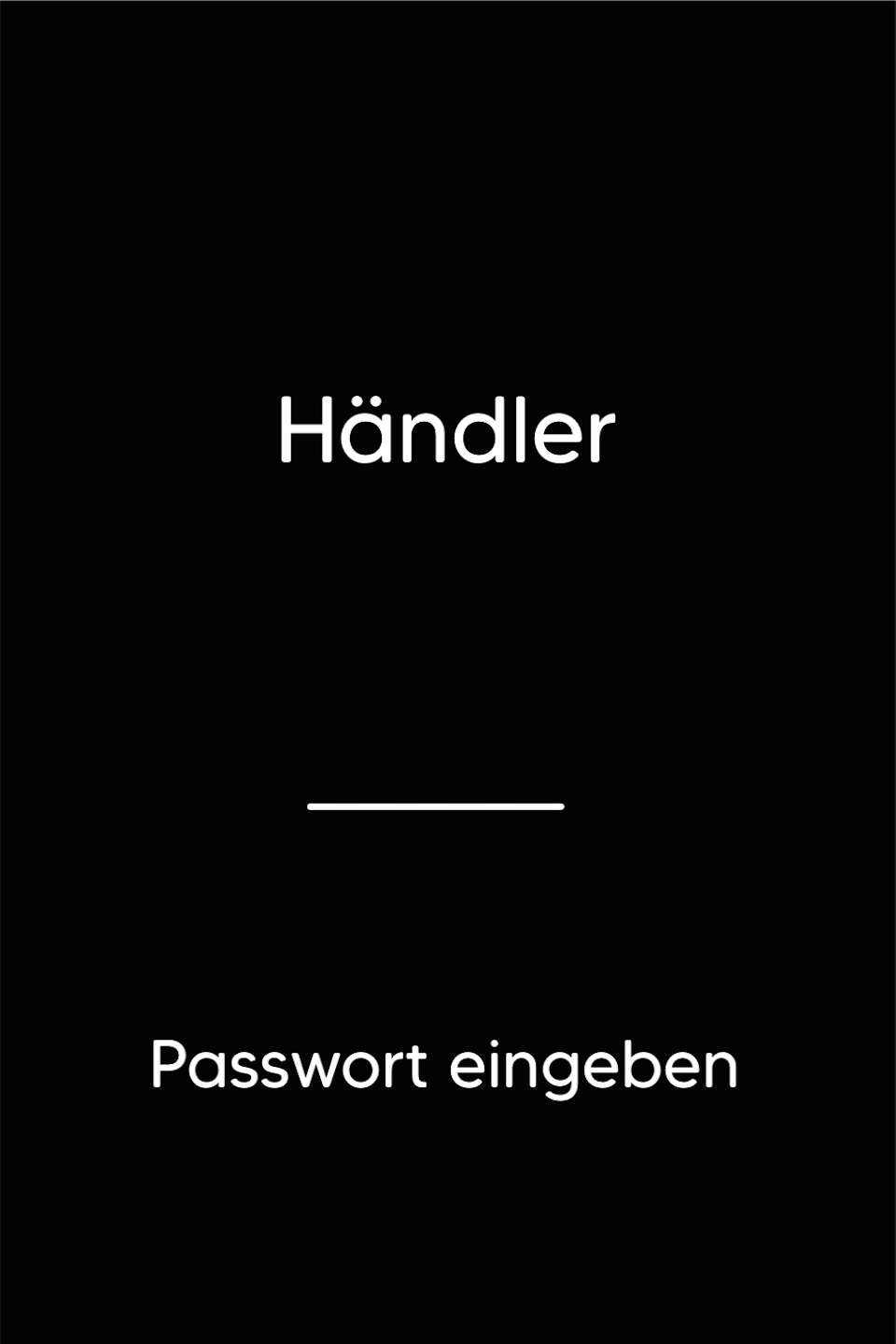
Password Entry
Please enter your 5-digit merchant password and confirm the entry with the green OK button.
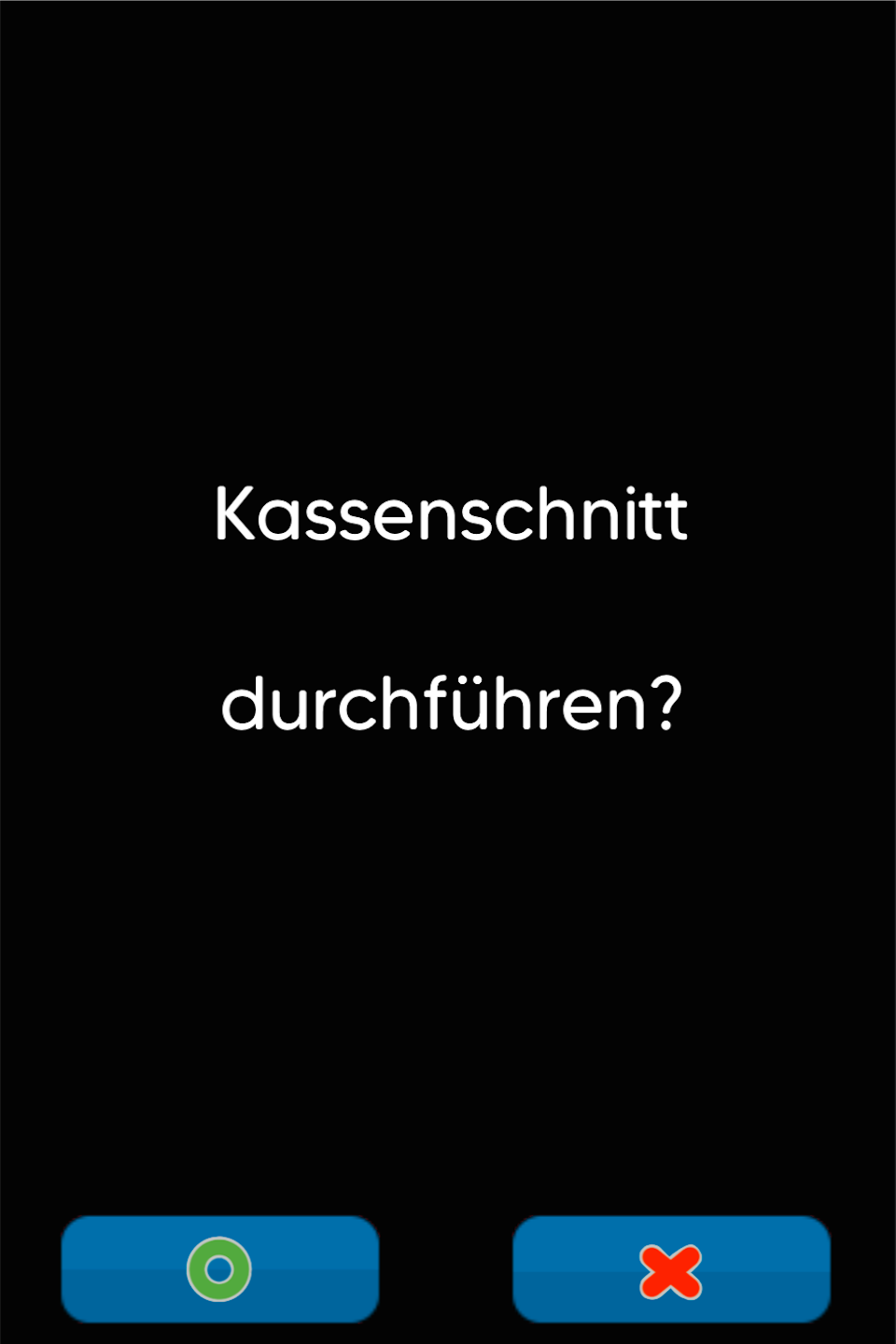
Perform End-of-Day Report
You will now be asked whether the end-of-day report should be carried out.
Please confirm the prompt with the green OK button.
Was this article helpful?
That’s Great!
Thank you for your feedback
Sorry! We couldn't be helpful
Thank you for your feedback
Feedback sent
We appreciate your effort and will try to fix the article
