Ingenico - Detailed End-of-Day Report
Modified on Wed, 4 Feb at 10:11 AM
Here you will learn how to activate or deactivate the Detailed End-of-Day Report function on your card reader from the manufacturer Ingenico.
The Detailed End-of-Day Report shows you all receipt numbers along with the corresponding receipt totals.
Function Code
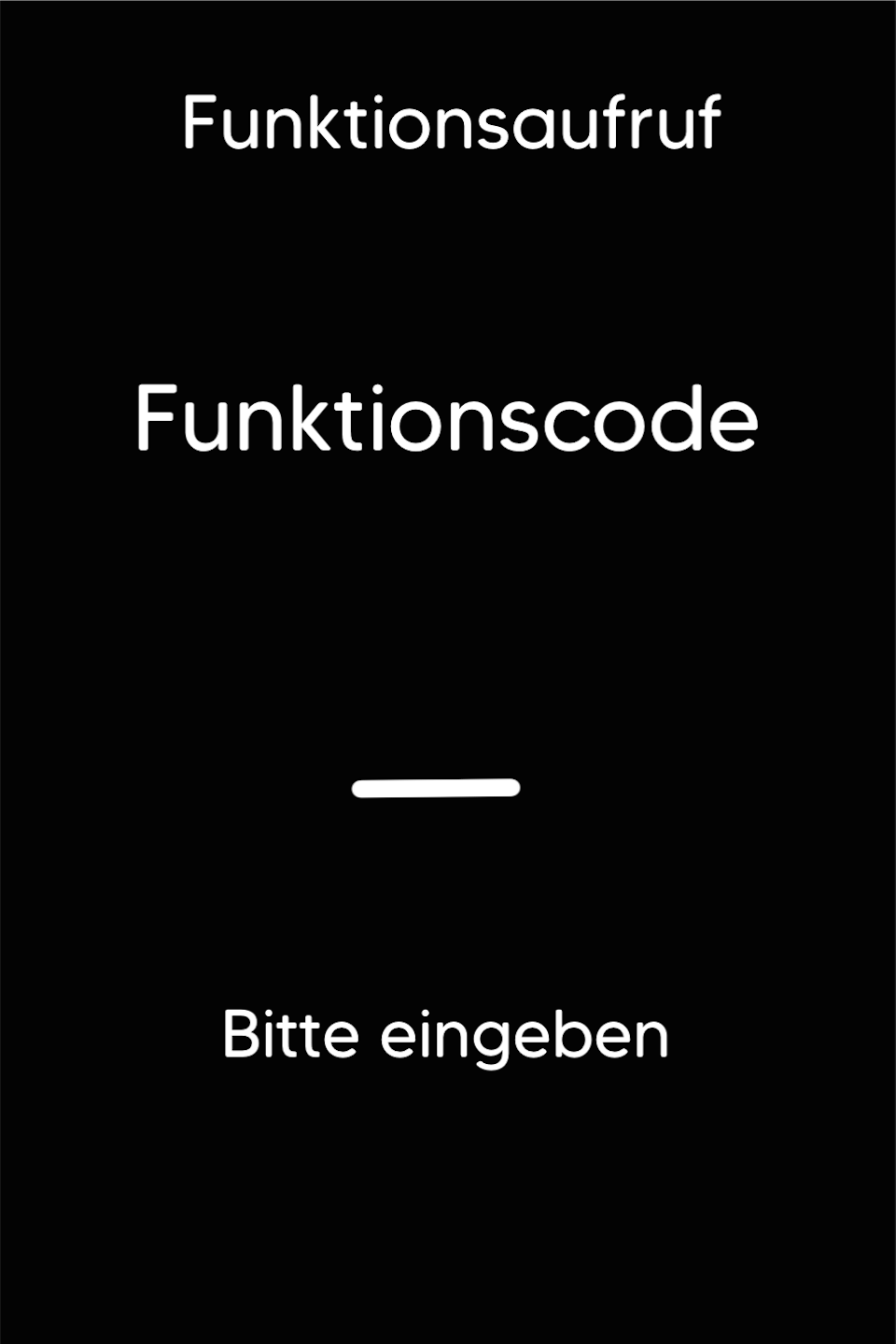
Please press the F key at the bottom left of the keypad repeatedly. You will now see the function code on the display.
Function Code 580
Please enter the number 580 and confirm the entry with the green OK button.
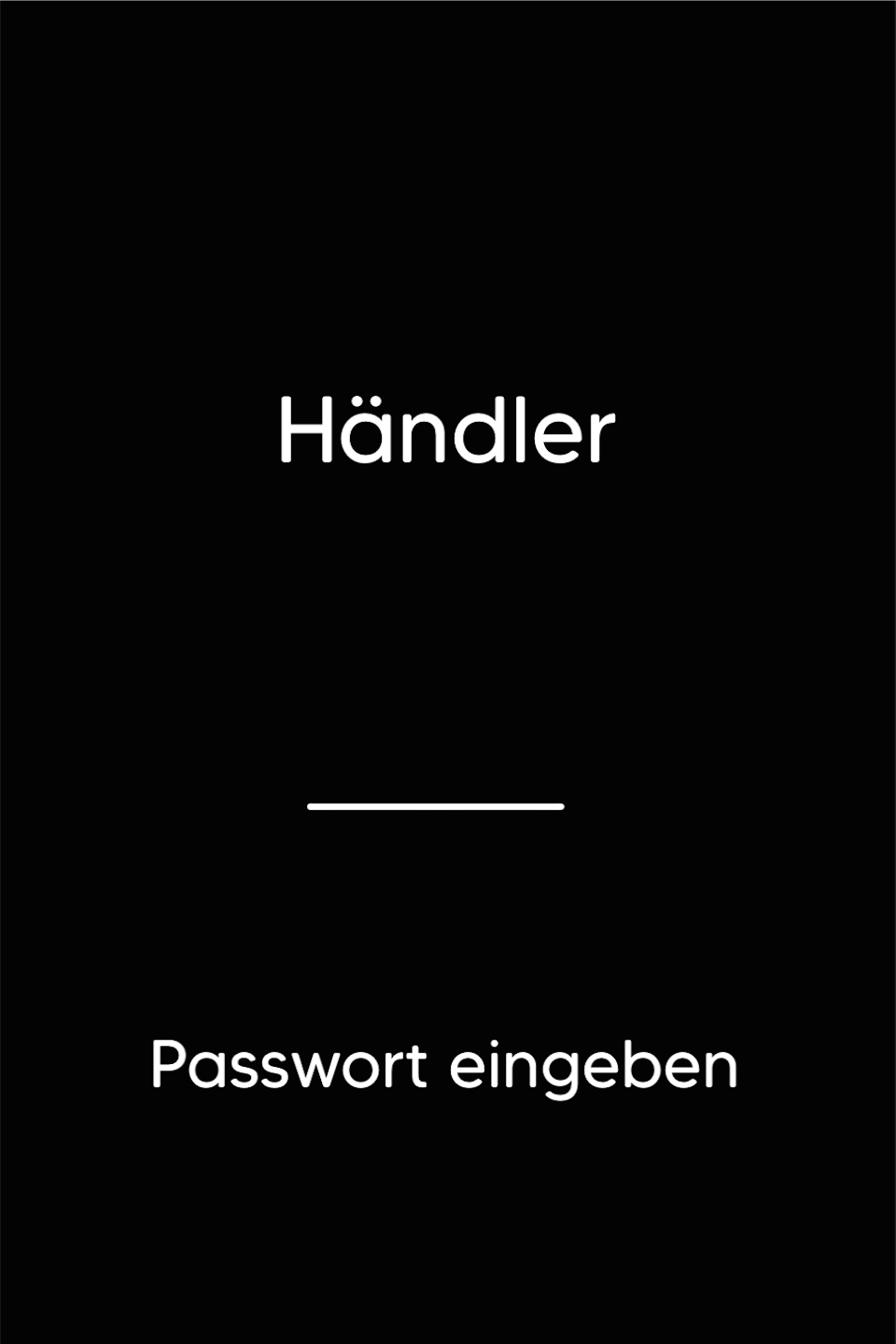
Password Entry
Please enter your 5-digit merchant password and confirm the entry with the green OK button.
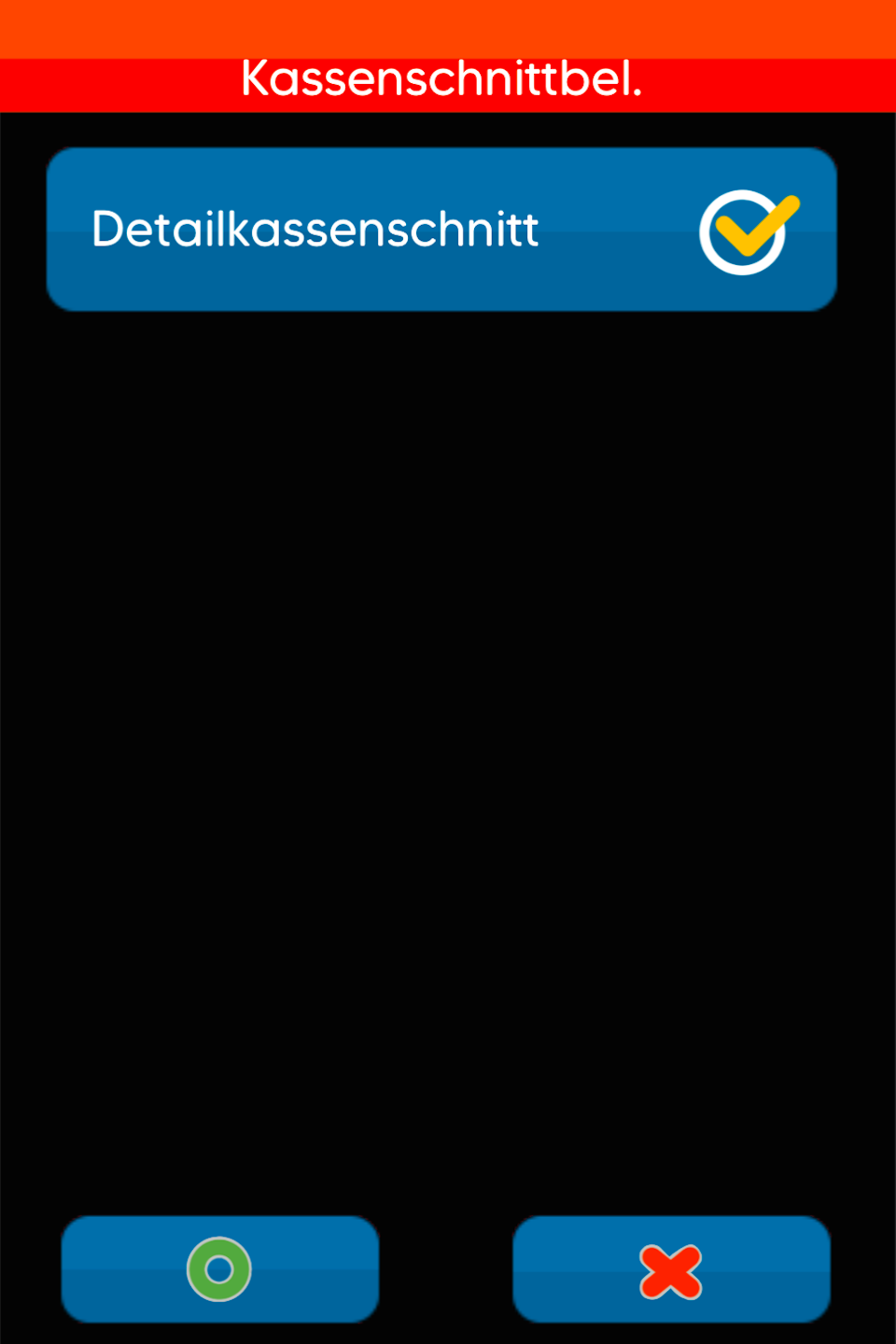
Activating the Detailed End-of-Day Report
By tapping the menu item "Detailed End-of-Day Report," it will be activated. Please then confirm the selection with the green OK button.
Tapping again will deactivate the selection.
Was this article helpful?
That’s Great!
Thank you for your feedback
Sorry! We couldn't be helpful
Thank you for your feedback
Feedback sent
We appreciate your effort and will try to fix the article
