Ingenico - Delete Merchant Journal
Modified on Wed, 4 Feb at 1:10 PM
Are you receiving an FEP 30 error during the end-of-day report? This tutorial shows you how to resolve this issue yourself on your Ingenico Move5000 & Desk5000 card reader.
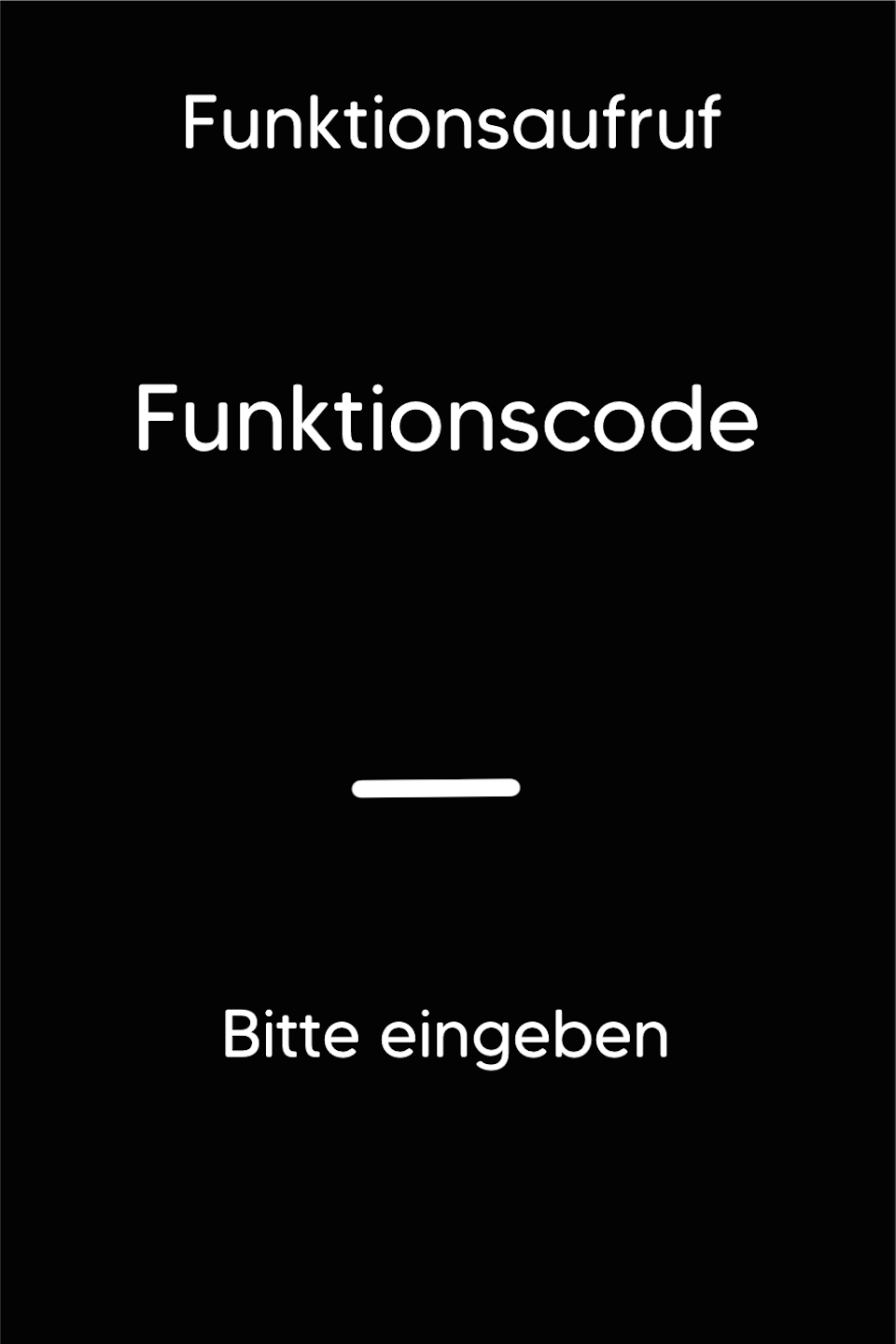
Function Code
Please press the F key at the bottom left of the keypad repeatedly. You will now see the function code on the display.
Function Code 904
Please enter the number 904 and confirm the entry with the green OK button.
Password Entry
Please enter the 5-digit technician password and confirm the entry with the green OK button.
You can find the terminal ID on your merchant receipts or on the end-of-day report.
Terminal IDs starting with 61xxxxxx – 82024
Terminal IDs starting with 68xxxxxx – 11599
Terminal IDs starting with 526xxxxx – 17356

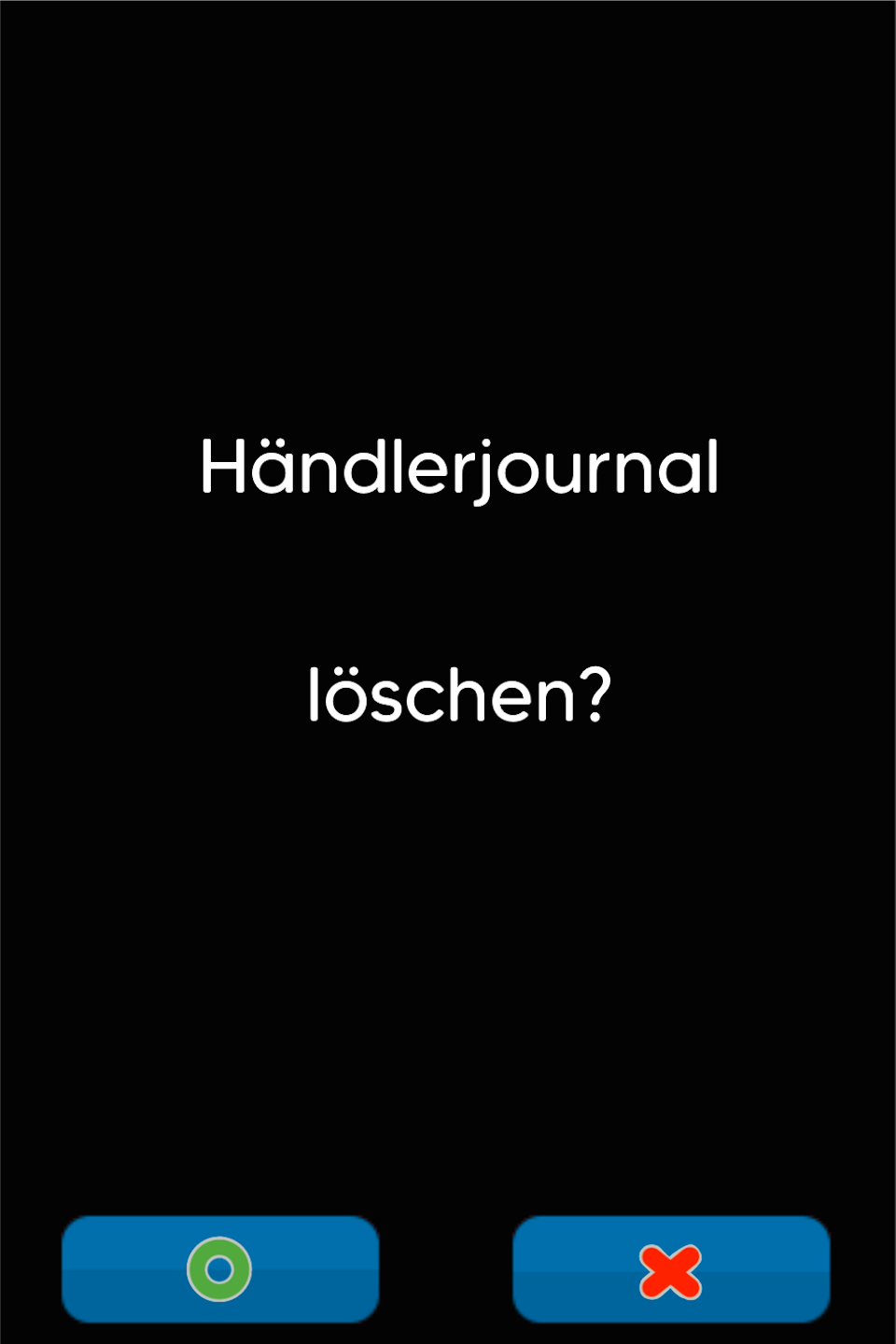
Delete Journal
Please confirm that the merchant journal will be deleted.
The process should be shown as successful.
Now please perform the end-of-day report on your card reader.
Was this article helpful?
That’s Great!
Thank you for your feedback
Sorry! We couldn't be helpful
Thank you for your feedback
Feedback sent
We appreciate your effort and will try to fix the article
