Ingenico – Check Connection
Modified on Tue, 10 Feb at 4:03 PM
In this step-by-step tutorial, we show you how to perform a connection test to our authorization systems using your Ingenico card reader.
Have you already set up your connection?
Are the connection symbols active?
Here we offer you the tutorials for that:
- Setting up your connection
- Explanation of the connection symbols
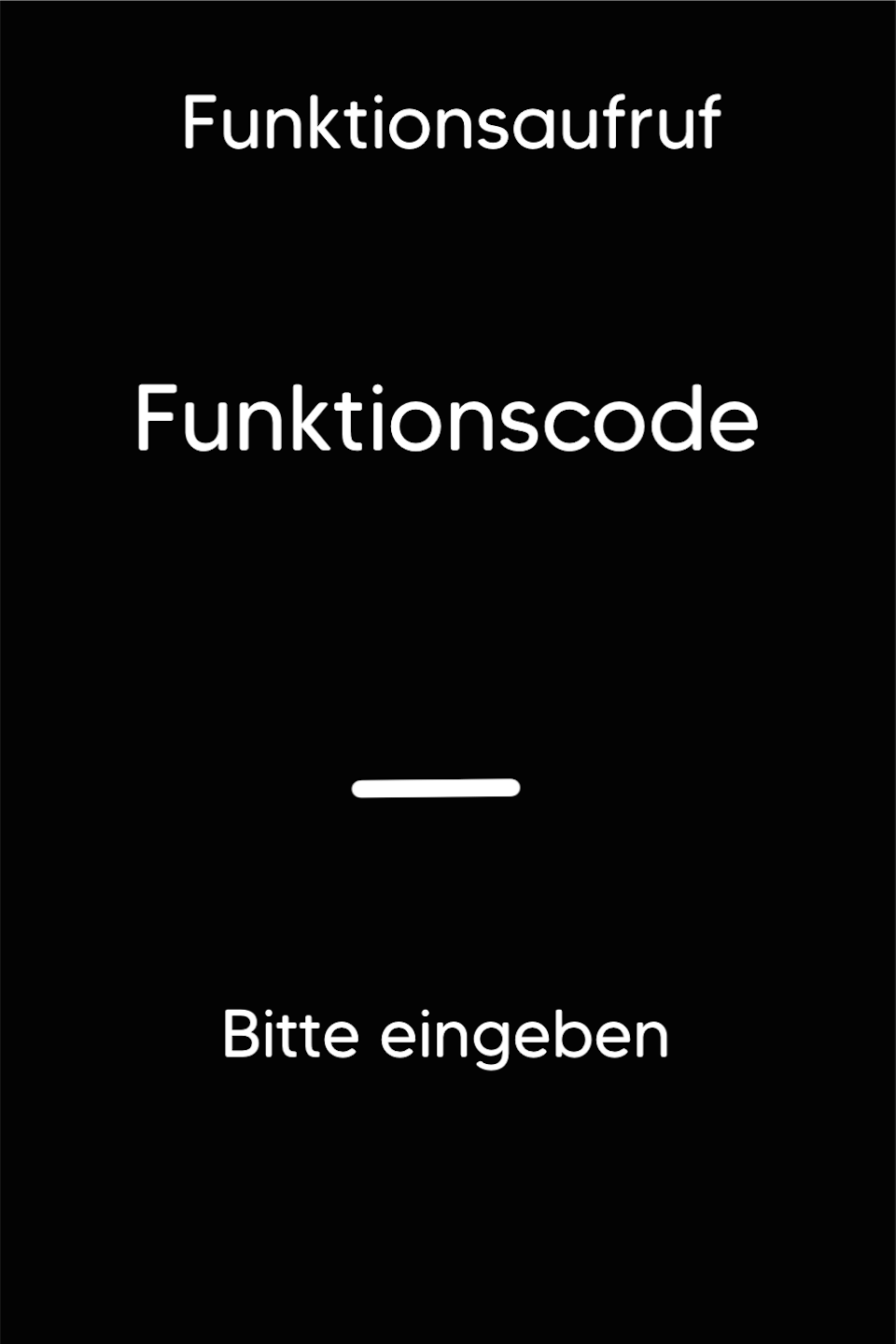
Funktionscode
Please press the F key at the bottom left of the keypad several times in succession until you see "Funktionscode" on the display.
Function Code 423
Alternative Function Code 425 (Line Test)
Please enter the number 423 and confirm the entry with the green OK key.
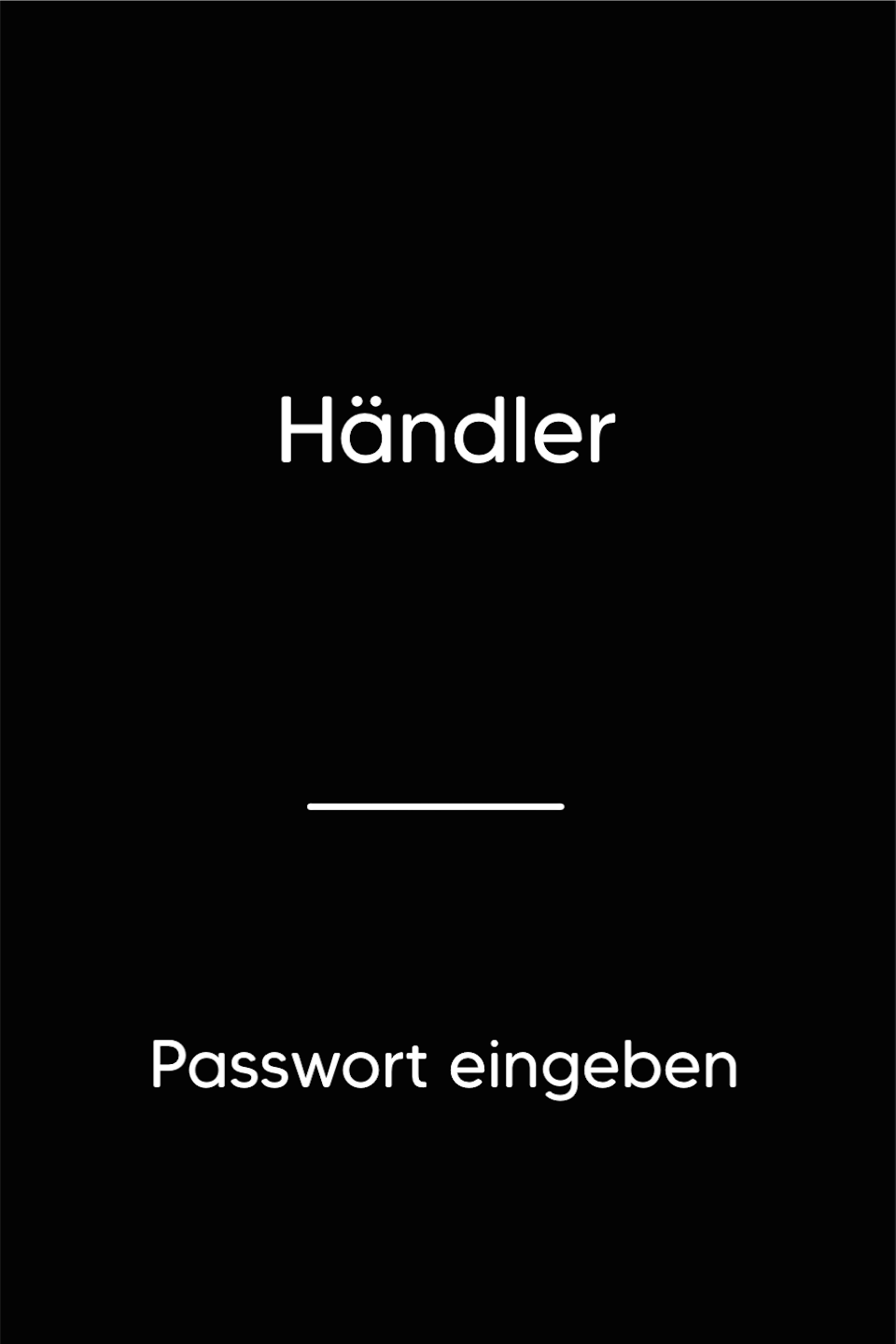
Password Entry
Please enter your 5-digit merchant password and confirm the entry with the green OK key.
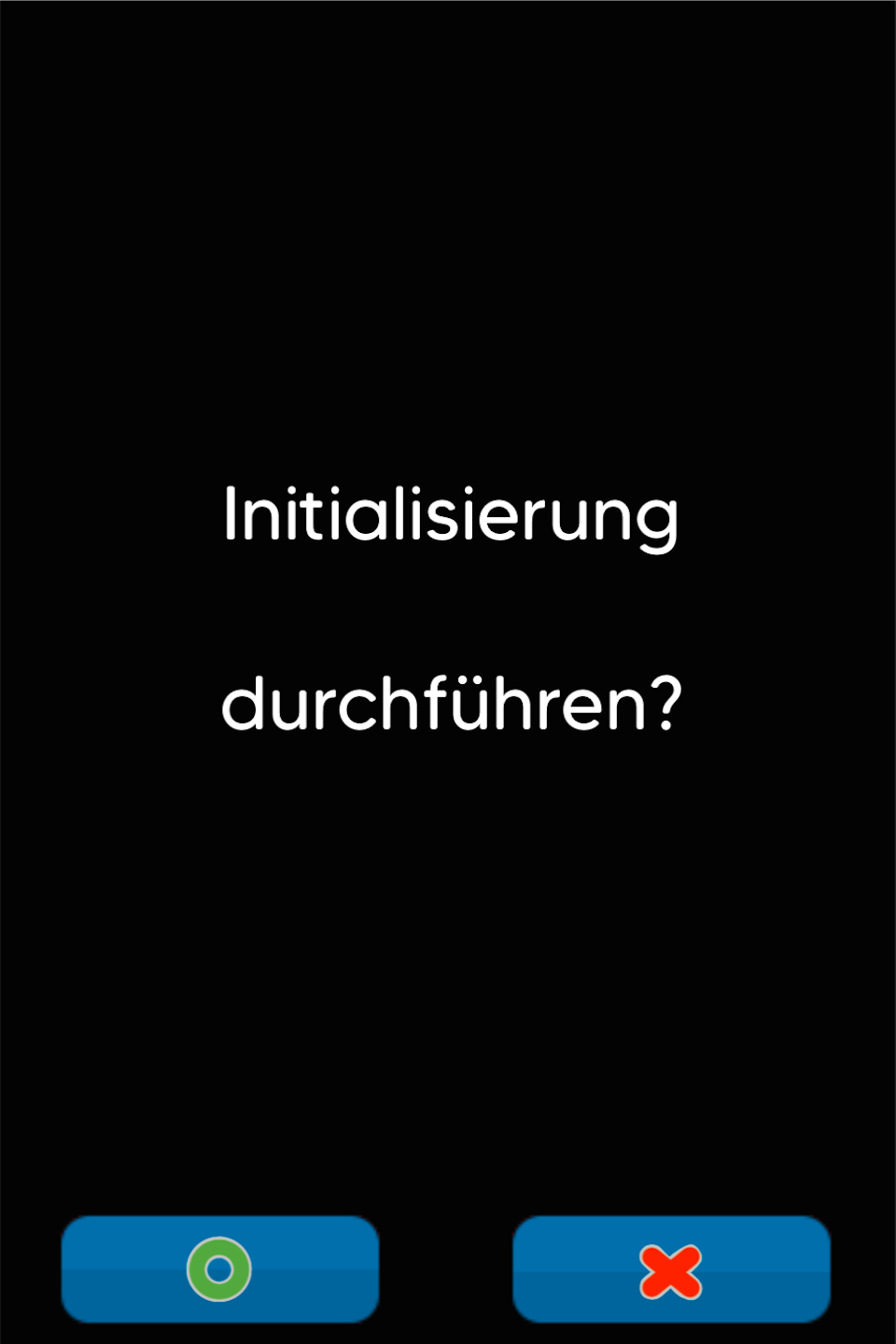
Initialization
Initialization checks whether a connection to our authorizer exists. Additionally, the terminal ID is checked for consistency.
Please confirm execution with the green OK key.
Success will be confirmed with a printout: Initialization successful.
If you receive an error message (e.g. FEP 82), please contact our technical service hotline or use our contact form.
Was this article helpful?
That’s Great!
Thank you for your feedback
Sorry! We couldn't be helpful
Thank you for your feedback
Feedback sent
We appreciate your effort and will try to fix the article
