Ingenico - Favorites Key (F3 Key)
Modified on Wed, 4 Feb at 11:38 AM
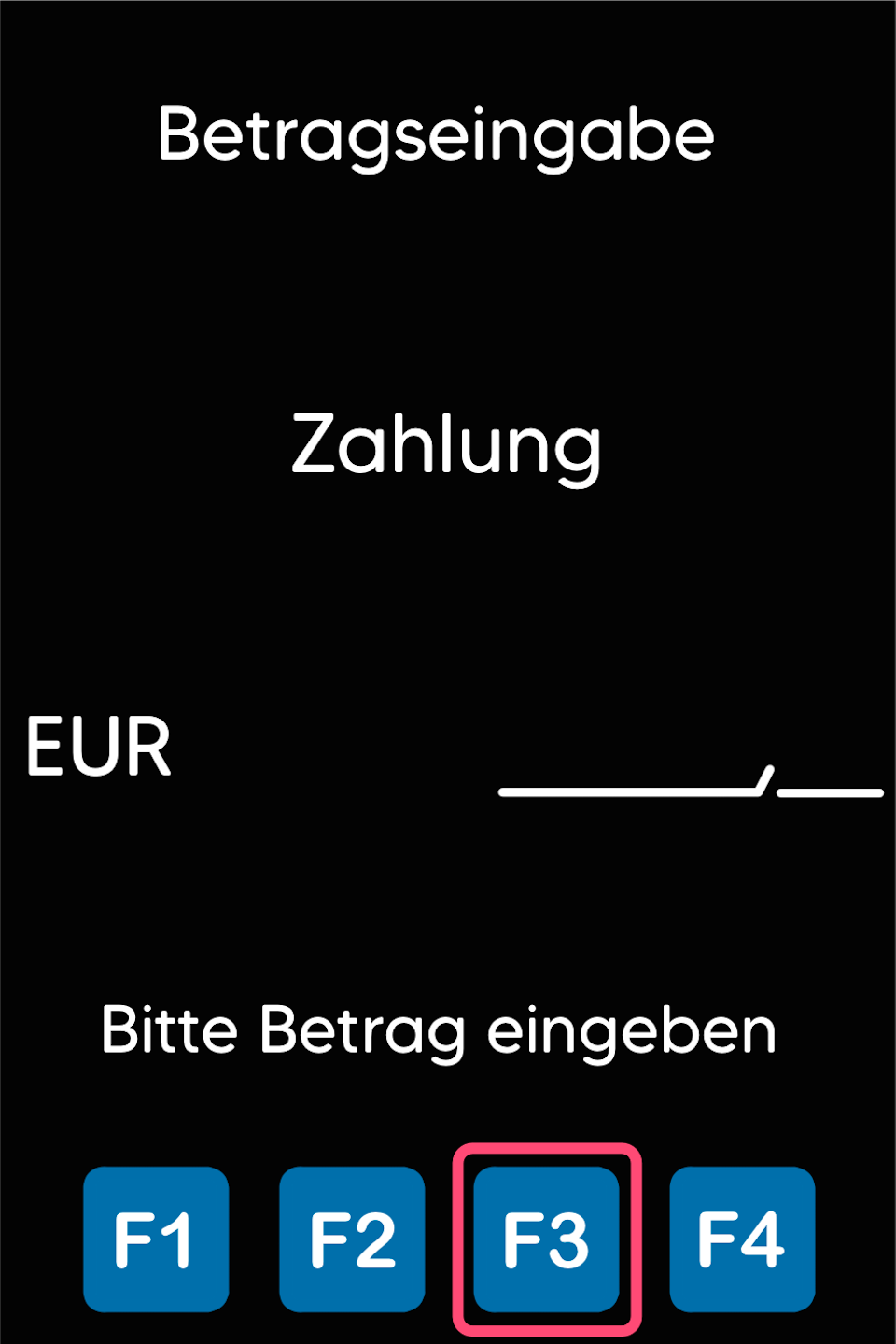
With your Ingenico card reader, you can customize the favorites under the F3 key to suit your needs. Here we show you how it's done.
Current Favorites
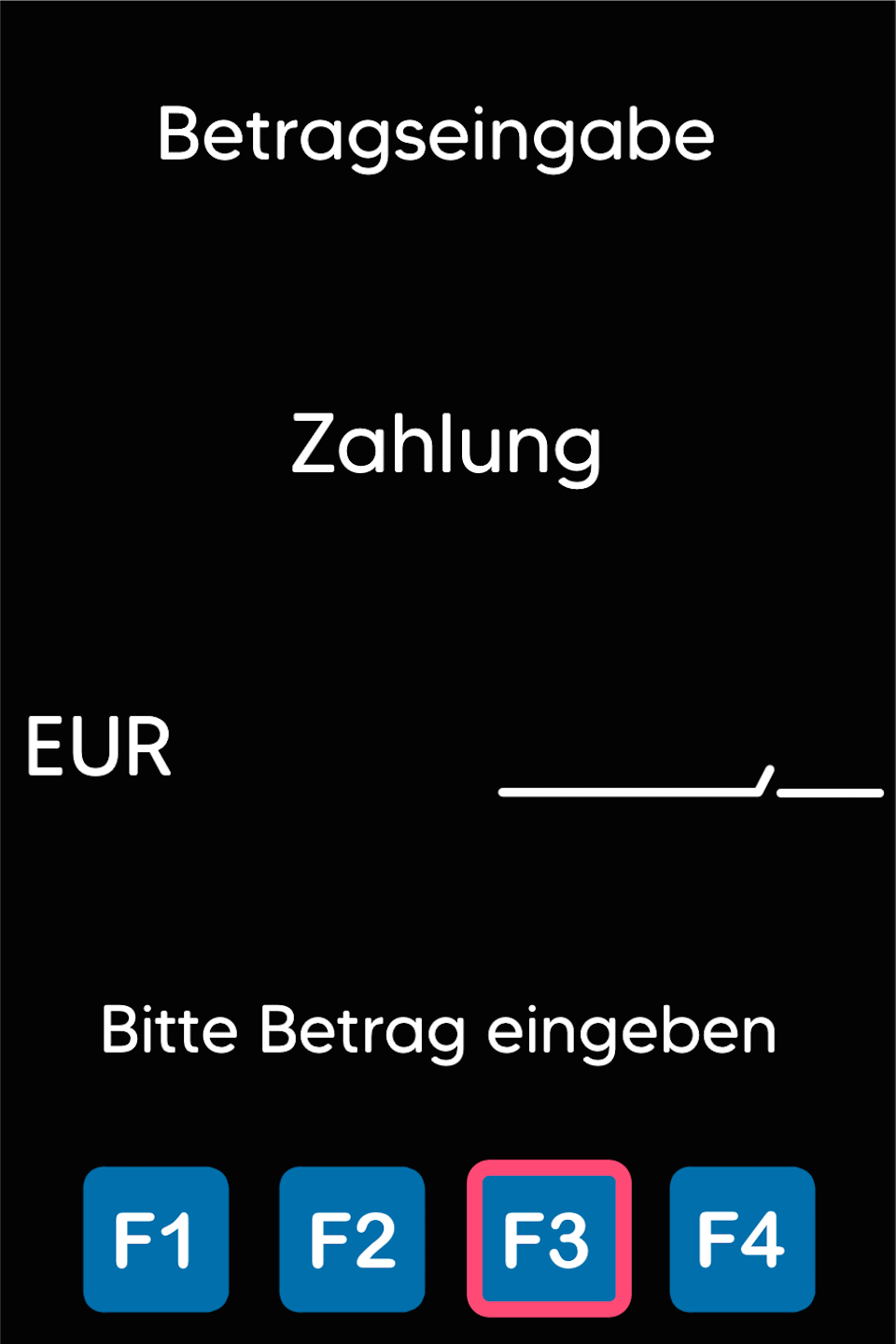
In this guide, we will show you how to customize or expand the F3 key with up to 5 functions.
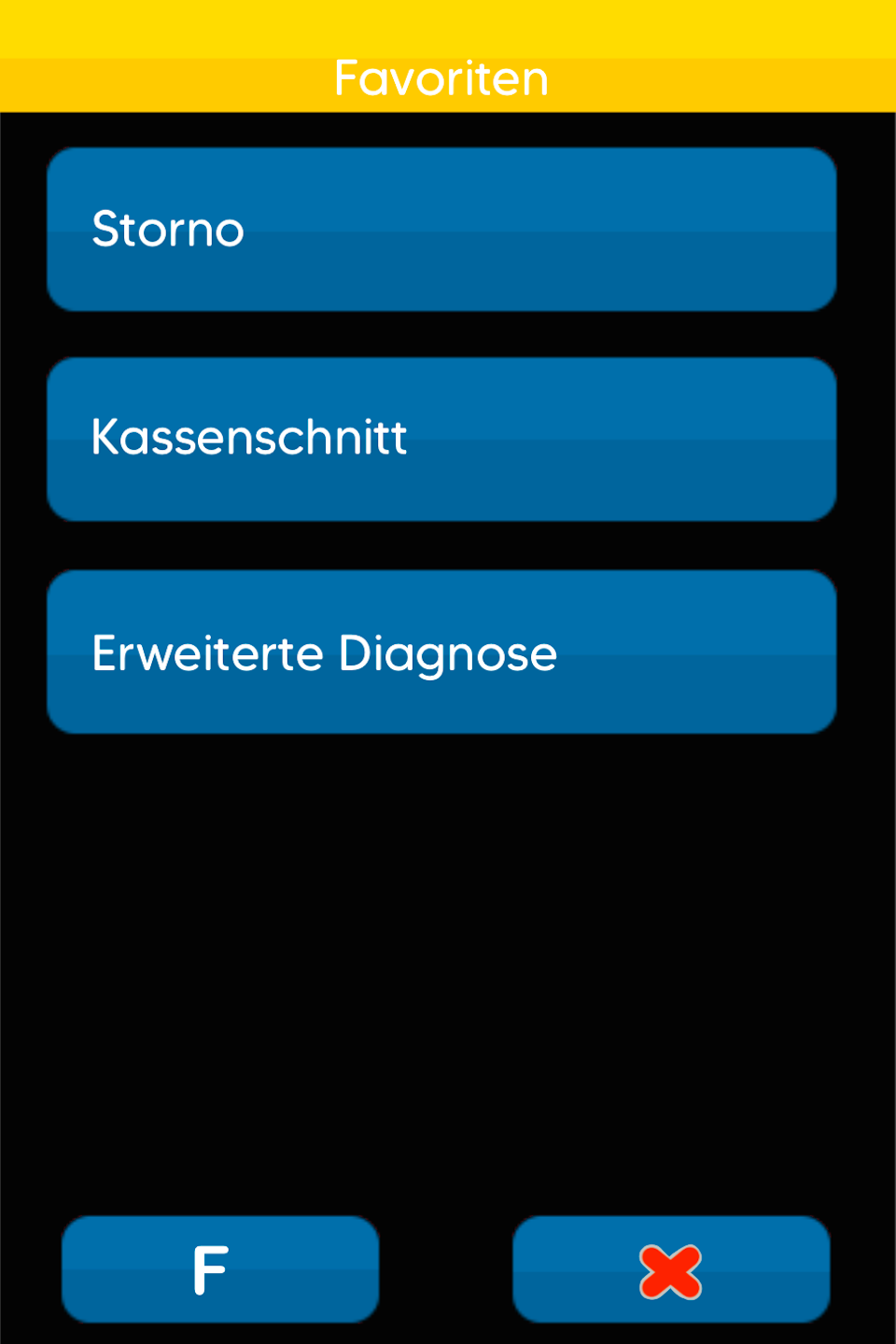
In Fig. 2 you can see the standard favorites.
Function Code
To make adjustments, please proceed as follows:
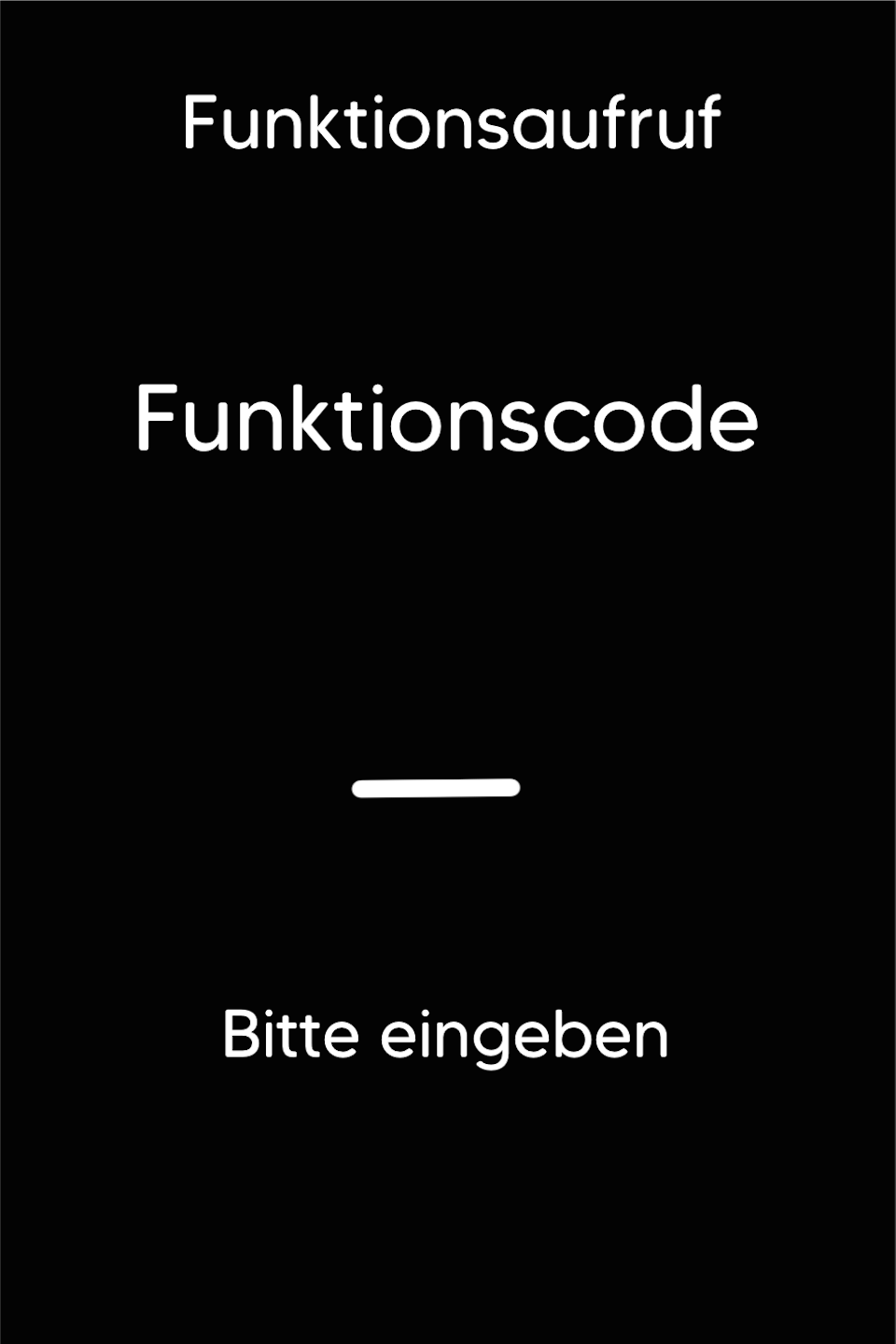
Please press the F key at the bottom left of the keypad repeatedly. You will now see the function code on the display.
Function Code 534
Please enter the number 534 and confirm the entry with the green OK button.
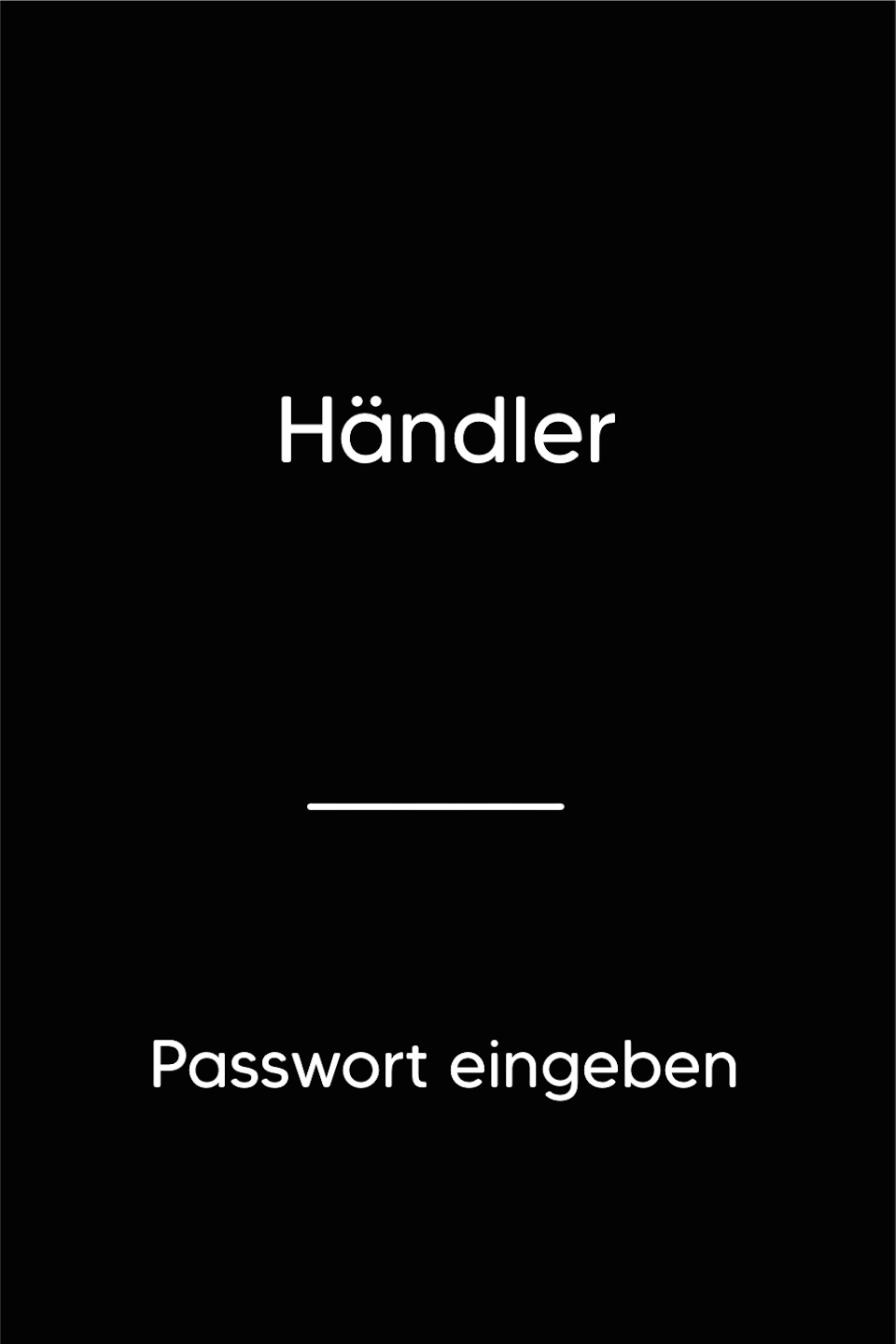
Password Entry
Please enter the 5-digit merchant password and confirm the entry with the green OK button.
You can find the terminal ID on your merchant receipts or on the end-of-day report.
Terminal IDs starting with 61xxxxxx – 22222
Terminal IDs starting with 68xxxxxx – 12345
Terminal IDs starting with 526xxxxx – 12345
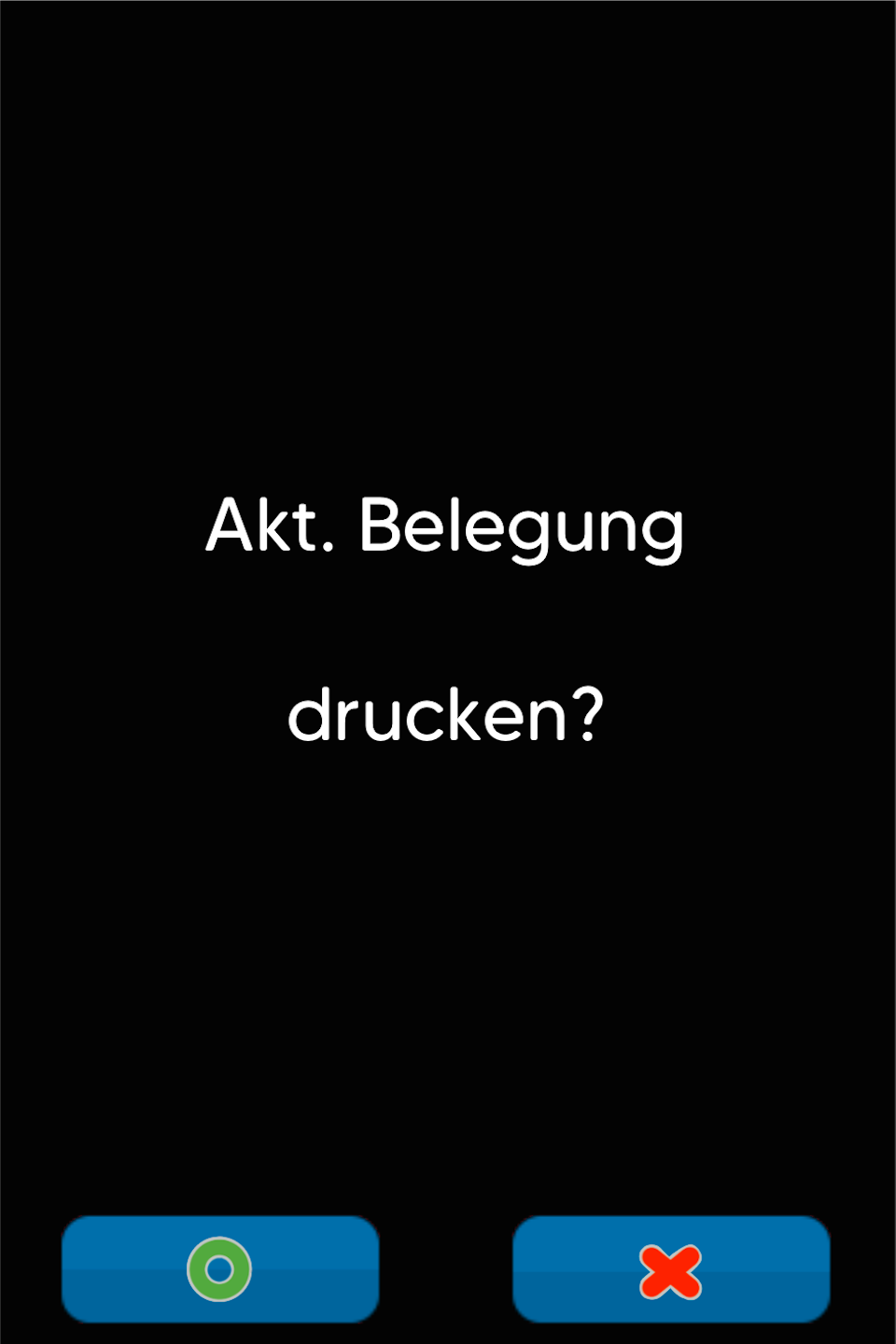
Print Current Assignment
You will now be asked whether you want to print the current assignment.
YES – All available functions will be printed. This allows you to select your top 5 favorites.
NO – No printout will be made.
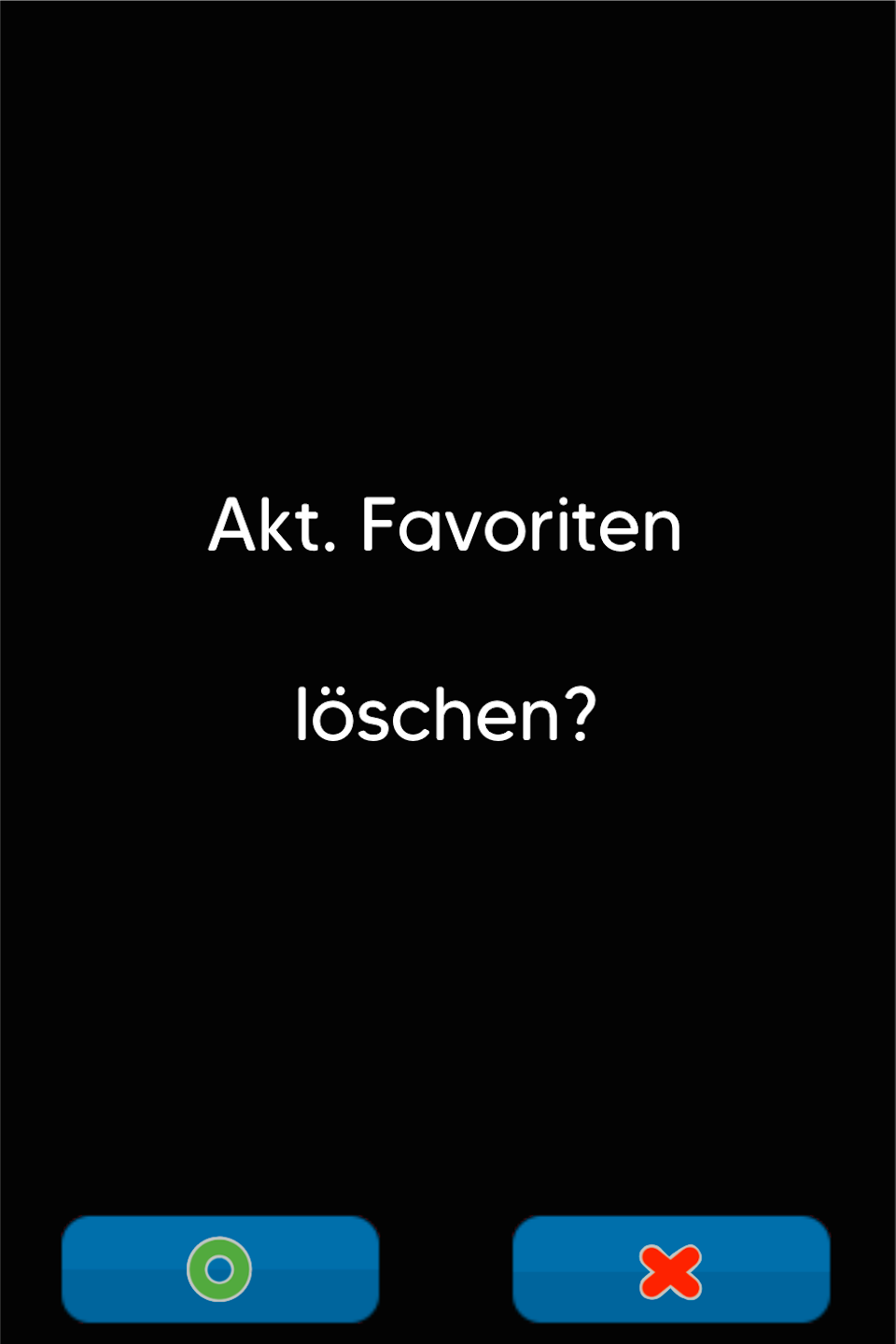
Delete Current Favorites
At this point, you can choose whether to delete the existing favorites.
The currently saved favorites are the most frequently used functions.
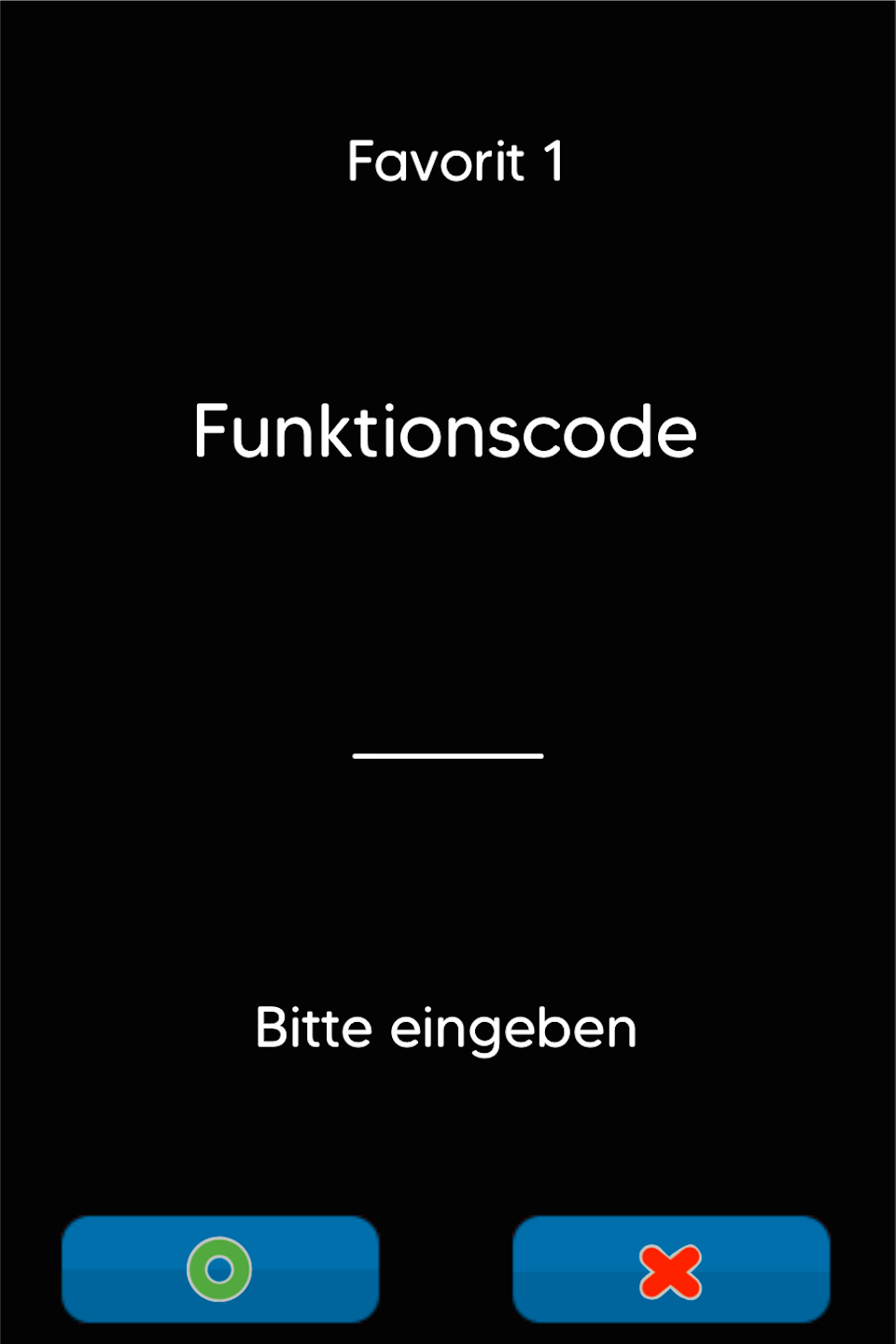
Favorites 1–5
Now you can assign your favorites using the corresponding function codes.
The most commonly used functions are:
2 – Void
3 – Refund
4 – End-of-Day Report
5 – Daily Report
9 – Extended Diagnostics
82 – Copy of Last Merchant Receipt
83 – Copy of Last Customer Receipt
84 – Copy of Last End-of-Day Report
410 – Cashier Report
423 – Initialization
Please confirm each entry with the green OK button. If you wish to assign fewer than 5 favorites, you can exit the prompt using the red X button.
Was this article helpful?
That’s Great!
Thank you for your feedback
Sorry! We couldn't be helpful
Thank you for your feedback
Feedback sent
We appreciate your effort and will try to fix the article
