Ingenico - Reference Number
Modified on Tue, 10 Feb at 4:03 PM
Activating the Reference Number
You can add a custom 7-digit numeric reference number to each payment receipt. This guide shows you how to activate this option.
The reference number is often used when you want to include, for example, an invoice number or reservation number on the payment receipt.
Function Code
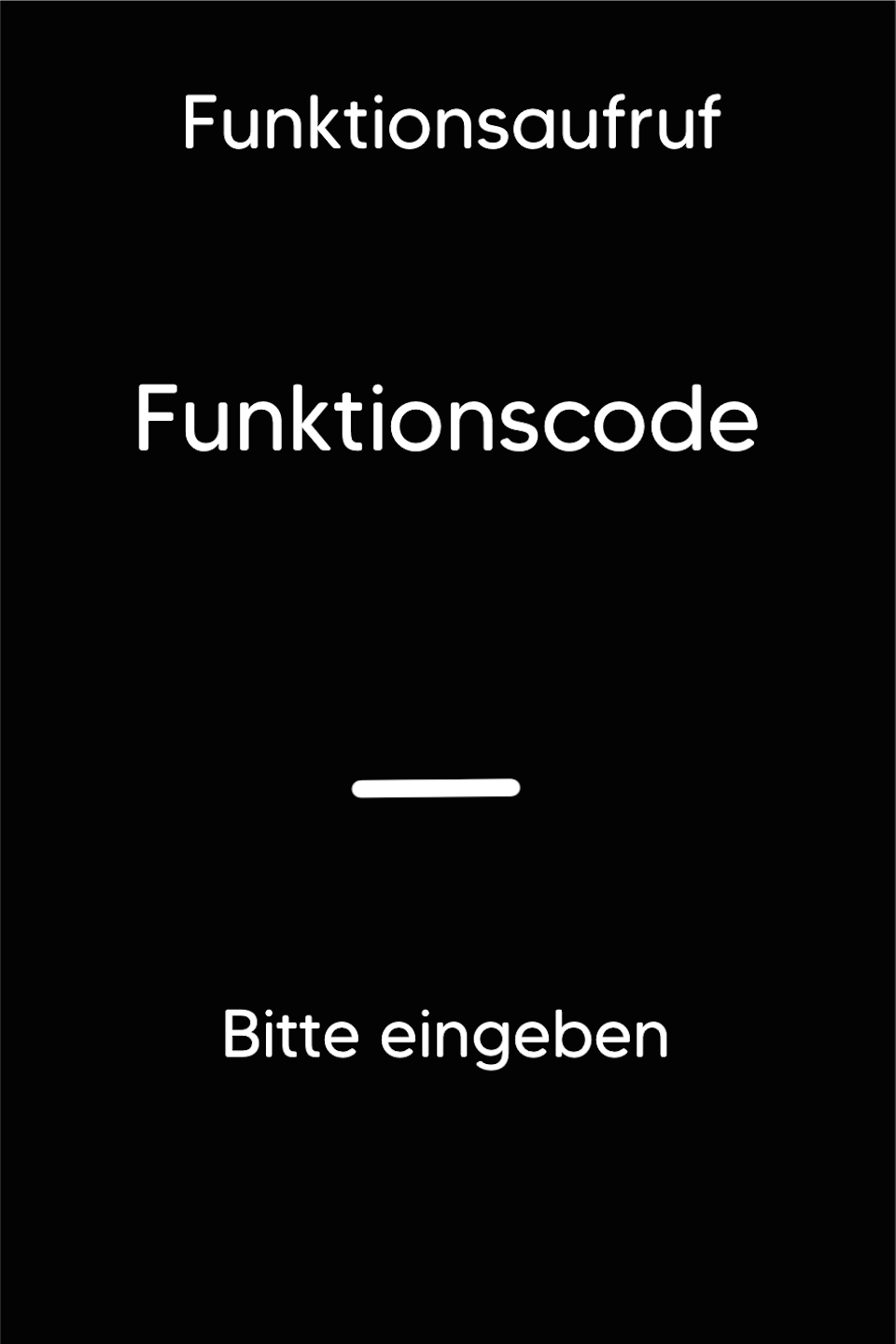
Please press the F key at the bottom left of the keypad repeatedly. You will now see "Funktionscode" on the display.
Function Code 53
Please enter the number 53 and confirm the entry with the green OK button.
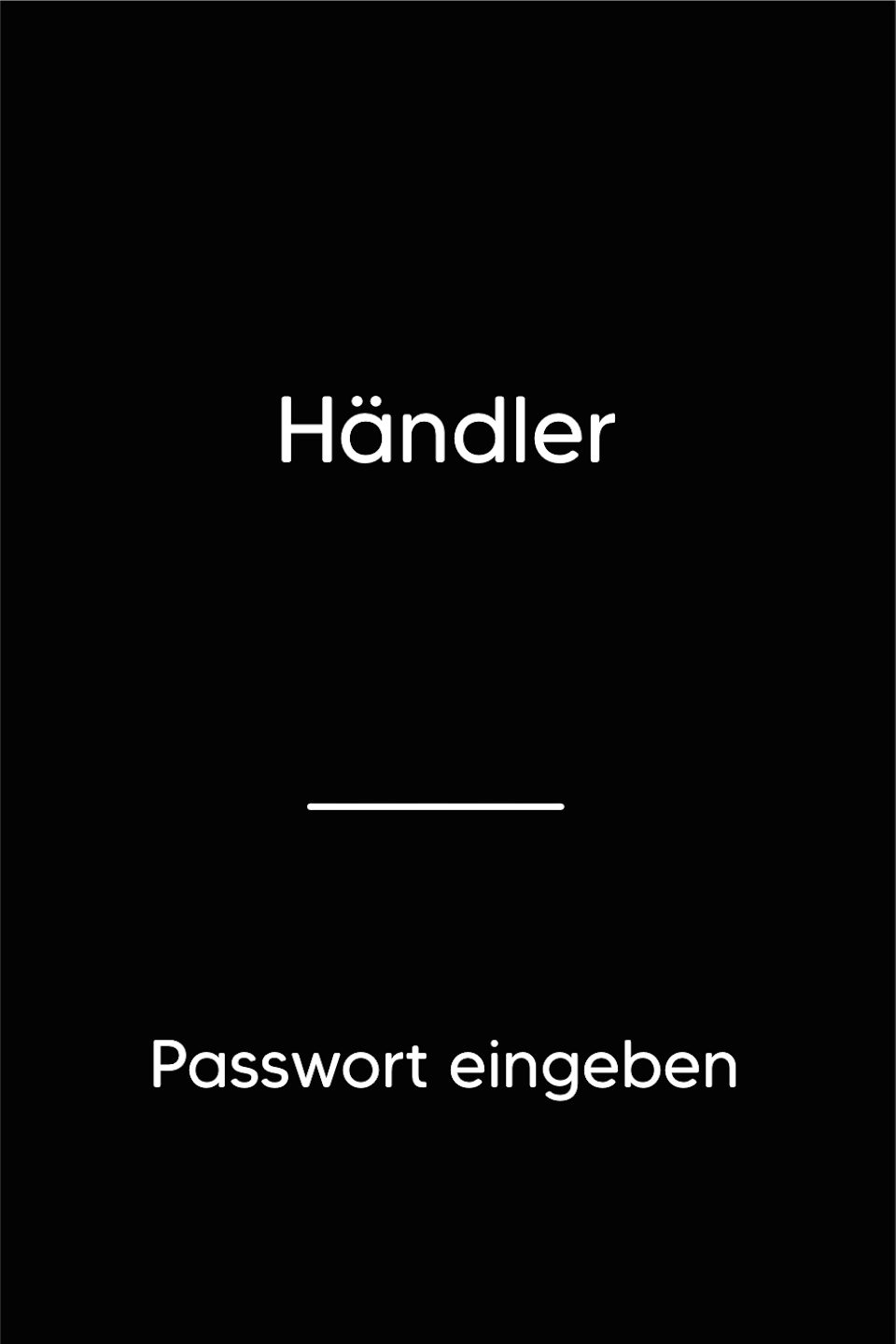
Password Entry
Please enter your 5-digit Händlerpasswort and confirm the entry with the green OK button.
Activation
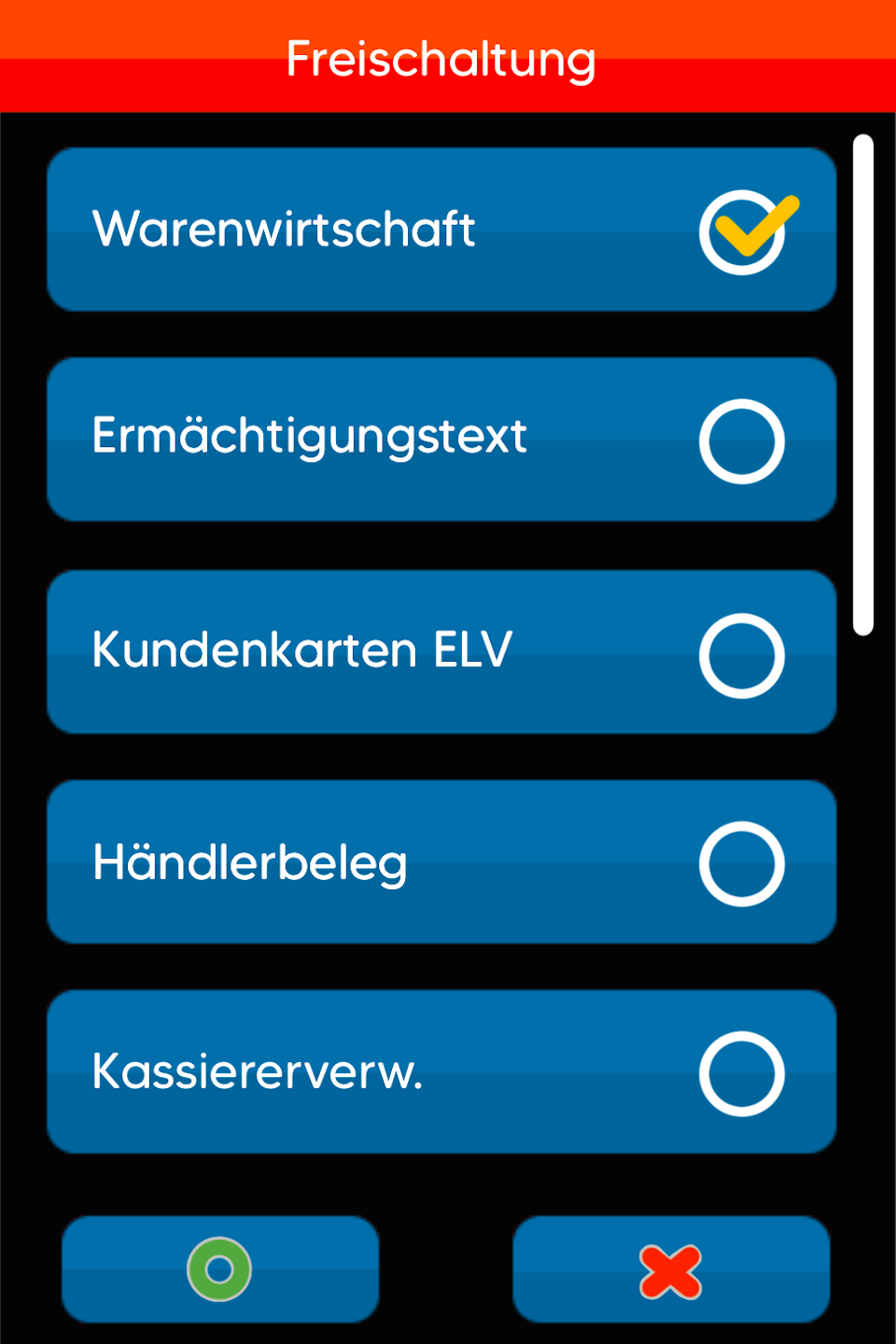
You are now in the menu called "Freischaltung".
Tap the menu "Warenwirtschaft" to activate it. Then confirm your selection with the green OK button.
Tapping it again will deactivate the selection.
After amount entry, the terminal will prompt for the reference number. The reference number must be entered and must contain at least 3 digits.
Was this article helpful?
That’s Great!
Thank you for your feedback
Sorry! We couldn't be helpful
Thank you for your feedback
Feedback sent
We appreciate your effort and will try to fix the article
