Verifone - Credit Note
Modified on Tue, 10 Feb at 2:35 PM
Would you like to process a credit note on your Verifone card reader? We’ll show you how it works.
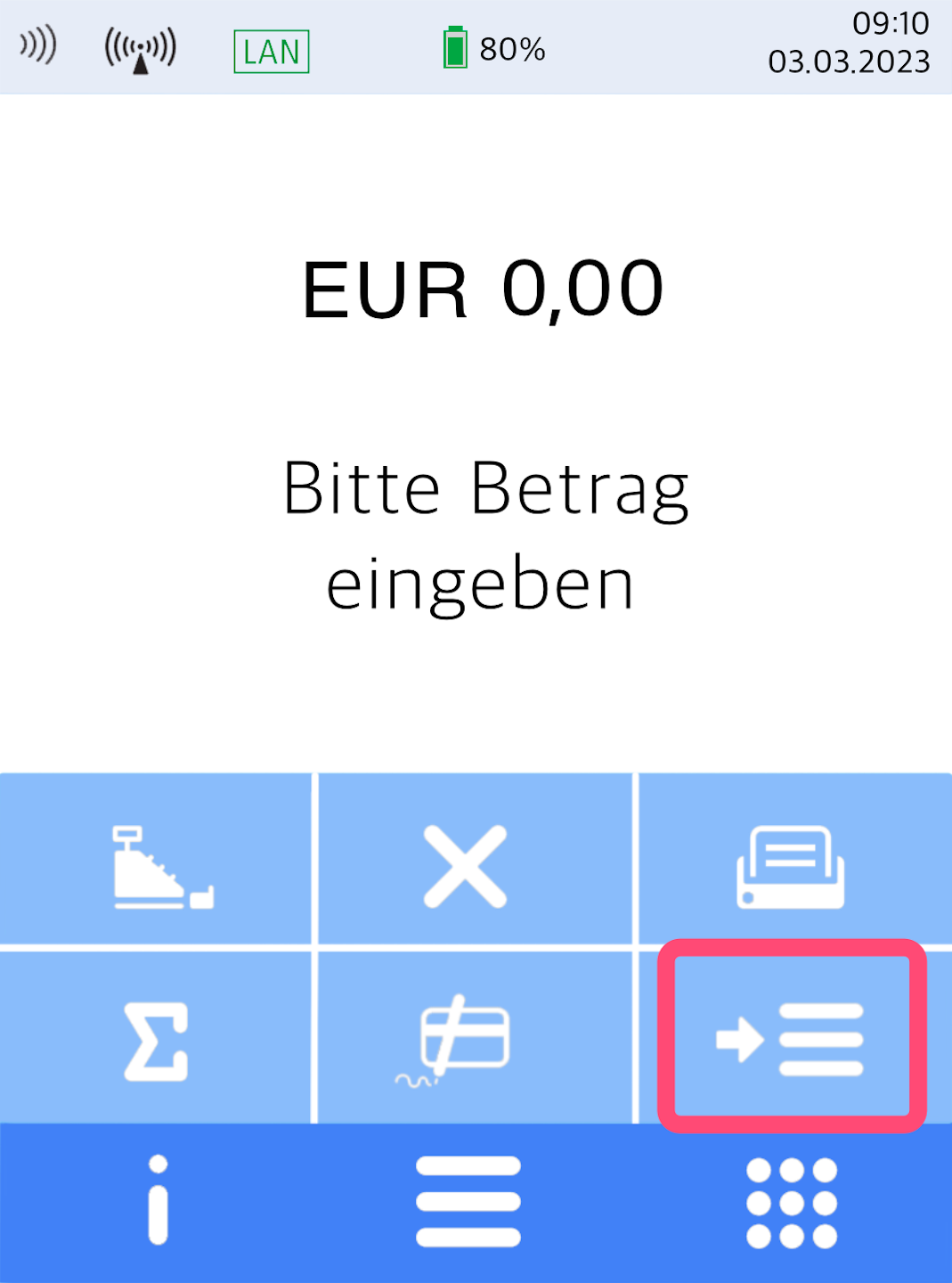
Selection Menu Button
Here you see your home display.
Please press the button with the three horizontal bars to access the main menu.
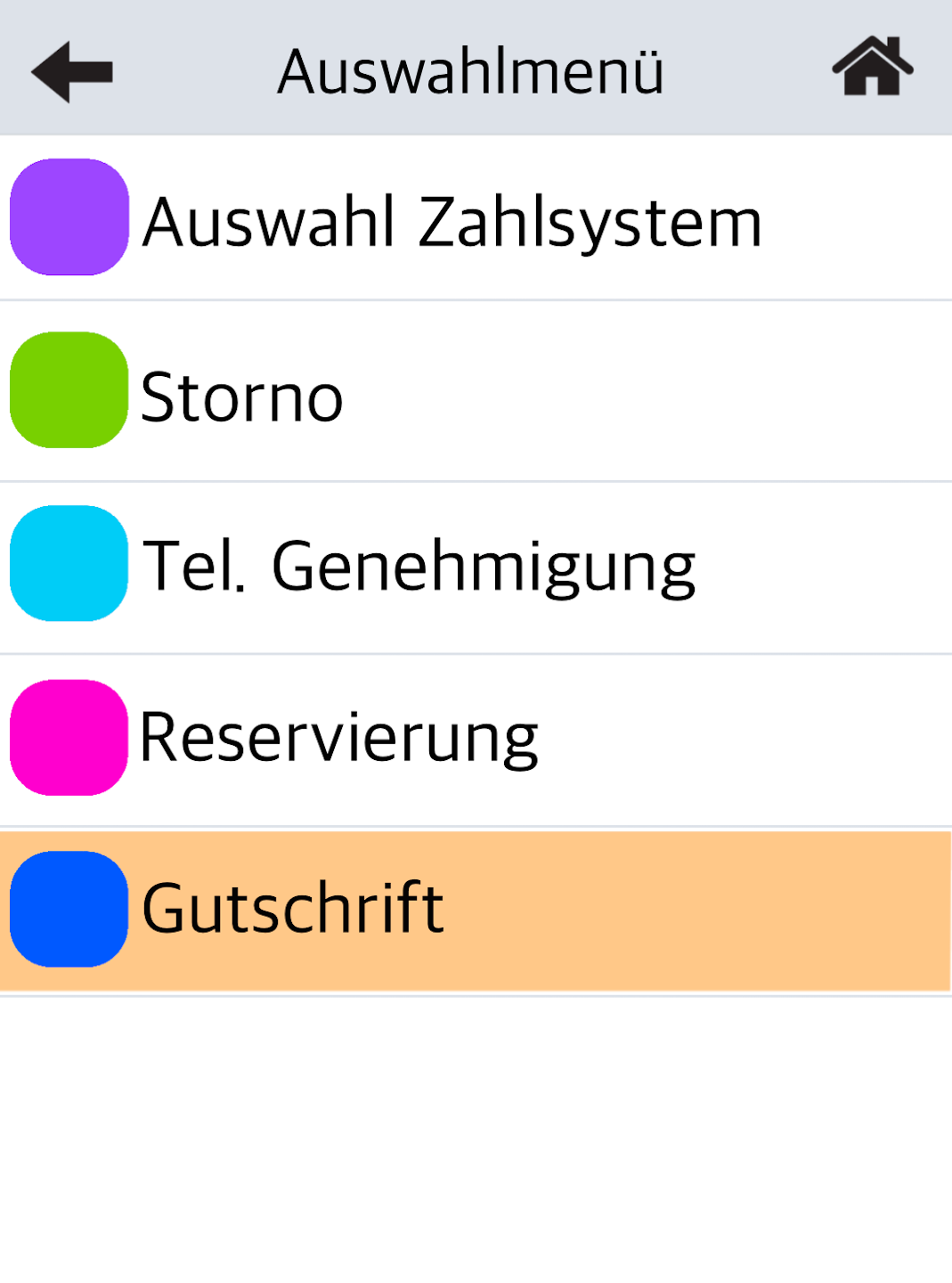
Credit Note
Please select the menu item Gutschrift.
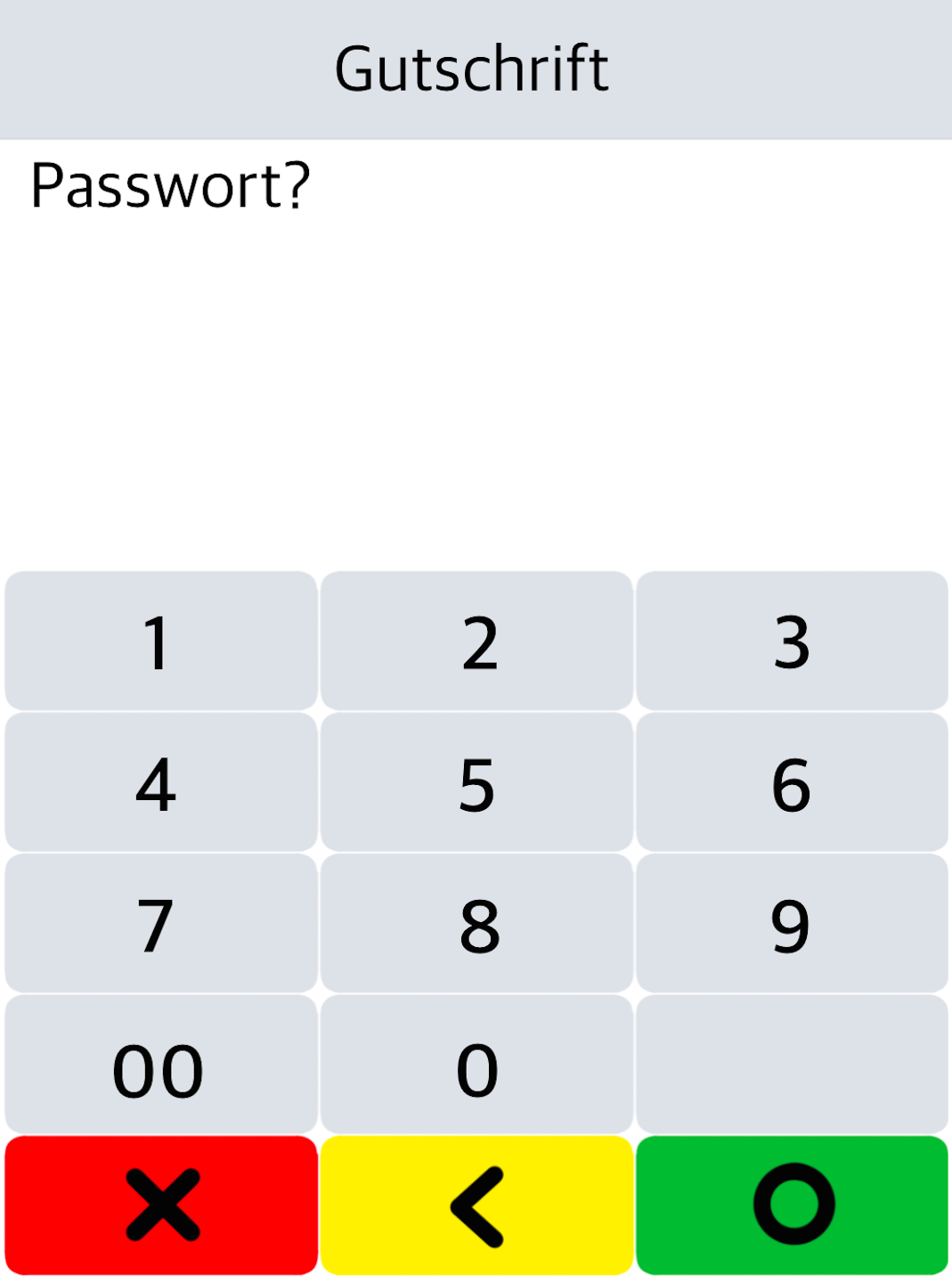
Password Entry
Please enter the 6-digit merchant password and confirm it with the green OK button on the display.
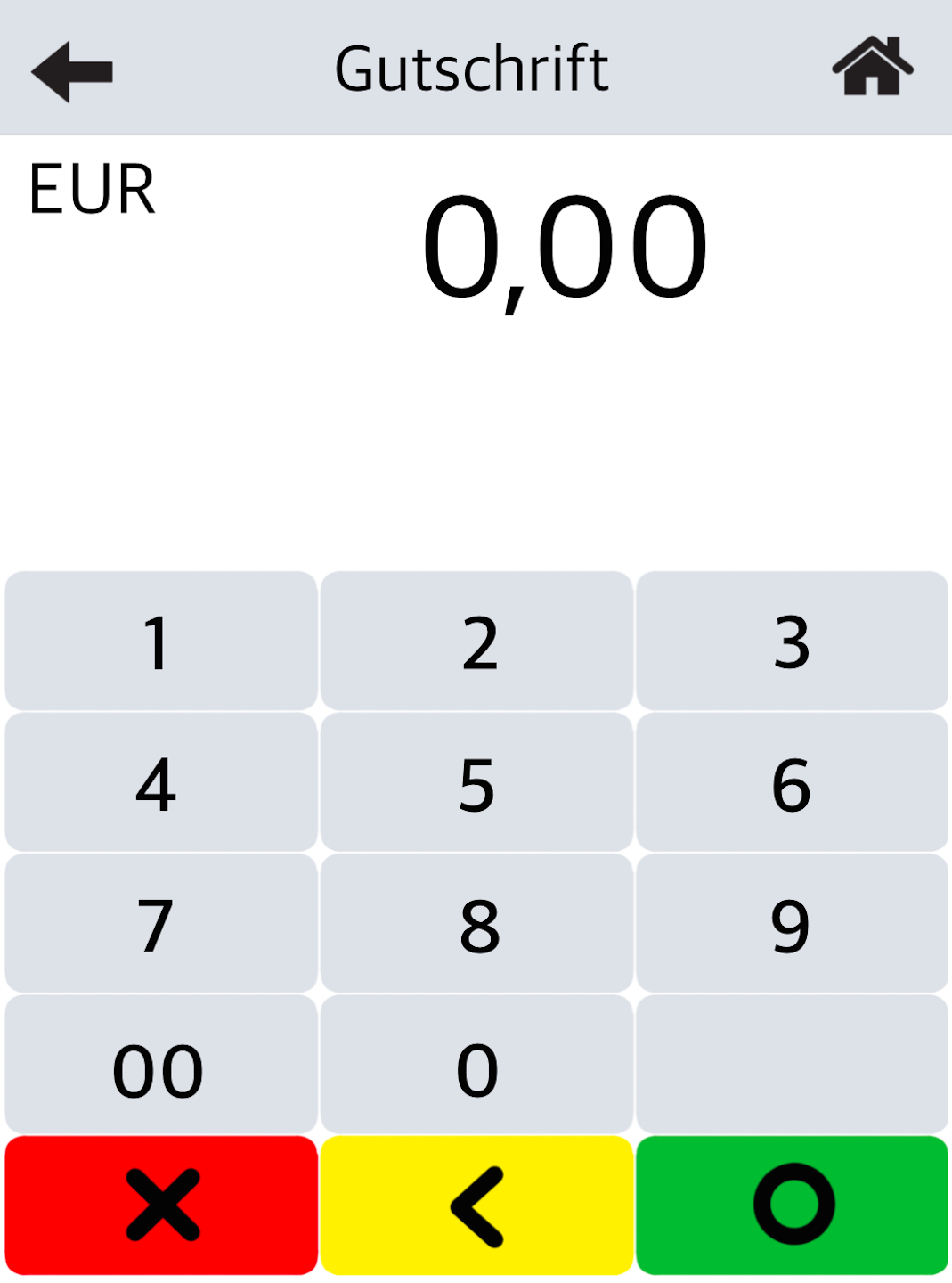
Credit Amount
Please enter the amount to be credited and confirm the entry with the green OK button.
Attention!
The credit amount may not be higher than the original payment.
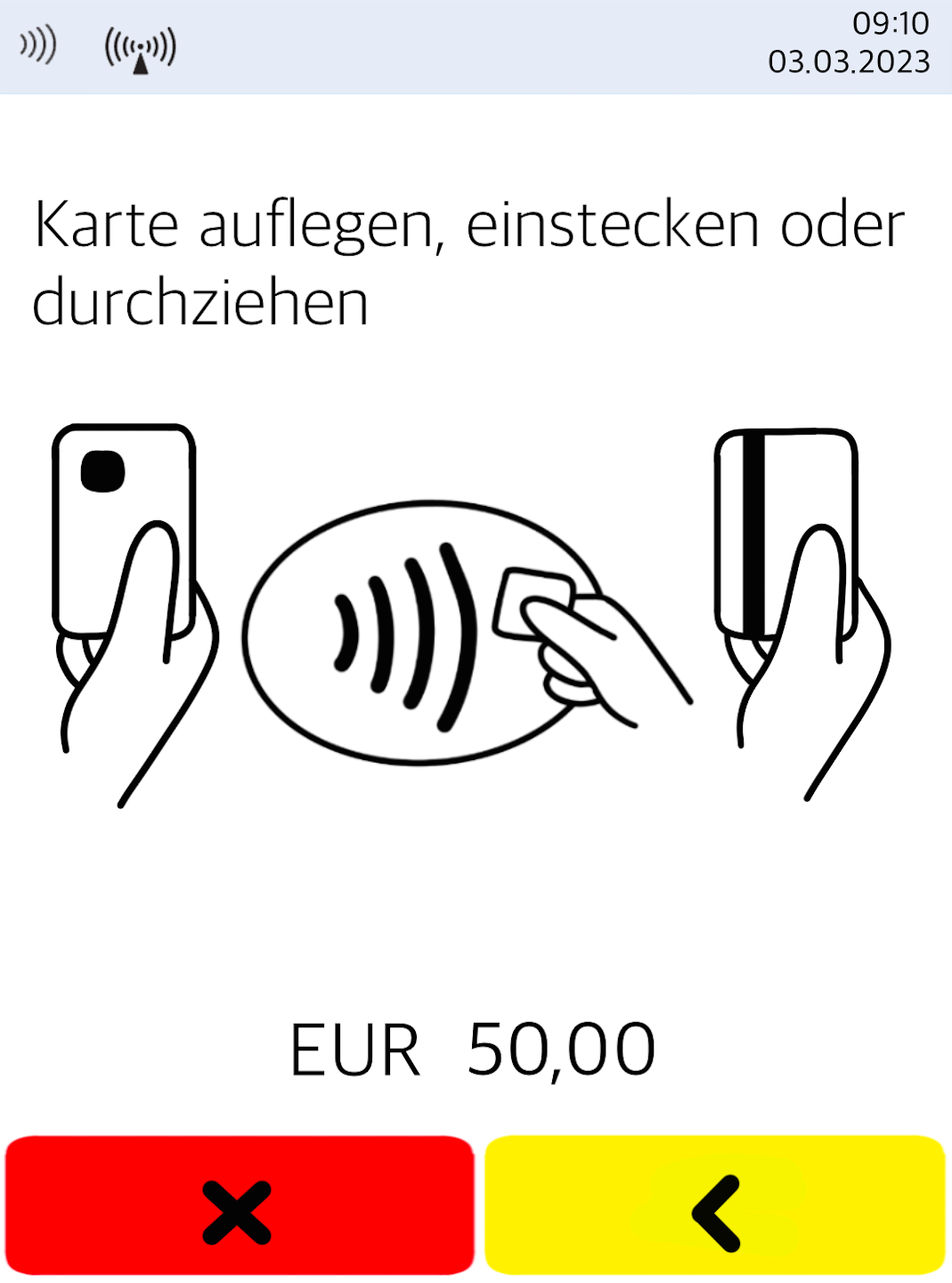
Present Card
Please present the customer’s card.
The credit note will be confirmed with a receipt printout.
Was this article helpful?
That’s Great!
Thank you for your feedback
Sorry! We couldn't be helpful
Thank you for your feedback
Feedback sent
We appreciate your effort and will try to fix the article
