T650p - End-of-Day Closing Duplicate
Modified on Mon, 9 Feb at 3:43 PM
Do you need a copy of the last end-of-day closing? You have the option to reprint the last 5 end-of-day closings as a copy.
Here you will find the instructions for an end-of-day closing duplicate from the manufacturer Verifone.
Main Menu
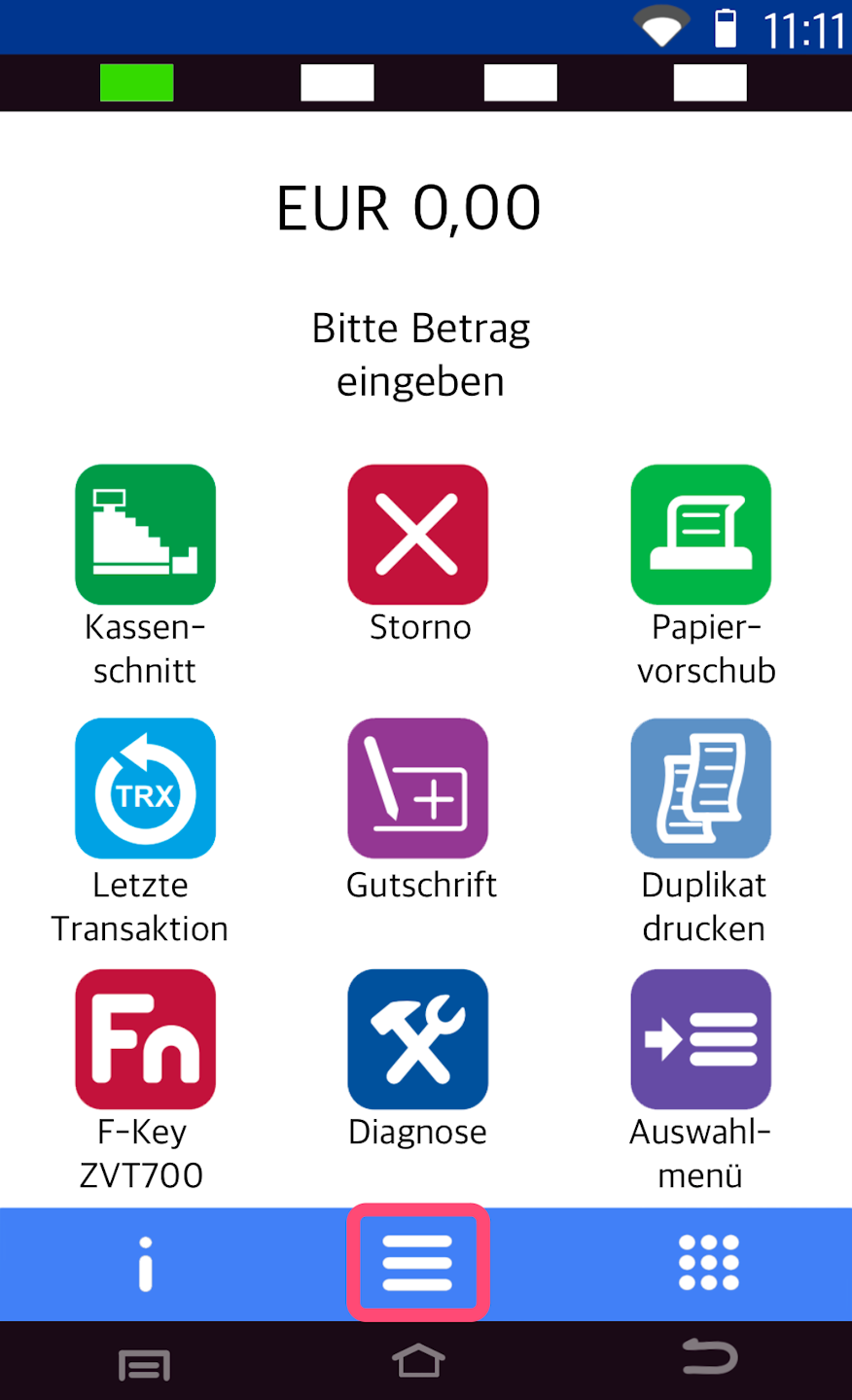
Here you see your starting display.
Please press the button with the three horizontal lines to access the main menu.
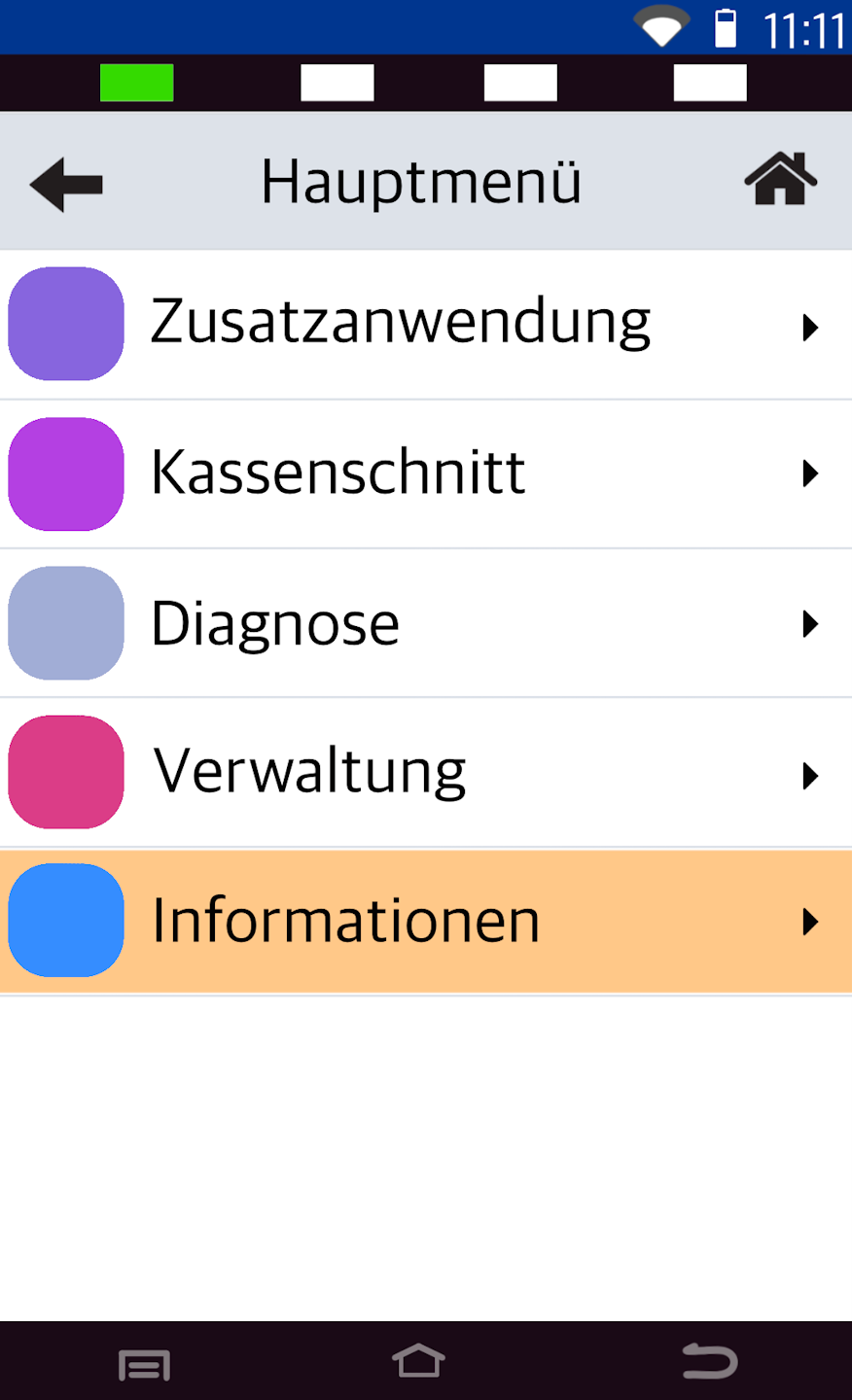
Information
Please select the menu item Informationen.
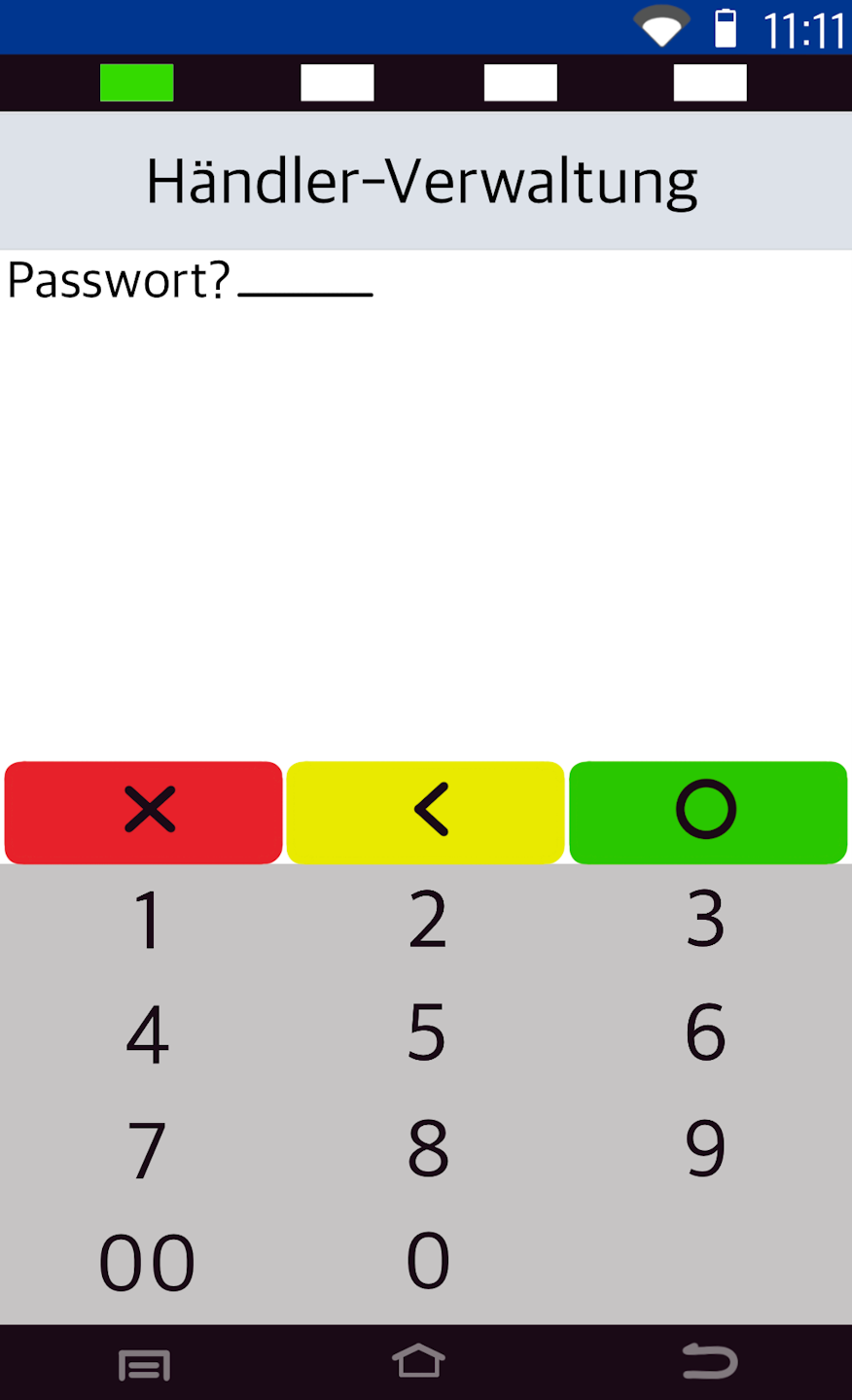
Password Entry
Please enter the 6-digit merchant password and confirm it with the green OK button on the display.
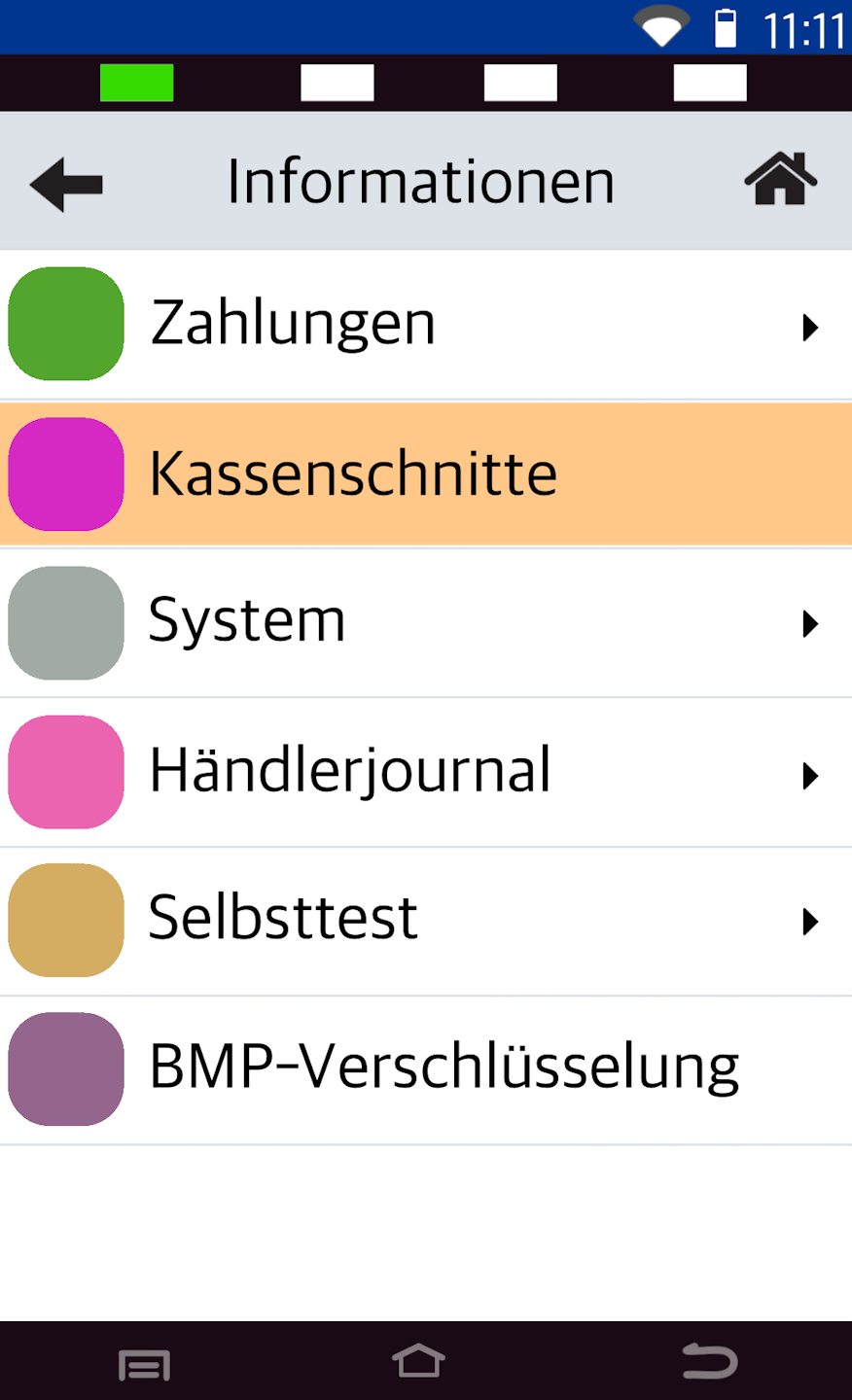
End-of-Day Closings
Here, the menu item Kassenschnitte must be selected.
Selection of the End-of-Day Closing
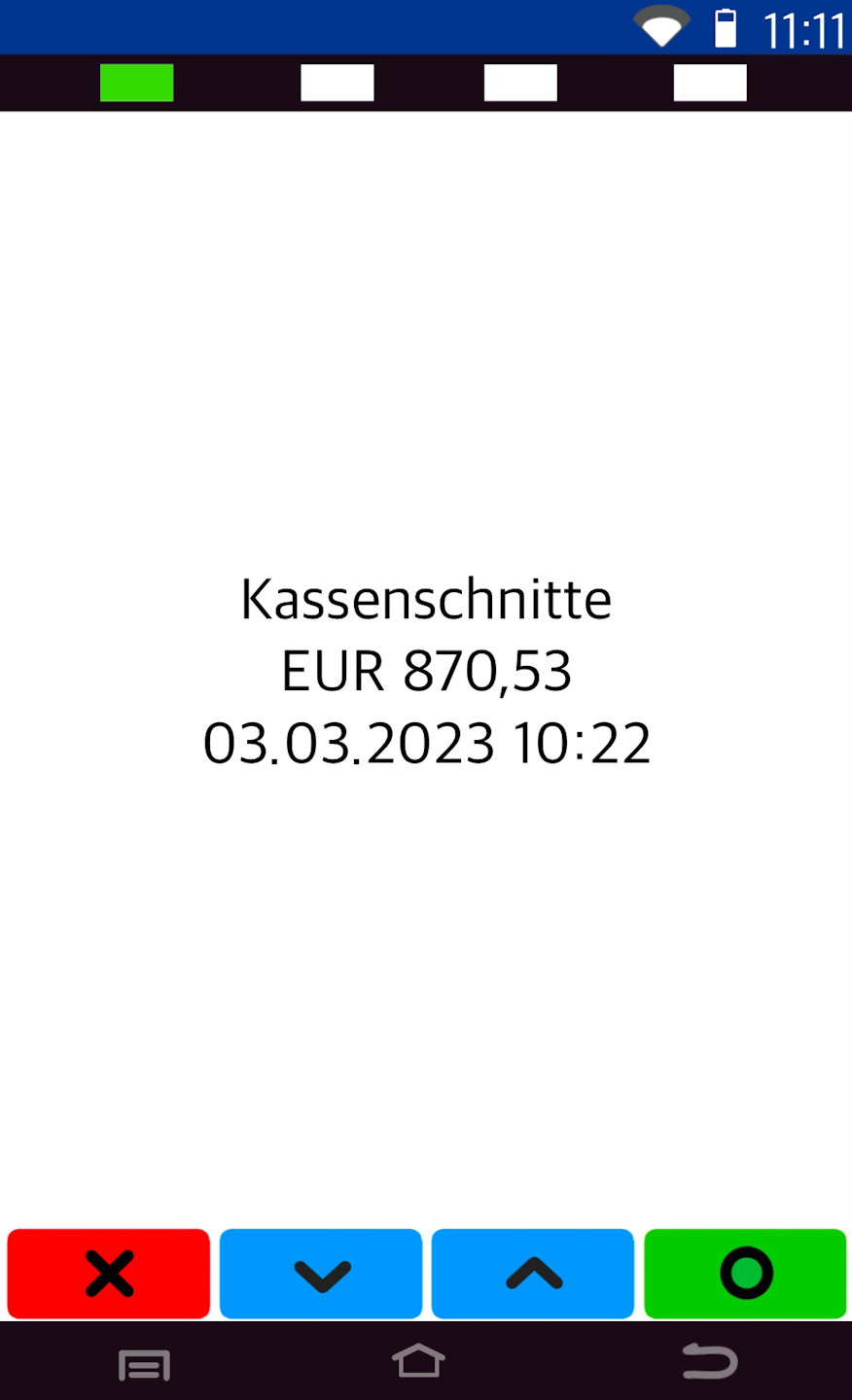
You can now select one of the last 5 end-of-day closings.
blue button - Scroll through the last 5 end-of-day closings
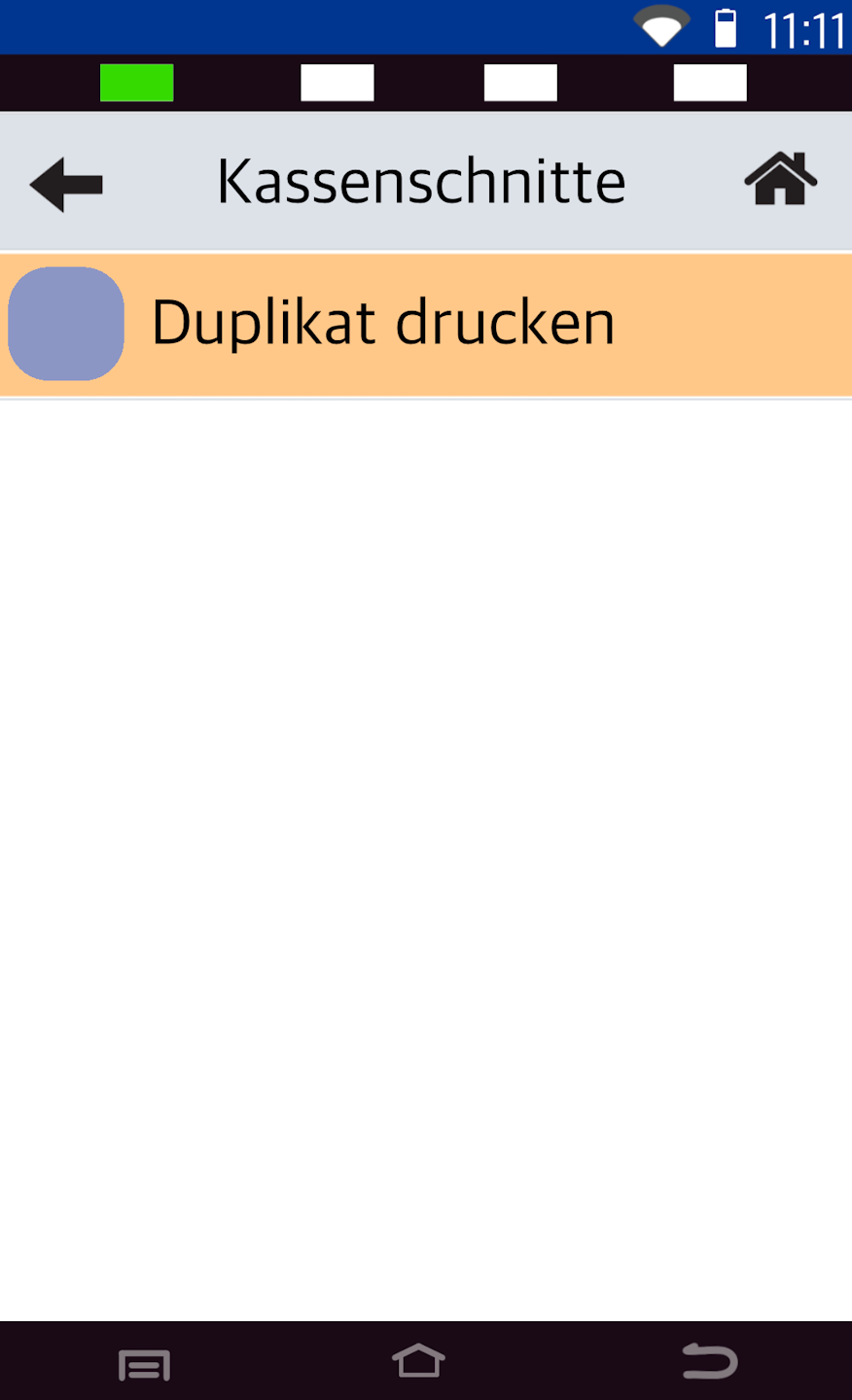
green button - Print duplicate (Fig. 2)
Was this article helpful?
That’s Great!
Thank you for your feedback
Sorry! We couldn't be helpful
Thank you for your feedback
Feedback sent
We appreciate your effort and will try to fix the article
