T650p - Card Reader Test
Modified on Mon, 9 Feb at 4:48 PM
Are you unable to perform contactless payments? Do you receive an error message such as Transaction canceled when inserting the card?
To rule out or identify a mechanical defect, start a card reader test for verification.
This step-by-step guide shows you how to perform the card reader test.
Main Menu
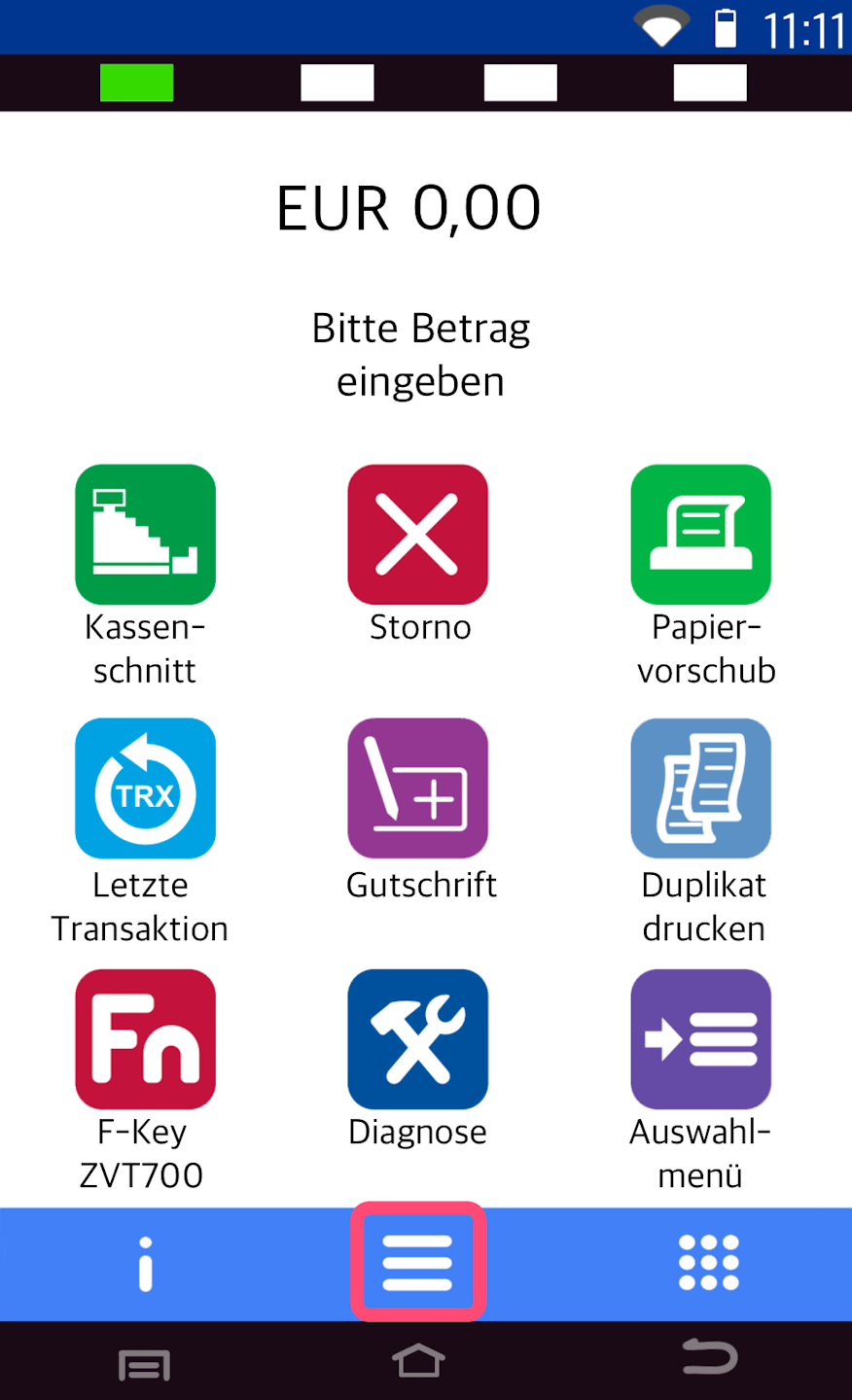
Here you see your starting display.
Please press the button with the three horizontal lines to access the main menu.
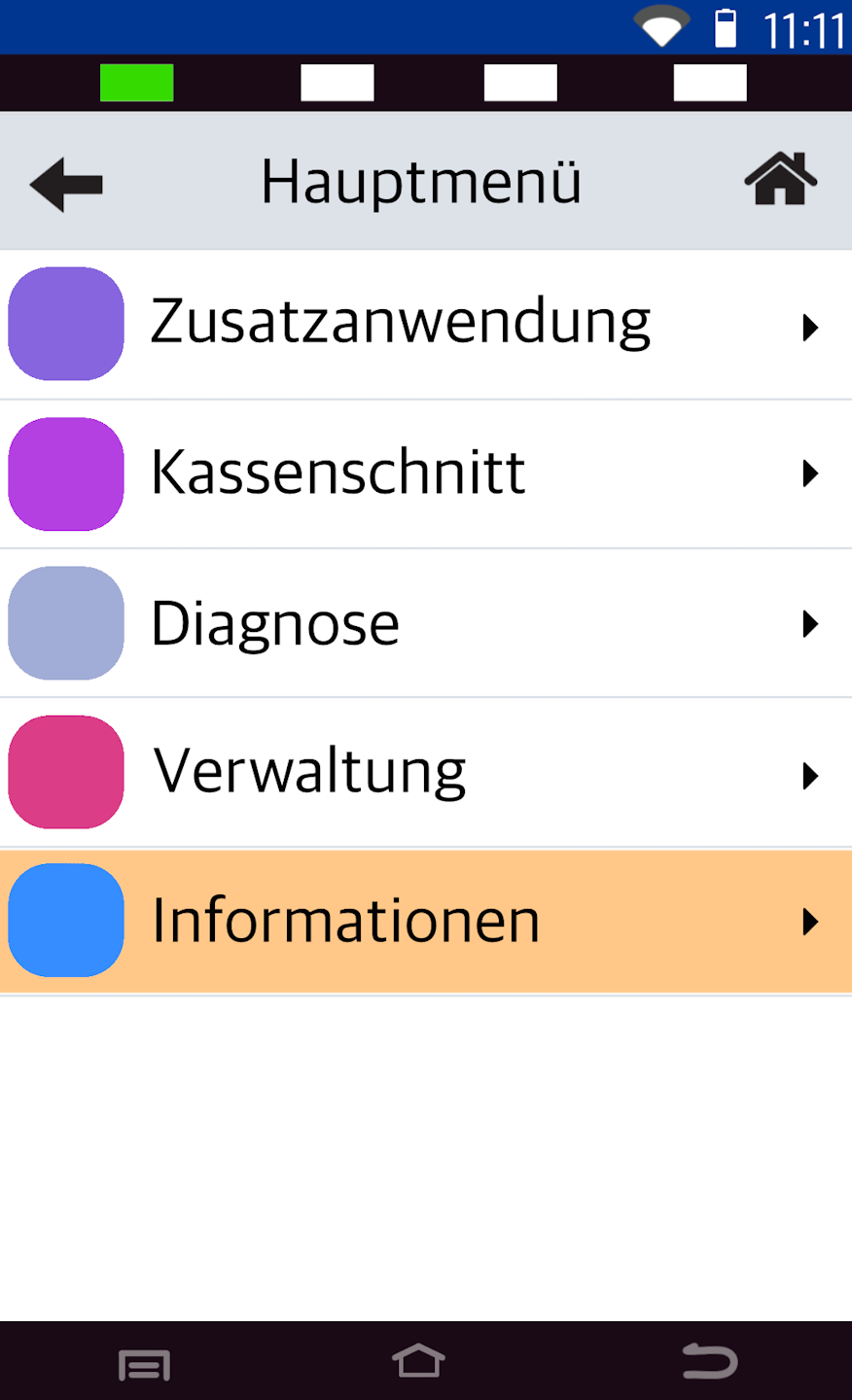
Information
Please select the menu item Informationen.
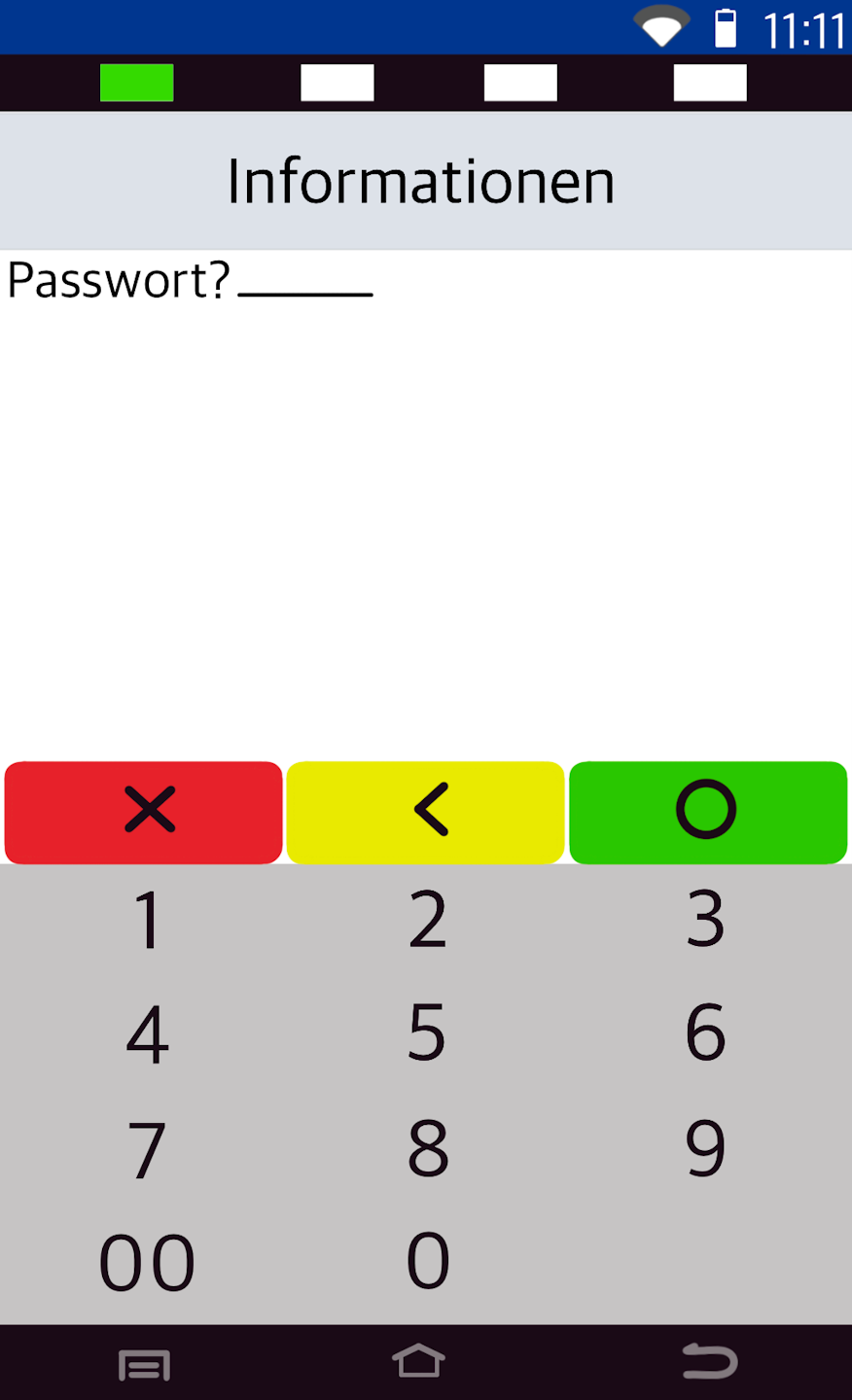
Password Entry
Please enter your 6-digit cashier password and confirm the entry with the green OK button.
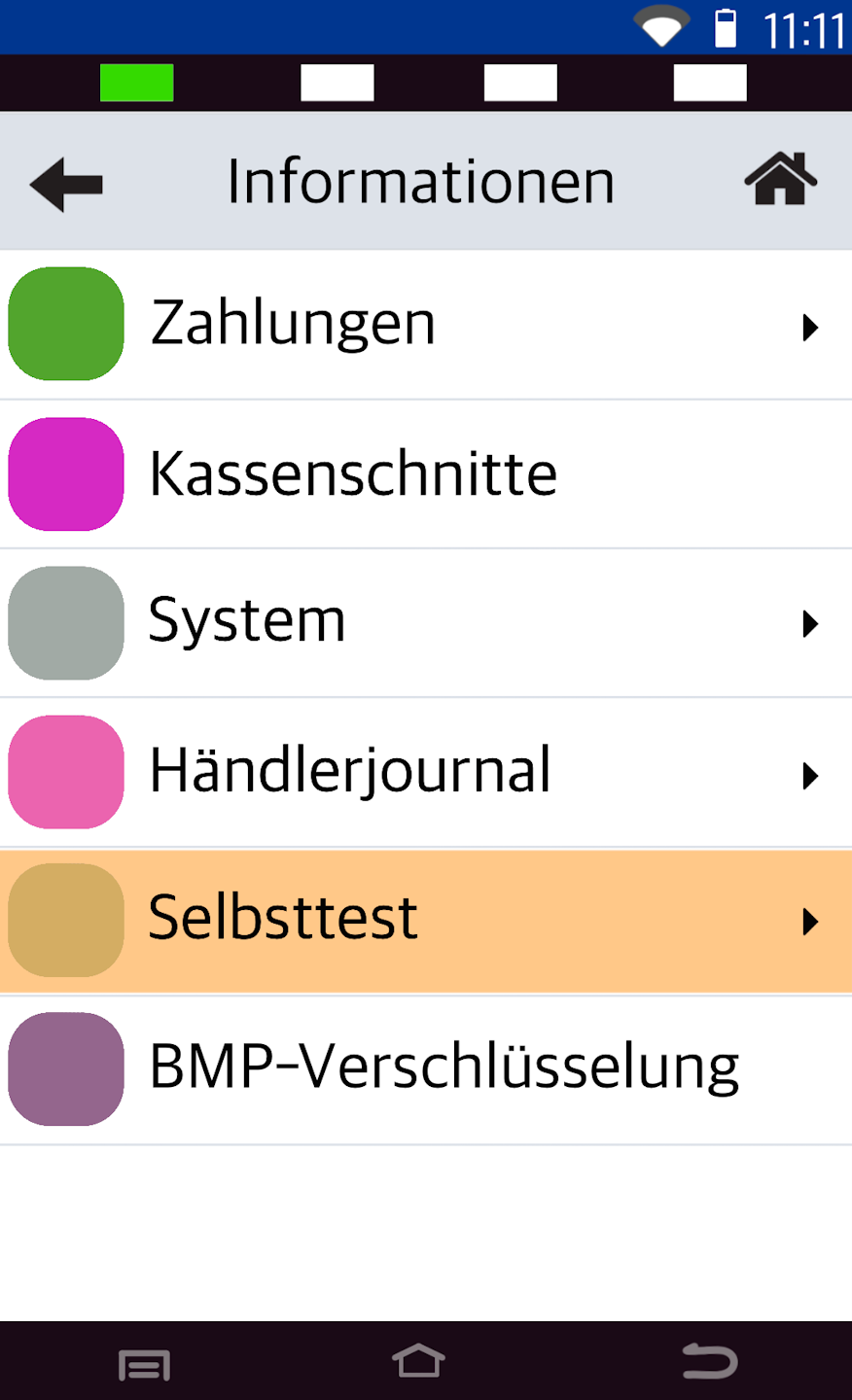
Self-Test
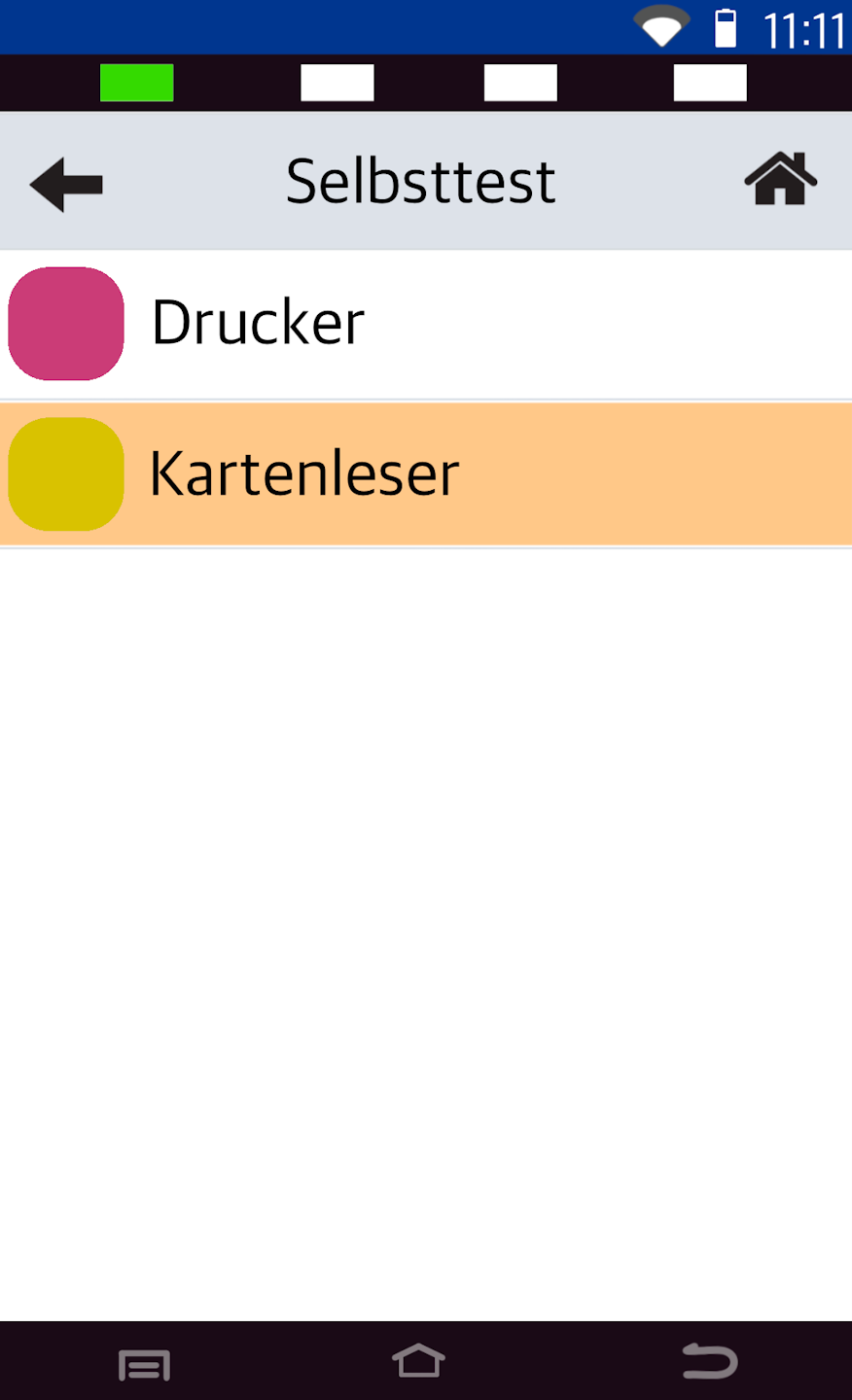
Please select the menu item Selbsttest.
Card Reader
Please select Kartenleser.
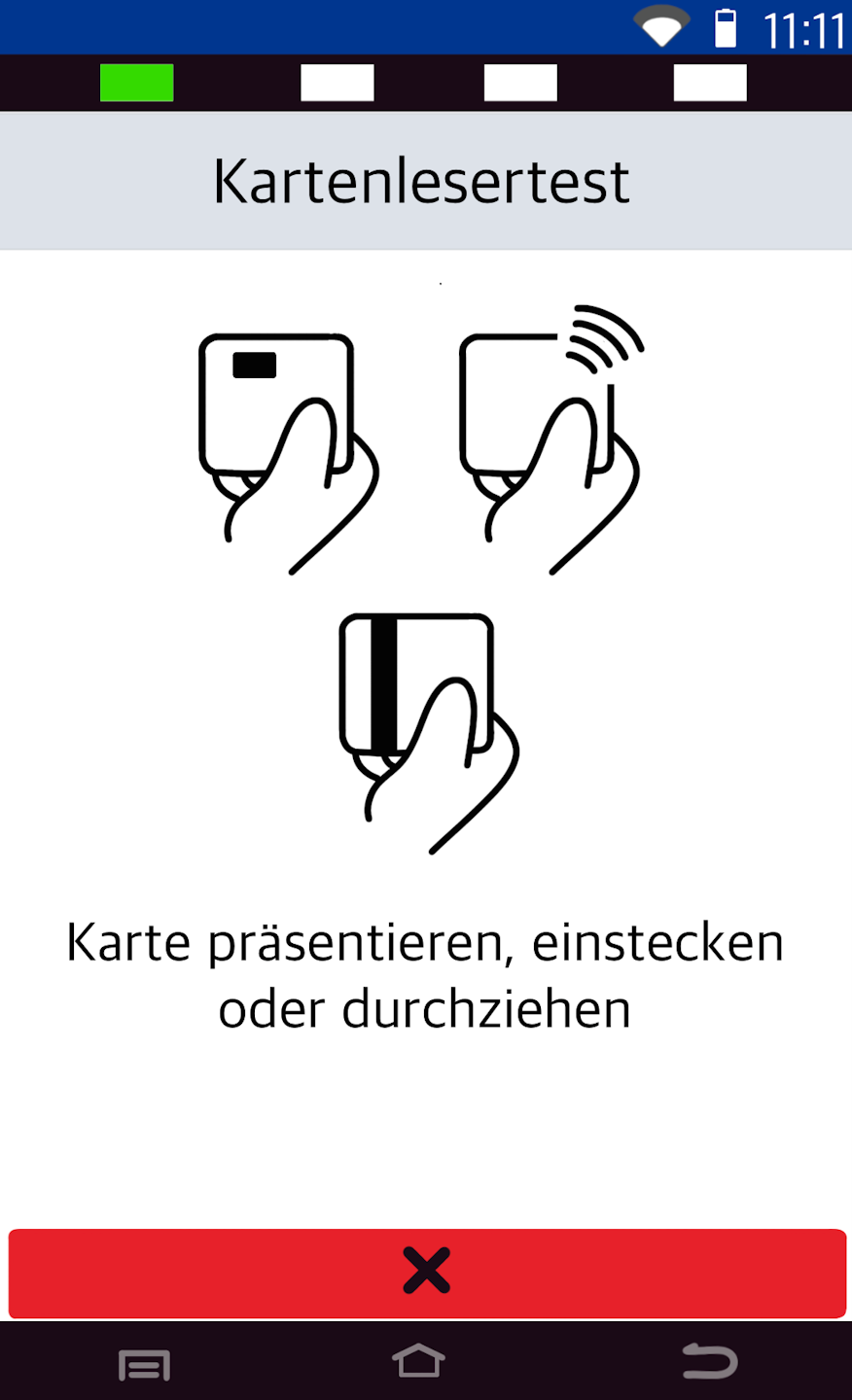
Run Test
All three reading methods will now be tested one after the other.
Contactless reader test
Chip reader test
Magnetic stripe test
The result will be shown as a green OK or a red Failed.
If you want to cancel the card reader test, please press the red X button.
In case of an error message or no response, the card reader is likely defective. Please contact our technical support via the contact form.
Was this article helpful?
That’s Great!
Thank you for your feedback
Sorry! We couldn't be helpful
Thank you for your feedback
Feedback sent
We appreciate your effort and will try to fix the article
