T650p - Activation of Account Splitting / Account Index
Modified on Mon, 9 Feb at 2:33 PM
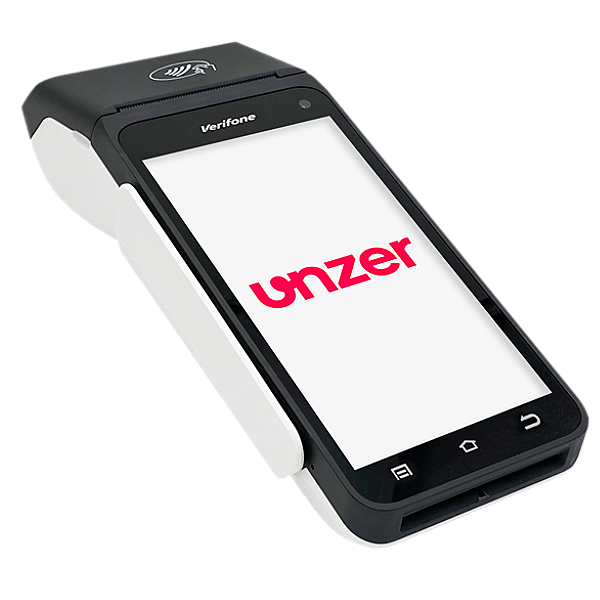
With the account splitting function, you can split a payment amount across multiple accounts or assign it to a specific account. There are two use cases for account splitting:
Sale of different product categories in one store
Shared use of a device in multiple businesses or practices
This step-by-step guide shows you how to activate the account splitting function on your card terminal.
Note: Account splitting must be contractually agreed upon beforehand in order to use the function.
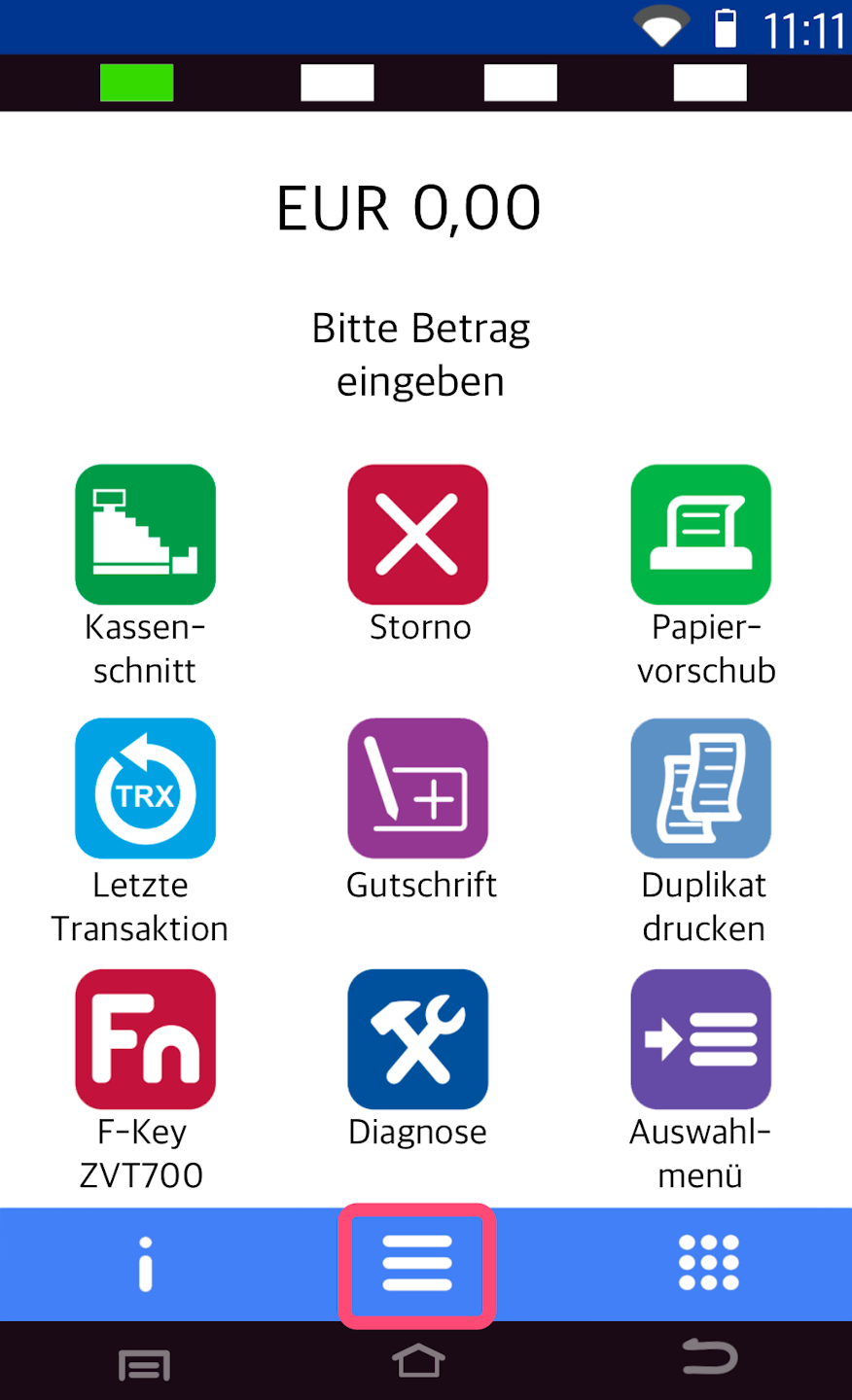
Main Menu
This is your home display.
Please press the button with the three horizontal bars to access the main menu.
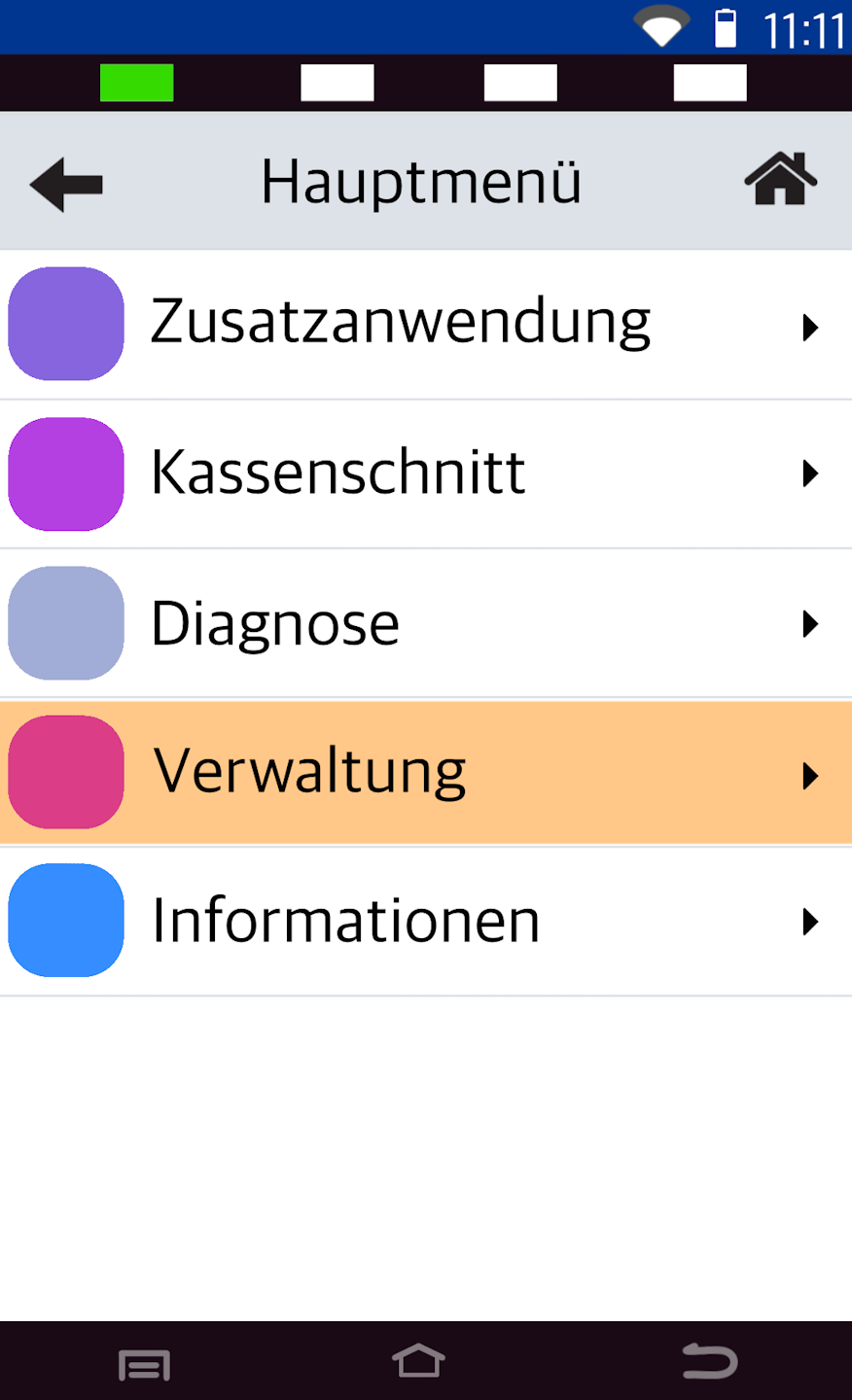
Administration
Please tap the menu item Verwaltung.
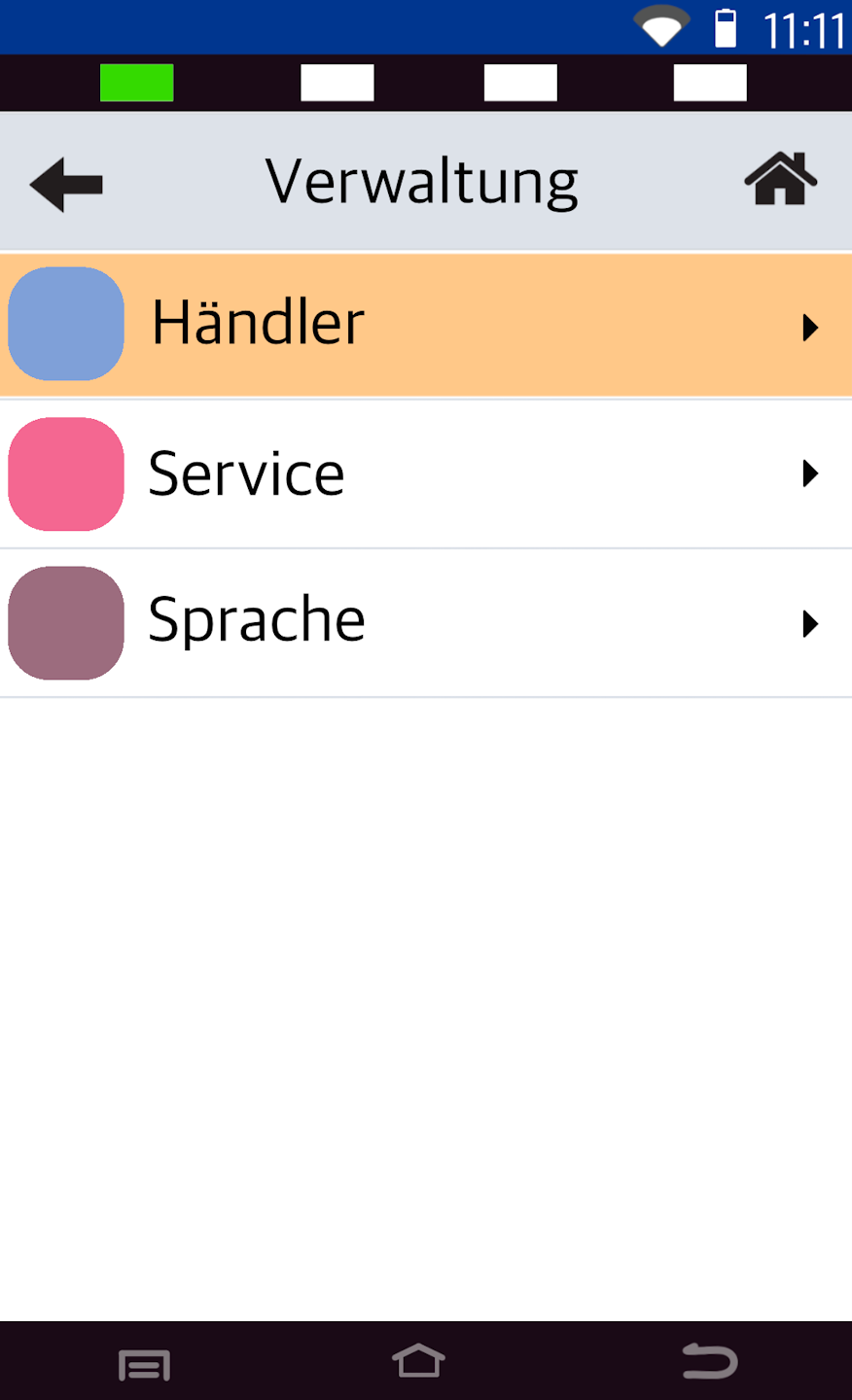
User Selection
Please select the user Händler.
Password Entry
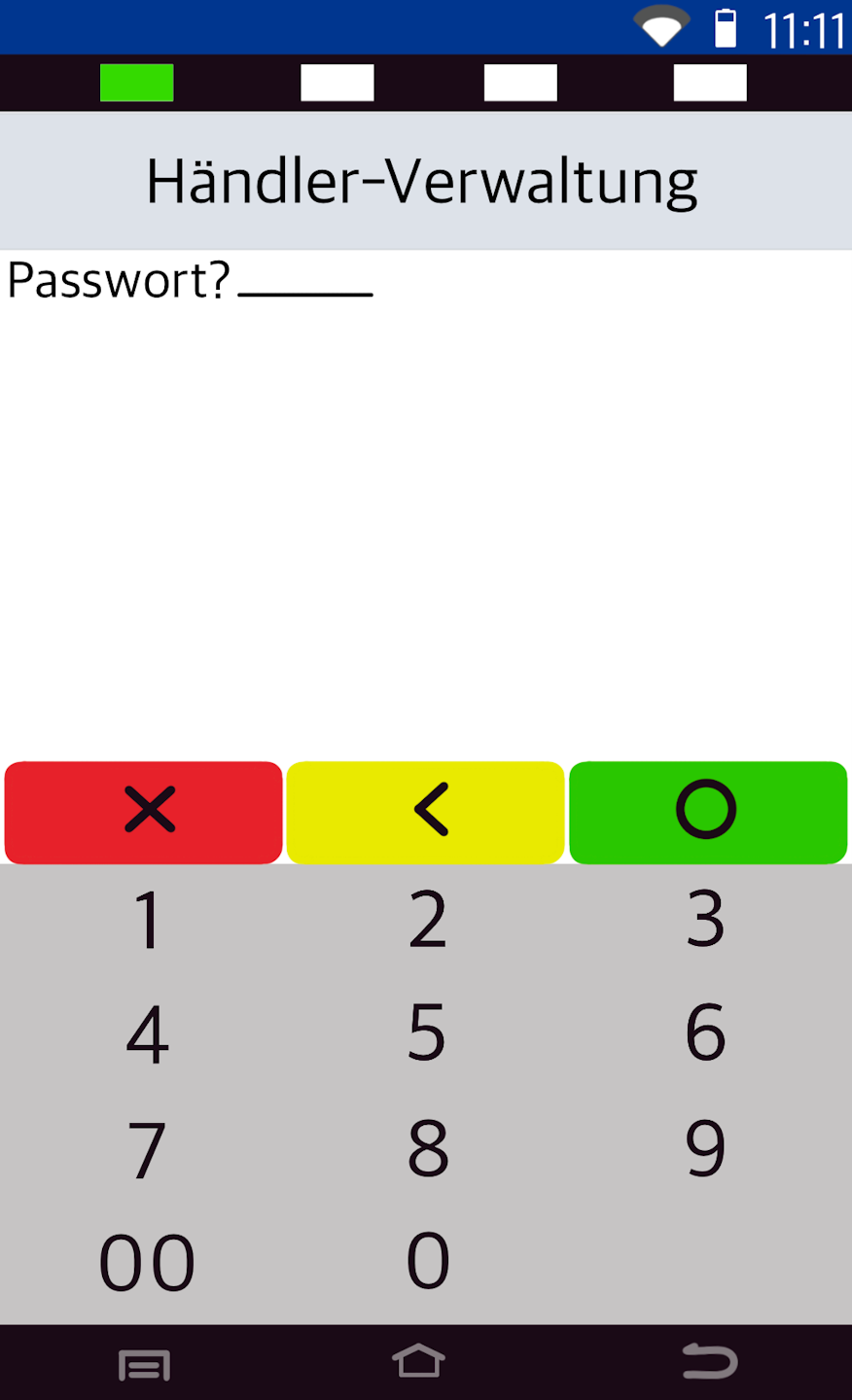
Please enter your 6-digit merchant password and confirm it with the green OK button on the display.
Card Data
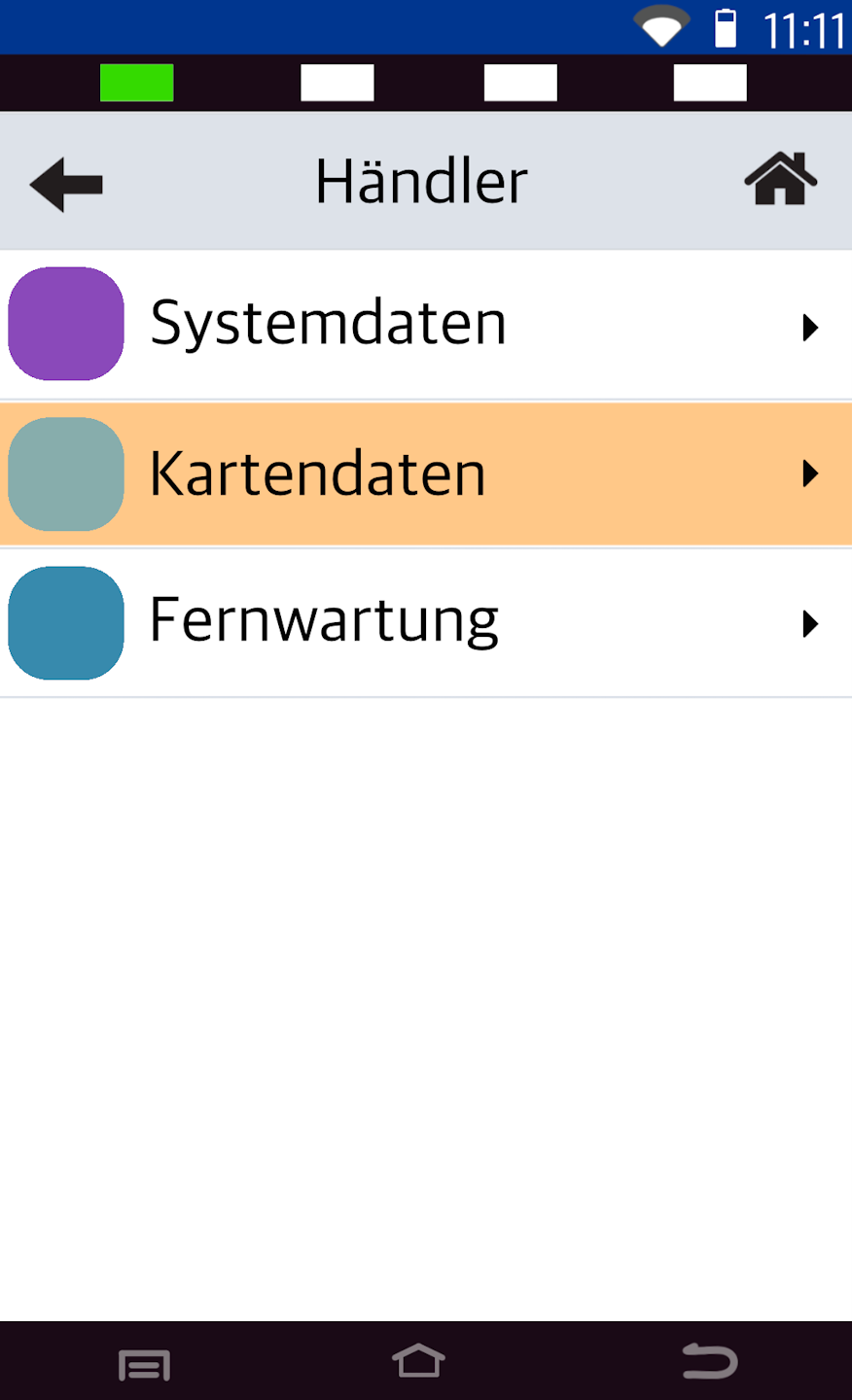
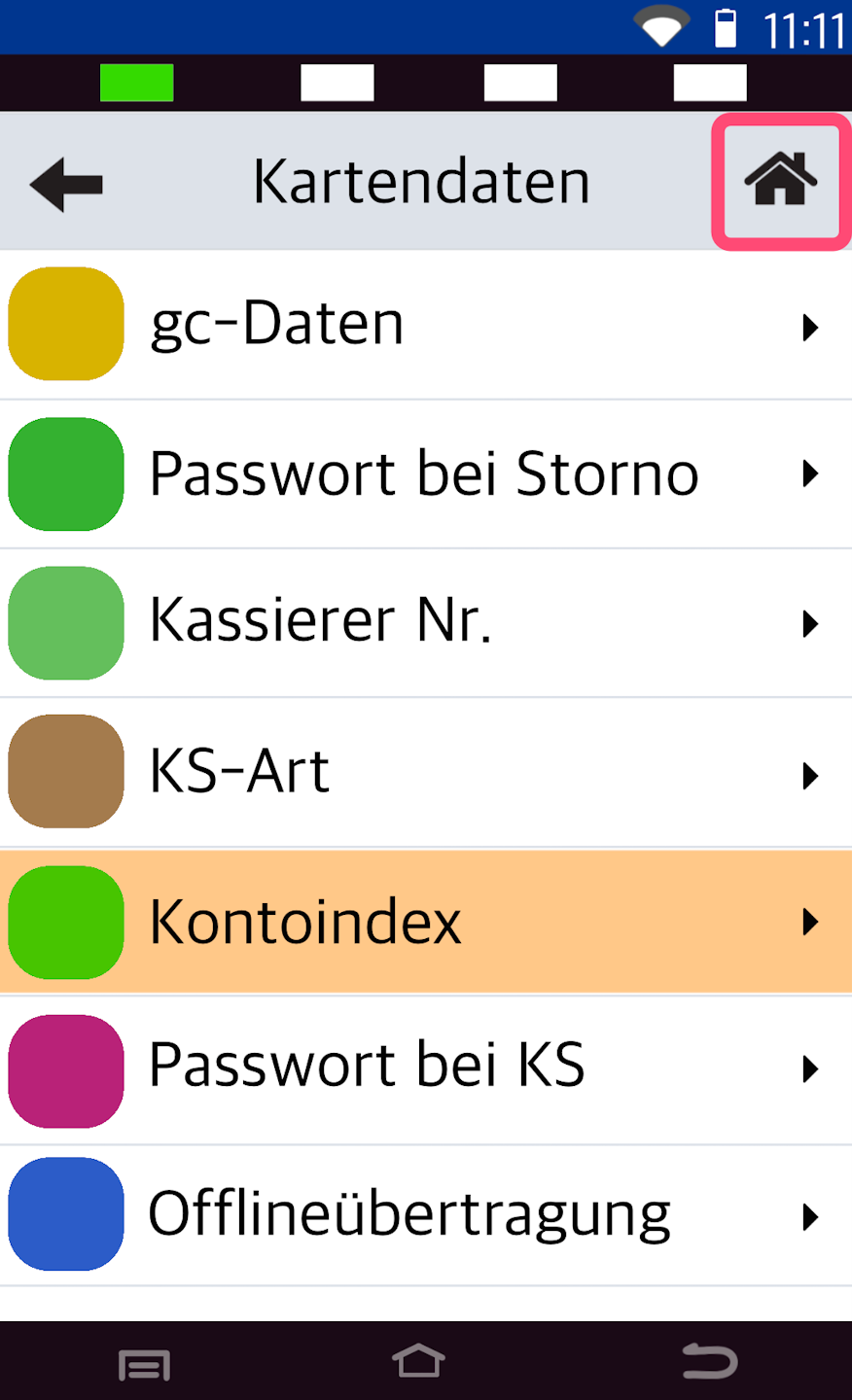
Please select the menu item Kartendaten.
Account Index
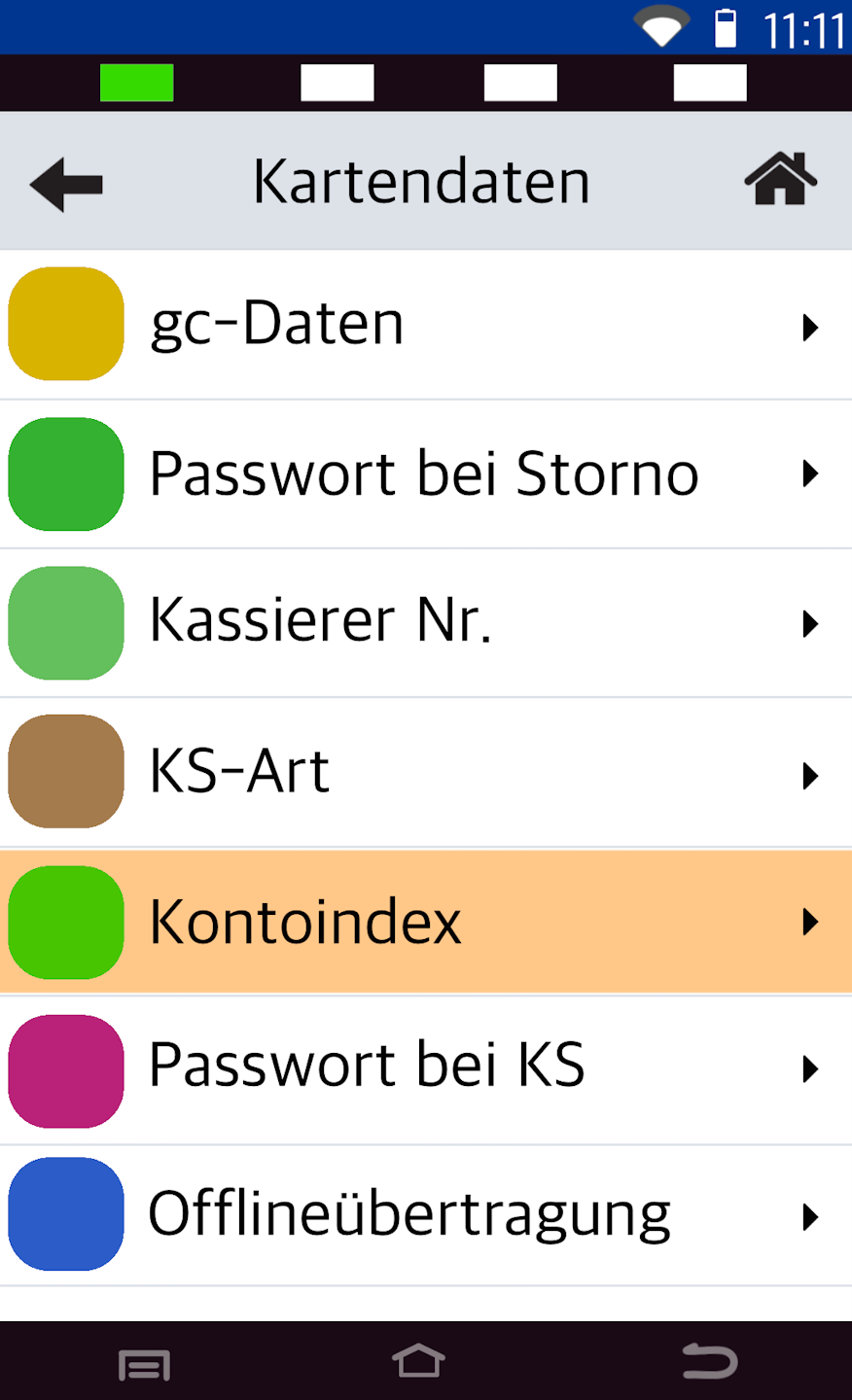
To activate it, please select the menu item Kontoindex (see Fig. 1).
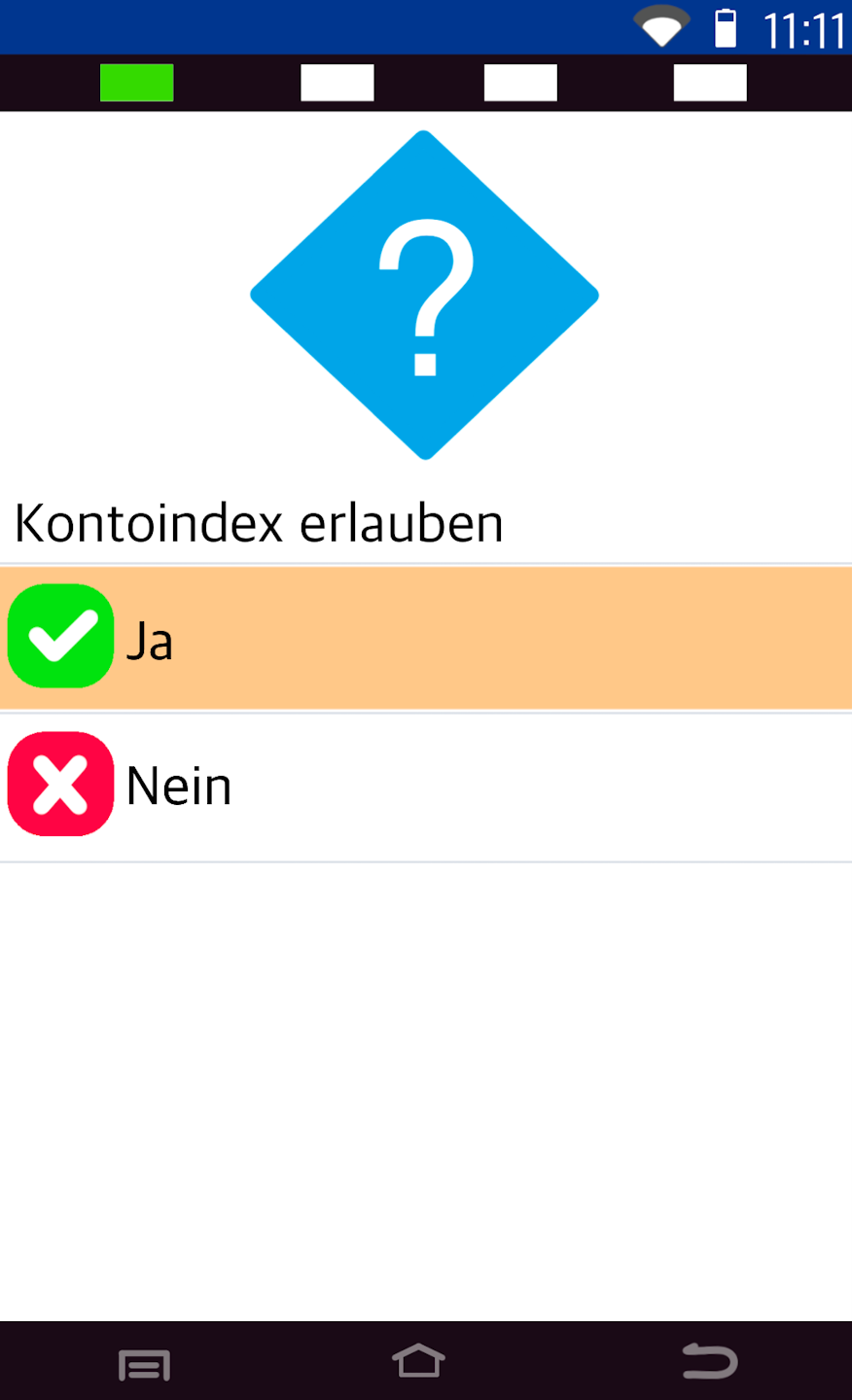
In Fig. 2, activate the account index by selecting Ja.
The account splitting function is now activated.
To return to your home display, please tap the house icon at the top right (Fig. 3).
Was this article helpful?
That’s Great!
Thank you for your feedback
Sorry! We couldn't be helpful
Thank you for your feedback
Feedback sent
We appreciate your effort and will try to fix the article
