T650p - Restart
Modified on Mon, 9 Feb at 4:48 PM
Restarting the Card Reader
Here you will learn how to turn your Verifone Trinity T650p card reader on and off.
Restart
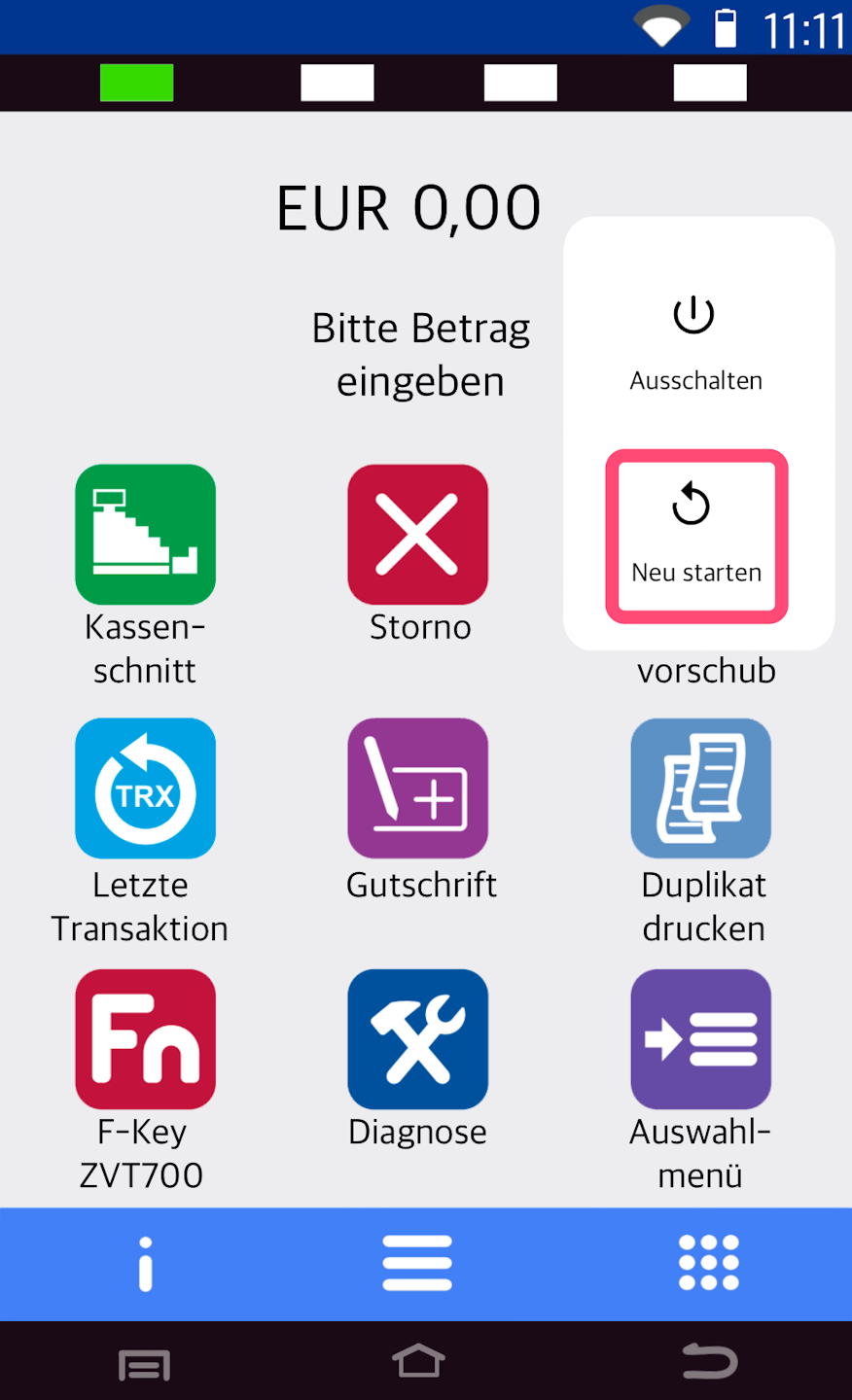
Press and hold the top button on the left side of your card reader. The display will then show the buttons for Restart or Power Off to completely shut down the card reader.
If you selected Power Off, you can turn the card reader back on using the same button.
Was this article helpful?
That’s Great!
Thank you for your feedback
Sorry! We couldn't be helpful
Thank you for your feedback
Feedback sent
We appreciate your effort and will try to fix the article
