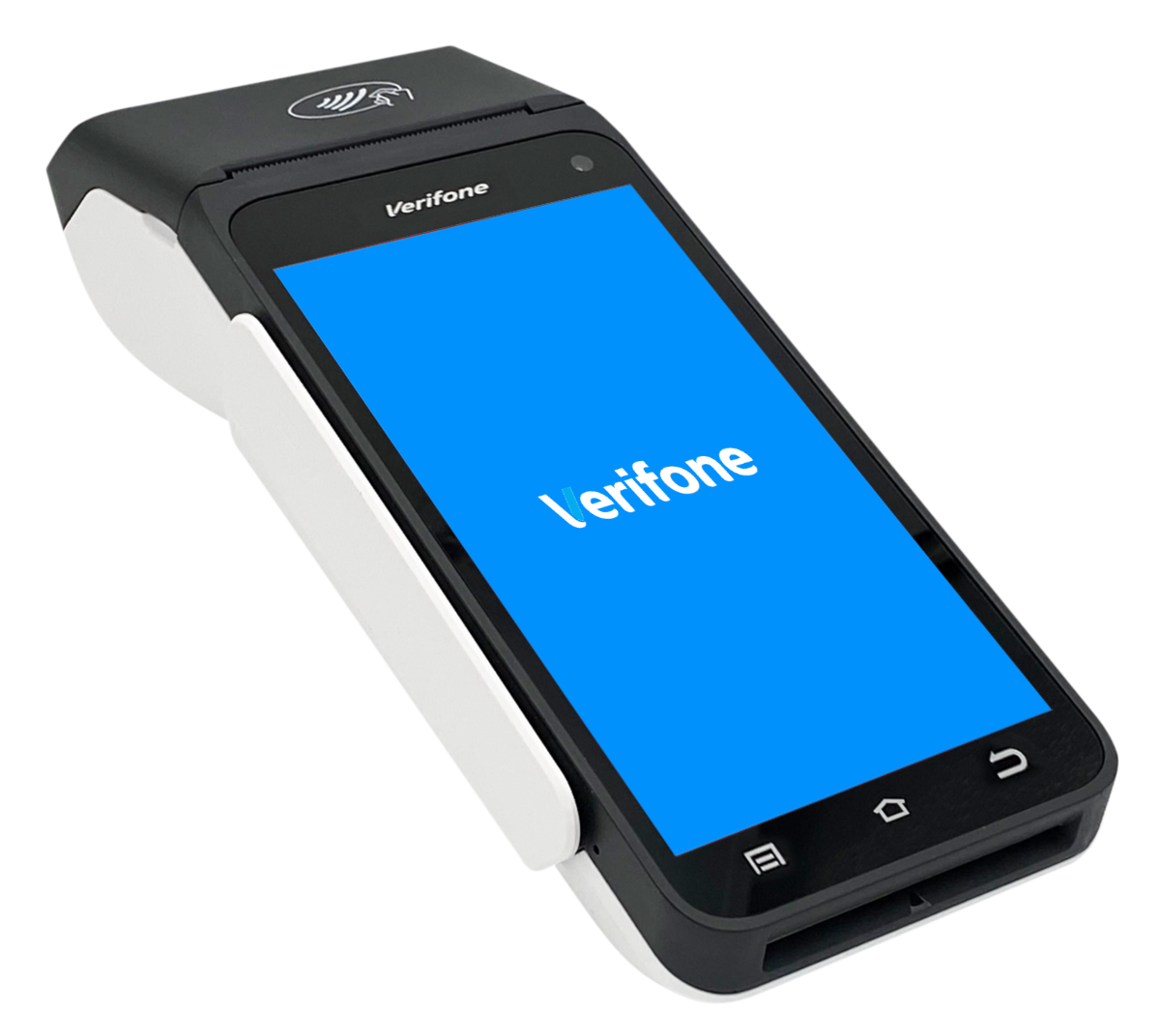
T650p - Verifone Trinity T650р - Blue display on your card reader
Modified on Mon, 9 Feb at 2:33 PM
If your Verifone Trinity T650p card reader only shows a blue display and you can no longer enter any amounts, then the payment app is corrupted and needs to be reinstalled.
Step 1: Please try to connect the card reader to your Wi-Fi network.
Step 2: Please contact our support-team and provide the following information:
Serial number of your card reader (located on the back under the battery)
Your terminal ID (can be found on the merchant receipt and the POS report)
Once we have received your informations, we will reinstall the payment app. This is done remotely and requires no action on your part.
The payment app has been reinstalled once you restart the device and see the language selection screen.
Please contact our service hotline to complete the setup.
Was this article helpful?
That’s Great!
Thank you for your feedback
Sorry! We couldn't be helpful
Thank you for your feedback
Feedback sent
We appreciate your effort and will try to fix the article
