4. Staff
Modified on Thu, 26 Feb at 11:31 AM
Creating Staff Members
- In your dashboard, navigate to the “Staff” menu.
- Click the “+New” button in the top right corner.
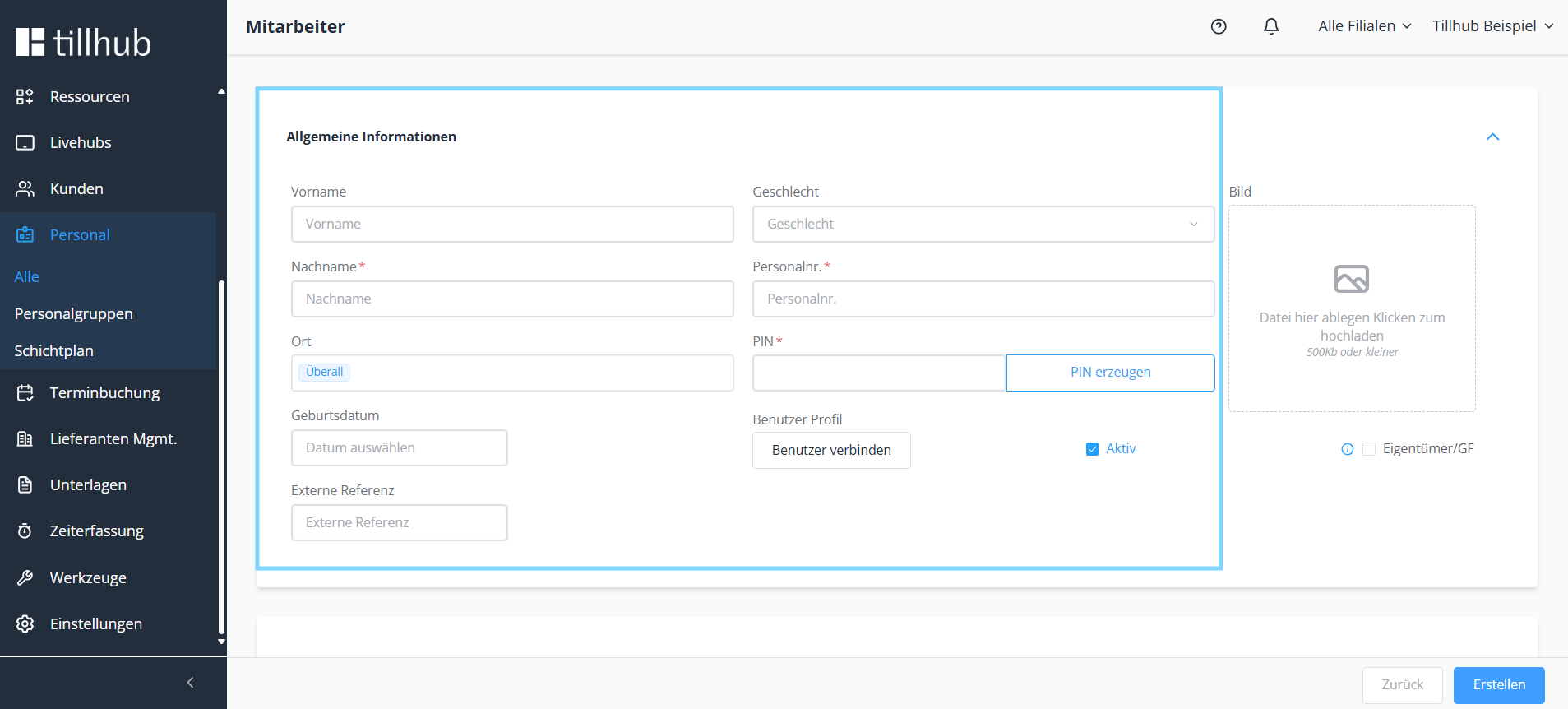
- Enter the required information such as last name, staff number, and PIN.
- Finally, click “Create.”
Note: Mandatory fields are marked with a red asterisk ().* Do not forget the permissions. 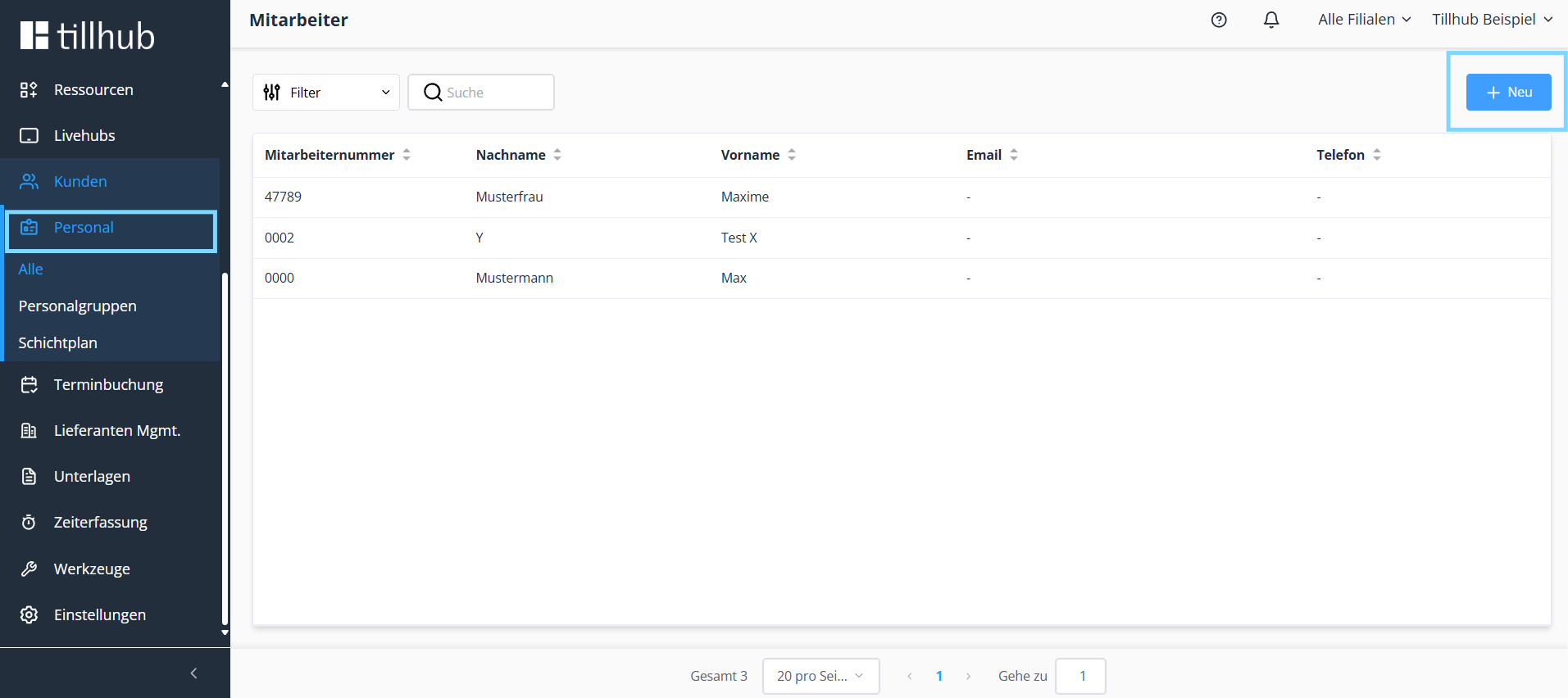
Was this article helpful?
That’s Great!
Thank you for your feedback
Sorry! We couldn't be helpful
Thank you for your feedback
Feedback sent
We appreciate your effort and will try to fix the article
