3. Settings
Modified on Thu, 2 Apr at 3:51 PM
From here, you can synchronize data at the register, turn the automatic receipt printing on or off, and view general information about the currently used account.
Opening Settings
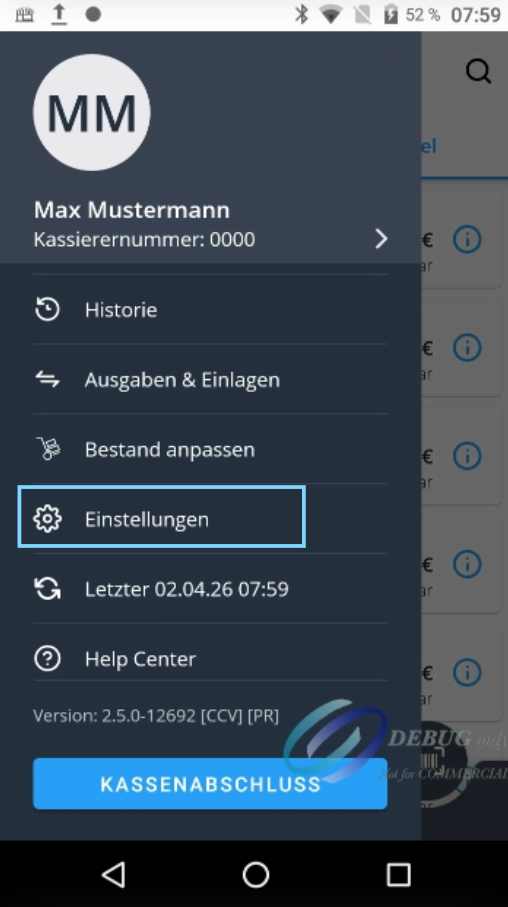
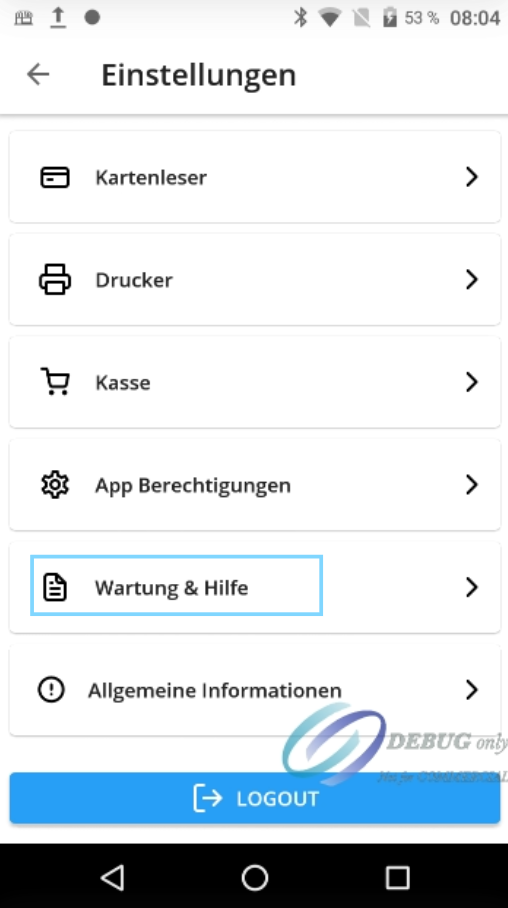
Open the menu by tapping the three lines at the bottom left and then select "Settings." An overview with various settings areas will appear.
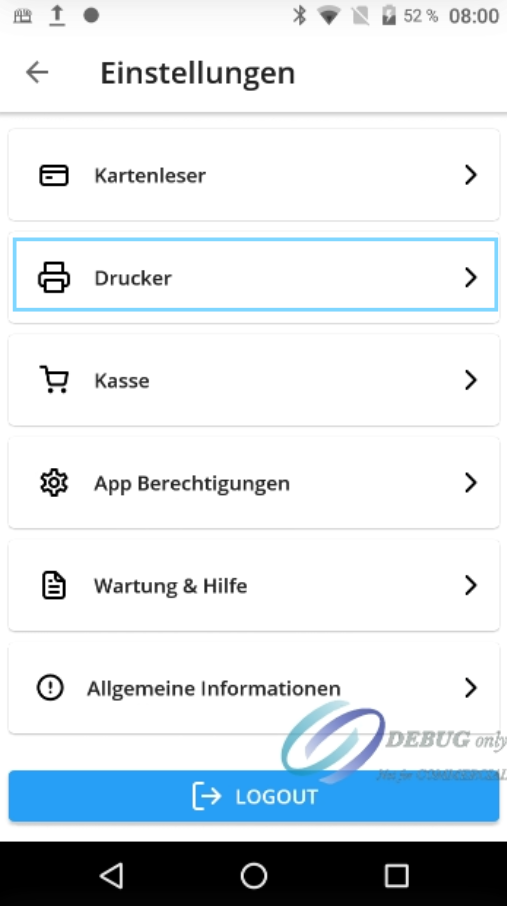
Printer
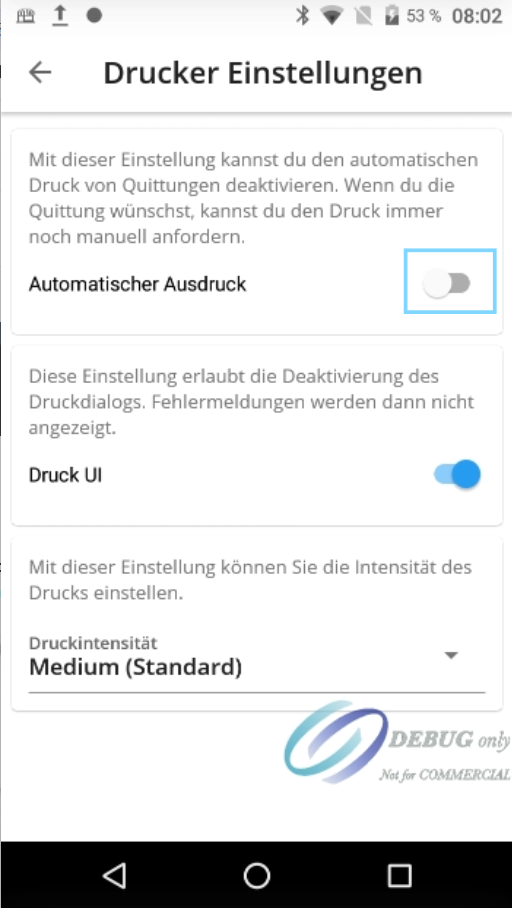
Open the "Printer" section. Here, you can disable automatic printing. When this function is turned off, no receipt will be printed automatically during a sale. This setting is useful if receipts should only be issued on demand.
General Information
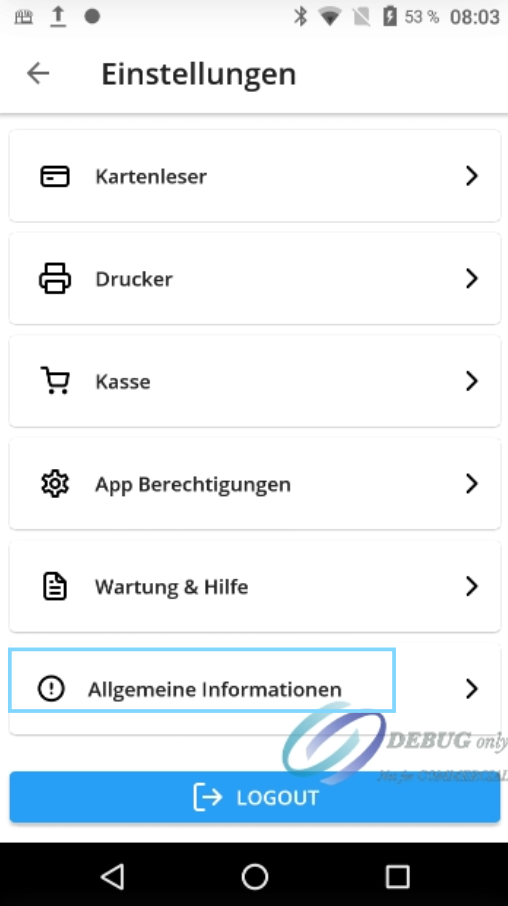
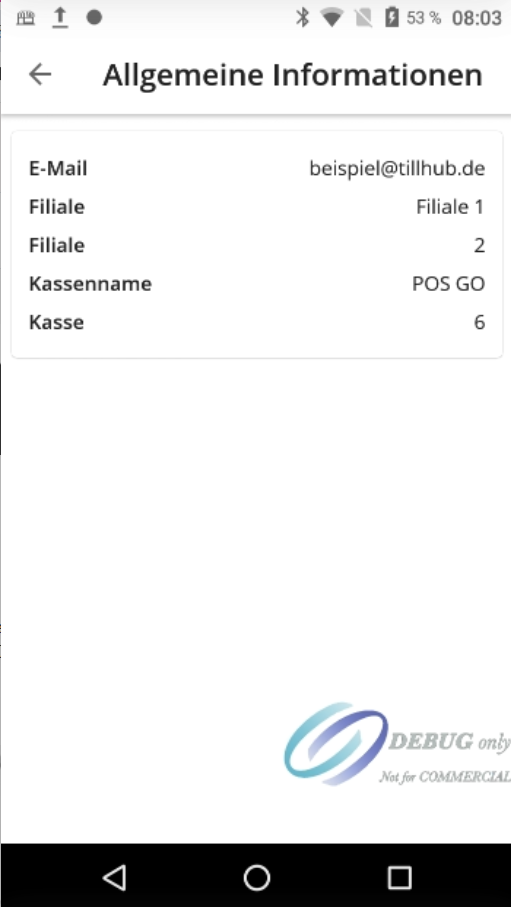
In the "General Information" section, you will find important system data for the register. You can see which branch is currently logged in and which register is being used. This is especially helpful when multiple locations or registers are in use.
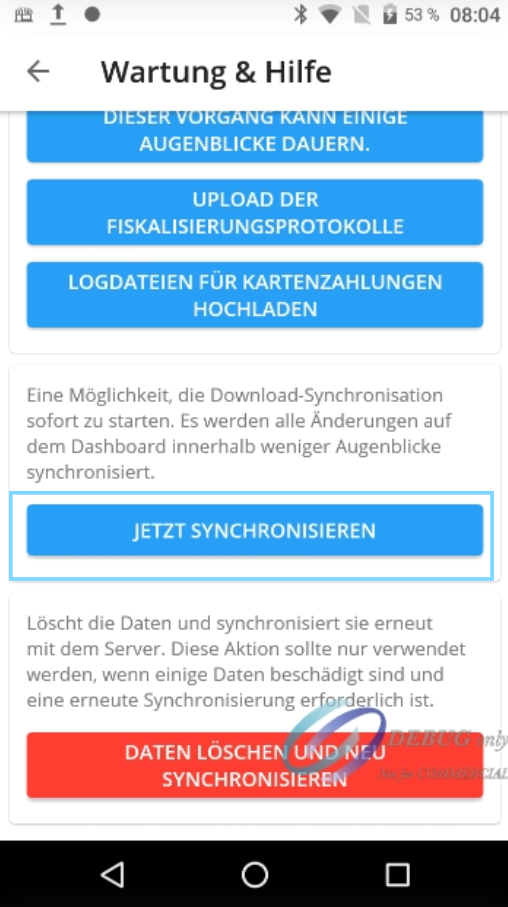
Maintenance and Help – Synchronize
Under "Maintenance and Help," you will find the blue bar labeled "Synchronize Now" at the bottom. This function updates the register. If changes have been made in the dashboard that are not yet visible at the register, they can be applied through synchronization.
Was this article helpful?
That’s Great!
Thank you for your feedback
Sorry! We couldn't be helpful
Thank you for your feedback
Feedback sent
We appreciate your effort and will try to fix the article
