Log In to the UnzerOne Dashboard with Two-Factor Authentication (2FA)
Modified on Fri, 8 May at 11:34 AM
Follow the steps below to log in to your account.
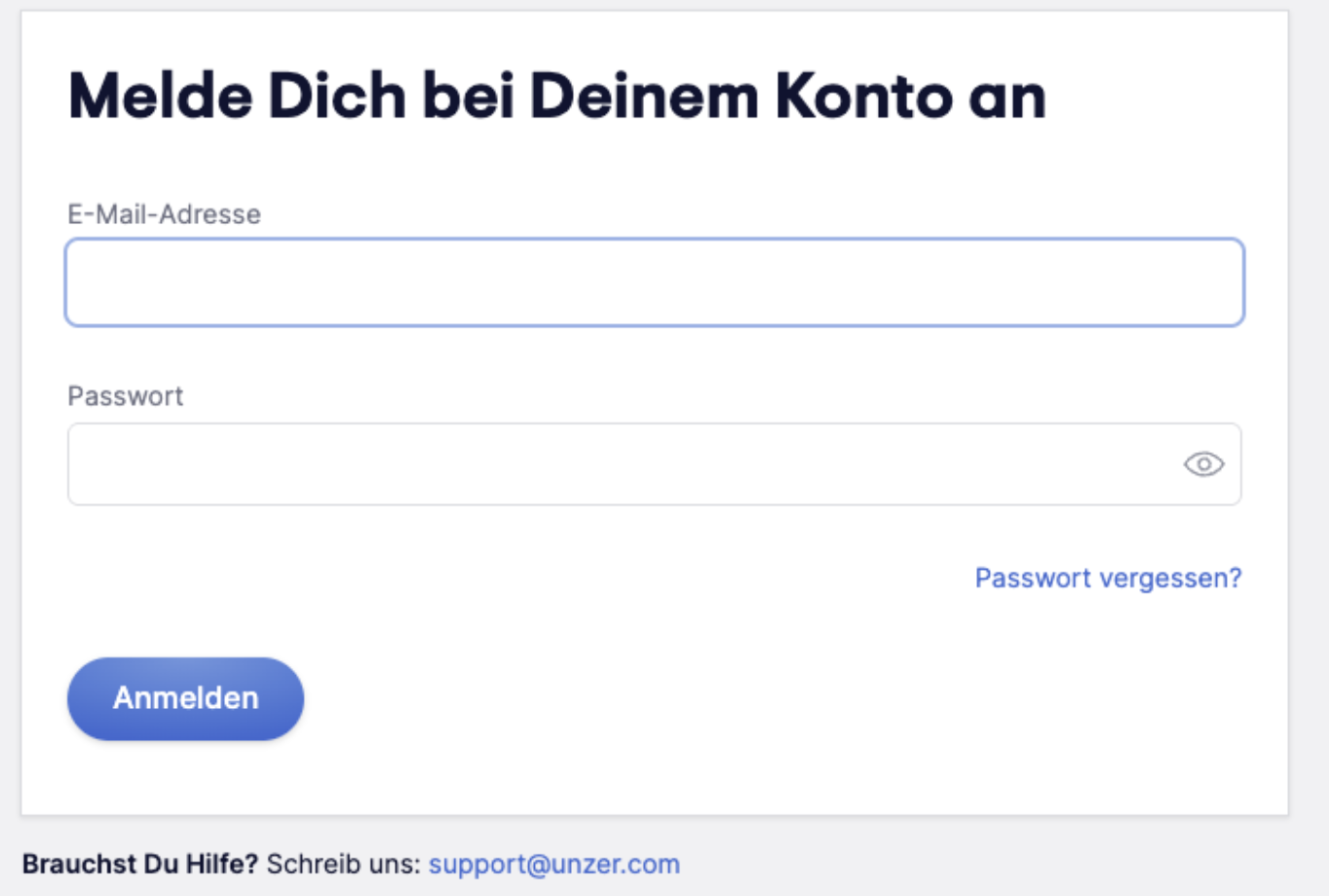
Step 1: Enter your email address and password, then click Continue.
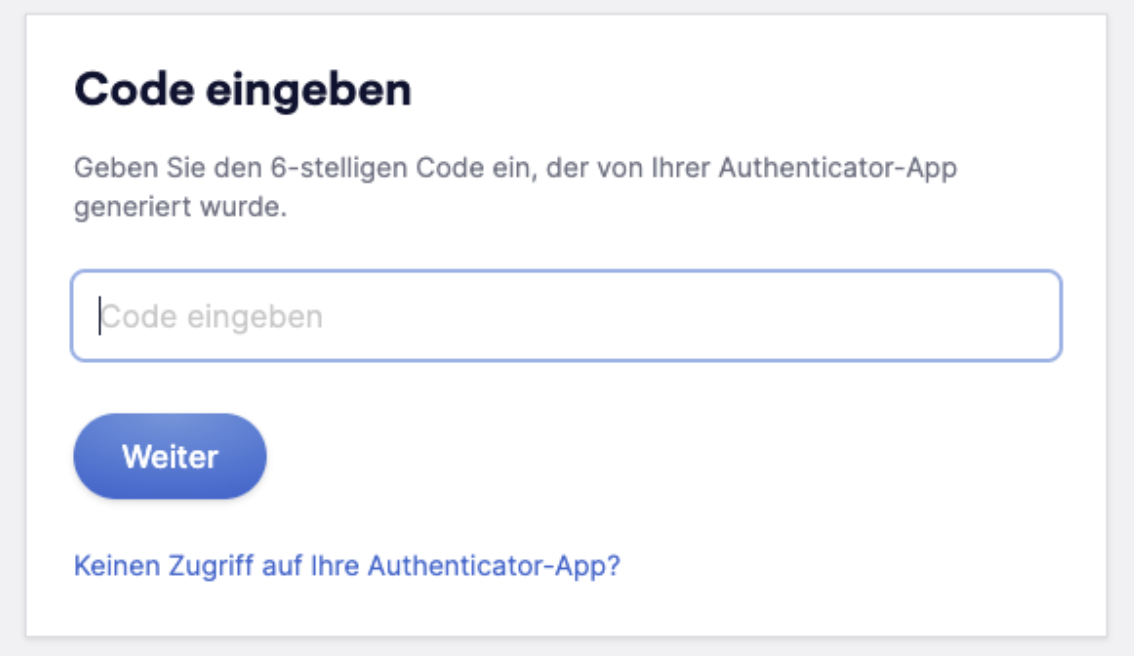
Step 2: Enter your 2FA code
Open your authenticator app and enter the 6-digit code shown for your account.
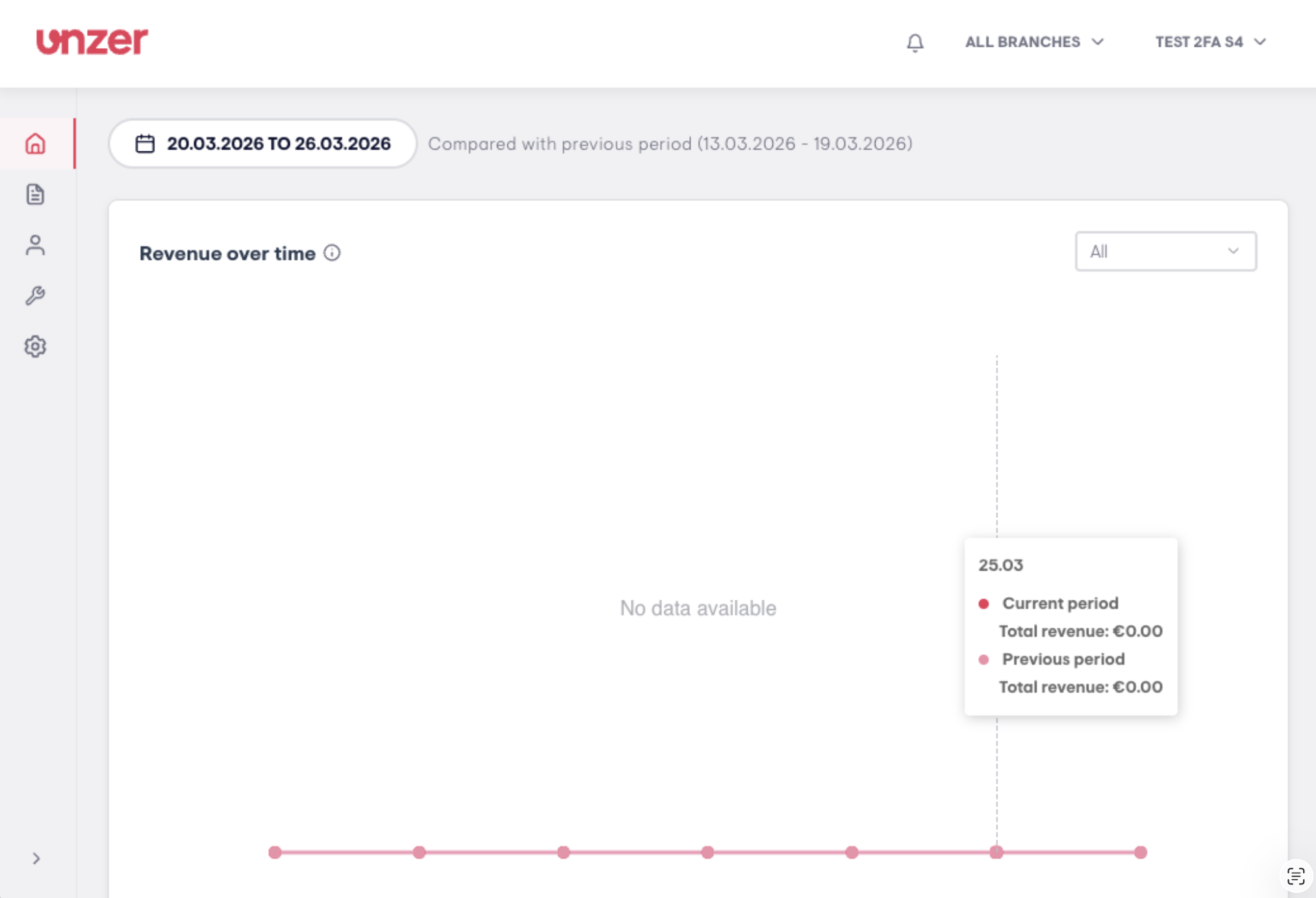
Step 3: You are logged in and will be taken to the UnzerOne Dashboard.
Session timeout
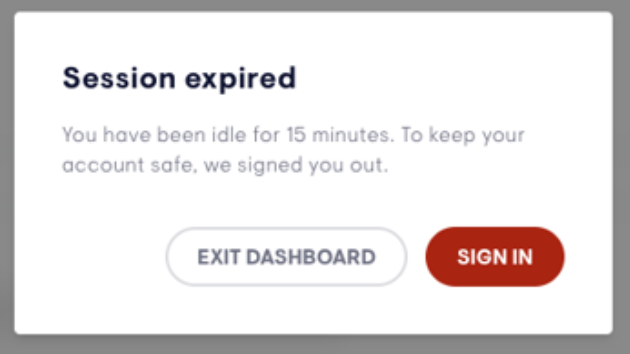
For security reasons, you will automatically be signed out after 15 minutes of inactivity. Click Sign In to log in again.
Using SSO?
If you log in via Single Sign-On (SSO), you will still be required to complete Unzer's 2FA. If your organization also has its own 2FA enabled, you will be asked to complete both during login.
Was this article helpful?
That’s Great!
Thank you for your feedback
Sorry! We couldn't be helpful
Thank you for your feedback
Feedback sent
We appreciate your effort and will try to fix the article
