Log In Using a Backup Code
Modified on Fri, 8 May at 11:34 AM
If you do not have access to your authenticator app, you can use one of your backup codes to log in.
Step 1: Select the backup code option
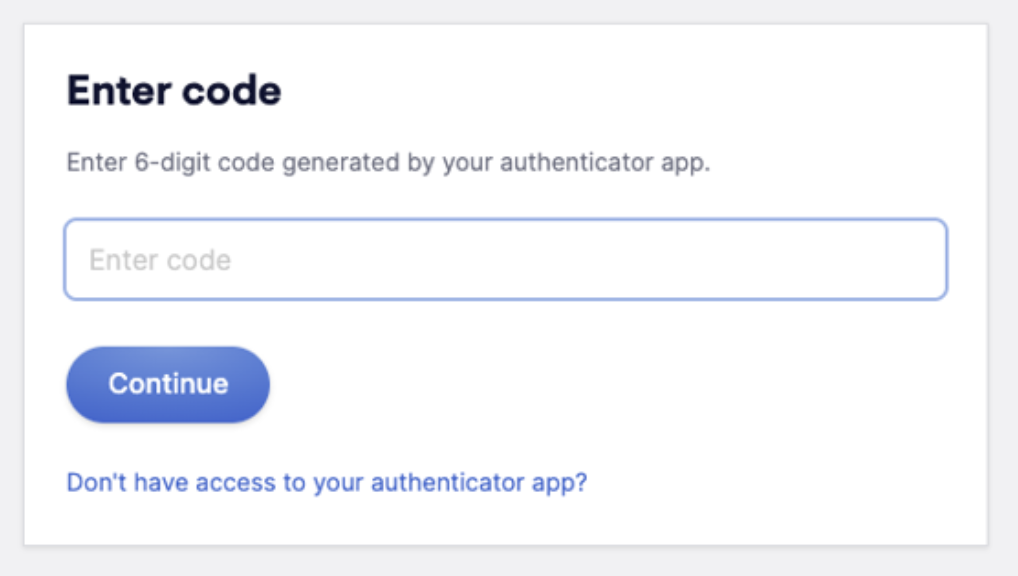
Click "Don't have access to your authenticator app?" on the login screen.
Step 2: Enter your backup code
Enter the next unused backup code from the file you downloaded during setup.
Note that the codes must be used in order. For example, code #2 will not work if code #1 has not been used yet.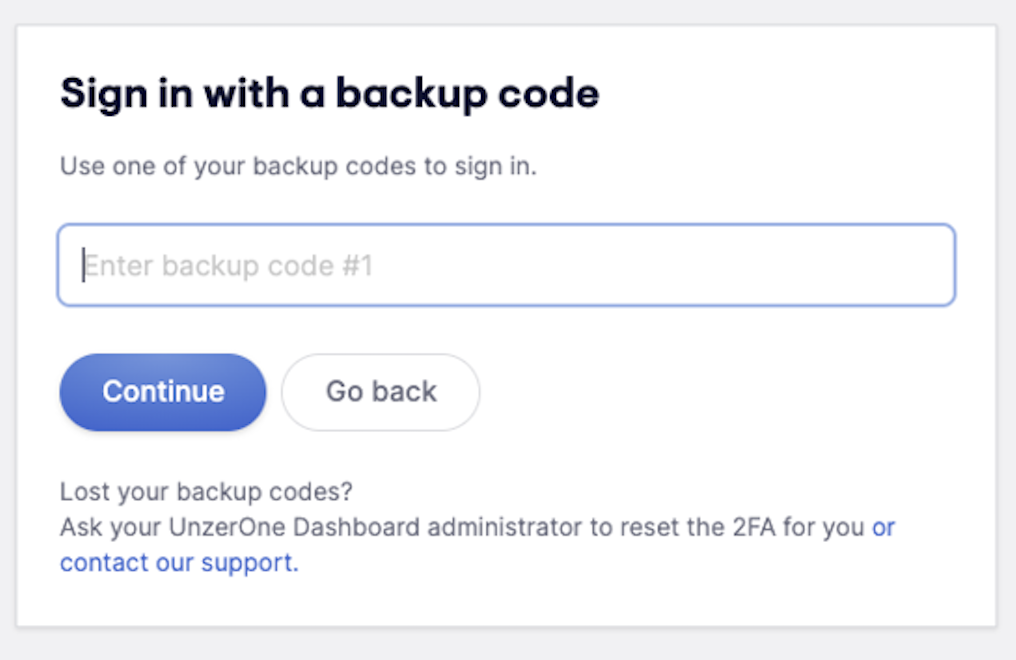
Step 3: Click Continue. You will be logged in and can proceed as normal.
Was this article helpful?
That’s Great!
Thank you for your feedback
Sorry! We couldn't be helpful
Thank you for your feedback
Feedback sent
We appreciate your effort and will try to fix the article
