Ingenico - Running Diagnostics
Modified on Wed, 4 Feb at 10:11 AM
Diagnostics
Diagnostics include all the necessary information for handling payment processing.
Contents of Diagnostics
- Receipt text
- Payment types
- Card acceptance
- Payment authorizations
Sometimes it is necessary to load the diagnostics manually after changes. Here we show you how to load the diagnostics.
Number of Diagnostics
Extended Diagnostic
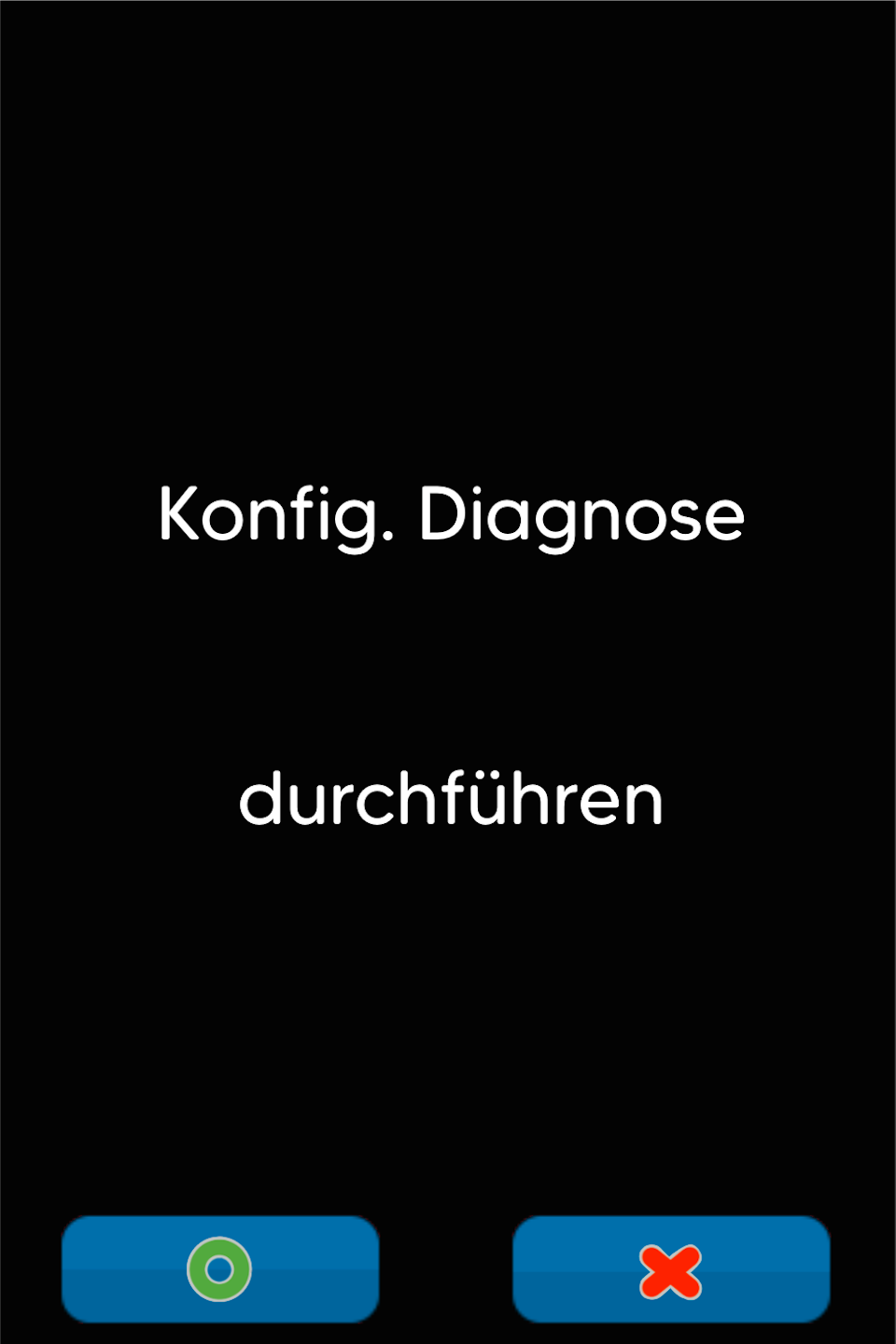
Configuration Diagnostic
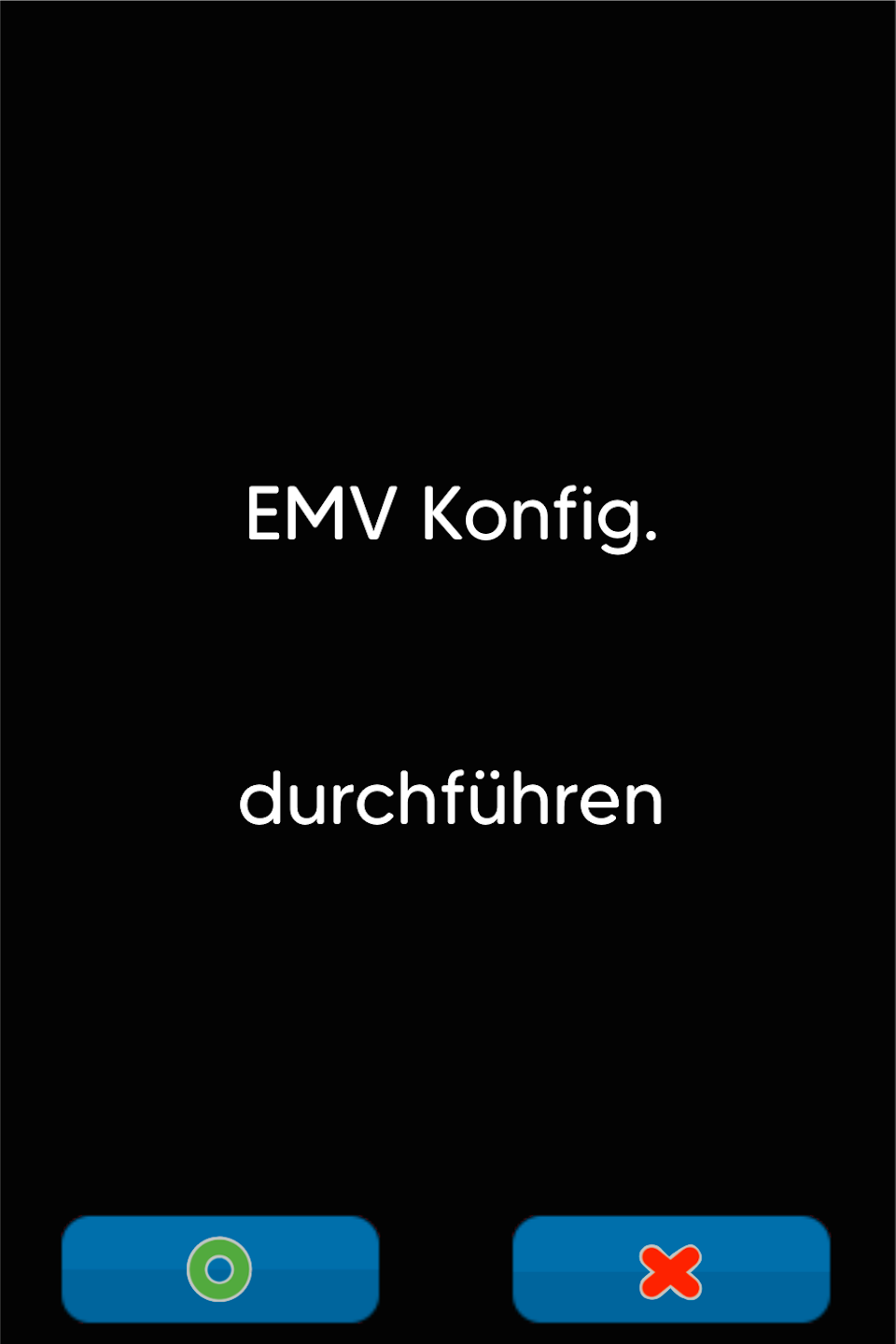
EMV Configuration Diagnostic
1st Diagnostic - Function Code and Password Entry
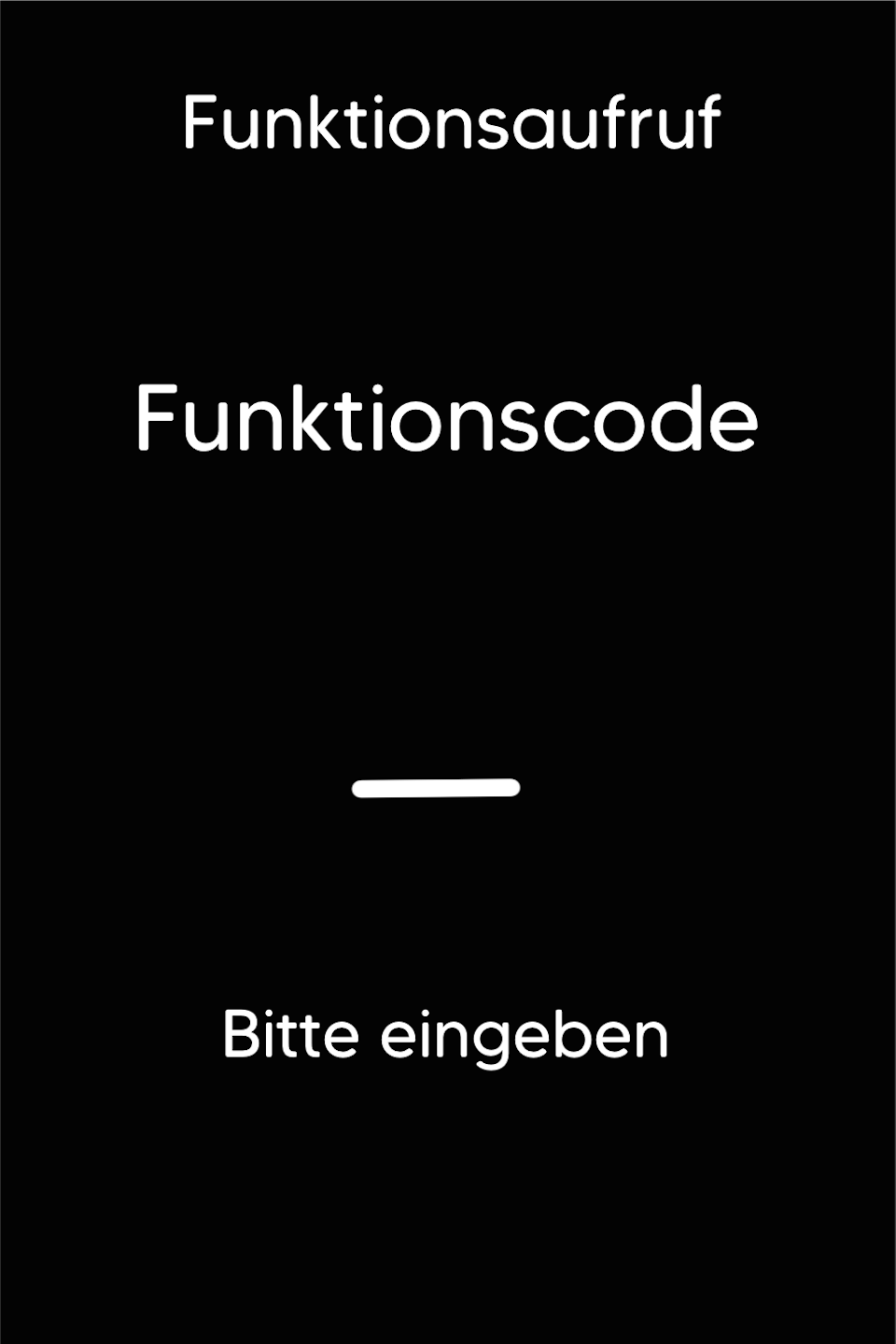
Step 1: Fig. 1
Please press the F key at the bottom left of the keypad repeatedly until you see the function code on the display. Then enter the number 9.
Step 2: Fig. 2
Please enter your 5-digit cashier password and confirm the entry with the green OK button.

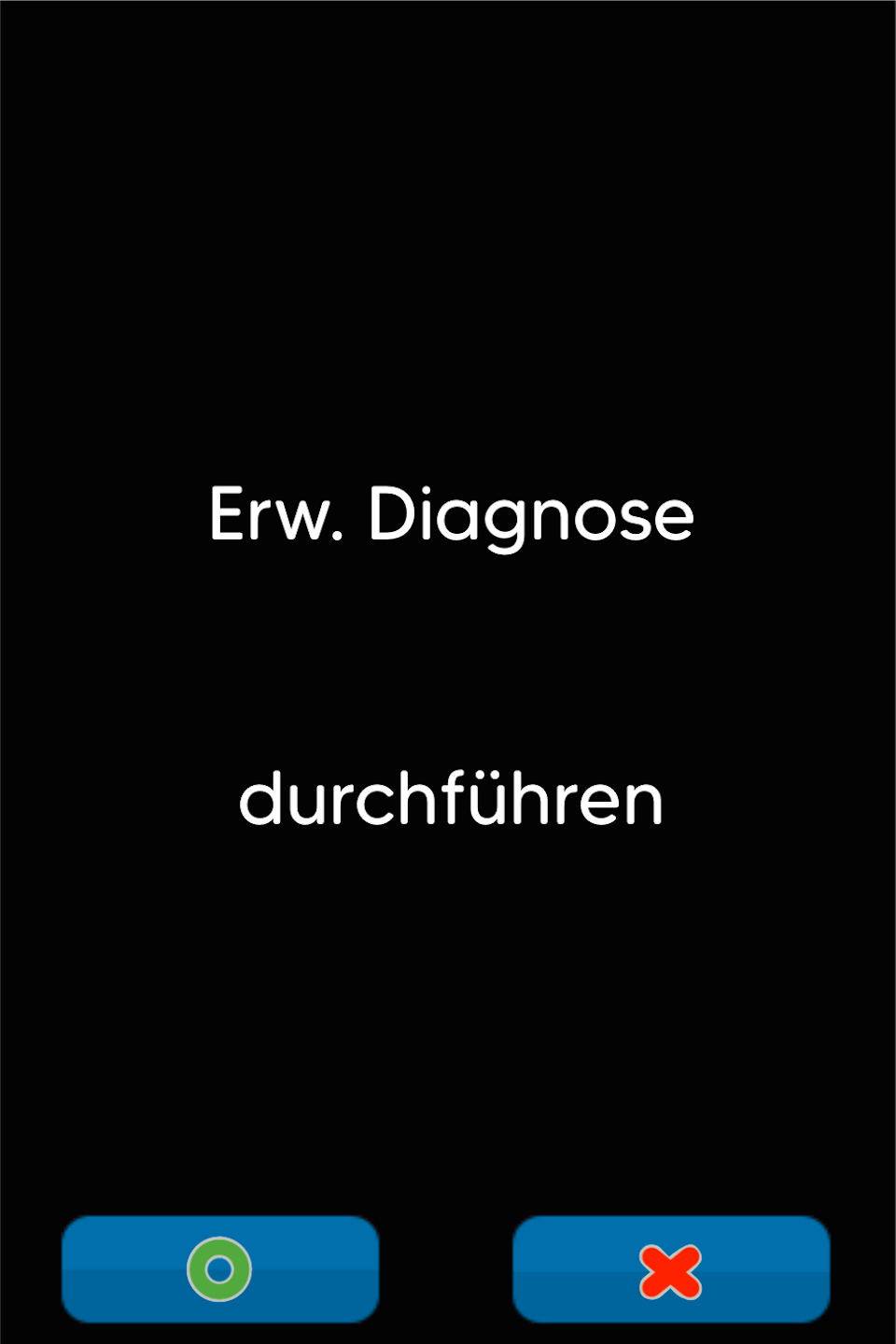
Extended Diagnostic
Please confirm the Extended Diagnostic with the green OK button or the green button on the display.
A printout will be created. The success should be confirmed here.
2nd Diagnostic - Function Code and Password Entry
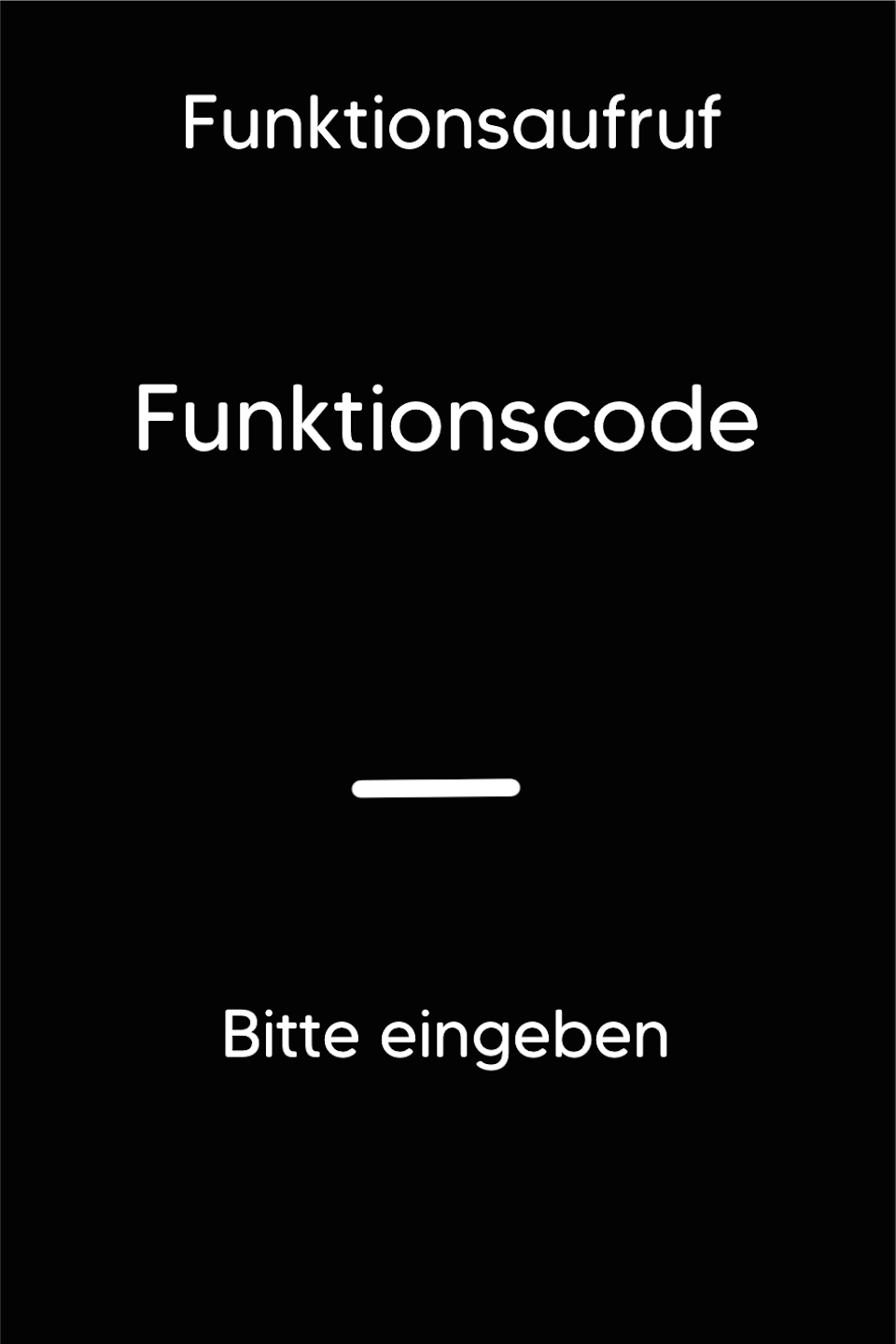
Step 1: Fig. 1
Please press the F key at the bottom left of the keypad repeatedly until you see the function code on the display. Then enter the number 421.
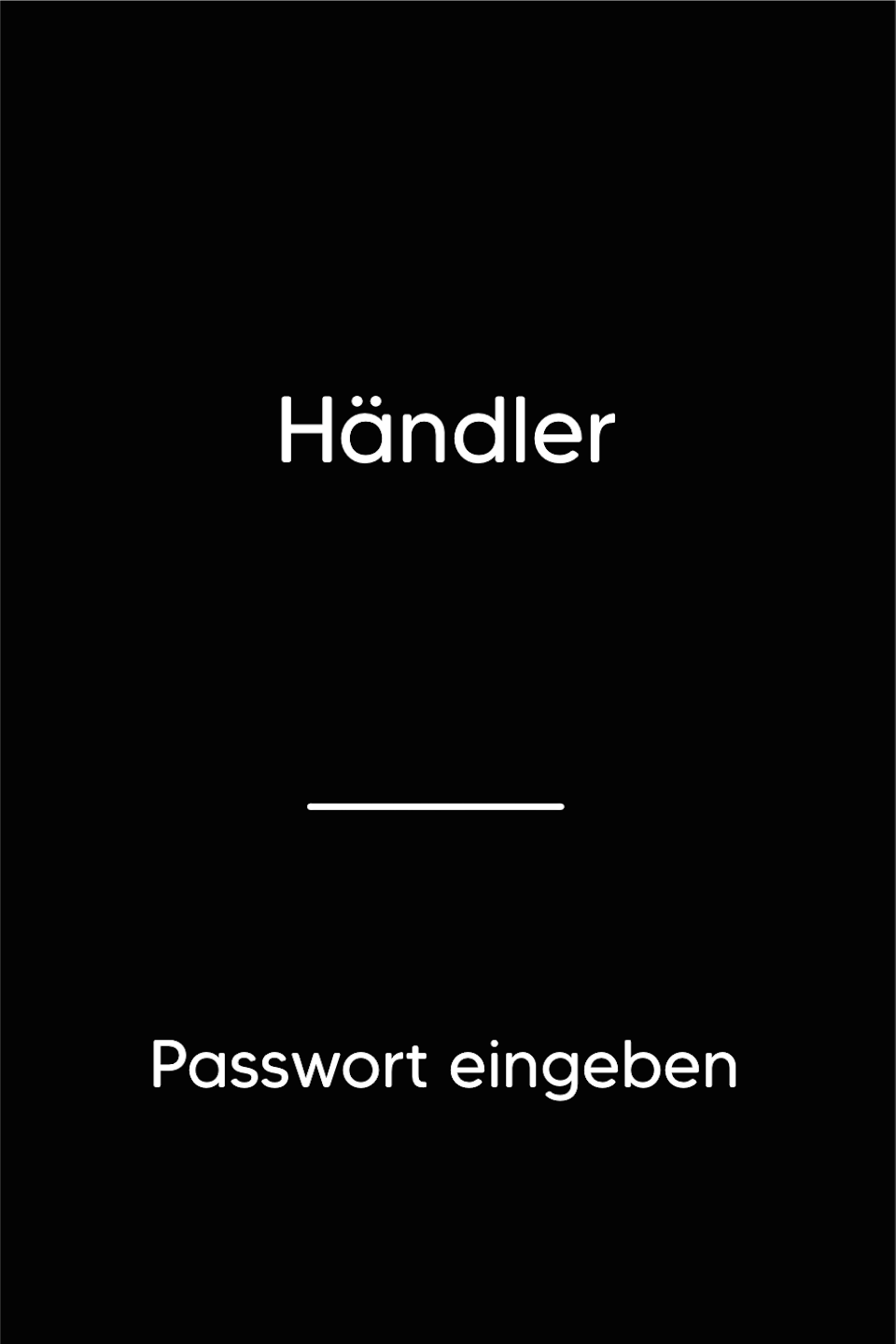
Step 2: Fig. 2
Please enter your 5-digit merchant password and confirm the entry with the green OK button.
Configuration Diagnostic
Please confirm the Configuration Diagnostic with the green OK button or the green button on the display.
A printout will be created. The success should be confirmed here.
3rd Diagnostic - Function Code and Password Entry
Step 1: Fig. 1
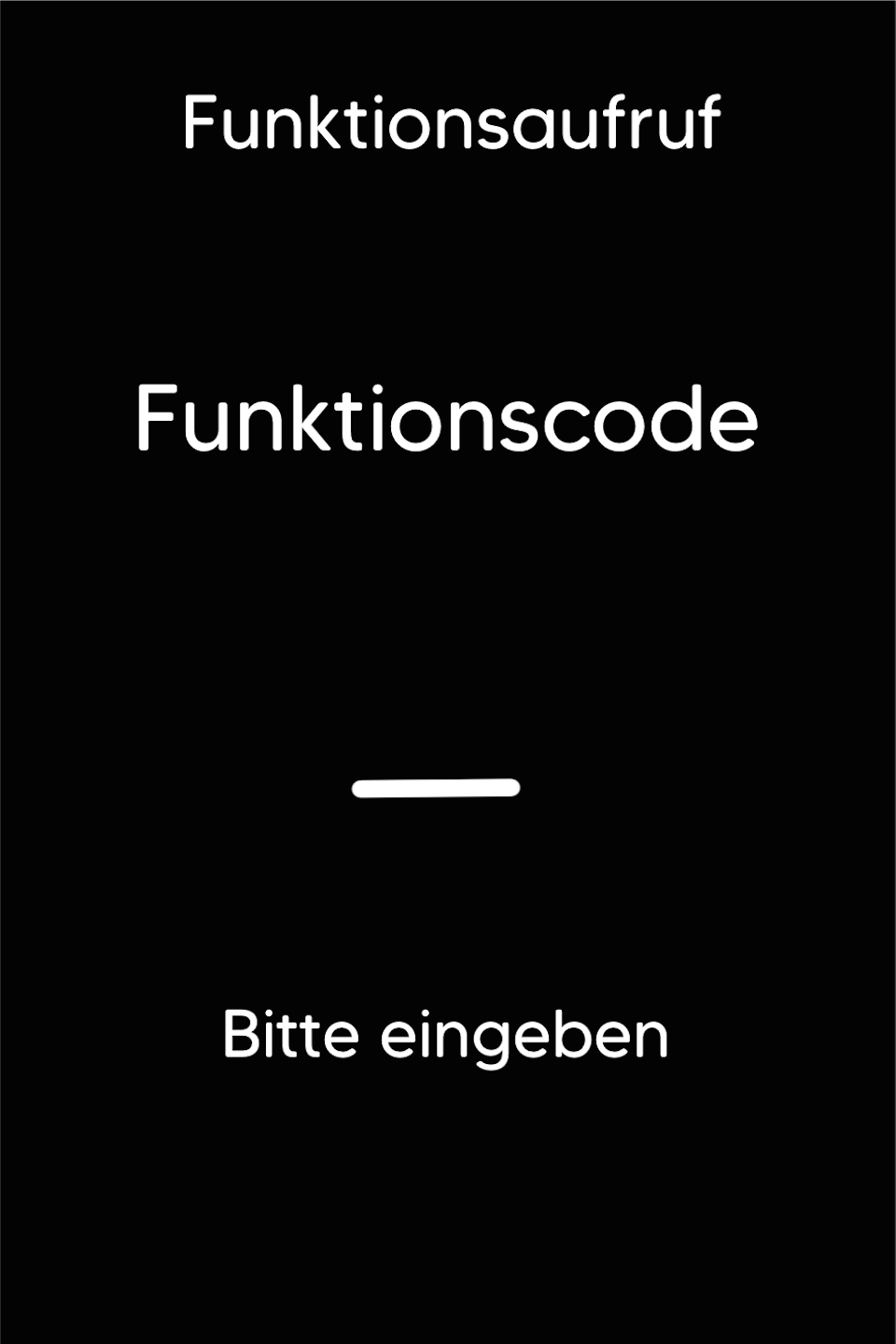
Please press the F key at the bottom left of the keypad repeatedly until you see the function code on the display. Then enter the number 422.
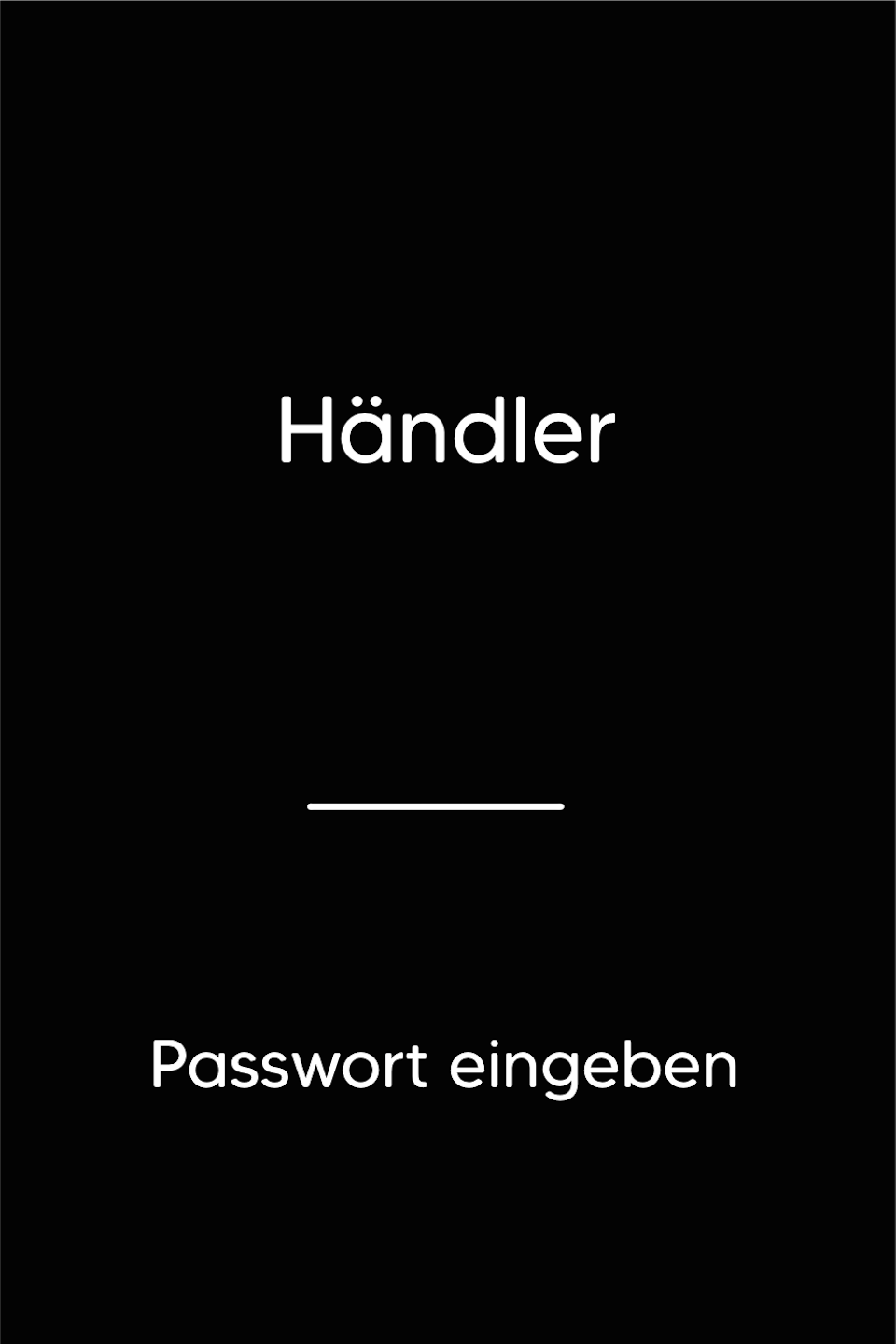
Step 2: Fig. 2
Please enter your 5-digit merchant password and confirm the entry with the green OK button.
EMV Diagnostic
Please confirm the EMV Diagnostic with the green OK button or the green button on the display.
A printout will be created. The success should be confirmed here.
Was this article helpful?
That’s Great!
Thank you for your feedback
Sorry! We couldn't be helpful
Thank you for your feedback
Feedback sent
We appreciate your effort and will try to fix the article
