Ingenico - Display Lighting
Modified on Wed, 4 Feb at 11:33 AM
Setting the Display Lighting
Your Ingenico card reader allows you to dim the display and turn off the keypad lighting after a desired period of time. This can help extend battery life on mobile card devices. For wired card terminals, it can save energy.
In this step-by-step guide, we will show you how to adjust this setting.
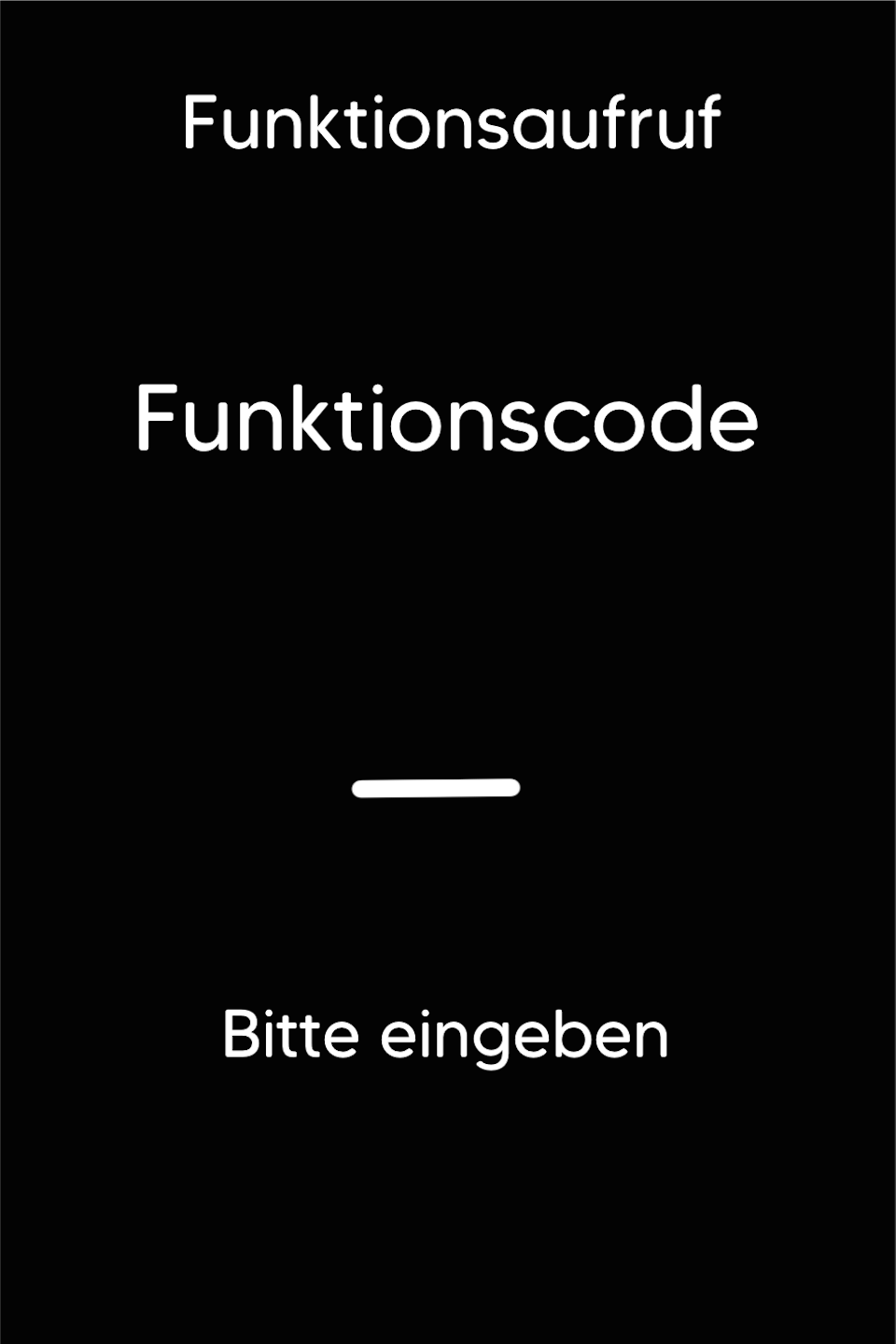
Function Code
Please press the F key at the bottom left of the keypad repeatedly. You will now see the function code on the display.
Function Code 511
Please enter the number 511 and confirm the entry with the green OK button.
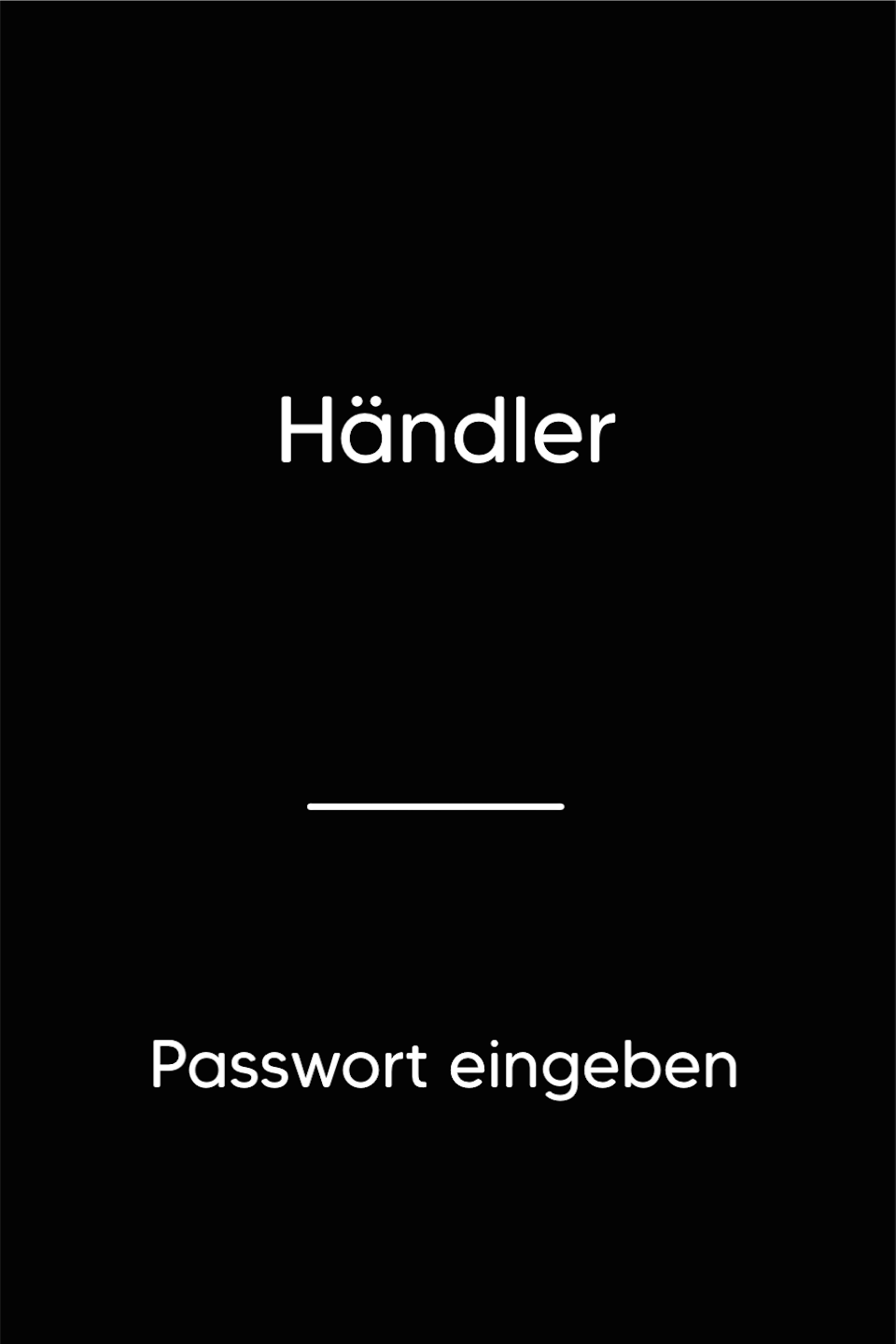
Password Entry
Please enter your 5-digit merchant password and confirm the entry with the green OK button.
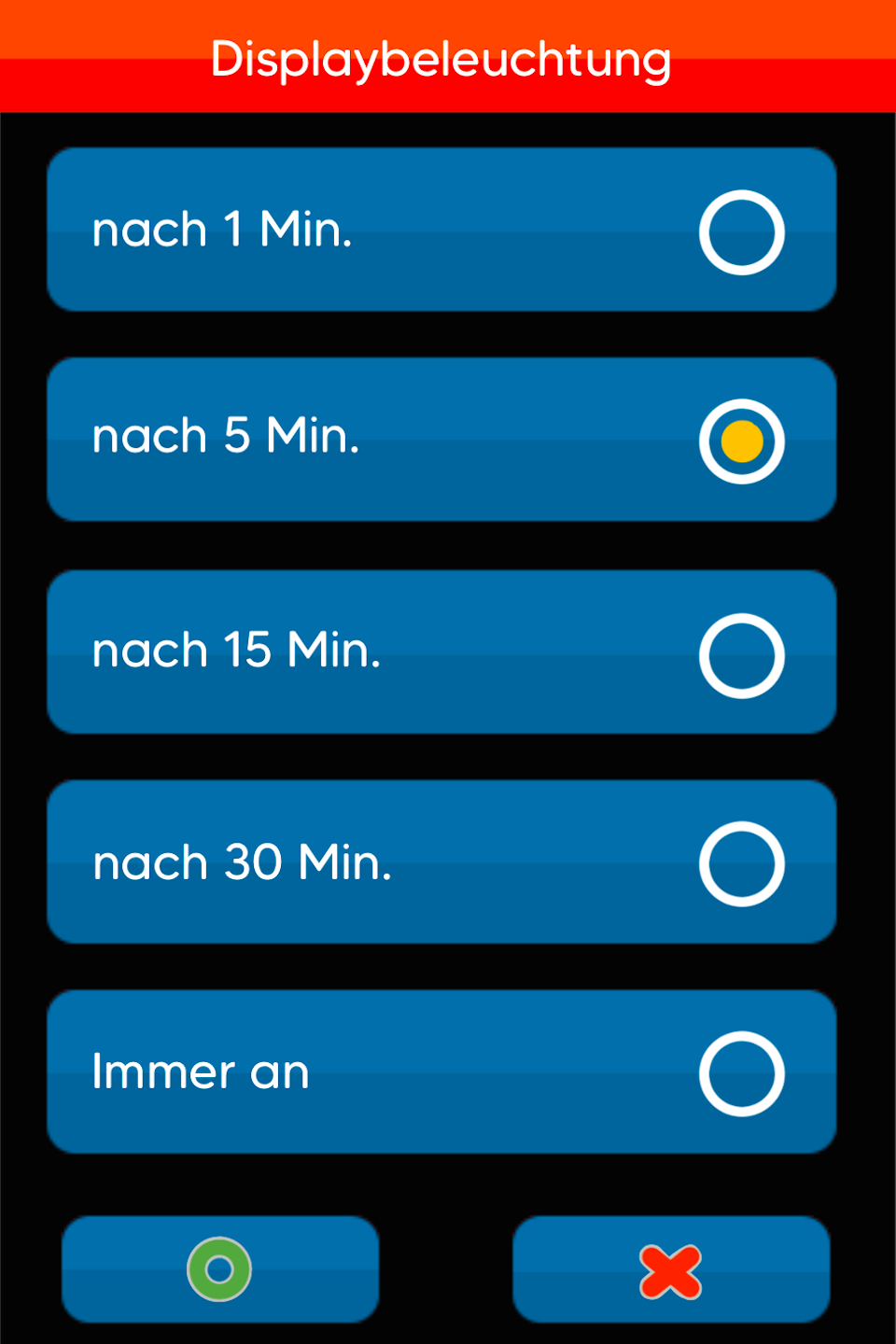
Display Lighting
Here you can set after how much time the mode should become active.
The display will dim and the keypad lighting will turn off.
Please make your selection by tapping and confirm the selection with the green OK button. Afterwards, the card reader will automatically restart.
Was this article helpful?
That’s Great!
Thank you for your feedback
Sorry! We couldn't be helpful
Thank you for your feedback
Feedback sent
We appreciate your effort and will try to fix the article
