Ingenico - Sleep Mode
Modified on Tue, 10 Feb at 4:03 PM
Adjusting the Sleep Mode
Would you like to set or adjust the energy-saving sleep mode on your Ingenico card reader? This step-by-step guide will show you how.
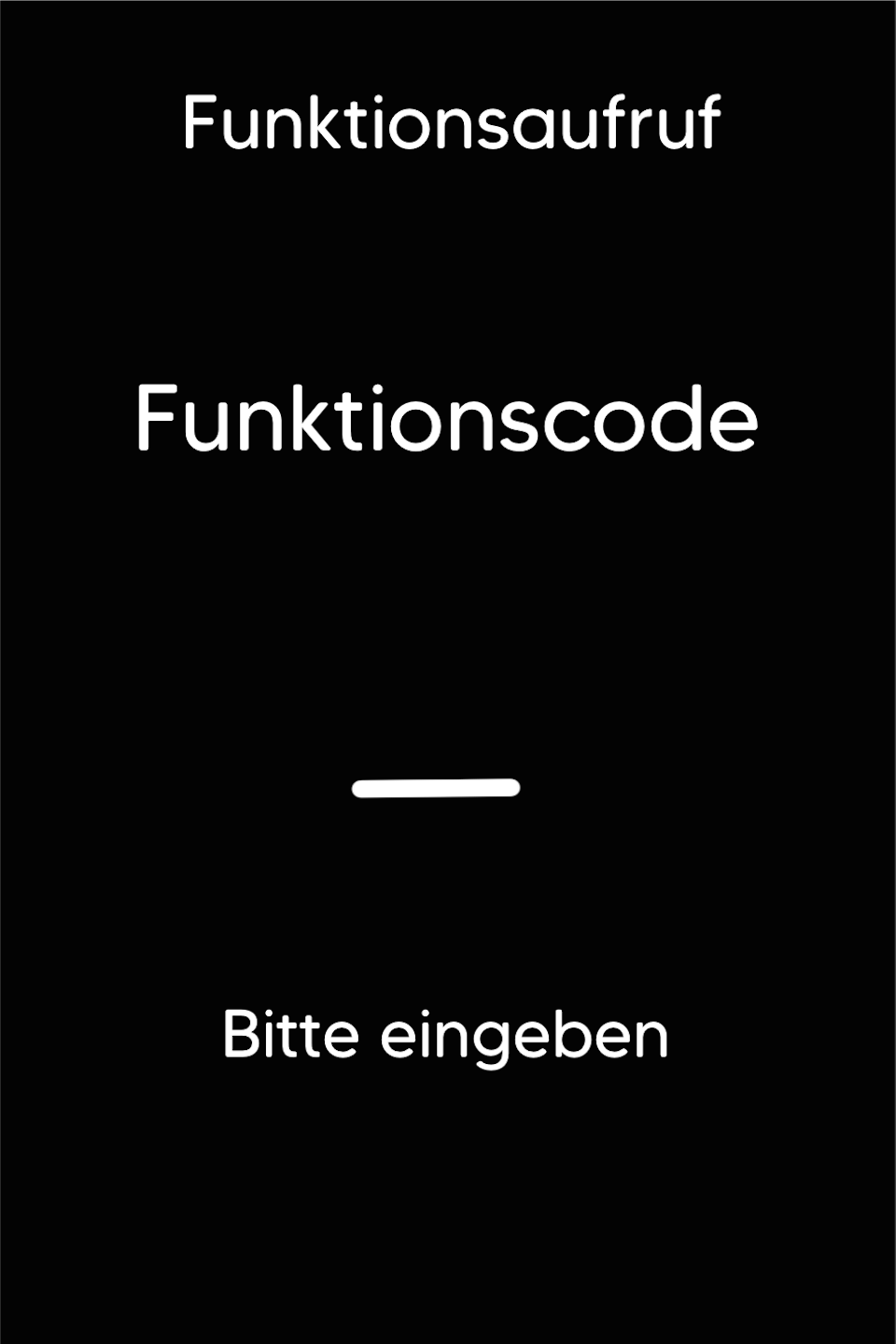
Function Code
Please press the F key at the bottom left of the keypad repeatedly. You will now see "Funktionscode" on the display.
Function Code 515
Please enter the number 515 and confirm the entry with the green OK button.
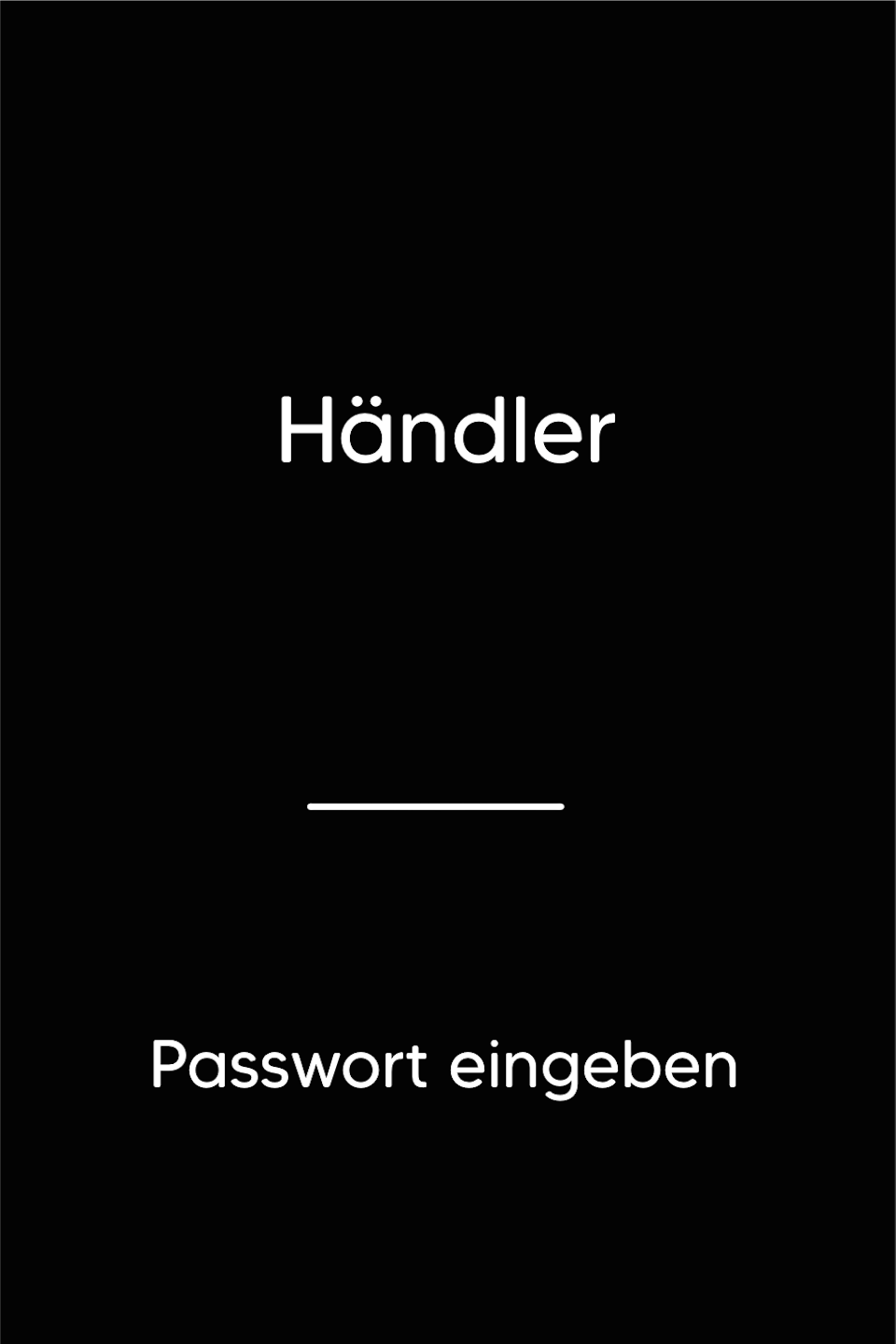
Password Entry
Please enter your 5-digit merchant password and confirm the entry with the green OK button.
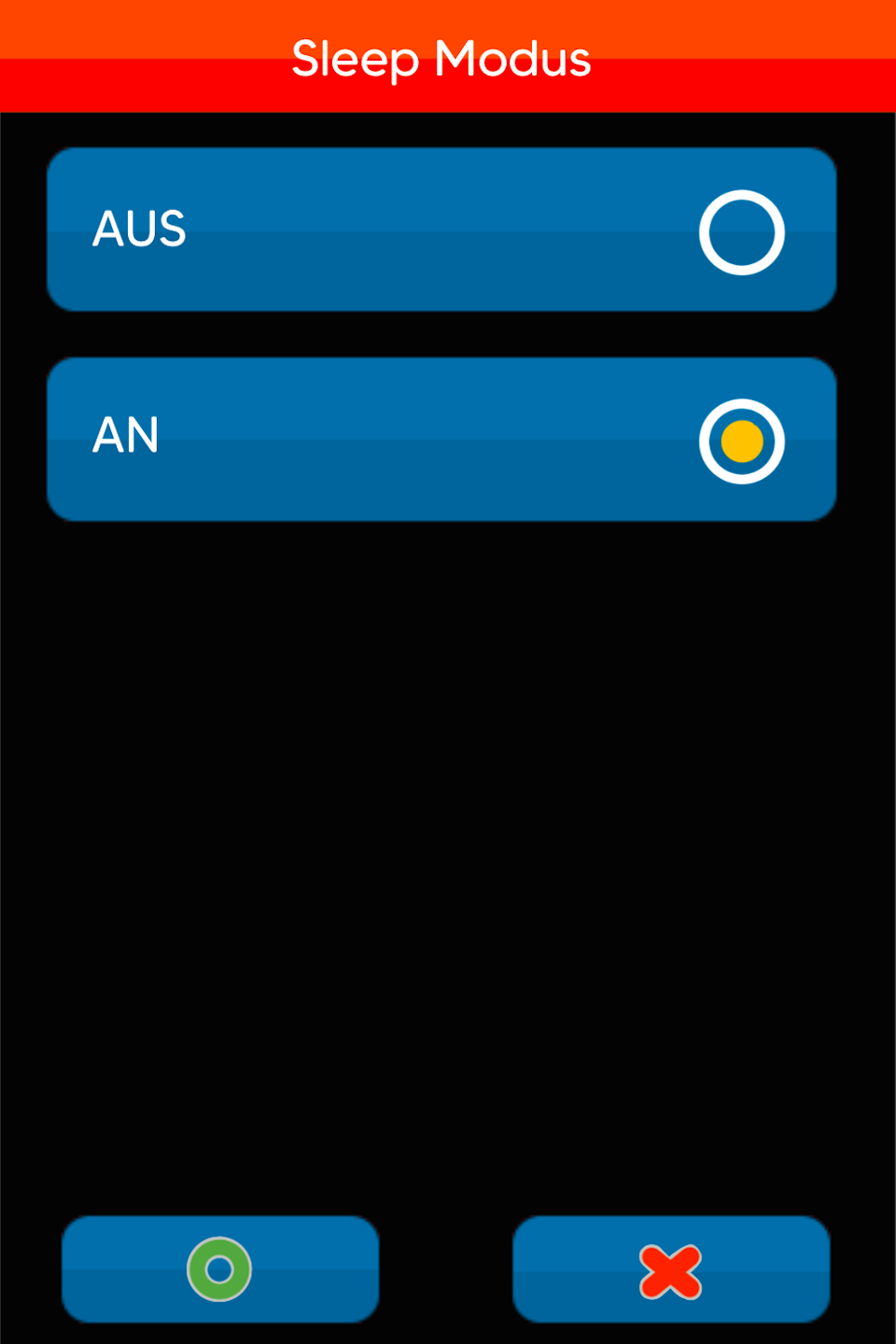
Sleep Mode
You will now see the Sleep Mode menu.
You have two options to configure energy saving on the terminal:
Aus– The card terminal fully powers down after the set period of inactivity. All connections are terminated. To use the device again, it must be switched on manually.
An – The terminal enters sleep mode after the set period of inactivity. Press any key to reactivate it. The reactivation takes about 30–40 seconds as all connections need to re-establish.
Time Setting
You can now select the number of minutes of inactivity before the terminal enters energy-saving mode. Use the yellow CLR button to correct your input.
You can enter up to 550 minutes.
Please confirm your entry with the green OK button.

Was this article helpful?
That’s Great!
Thank you for your feedback
Sorry! We couldn't be helpful
Thank you for your feedback
Feedback sent
We appreciate your effort and will try to fix the article
