Ingenico - Deactivate the cash register
Modified on Wed, 4 Feb at 10:11 AM
In this tutorial, we will show you how to deactivate the connection between your Ingenico Move5000 & Desk5000 and your POS system.
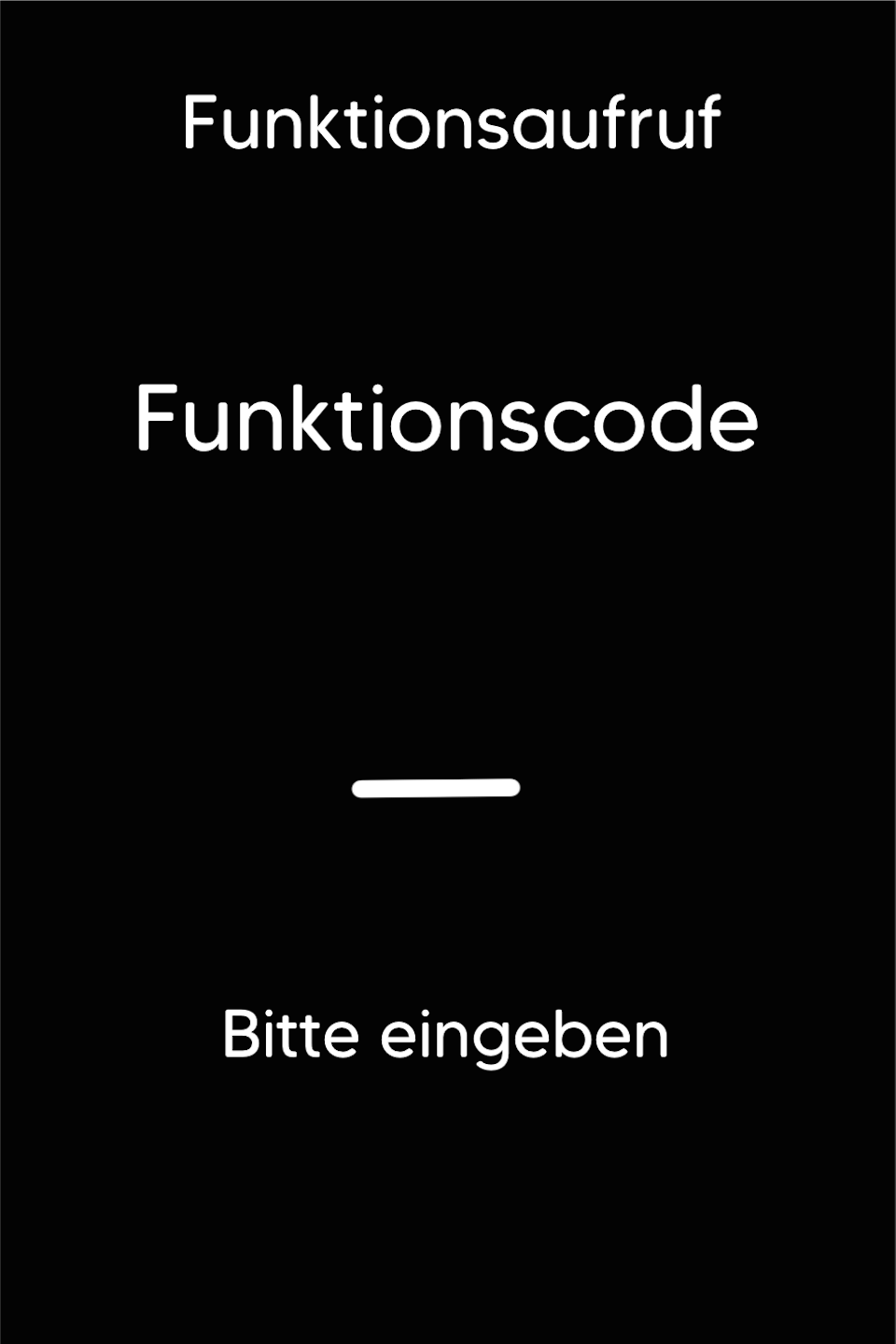
Function Code
Please first press the F key on the bottom left of the keypad several times in succession. You will now see the function code on the display.
Function Code 513
Please enter the number 513 and confirm the entry with the green OK button.
Password Entry
Please enter the 5-digit technician password and confirm the entry with the green OK button.
You can find the terminal ID on your merchant receipts or on the POS interface.
Terminal IDs starting with 61xxxxxx - 82024
Terminal IDs starting with 68xxxxxx - 11599
Terminal IDs starting with 526xxxxx - 17356

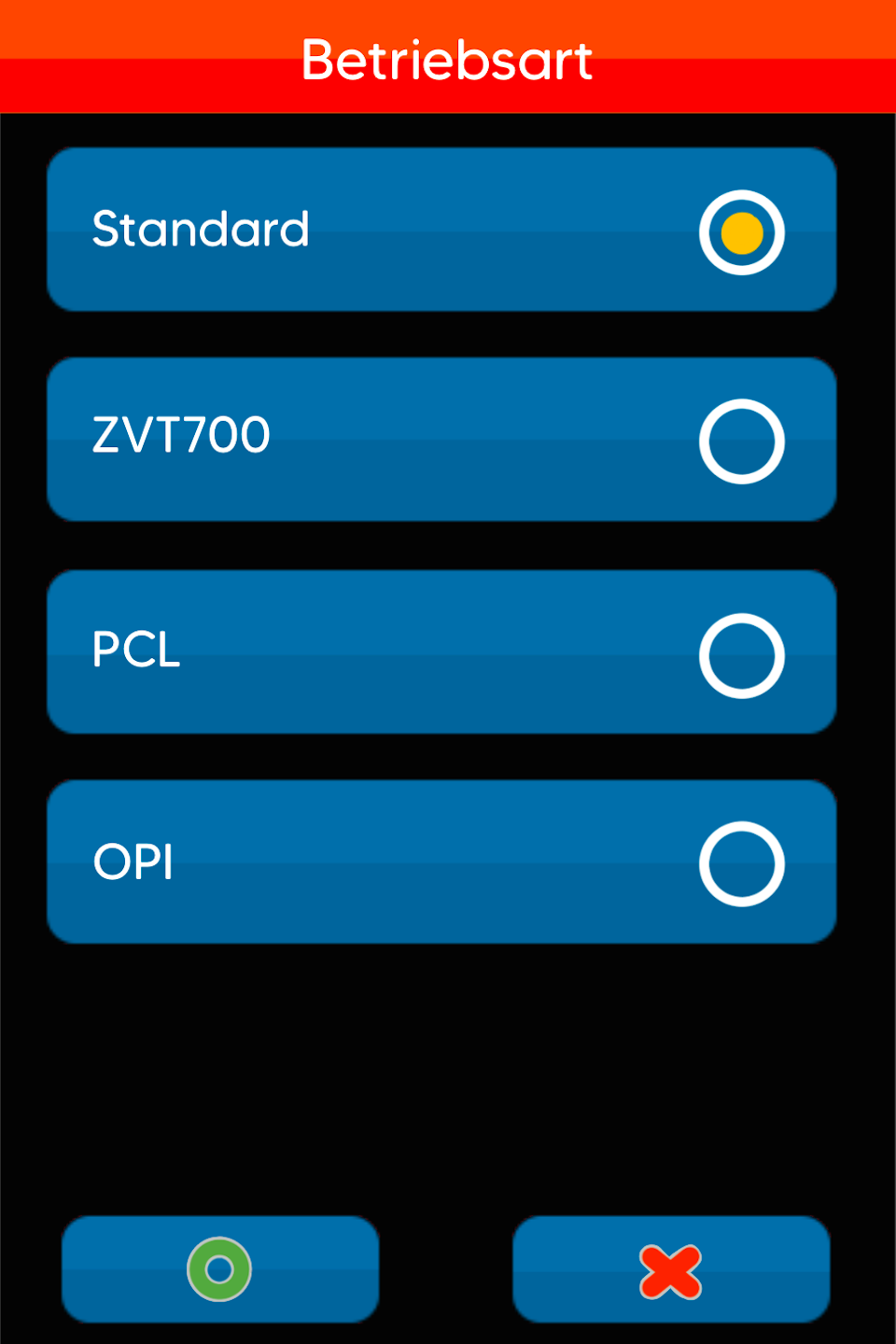
Operating Mode
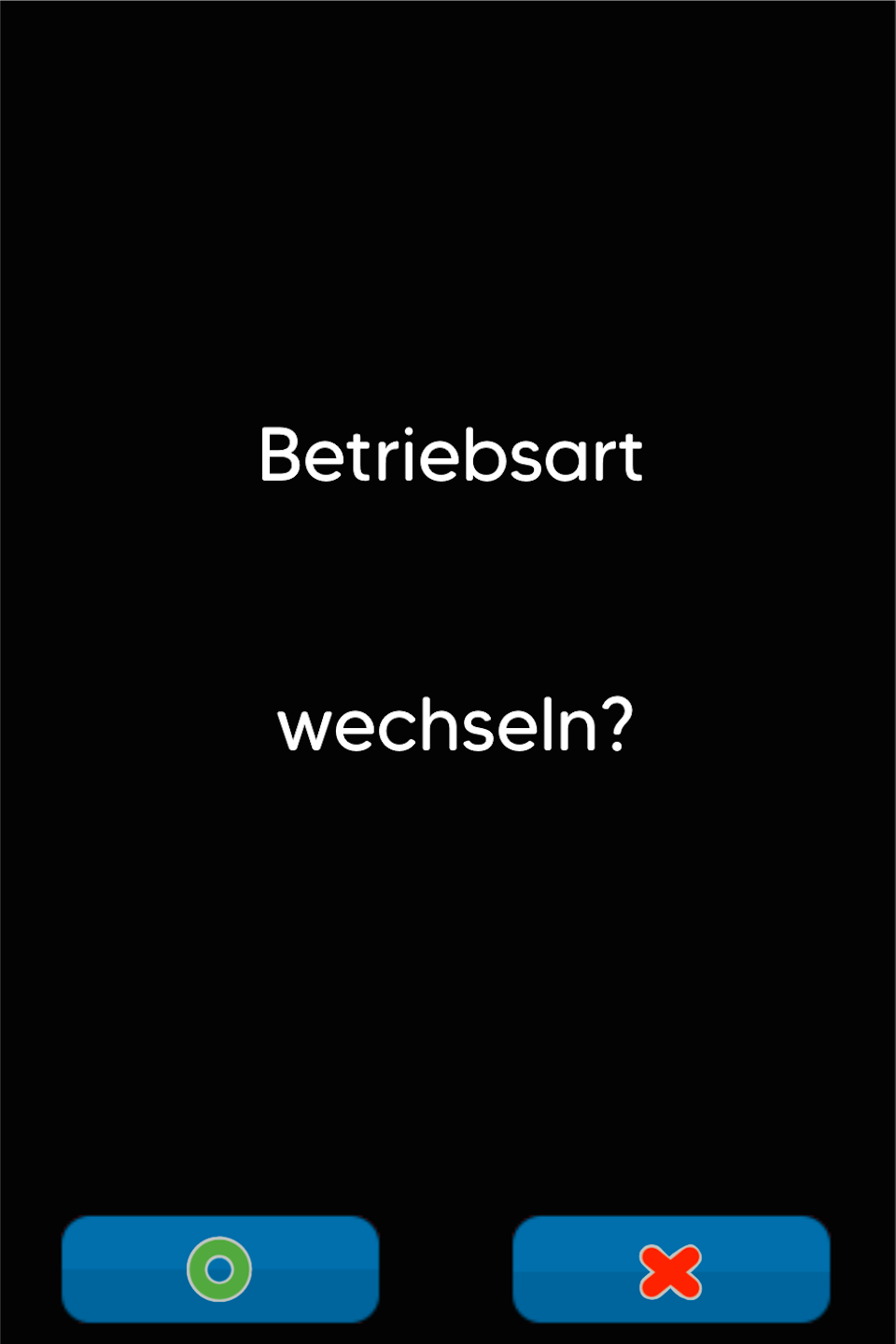
Please select Standard here and confirm that you want to change the operating mode (Fig. 2).
Your card reader will now automatically restart.
The large green checkmark on the display will no longer be visible.
The deactivation of your POS connection is now complete.
Was this article helpful?
That’s Great!
Thank you for your feedback
Sorry! We couldn't be helpful
Thank you for your feedback
Feedback sent
We appreciate your effort and will try to fix the article
