Ingenico - Language Selection
Modified on Tue, 10 Feb at 4:03 PM
Setting the Language
Would you like to change the language on your card reader? Two languages are available. Here’s how to do it.
Language Options: German and English
Function Code
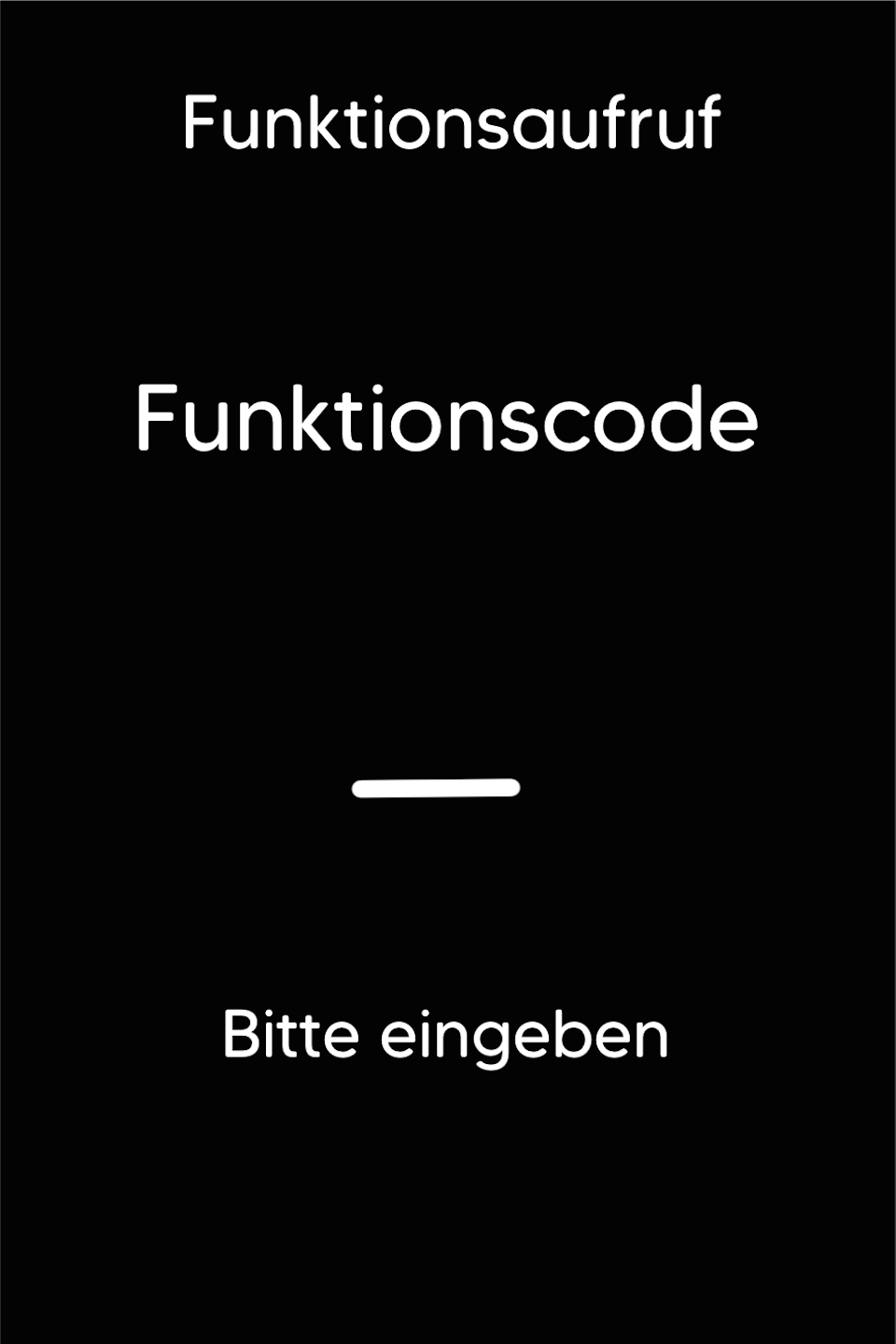
Please press the F key at the bottom left of the keypad repeatedly. You will now see "Funktionscode" on the display.
Function Code 713
Please enter the number 713 and confirm the entry with the green OK button.
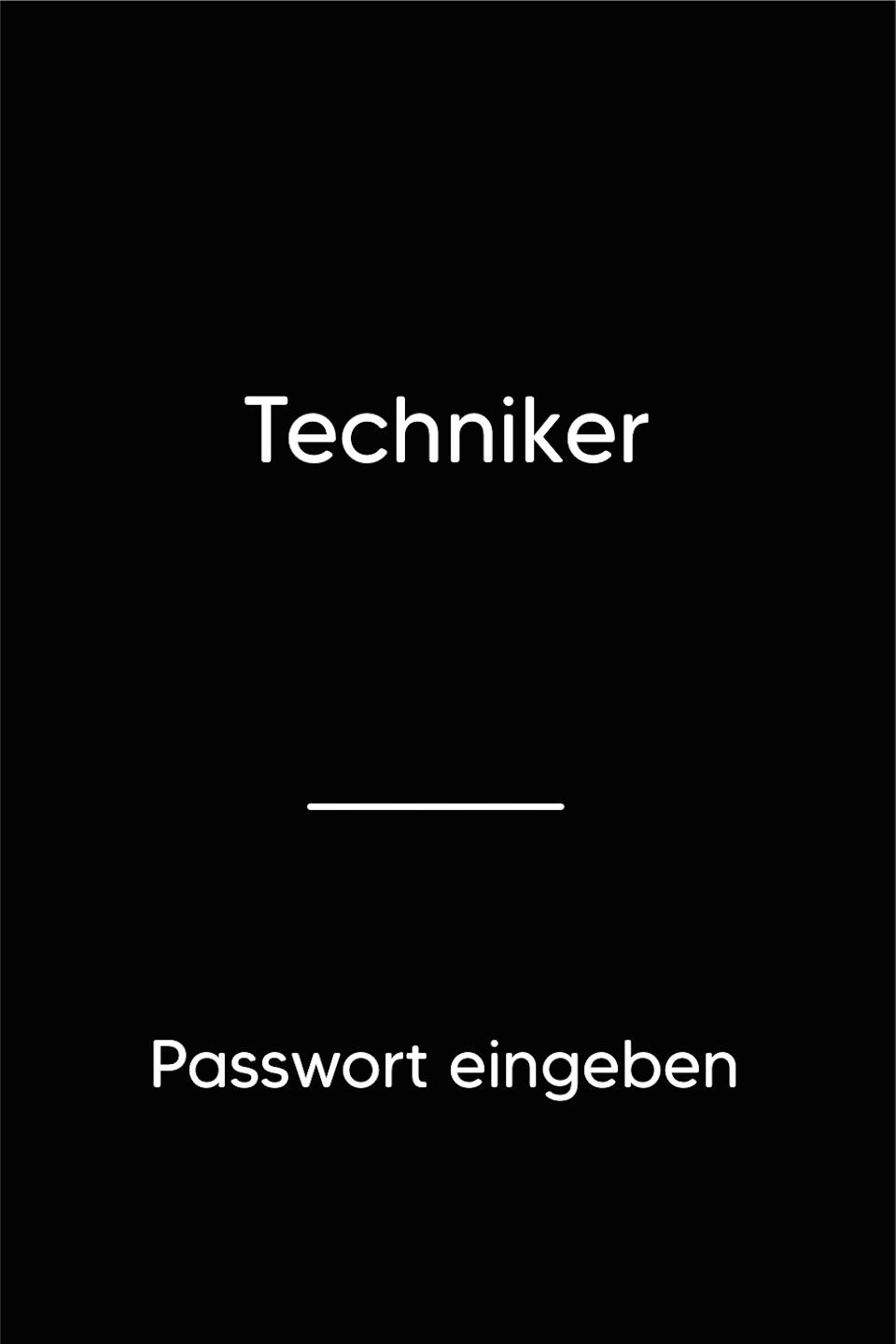
Password Entry
Please enter your 5-digit technician password and confirm the entry with the green OK button.
If you do not know the technician password, please contact our service hotline.
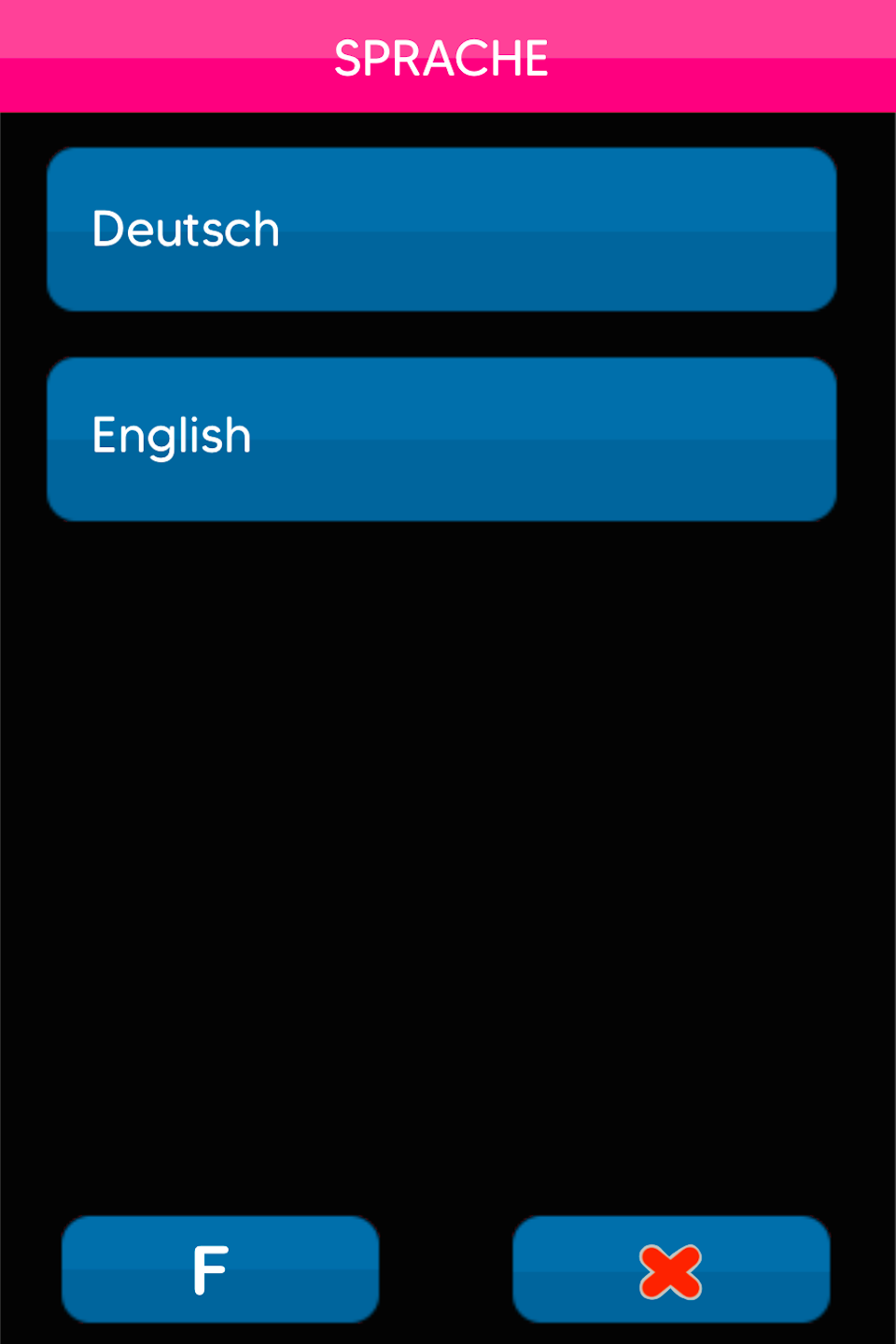
Select Language
Your card reader will now display two language options.
Please select your desired language.
To complete the language change, confirm the next prompt with the green OK button. The card reader will automatically restart.
Was this article helpful?
That’s Great!
Thank you for your feedback
Sorry! We couldn't be helpful
Thank you for your feedback
Feedback sent
We appreciate your effort and will try to fix the article
