View transaction details
Modified on Tue, 27 Jan at 11:48 AM
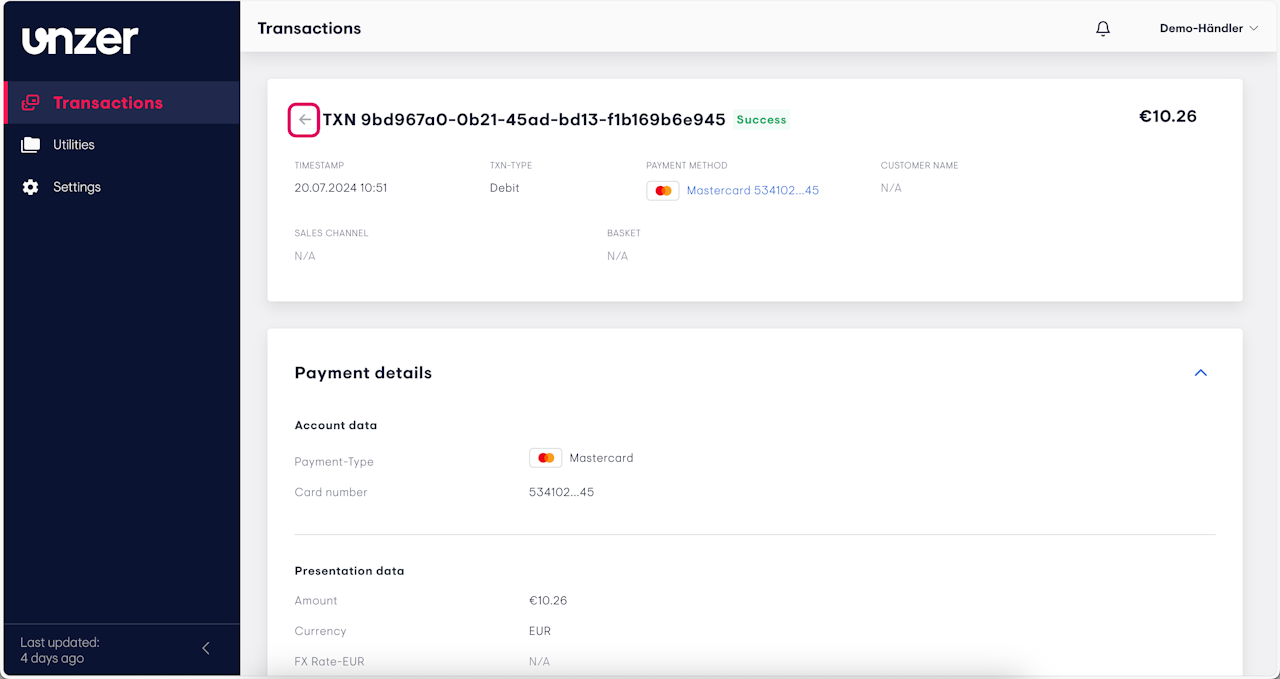
You can view detailed information for a specific transaction.
Select a transaction from the Transactions list.
The transaction details will display, including:
Transaction amount
Payment method
Transaction status
Timestamp
Card number (if applicable)
To return to the transactions list, click the back arrow.
Was this article helpful?
That’s Great!
Thank you for your feedback
Sorry! We couldn't be helpful
Thank you for your feedback
Feedback sent
We appreciate your effort and will try to fix the article
