Create accounts for expenses and deposits
Modified on Tue, 17 Feb at 2:16 PM
Once you have navigated to the main menu item "Finance" in the dashboard, click on the "Expenses/Deposits" tab on the right side of the screen.
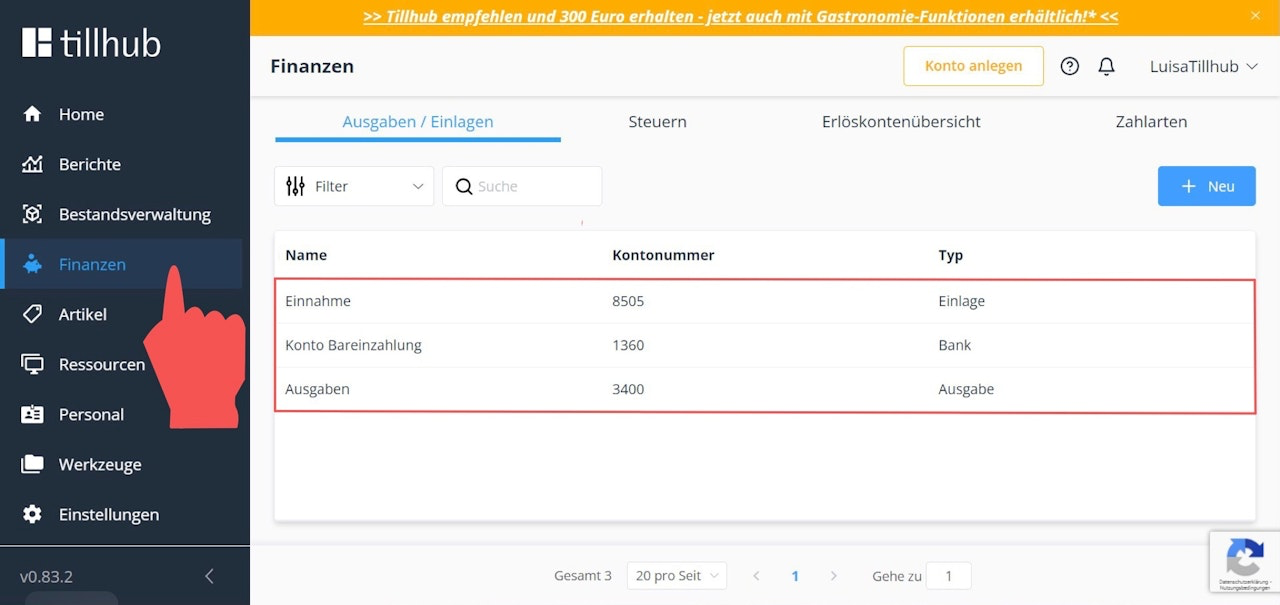
Here, you will find the following accounts set as default:
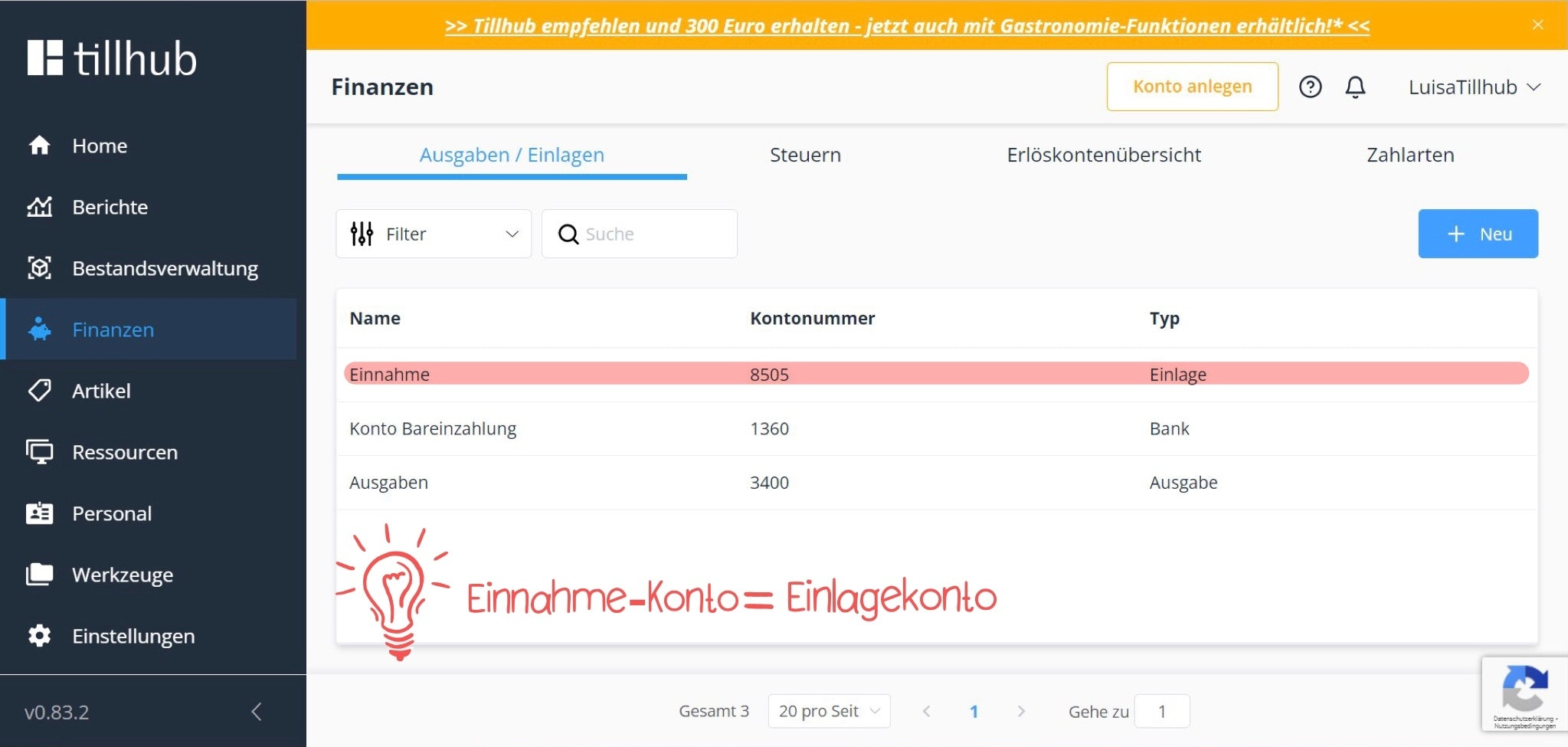
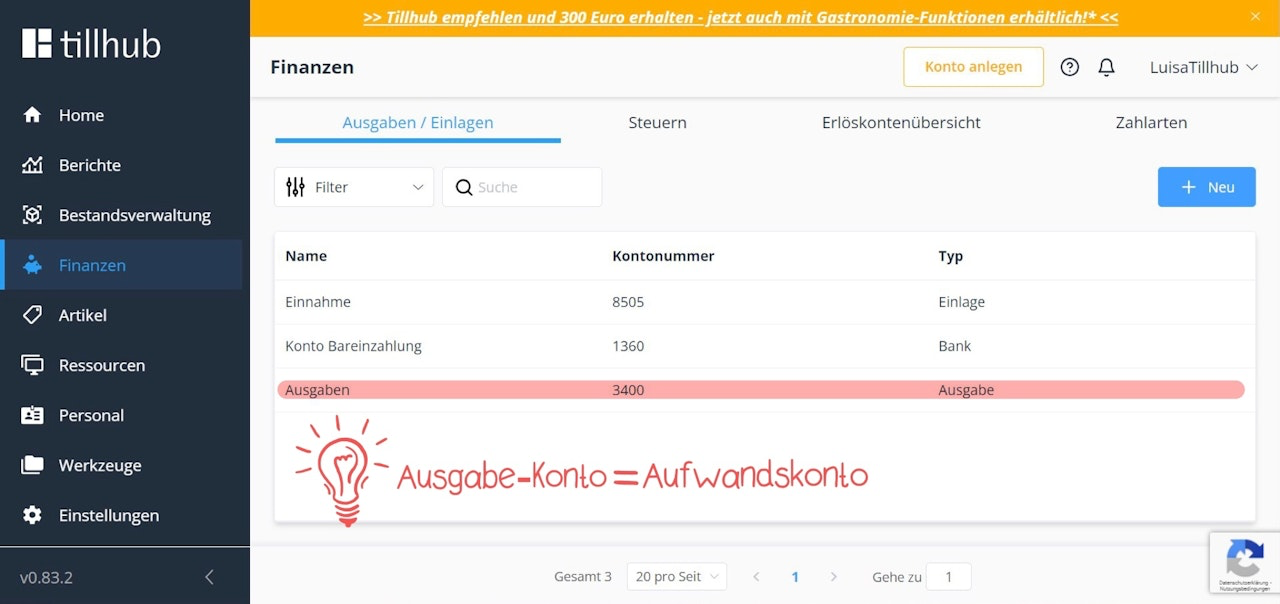
1) Income (Account No.: 8505) & Expense (Account No.: 3400)
These two accounts are used for your extraordinary transactions and are therefore not linked to any VAT accounts.
For example, you post the opening cash balance—the amount you place in your cash register at the beginning of the day—to the income account.
The expense account is an expense-type account, meaning it is used for cash amounts you withdraw from the register, for example, to pay a postage invoice for your business.
To learn how to post an amount to the income and expense accounts using the Tillhub app, please refer to the chapter:
"Cash float & extraordinary transactions."
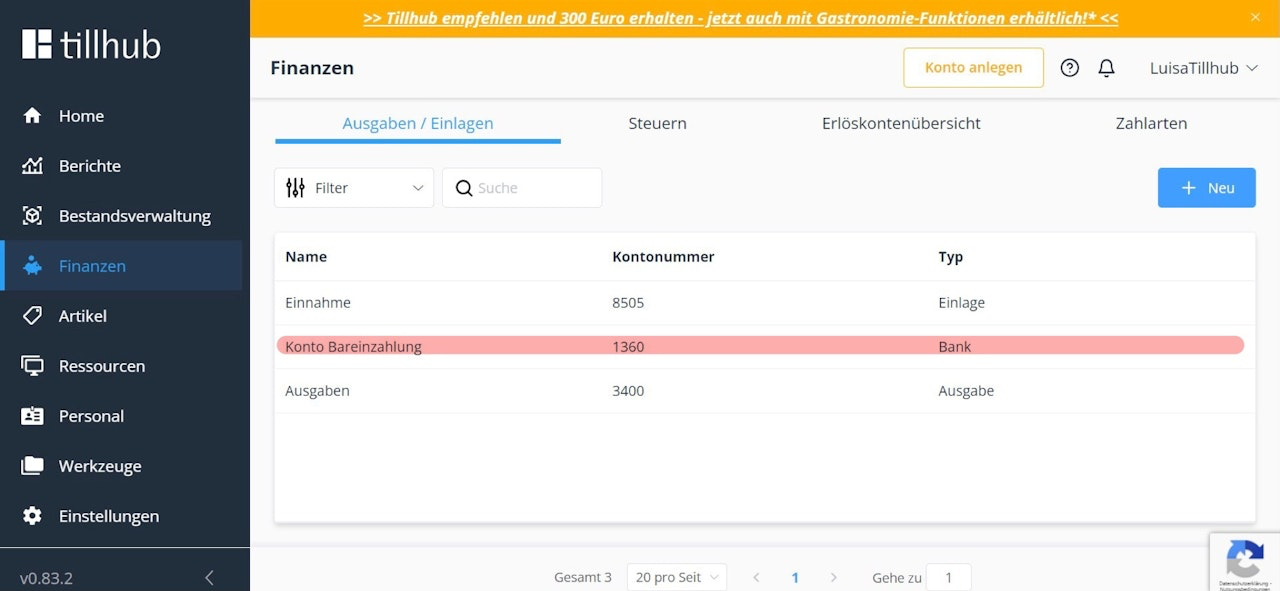
2) Cash Deposit Account (Account No.: 1360)
This account is used to post the amount you withdraw from the cash register before performing a cash register closingand take to the bank — essentially acting as a "cash-to-bank transit account."
To learn how to perform a cash register closing in the app, please refer to the following chapter:
"Cash Register Closing."
How do I change account numbers?
Since our system uses SKR03 by default, you may need to change the account numbers of the above-mentioned accounts — for example, if your tax advisor uses SKR04.
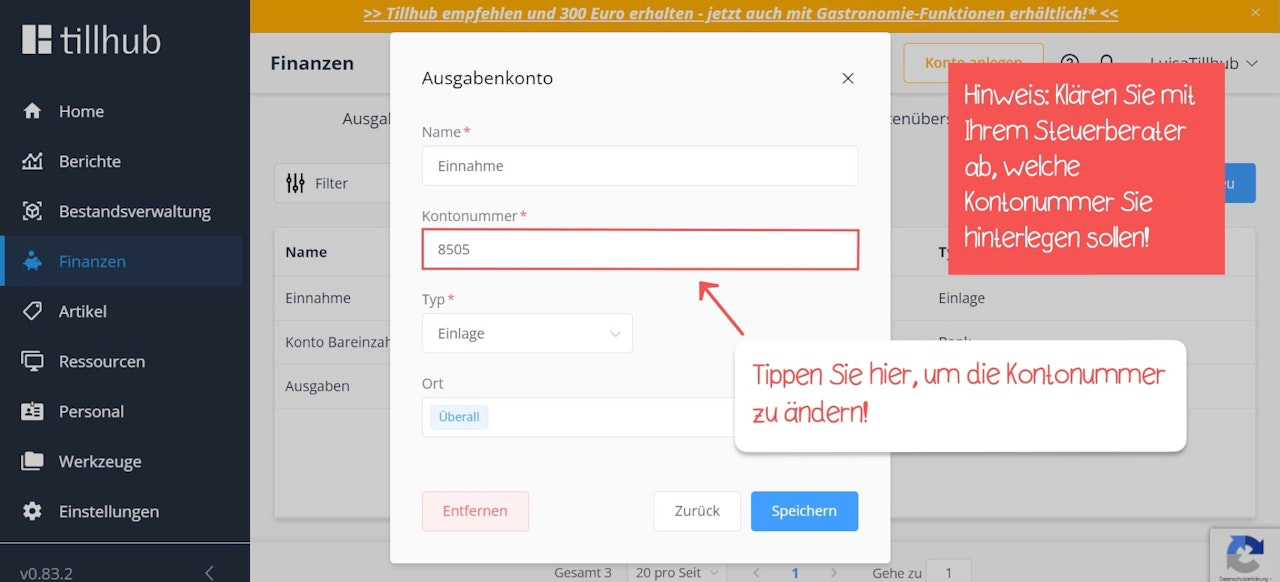
To change an account number, simply click on the relevant account. A pop-up window will open, where you can change not only the account number but also the account name, if needed.
After making your changes, click the blue "Save" button.
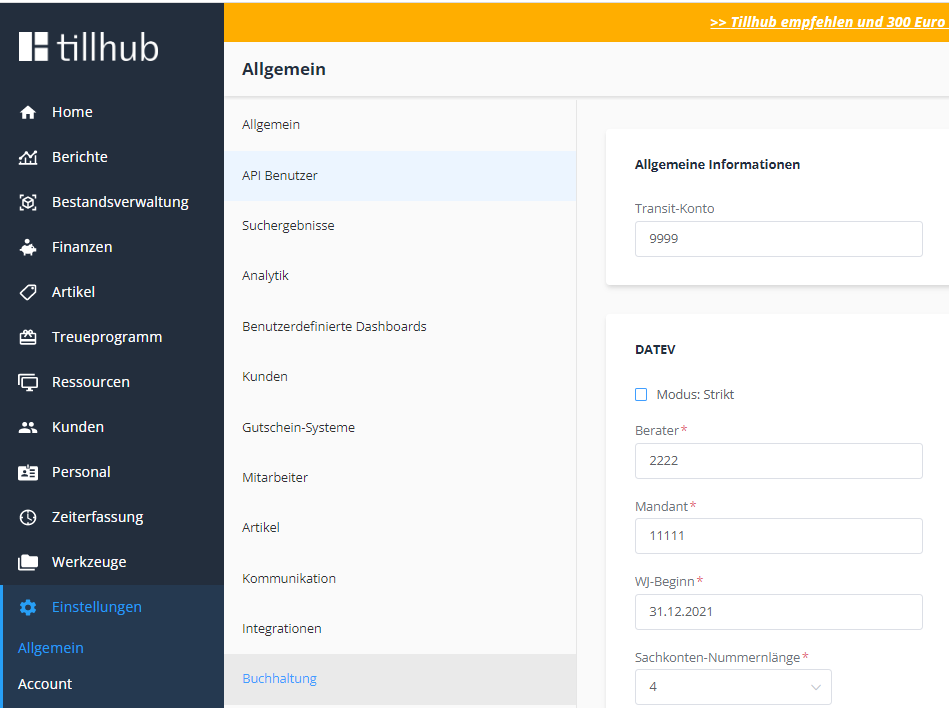
If you are unable to change the account numbers due to technical restrictions, go to:
Settings > Account > Accounting and uncheck the box labeled "Strict Mode."

Was this article helpful?
That’s Great!
Thank you for your feedback
Sorry! We couldn't be helpful
Thank you for your feedback
Feedback sent
We appreciate your effort and will try to fix the article