CCV PAX A920 - Mobile Network Provider Selection
Modified on Wed, 4 Feb at 9:09 AM
Would you like to change your mobile network provider? Is your mobile signal not strong enough?
In this tutorial, we will show you how to select the strongest mobile network provider for your CCV PAX A920 with a SIM card.
Android Menu
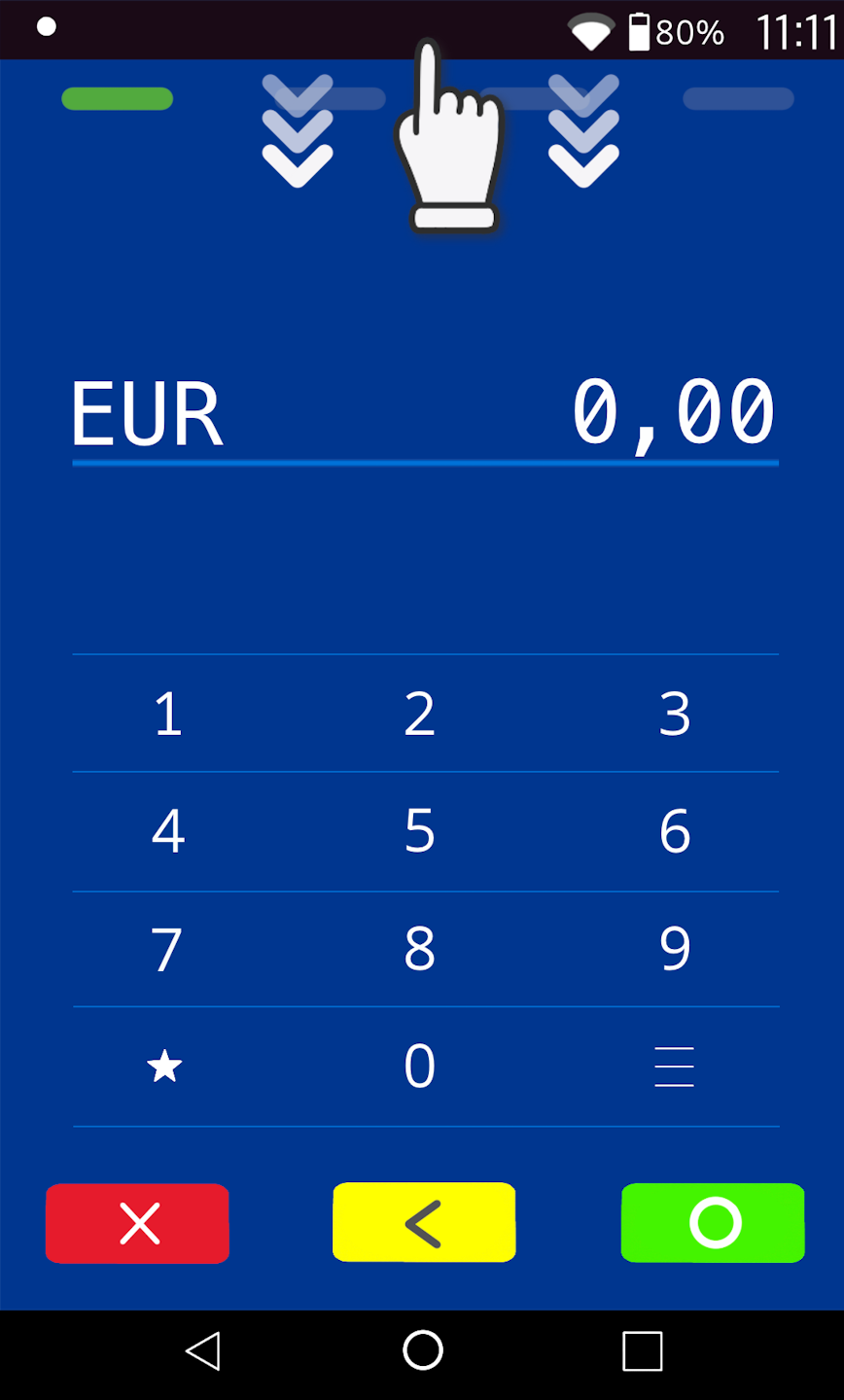
Please swipe down from the top edge of the display to access the Android settings.
Mobile Network
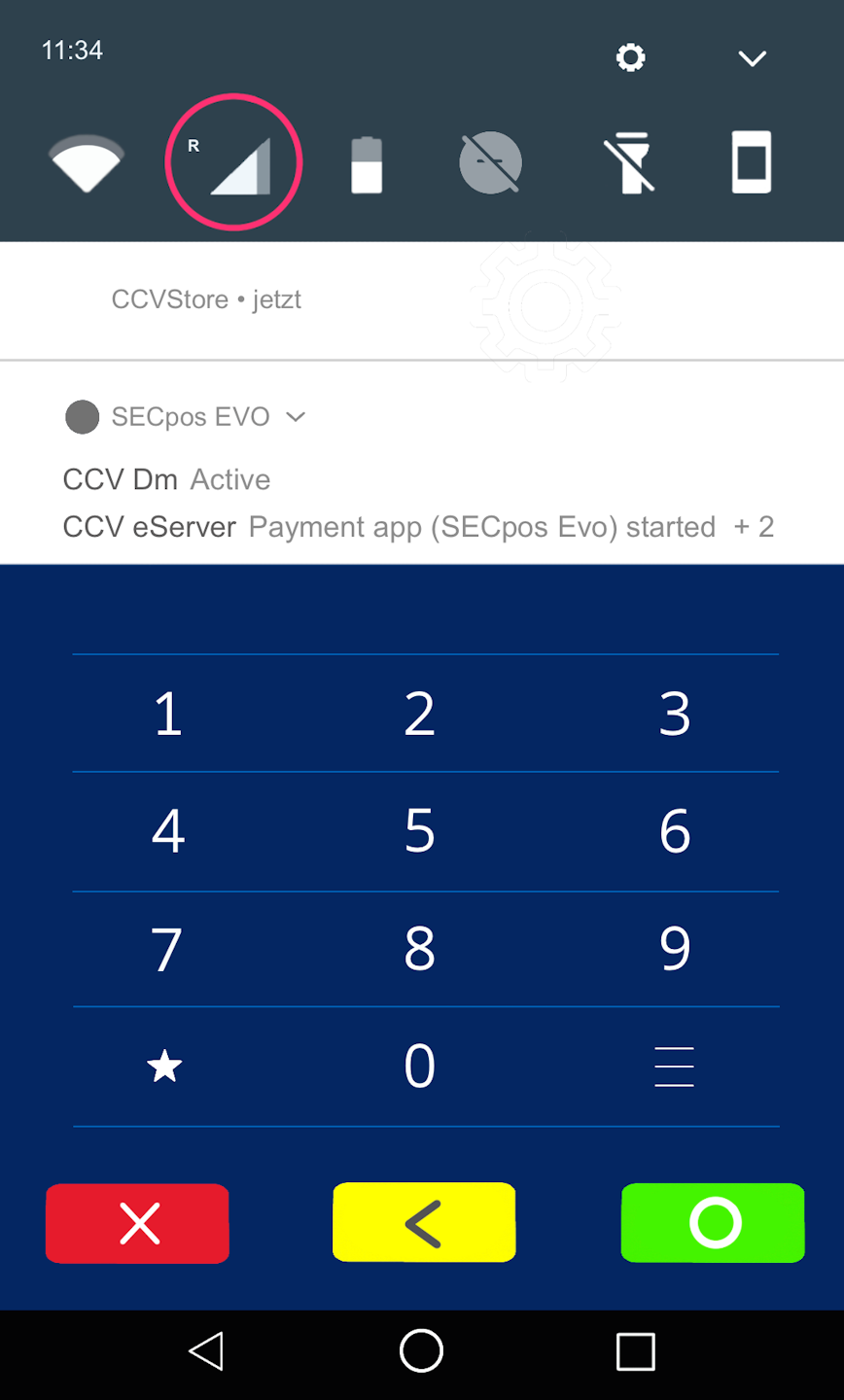
Please press and hold the SIM card icon for a moment. A new menu window will open.
Mobile Networks
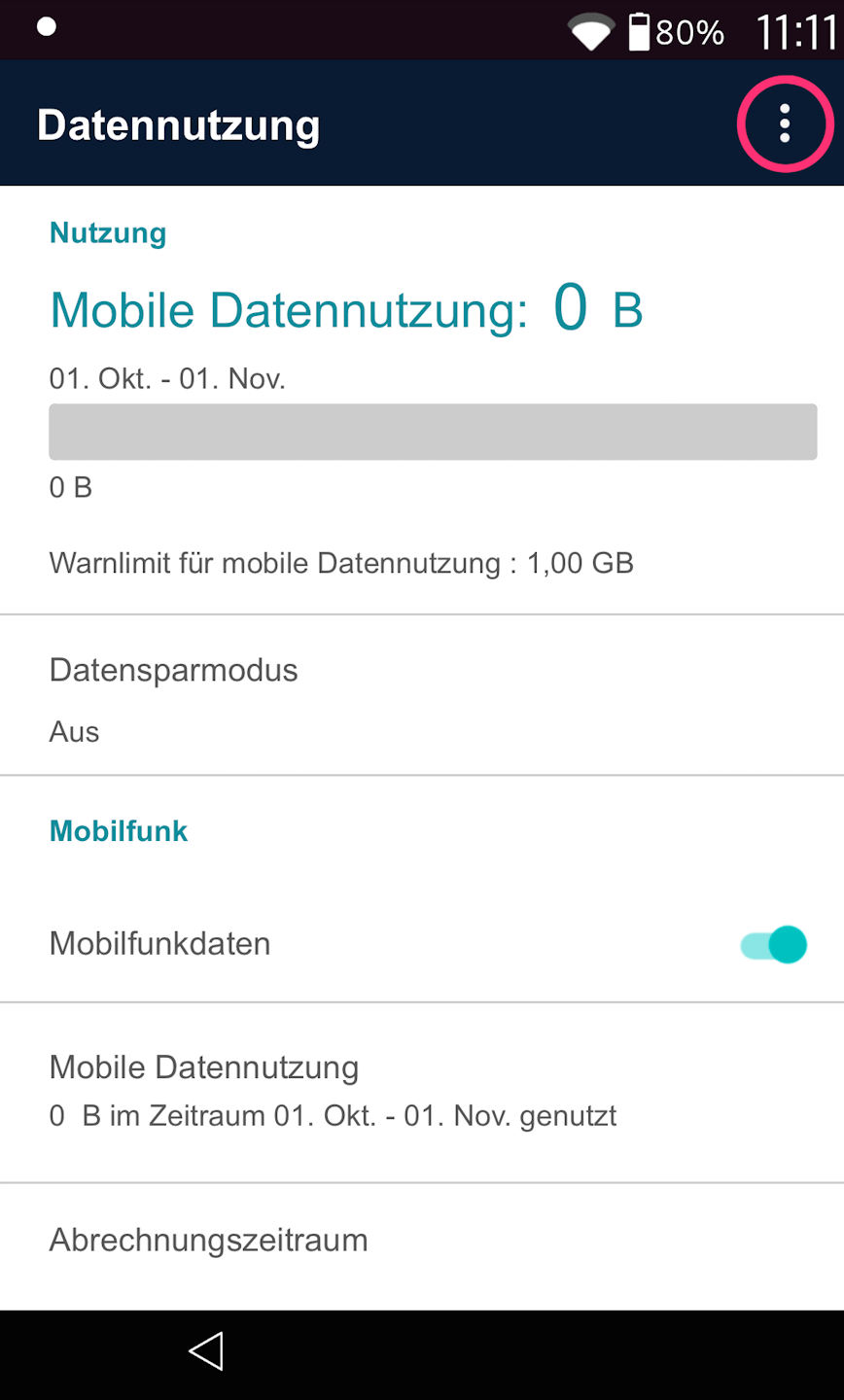
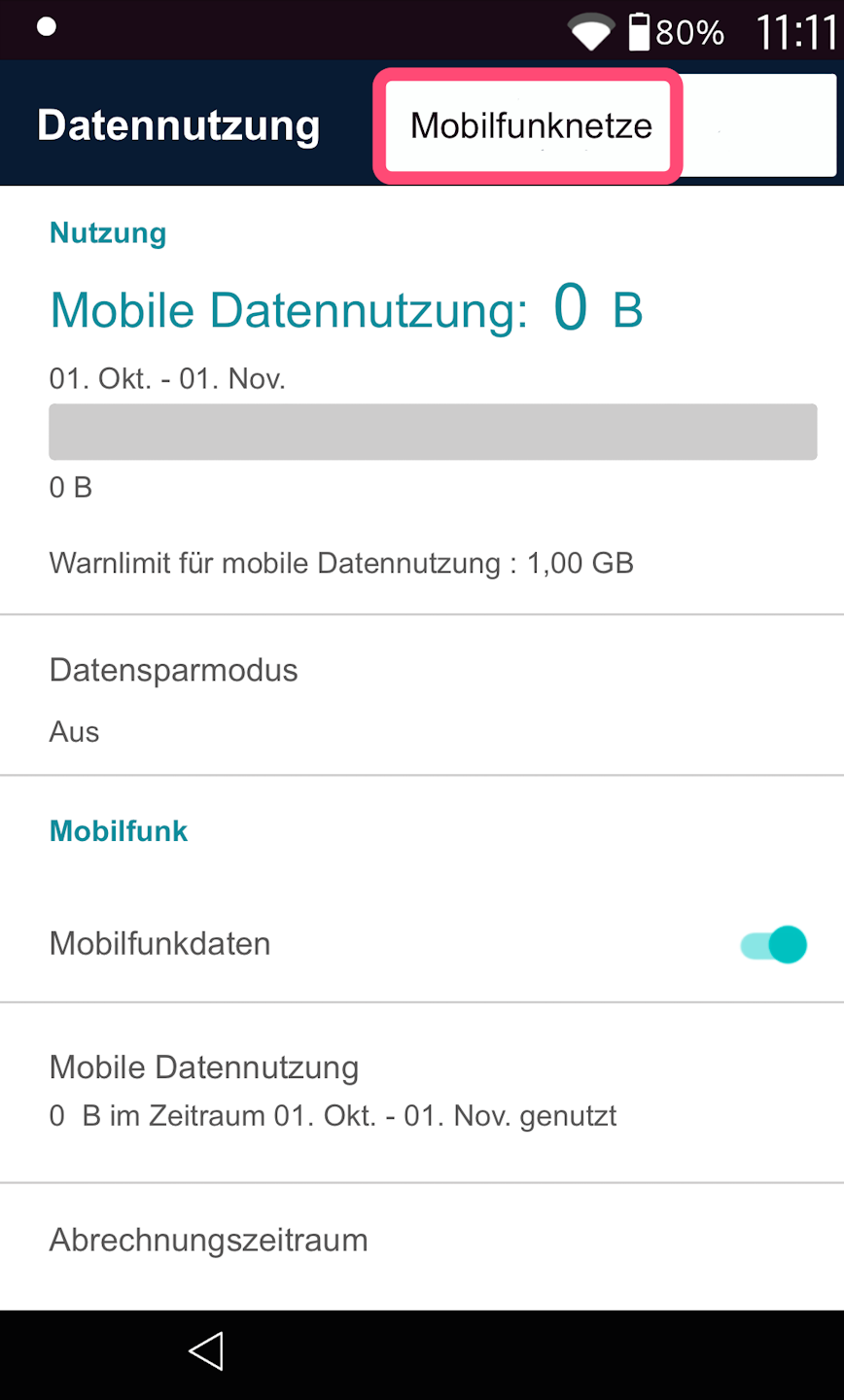
Fig. 1 – Please tap the three dots in the top right corner and then select "Mobile Networks" (Fig. 2).
Mobile Network Provider Search
Now please select "Mobile Network Provider".
The search for all available mobile connections will begin and may take some time.
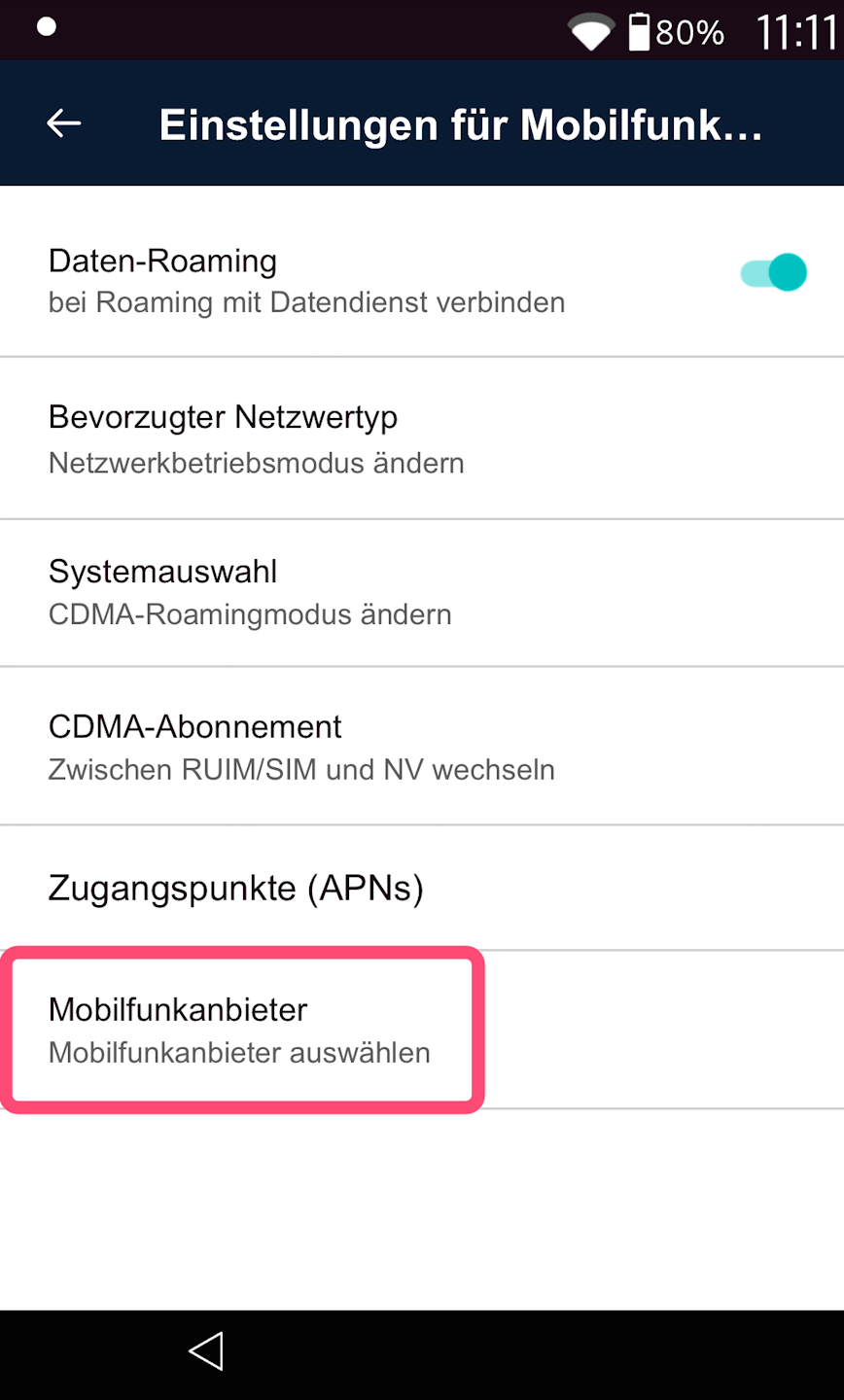
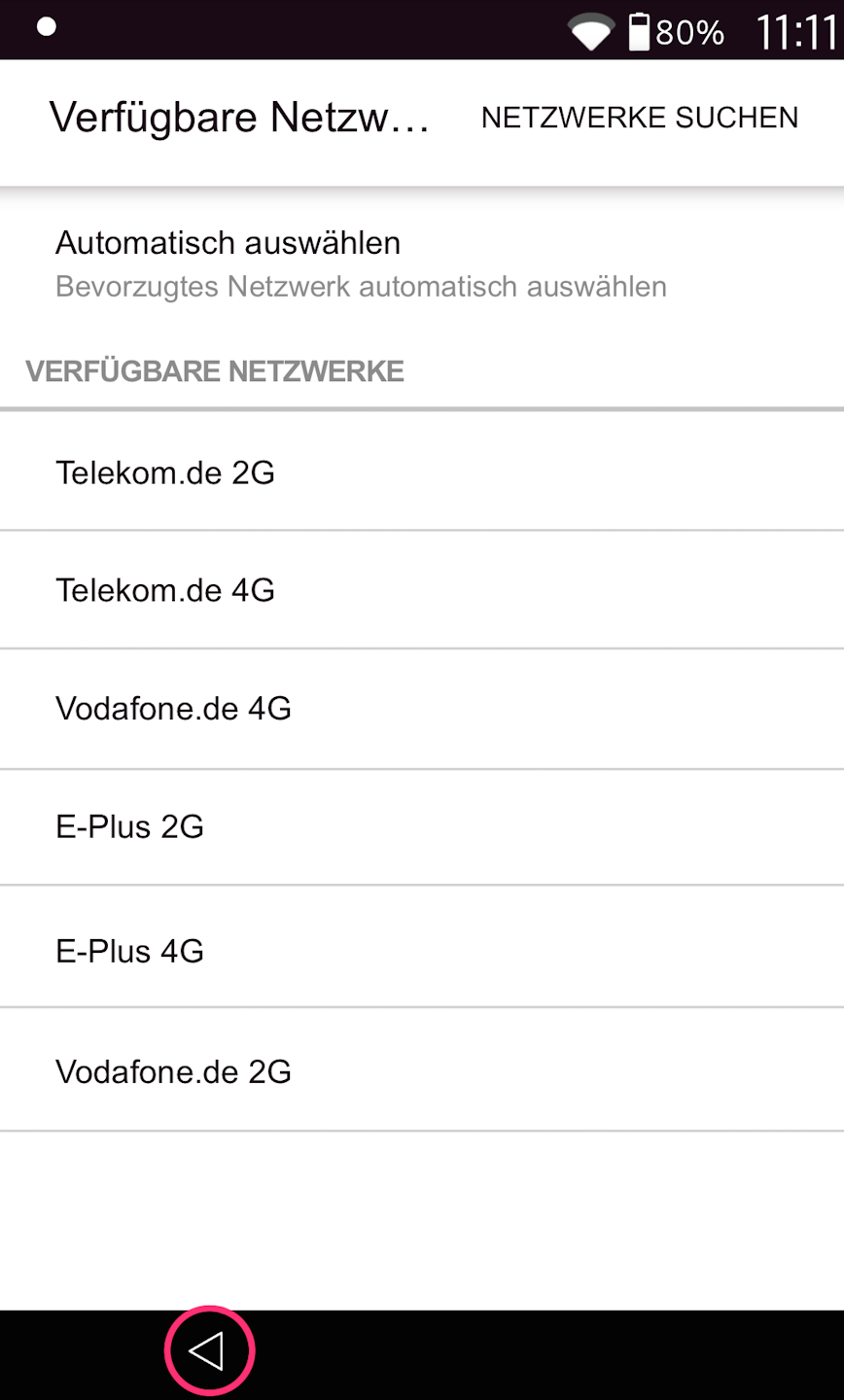
Selecting the Mobile Network Provider
Please select the strongest available mobile network here.
The list is sorted in descending order.
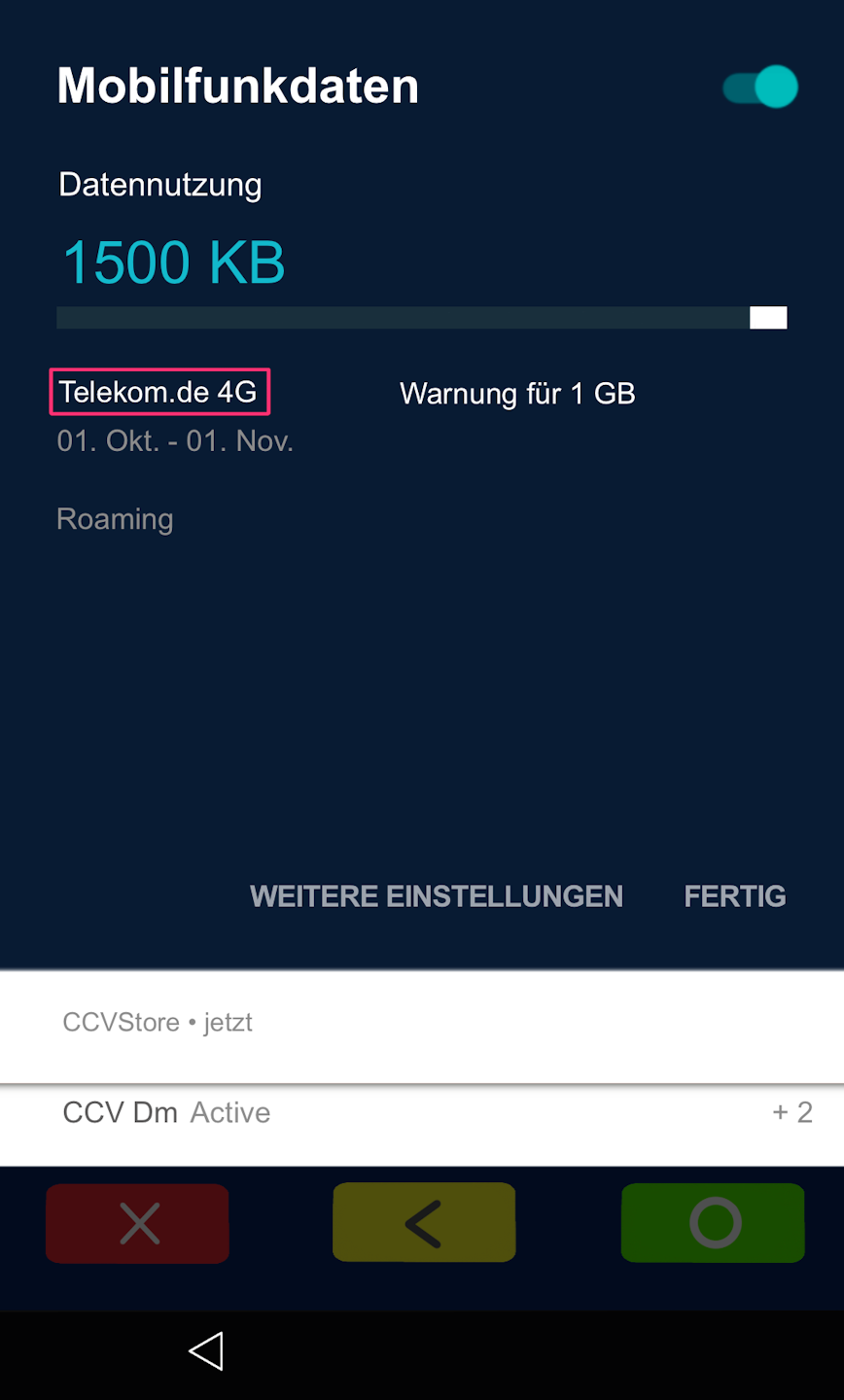
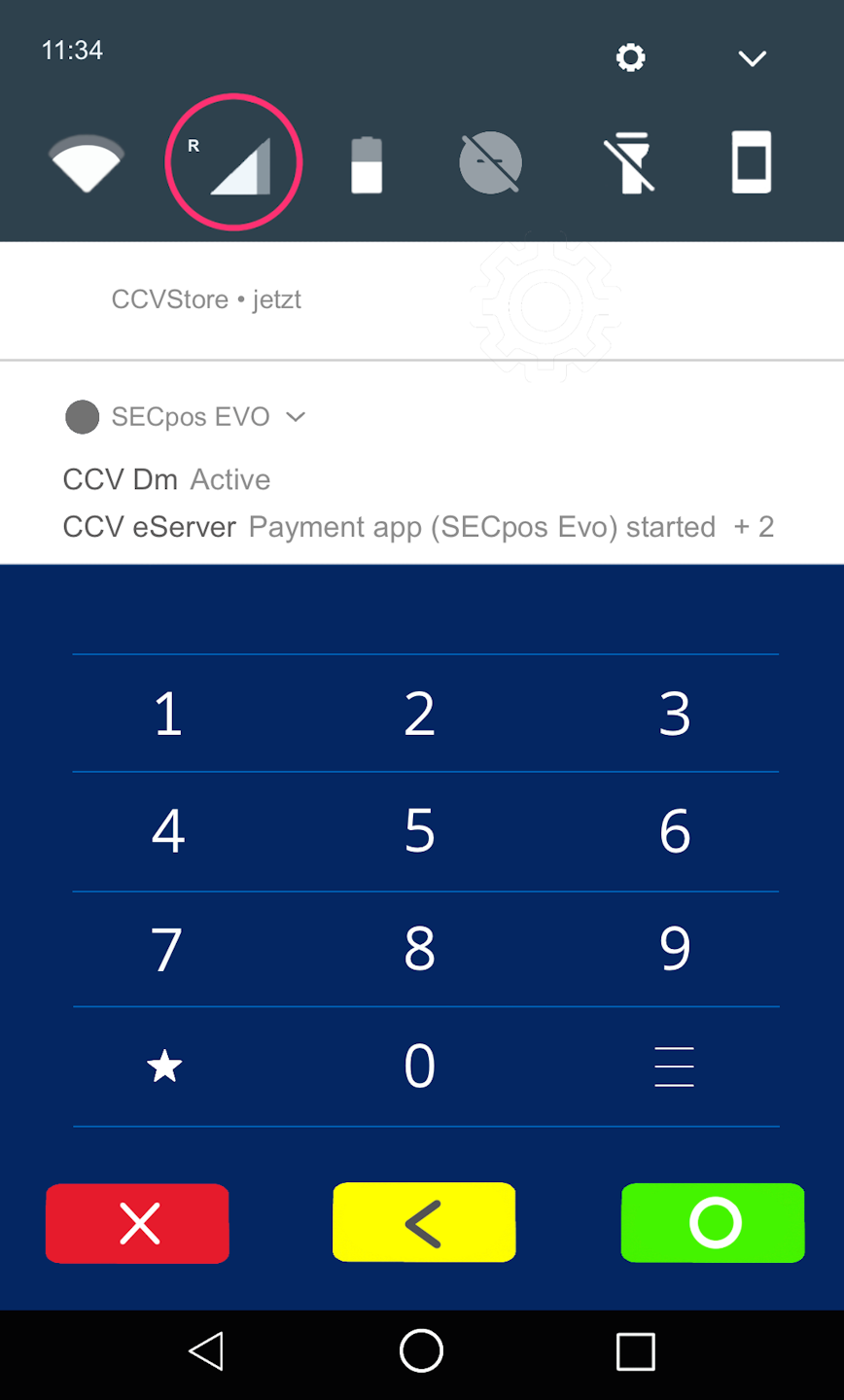
Display of Mobile Network Provider and Completion
You can now view which mobile network you are currently using at any time by briefly tapping the SIM card icon (Fig. 2) in the Android settings.
Was this article helpful?
That’s Great!
Thank you for your feedback
Sorry! We couldn't be helpful
Thank you for your feedback
Feedback sent
We appreciate your effort and will try to fix the article
