CCV - Tel. Authorization
Modified on Wed, 4 Feb at 9:50 AM
With some issuing banks of credit cards, a telephone authorization is required in order to successfully process the credit card payment. This requirement is often indicated during a credit card transaction with the FEP 02 message.
In this step-by-step guide, we will show you how to carry out a credit card payment with telephone authorization.
Through the telephone authorization service of the credit card used, you will receive an authorization code for the upcoming payment.
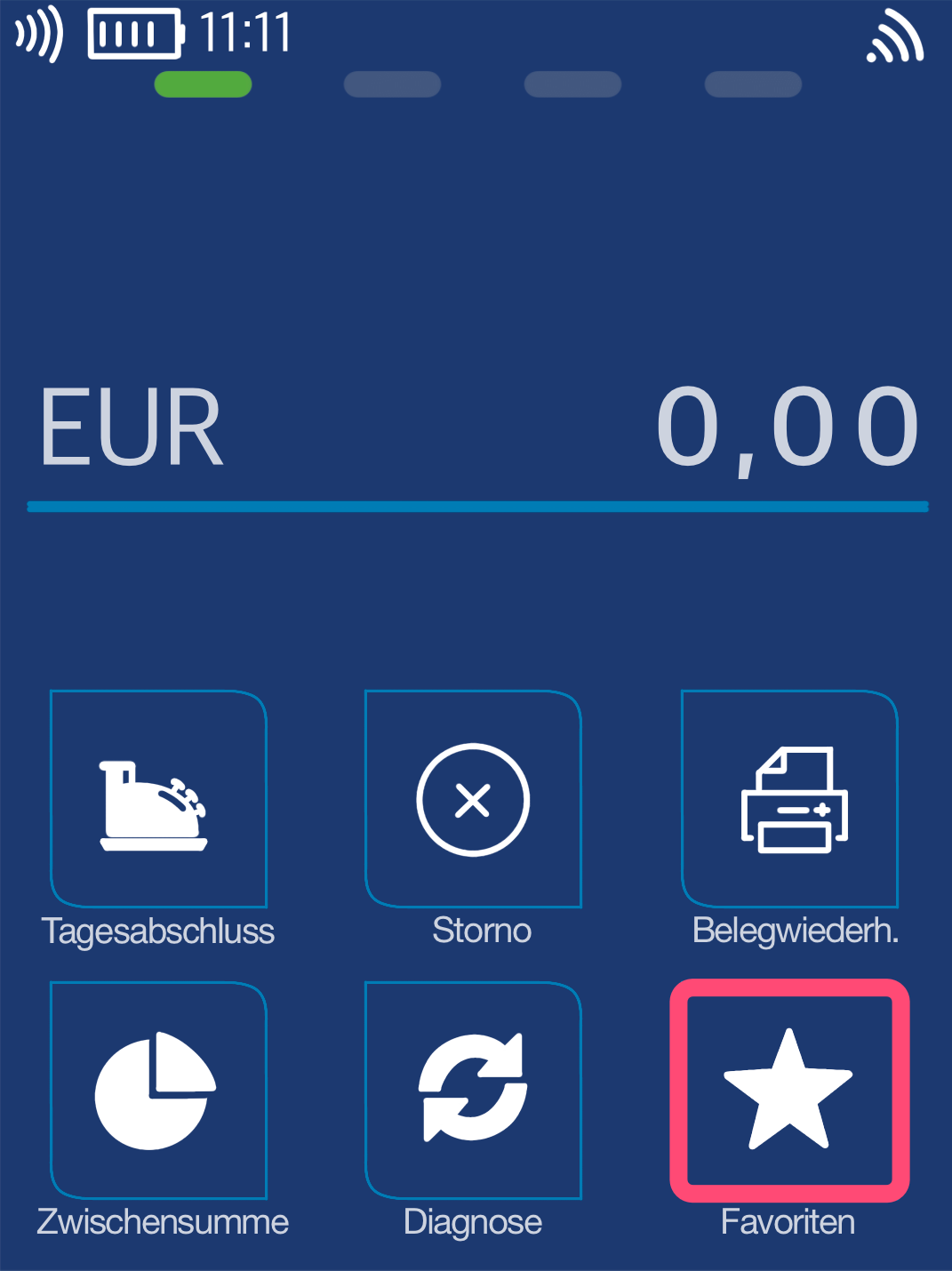
Favorites Button
You will see your main display. Please select the Favorites button.
Select by tapping.
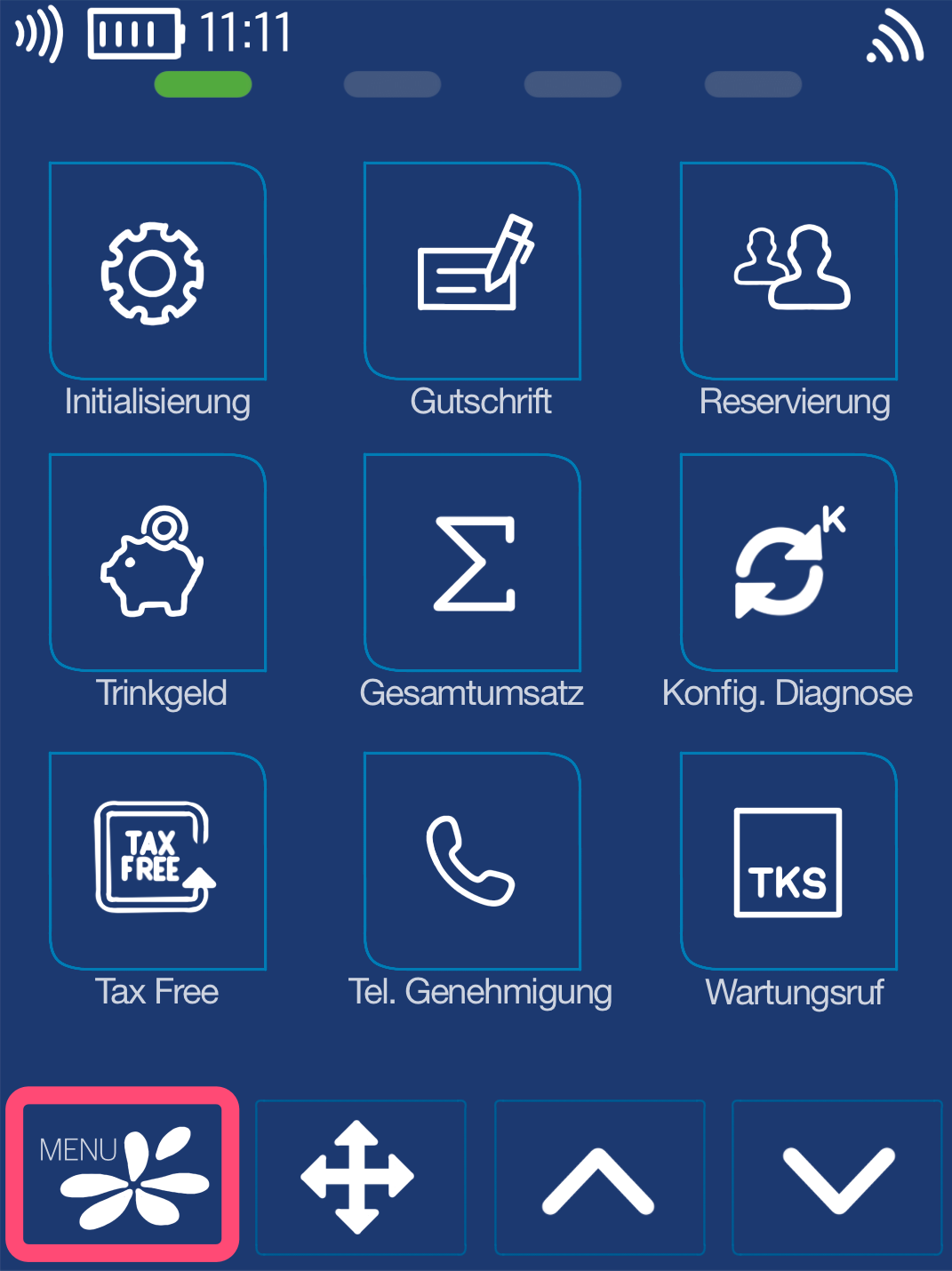
Menu Button
Now please select the Menu button.
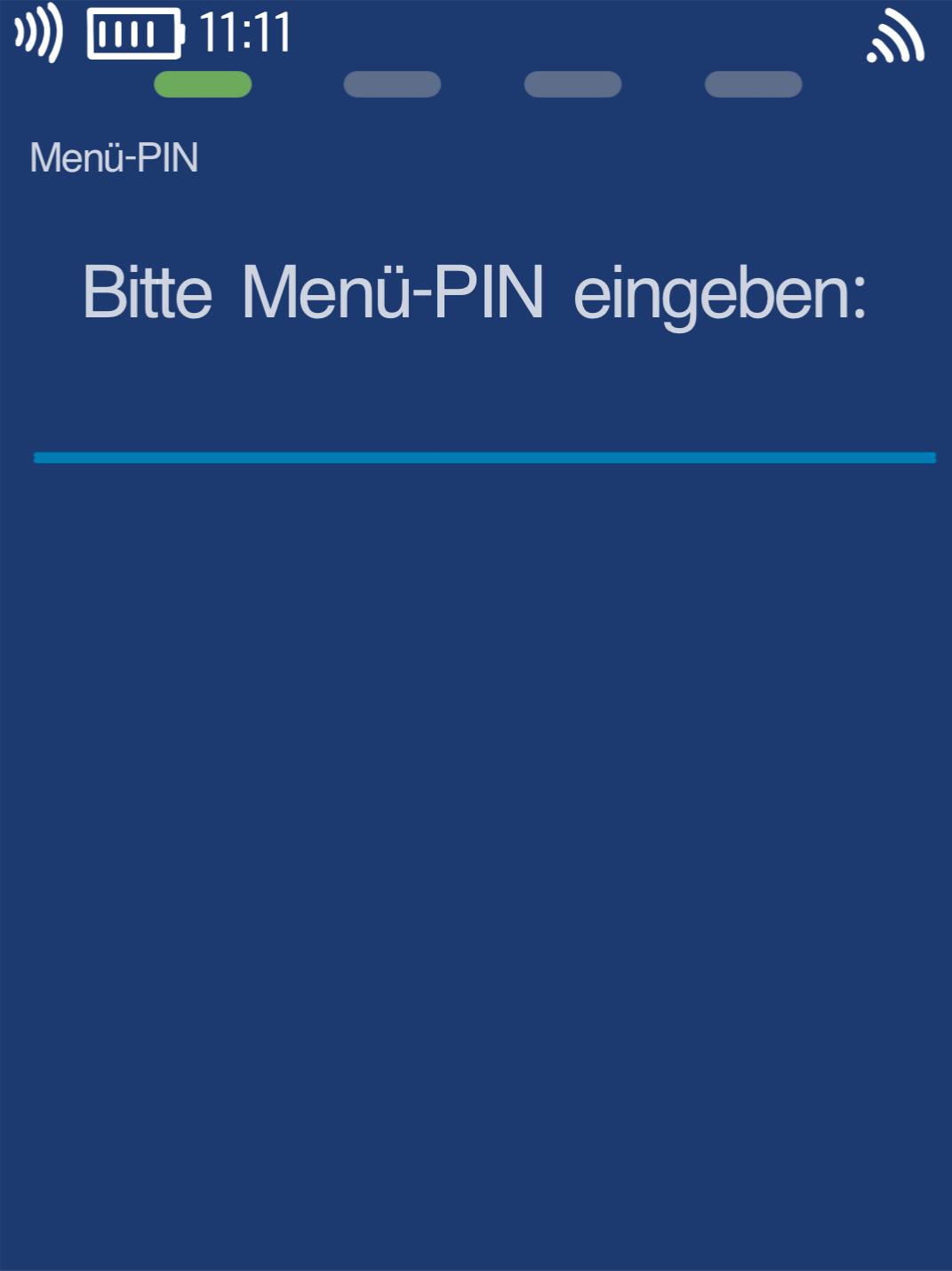
Menu PIN
Please now enter your merchant PIN.
You can find the Terminal ID on your merchant receipts or on the end-of-day report.
Terminal IDs starting with 61xxxxxx: 111111
Terminal IDs starting with 68xxxxxx: 111111
Terminal IDs starting with 526xxxxx: 0123
Please confirm the entry by pressing the green OK button.
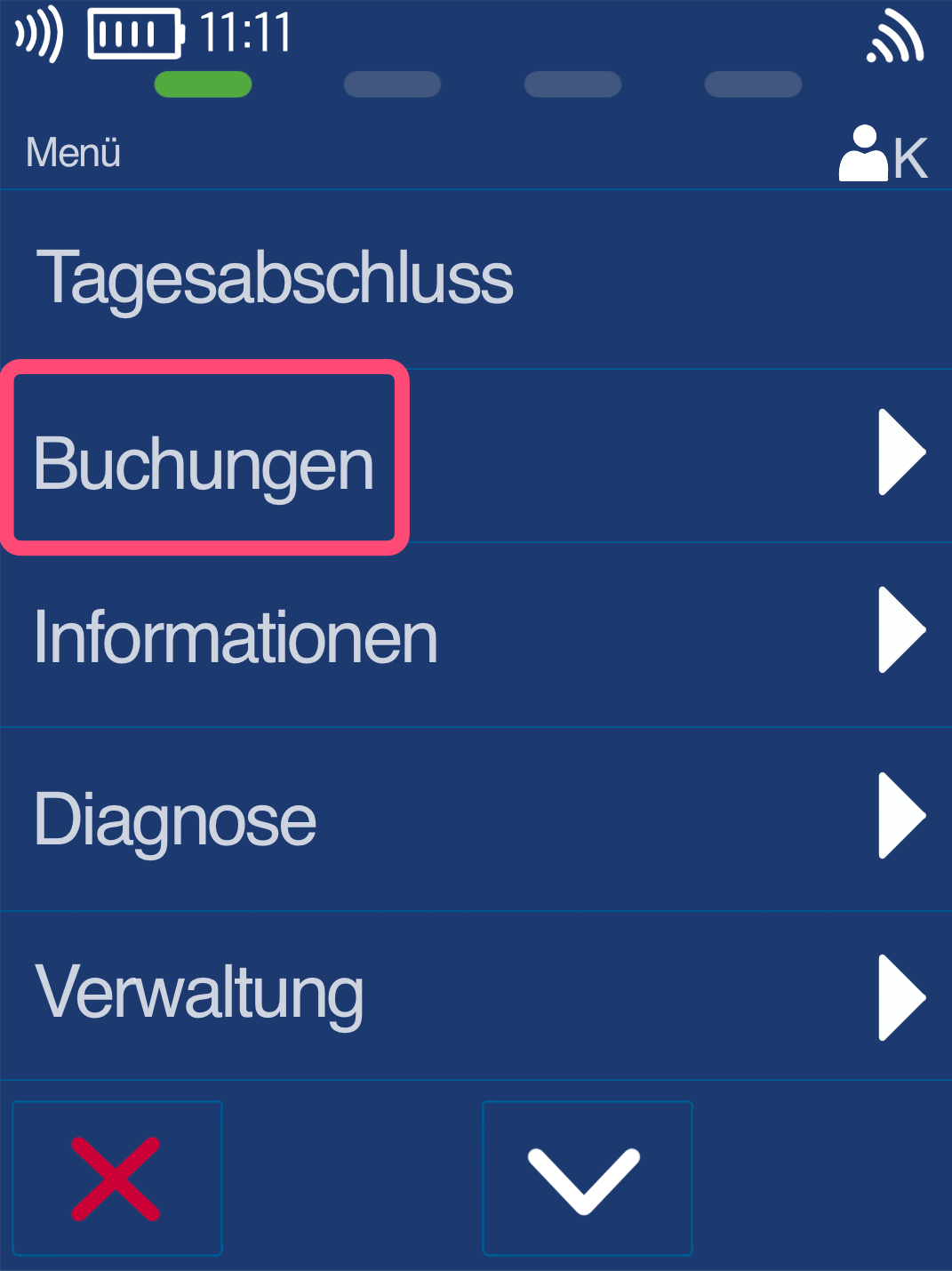
Bookings
Please select the Bookings menu item.
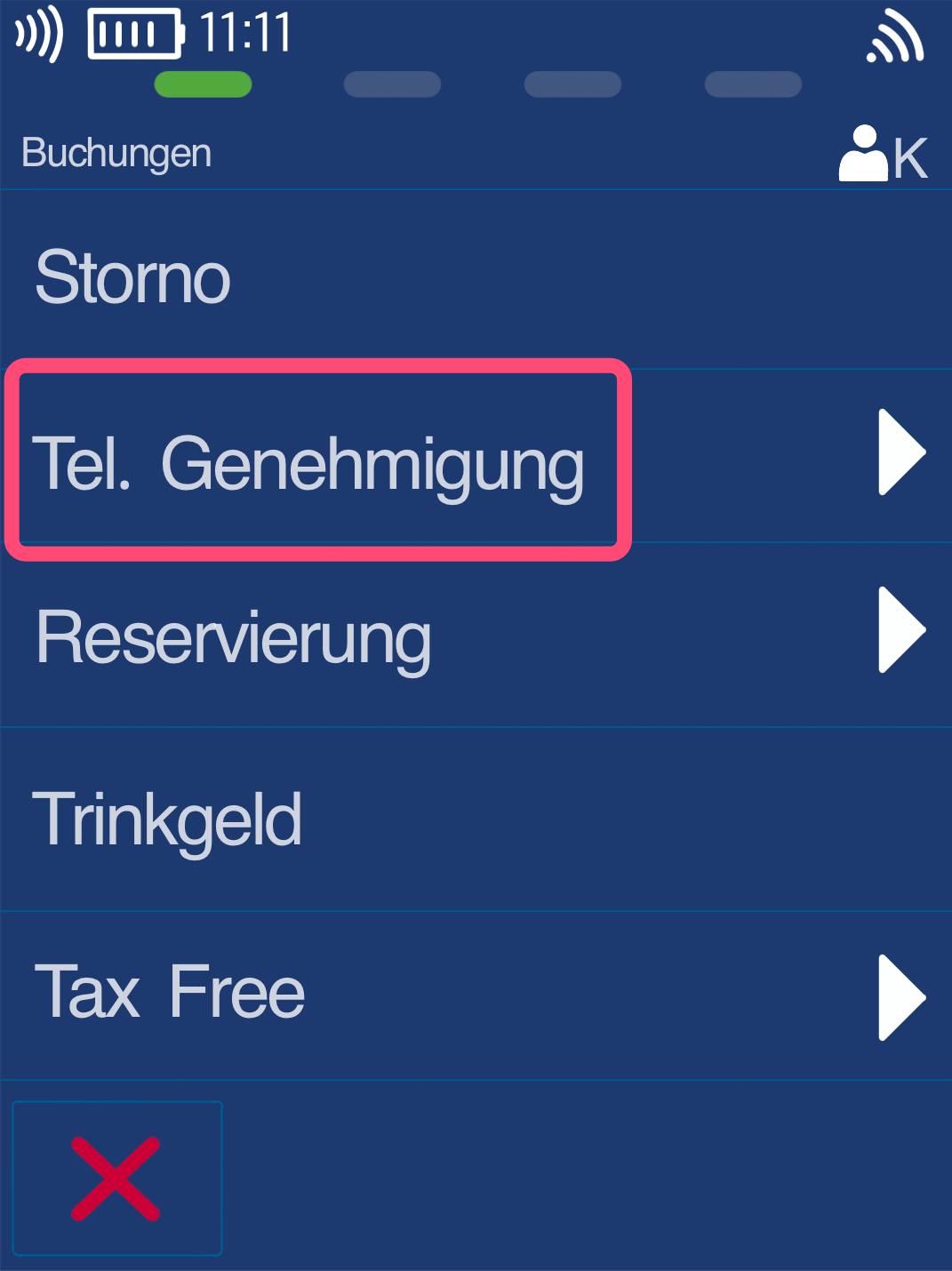
Tel. Authorization
At this step, please tap Tel. Authorization.
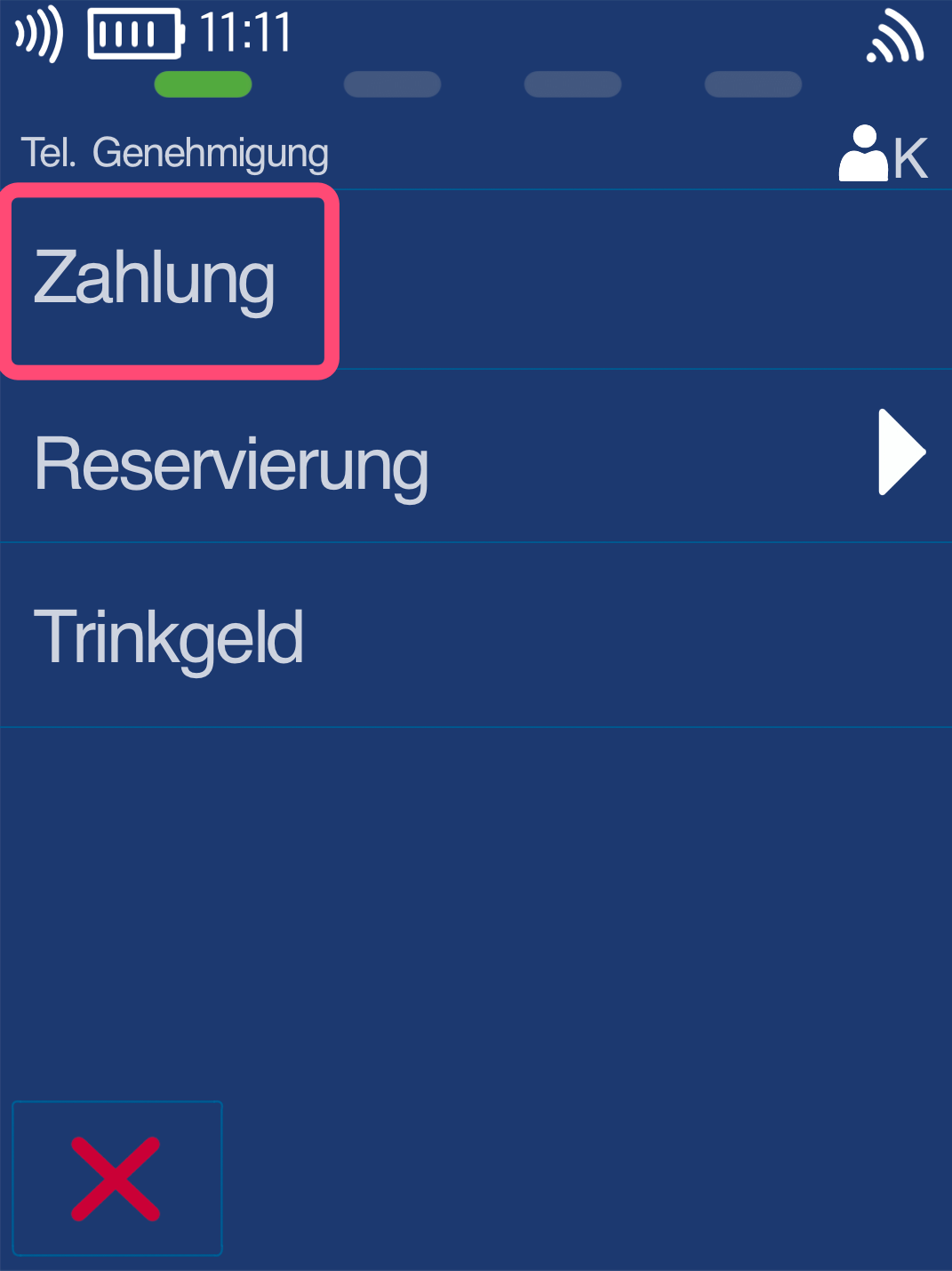
Payment
Please select Payment.
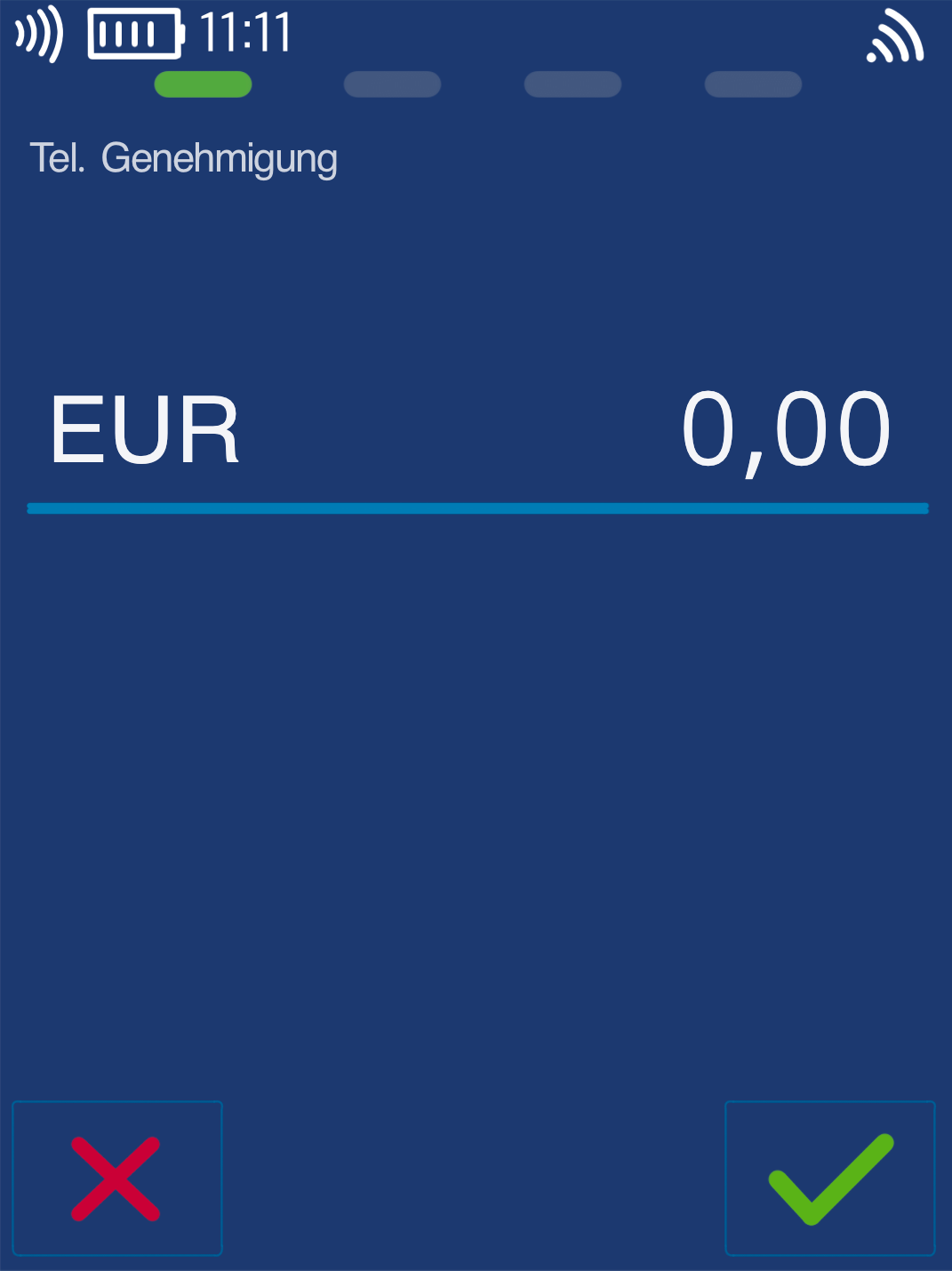
Enter Amount
You can now enter the amount to be booked.
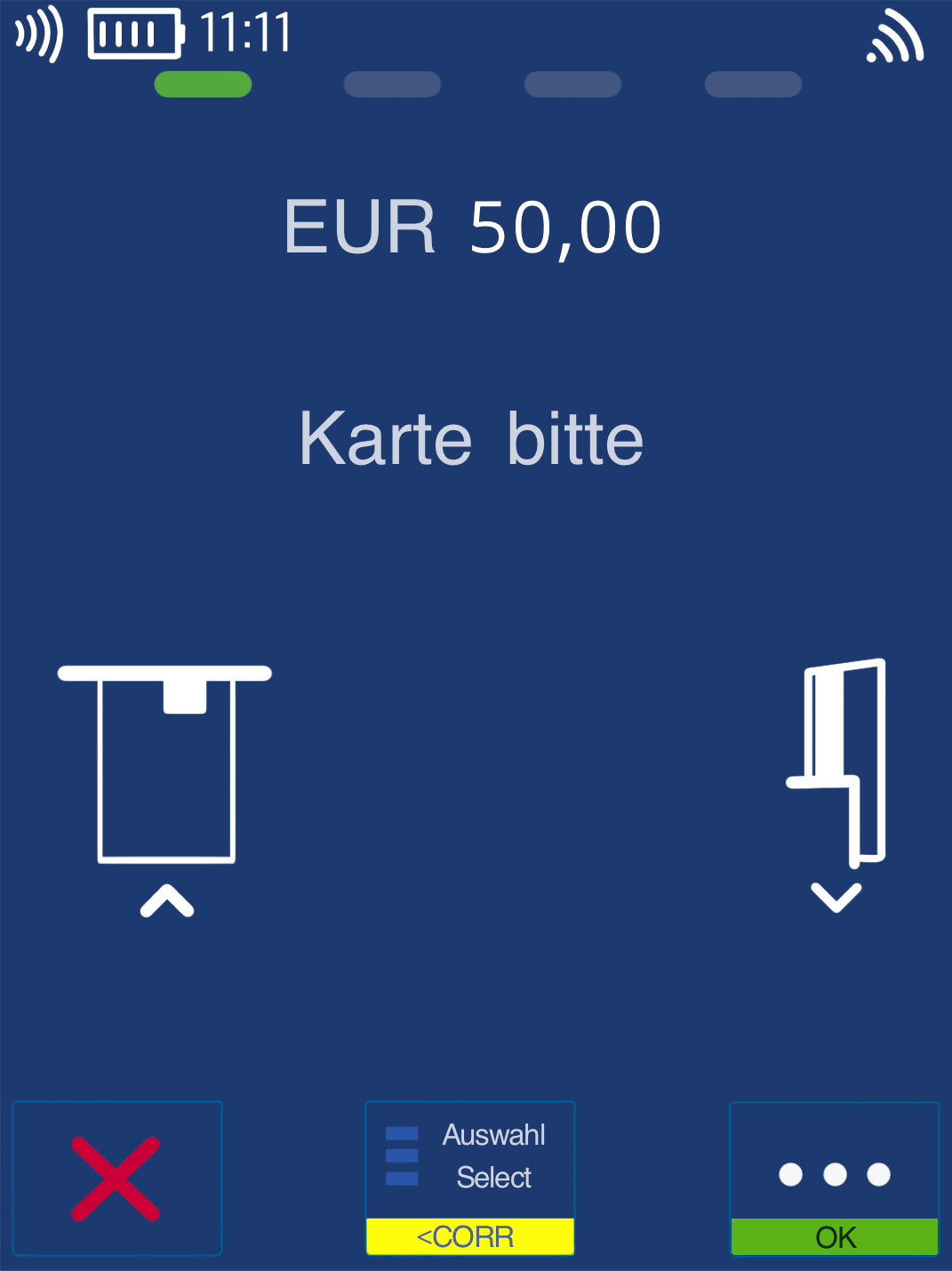
Present Card
Please present the card.
For manual entry, please type in the card number without further interaction.
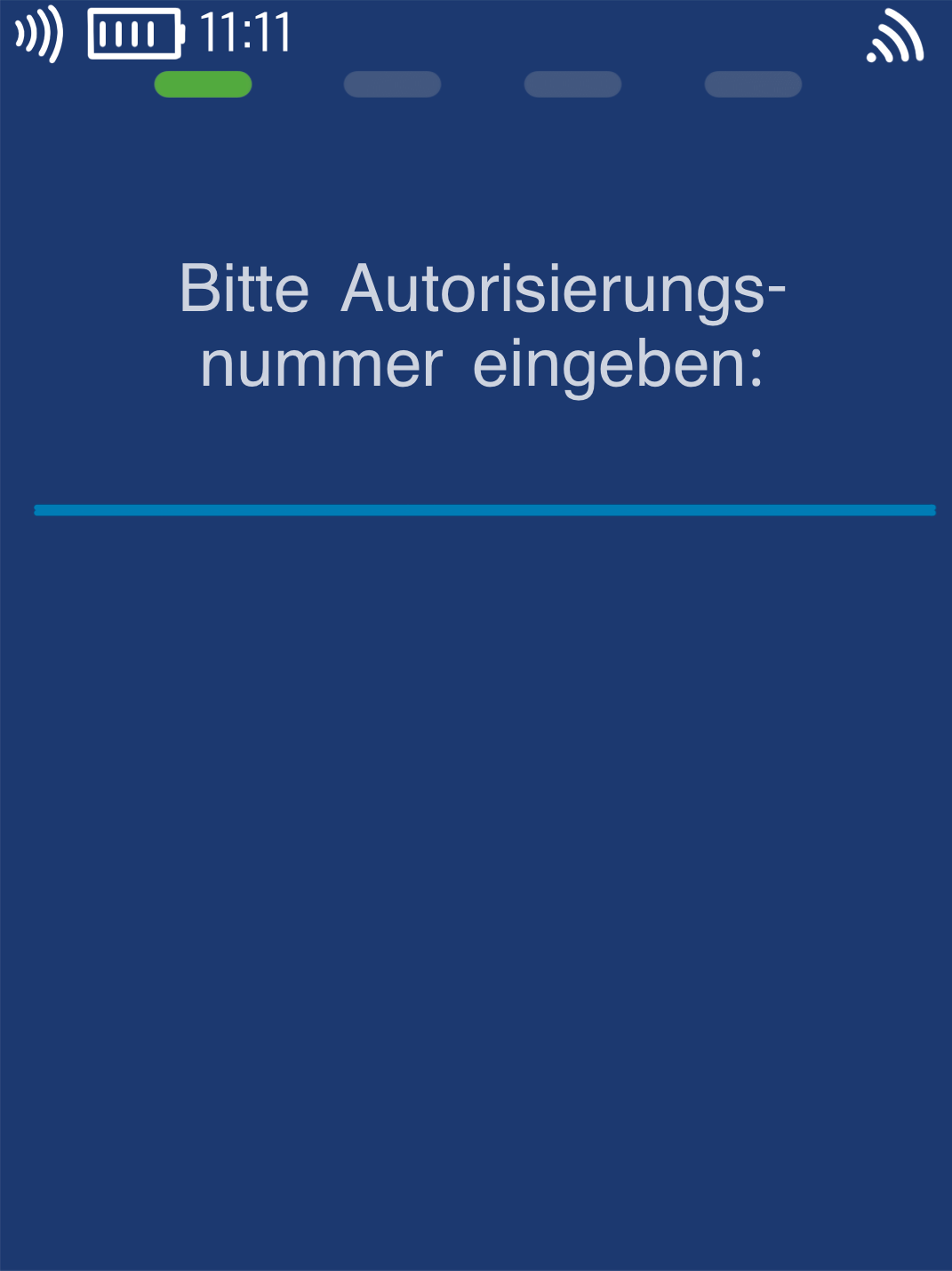
Authorization Code
This is where the received authorization code is entered. Please confirm your entry with the green OK key.
By repeatedly tapping the keypad, you can first select numbers, then uppercase letters, and finally lowercase letters.
Special characters are found on the * key.
The payment will now be processed and you will receive a merchant receipt.
Was this article helpful?
That’s Great!
Thank you for your feedback
Sorry! We couldn't be helpful
Thank you for your feedback
Feedback sent
We appreciate your effort and will try to fix the article
