Ingenico - Receipt Copy
Modified on Wed, 4 Feb at 10:11 AM
In this section, you will learn how to use the "Receipt Copy" function on your Ingenico card reader.
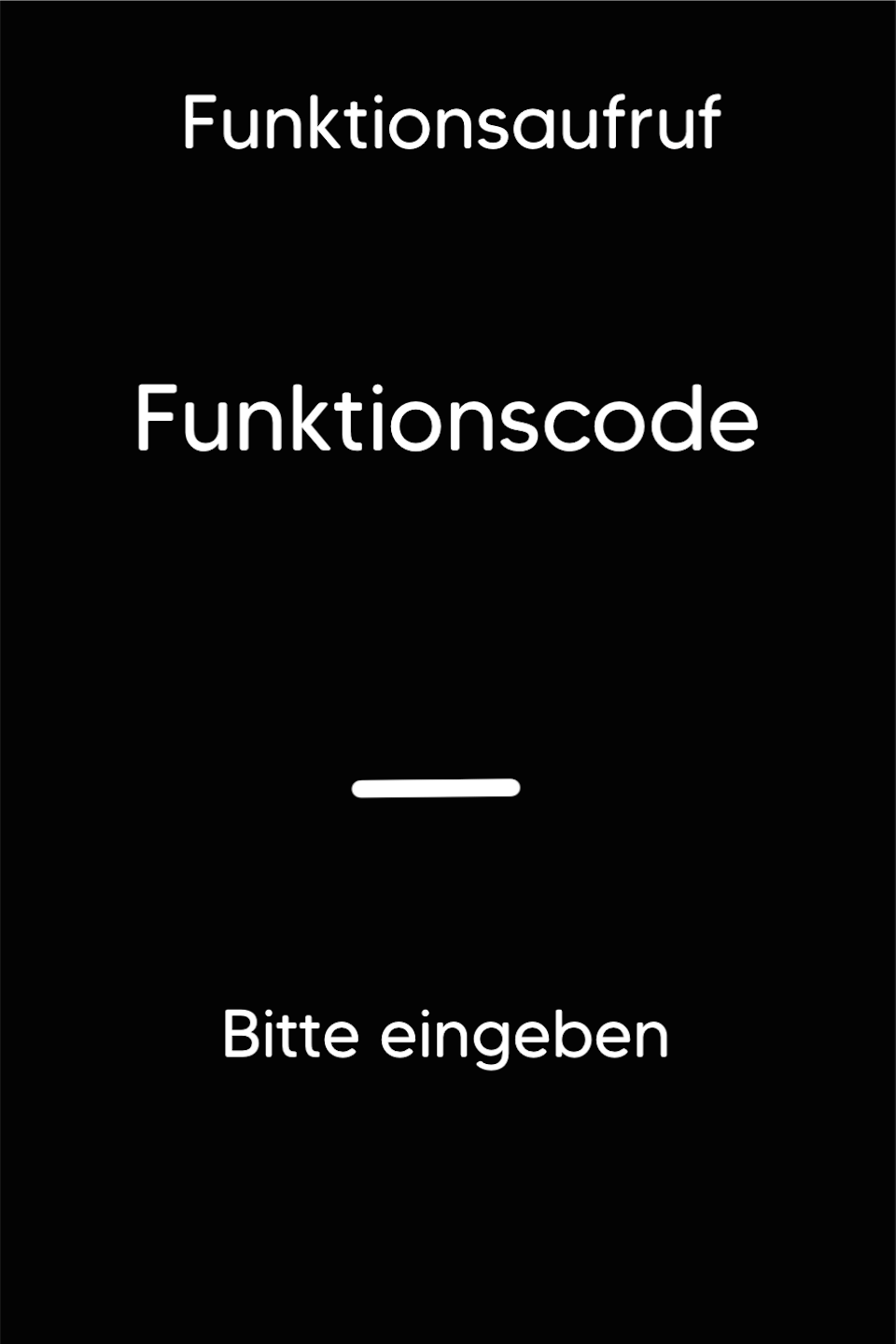
Function Code
First, press the F key at the bottom left of the keypad several times. The function code will now appear on the display.
Function Code 8
Please enter the number 8 and confirm the entry with the green OK key.
Password Entry
Please now enter your cashier PIN.
You can find the terminal ID on your merchant receipts or on the end-of-day report.
Terminal IDs beginning with 61xxxxxx: 22222
Terminal IDs beginning with 68xxxxxx: 12345
Terminal IDs beginning with 526xxxxx: 12345
Please confirm the entry with the green OK key.

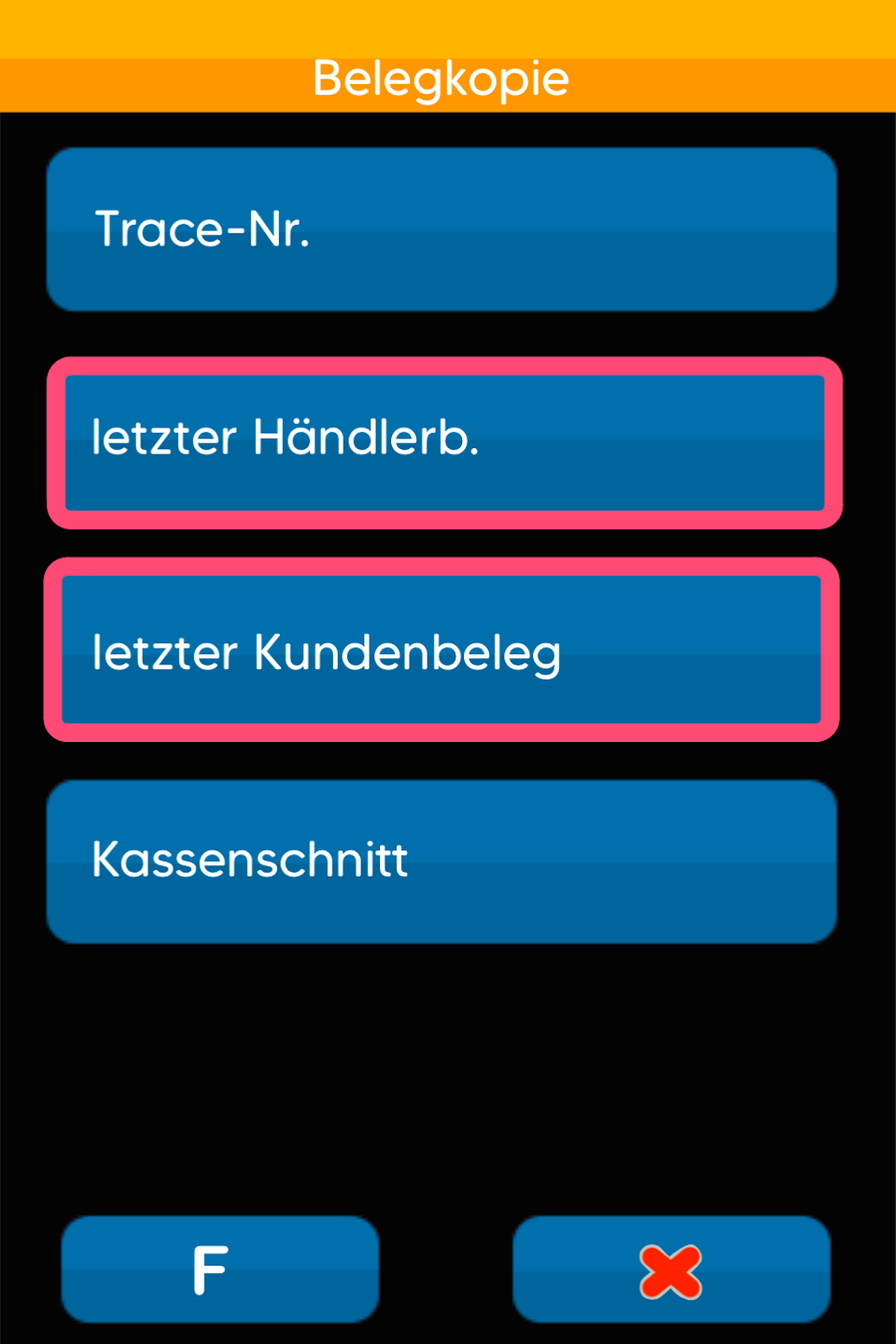
Receipt Copy
Please select the desired receipt copy:
Copy via Trace Number
Last merchant receipt
Last customer receipt
Last end-of-day report
The receipt will be printed immediately without any further prompts.
Was this article helpful?
That’s Great!
Thank you for your feedback
Sorry! We couldn't be helpful
Thank you for your feedback
Feedback sent
We appreciate your effort and will try to fix the article
