Ingenico - Telephone Authorization
Modified on Tue, 10 Feb at 4:03 PM
For some credit card issuers, a telephone authorization is required to complete the payment successfully. This is often indicated by the error code FEP 02 during a credit card transaction.
In this step-by-step guide, we will show you how to process a credit card payment using telephone authorization.
You will receive an authorization number for the upcoming transaction from the telephone approval service of the respective credit card provider.
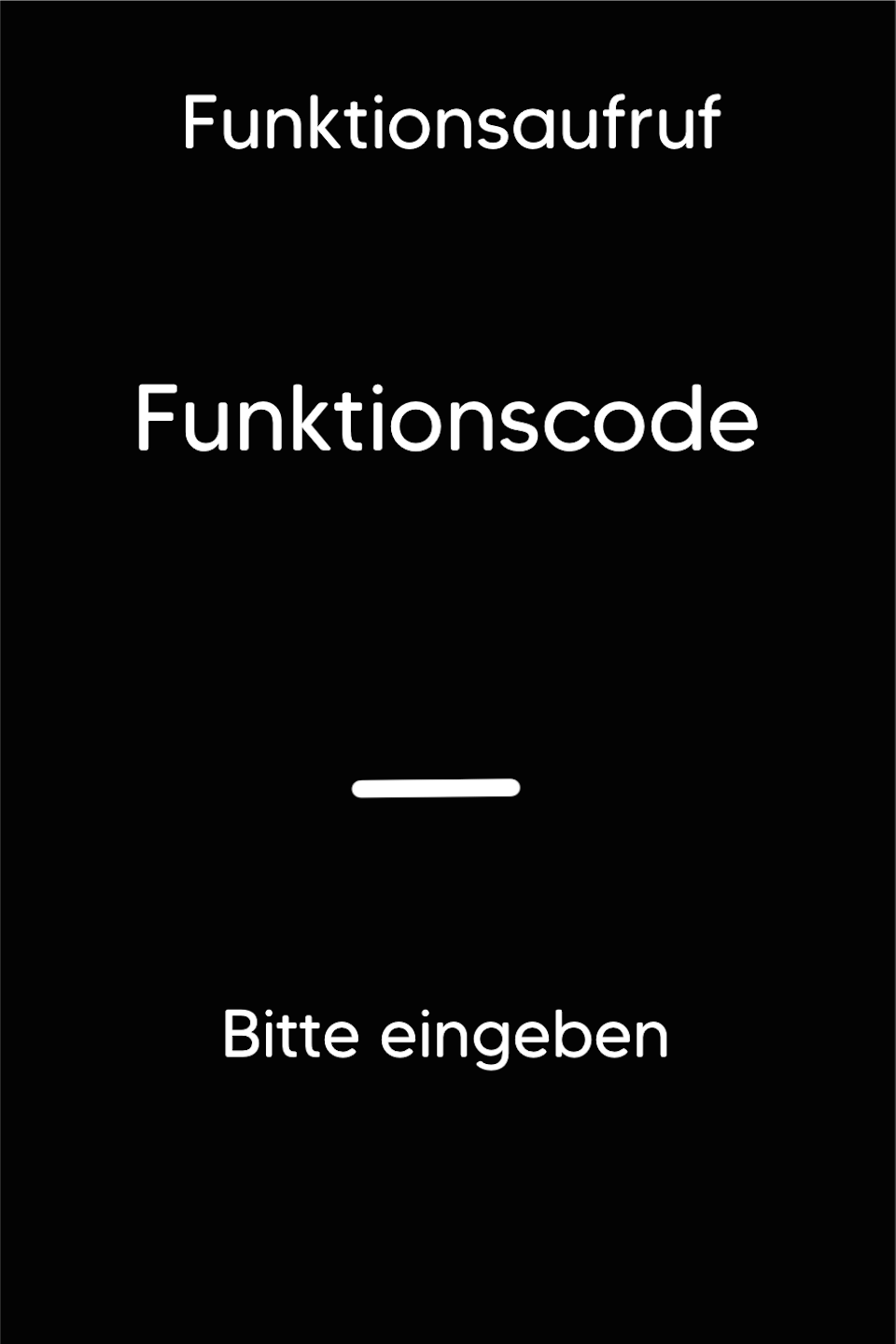
Function Code
Please press the F key at the bottom left of the keypad repeatedly. You will now see "Funktionscode" on the display.
Function Code 17
Please enter the number 17 and confirm the entry with the green OK button.
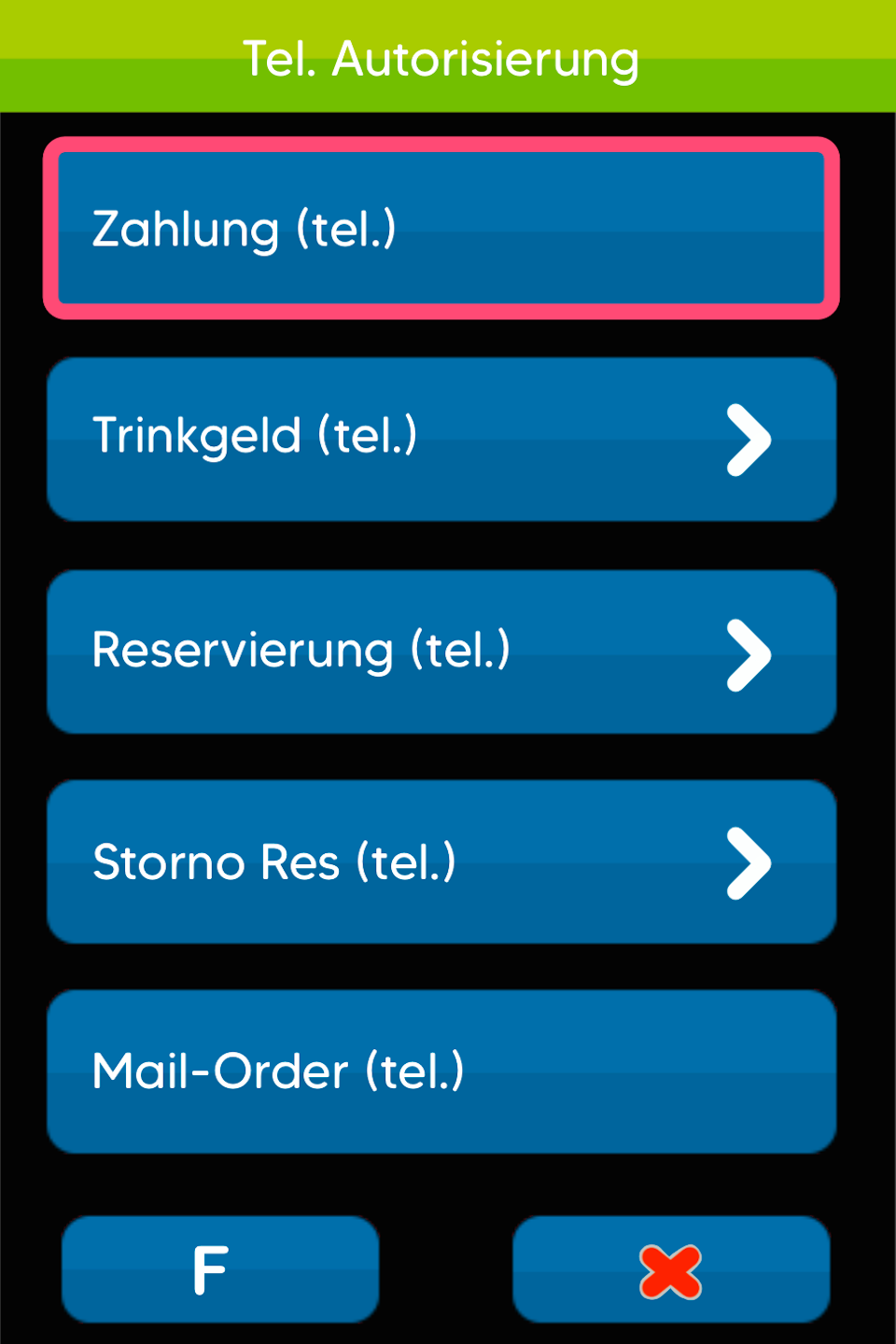
Tel. Autorisierung
Please select the menu item Tel. Autorisierung.
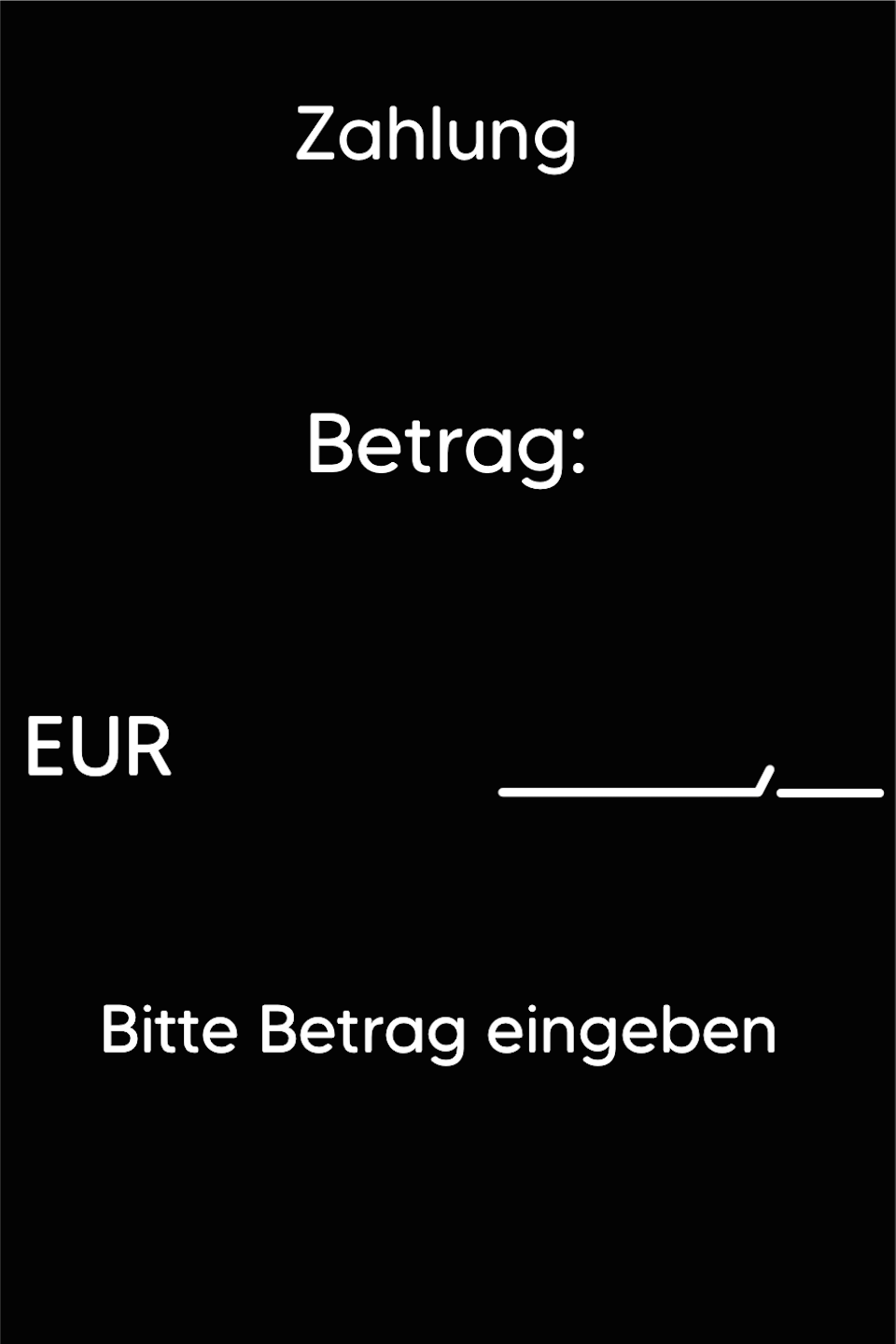
Enter Amount
Please enter the desired amount. Confirm the entry with the green OK button.
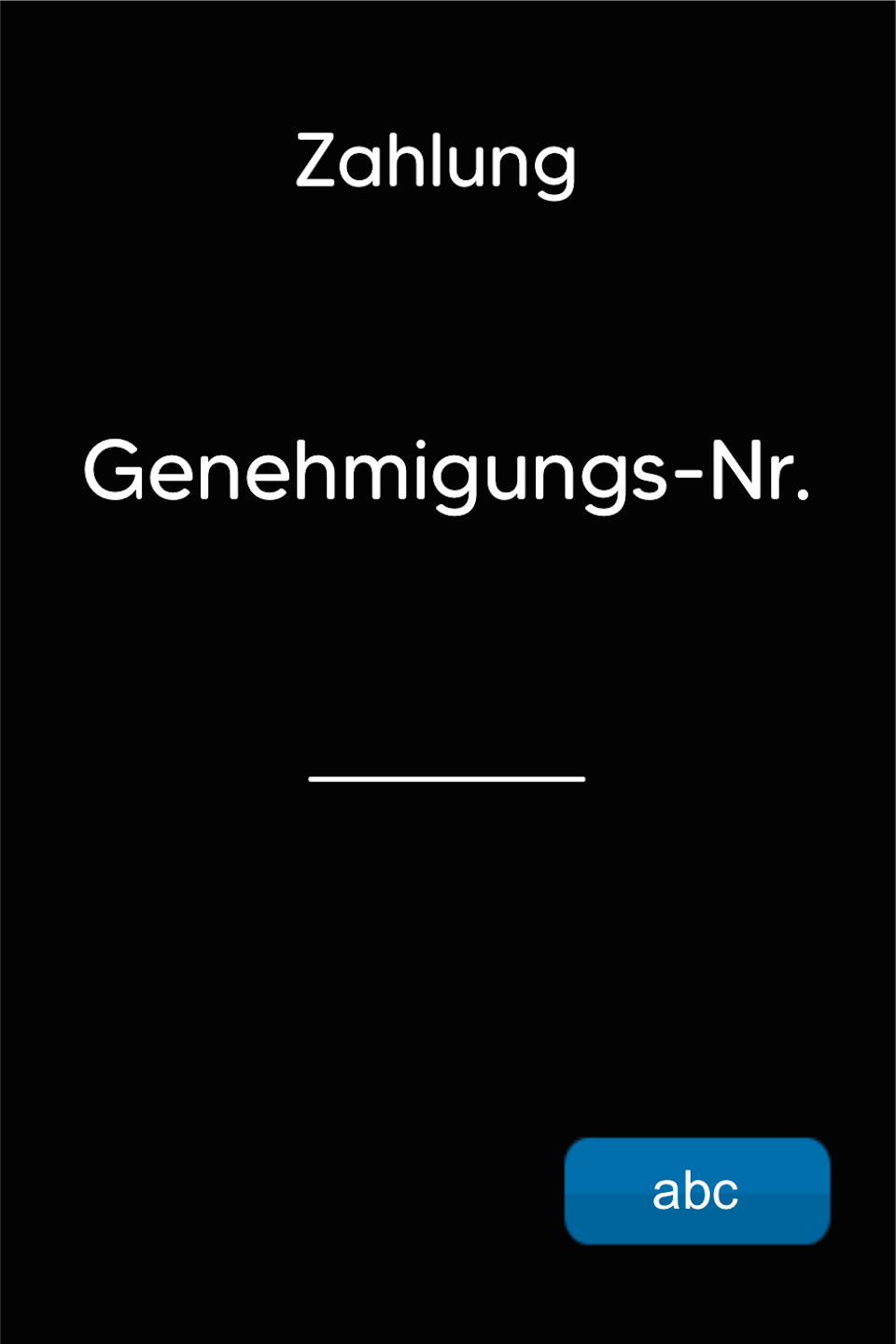
Genehmigungs-Nr.
Now enter the Genehmigungs-Nr. you received. Confirm the entry with the green OK button.
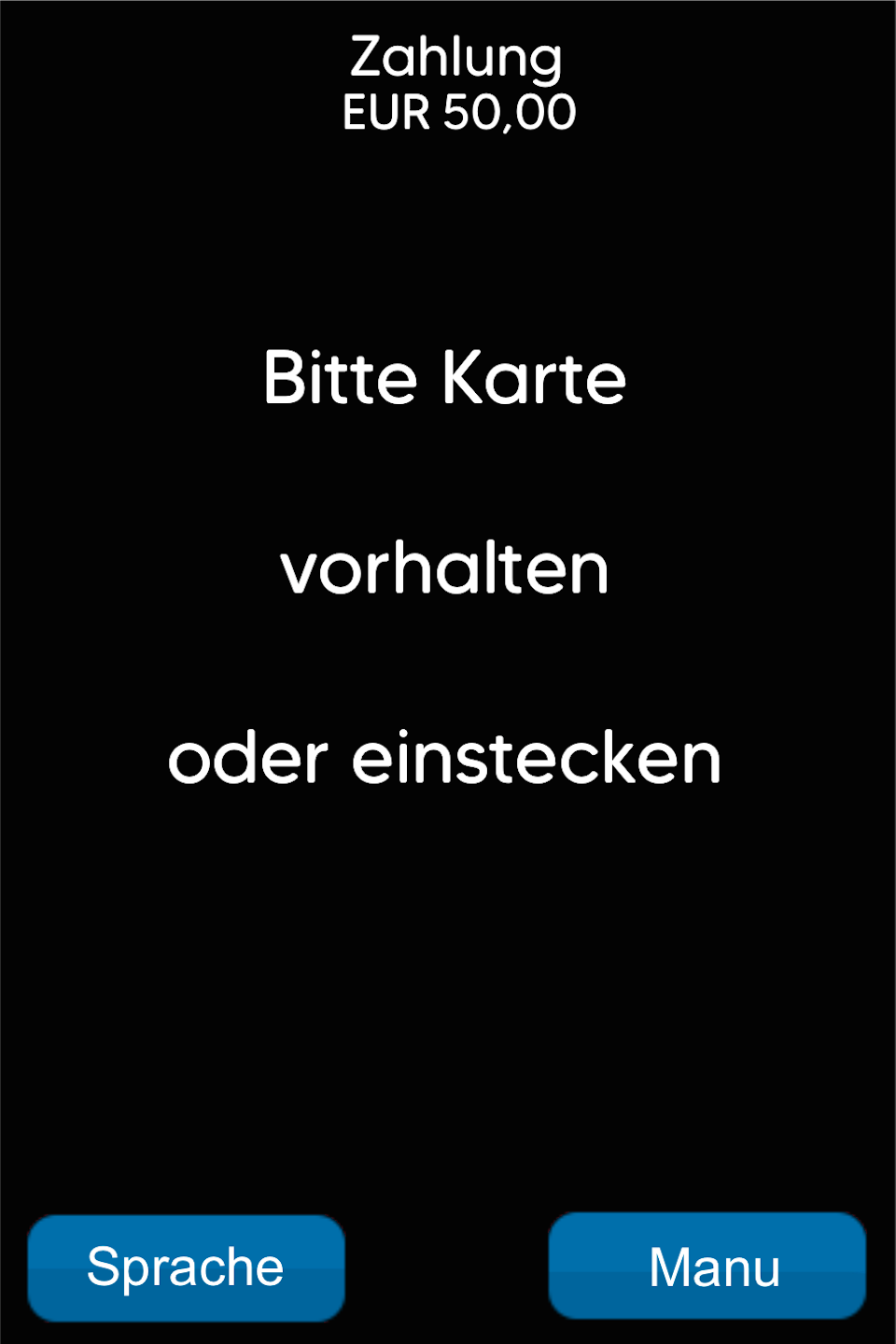
Present Card
Now present the card or insert it into the reader. The payment will be processed.
Was this article helpful?
That’s Great!
Thank you for your feedback
Sorry! We couldn't be helpful
Thank you for your feedback
Feedback sent
We appreciate your effort and will try to fix the article
