T650p - Tillhub POS Integration
Modified on Tue, 10 Feb at 4:04 PM
Configuration for the Tillhub POS System
You have a Tillhub POS system (Apple iPad) and want to connect your Verifone Trinity T650p card reader to the POS? This requires some configurations on the card reader.
We’ll show you how it works.
Have you already set up your connection?
Are the connection symbols active?
Here we offer you the tutorials:
Explanation of the Connection Symbols
Menu
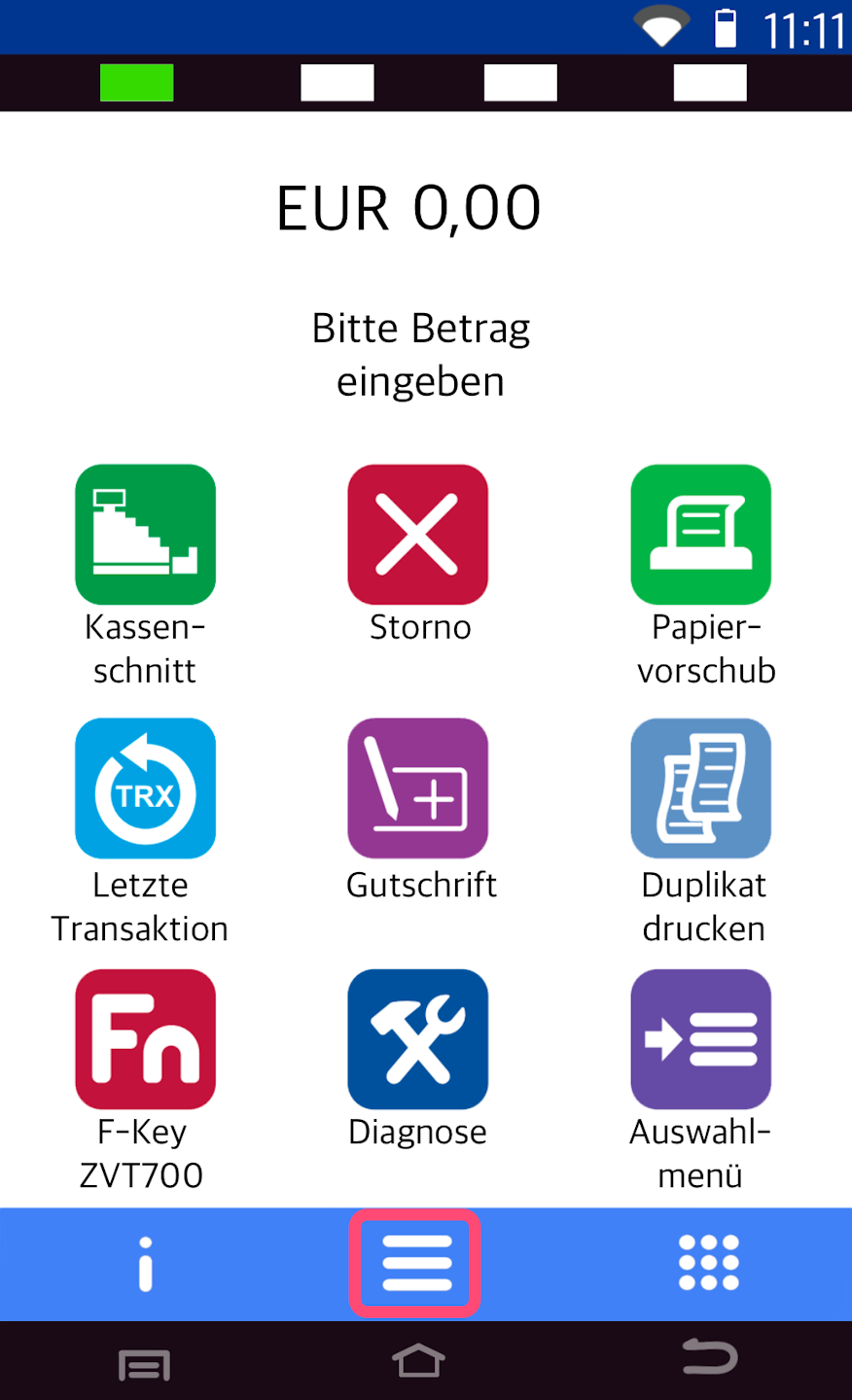
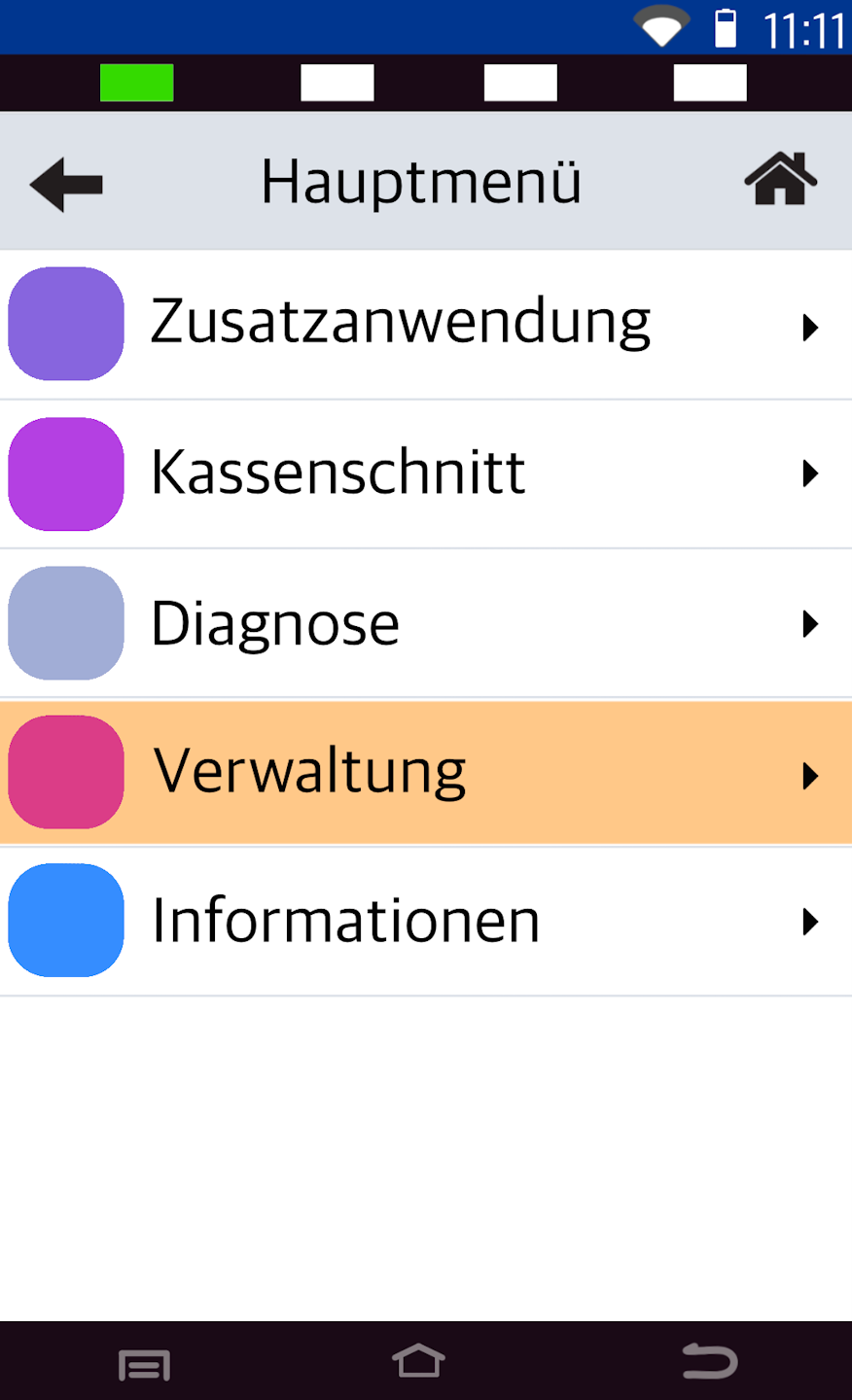
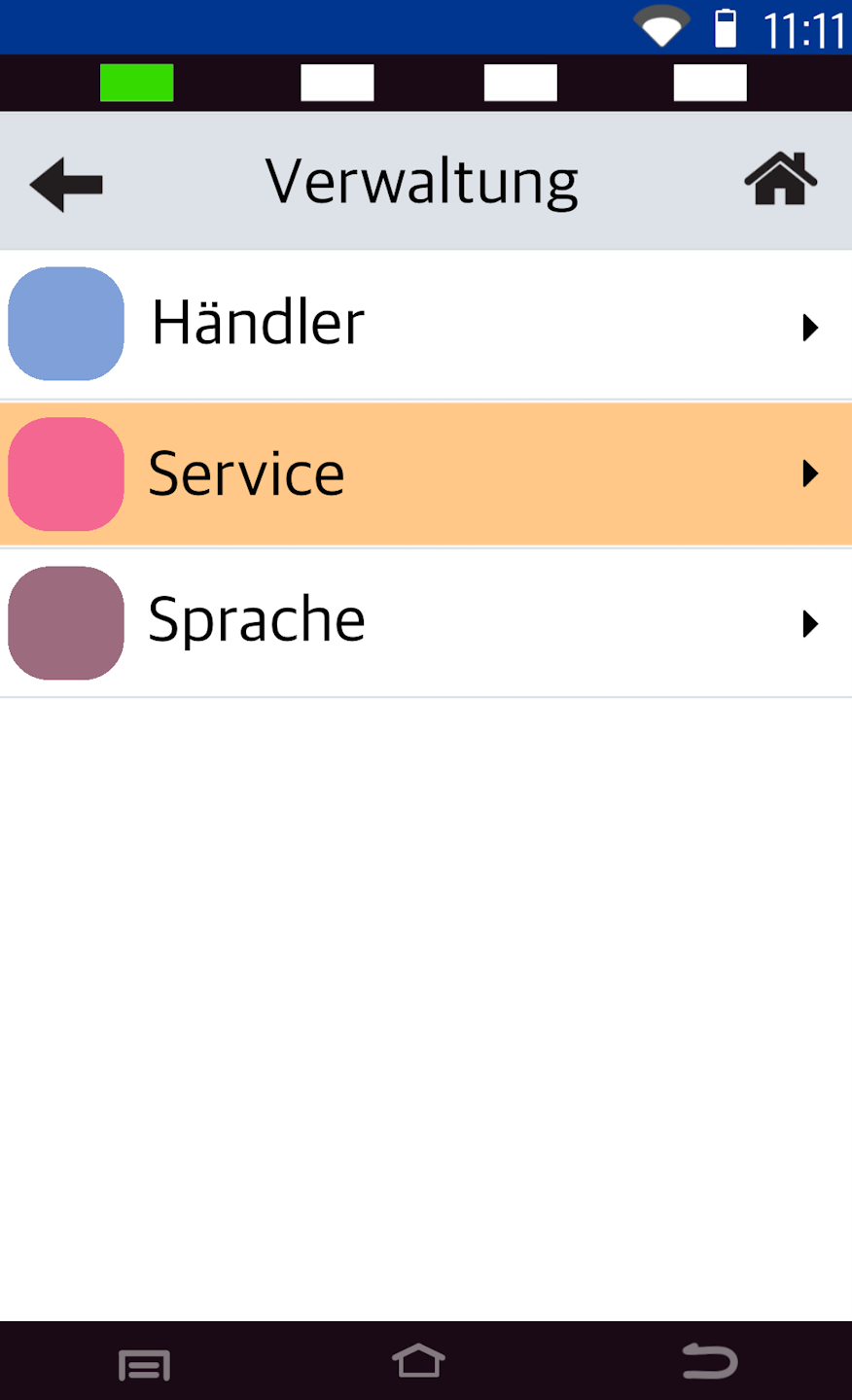
To configure your card reader for the Tillhub POS system, please follow figures 1–3.
Passwords:
TID: 61xxxxxx – 820240
TID: 68xxxxxx – 222222
TID: 526xxxxx – 111111
POS Interface
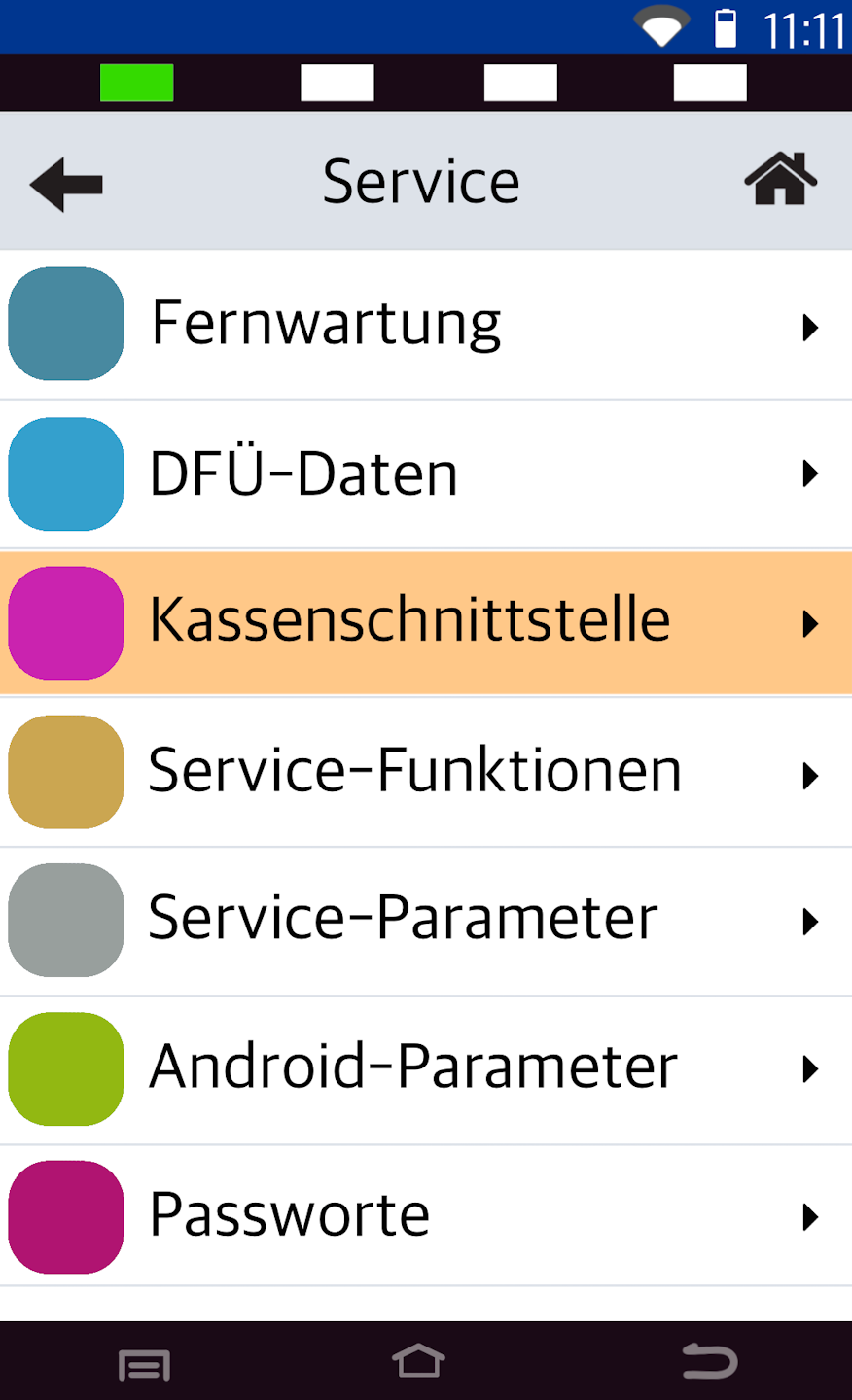
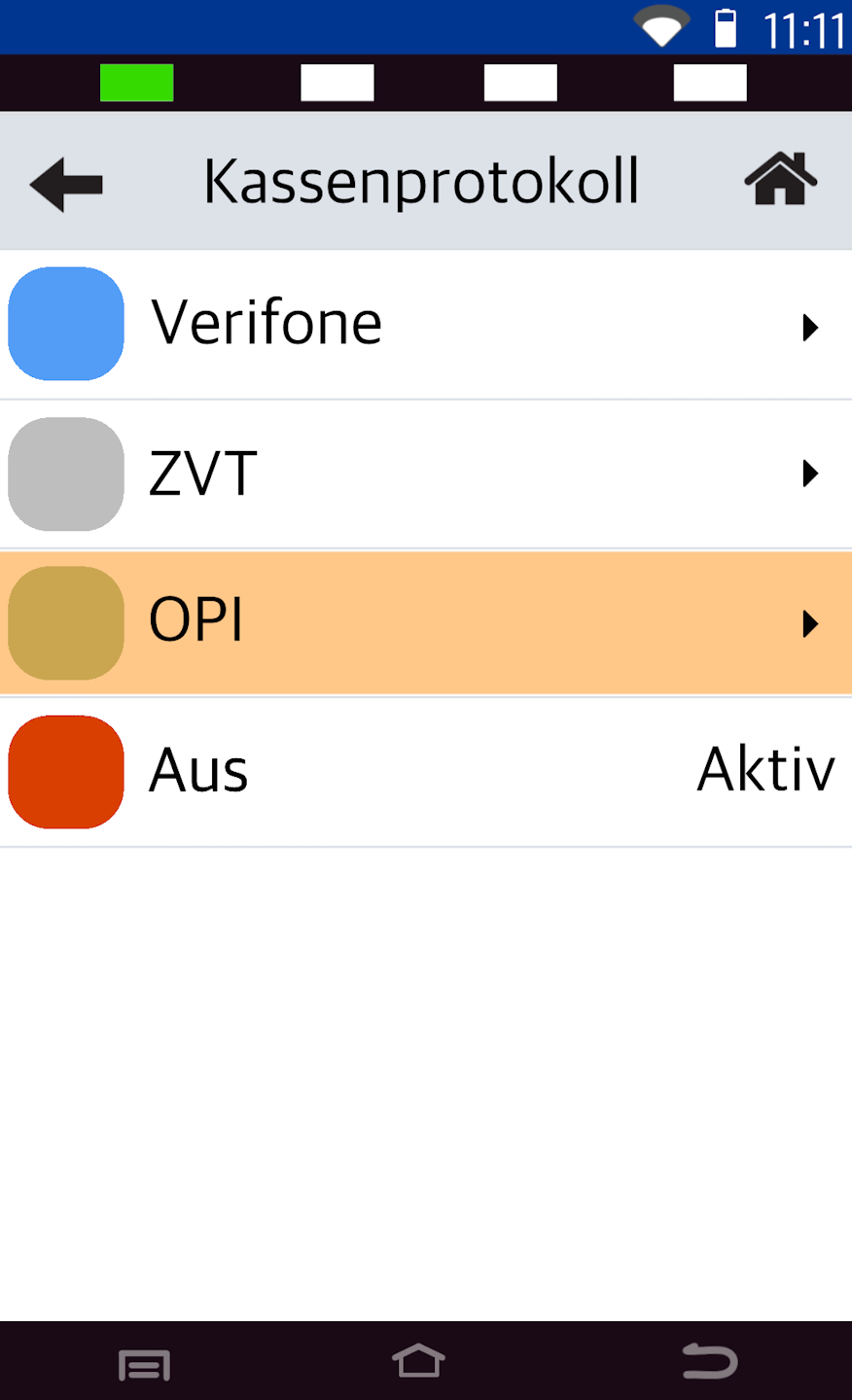
To select the POS interface, please follow figures 1–2.
Fig. 1 – Select the menu item Kassenschnittstelle
Fig. 2 – Select OPI
Activation
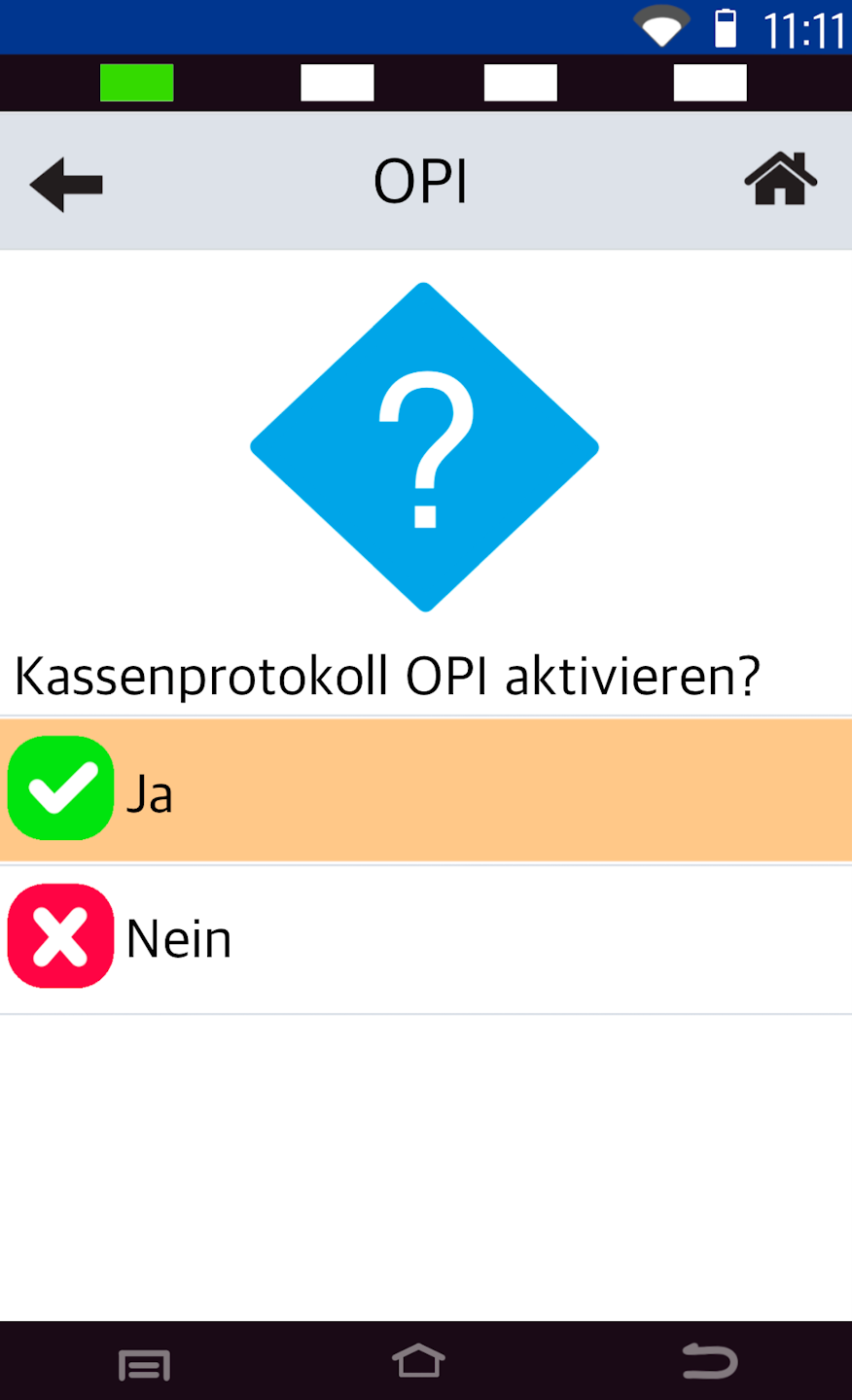
Fig. 1 – After selecting OPI, you will be asked whether you want to activate the OPI POS protocol. Please confirm with Ja.
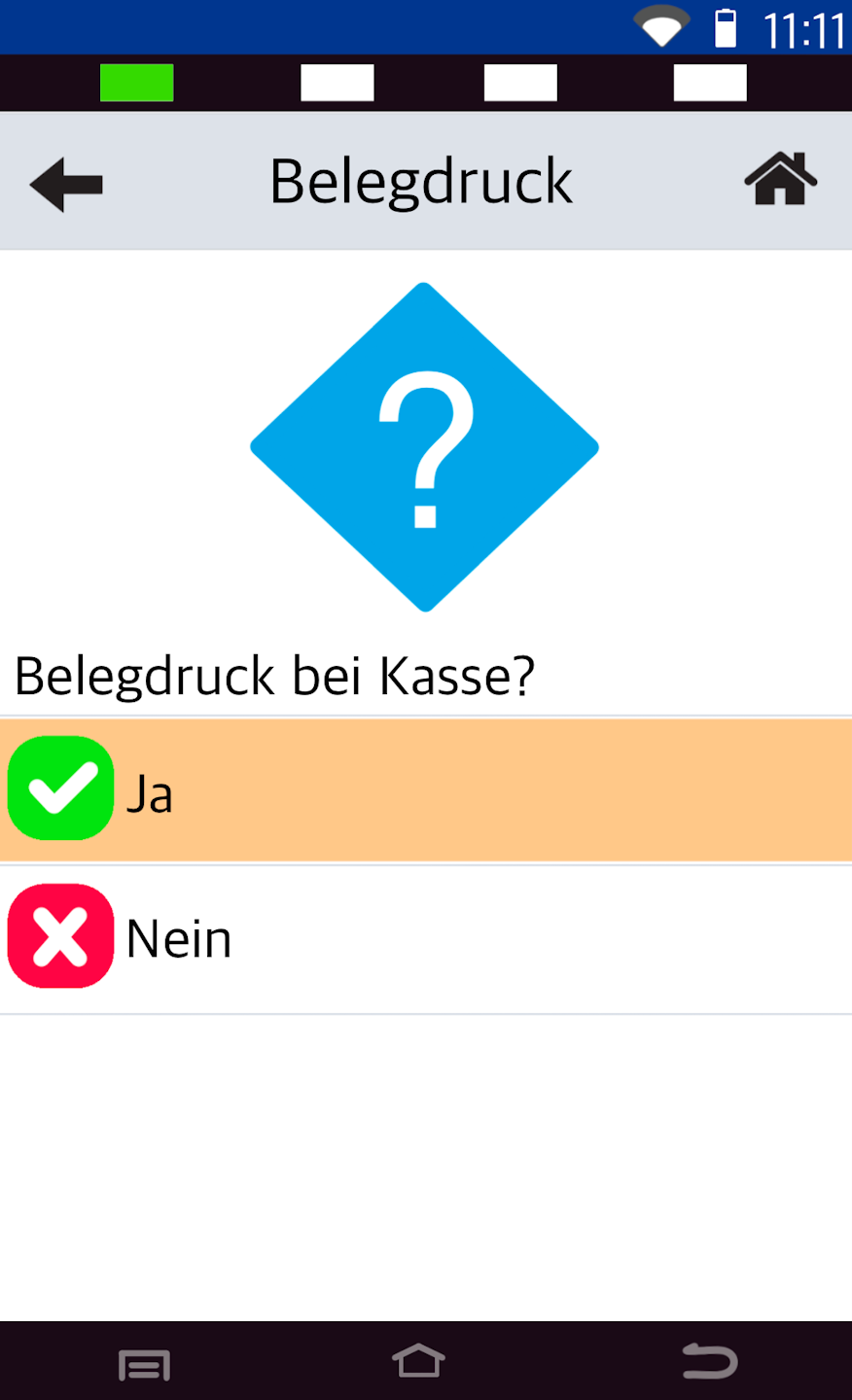
Fig. 2 – Would you like to enable receipt printing at your POS system? Please confirm with Ja.
Port Settings
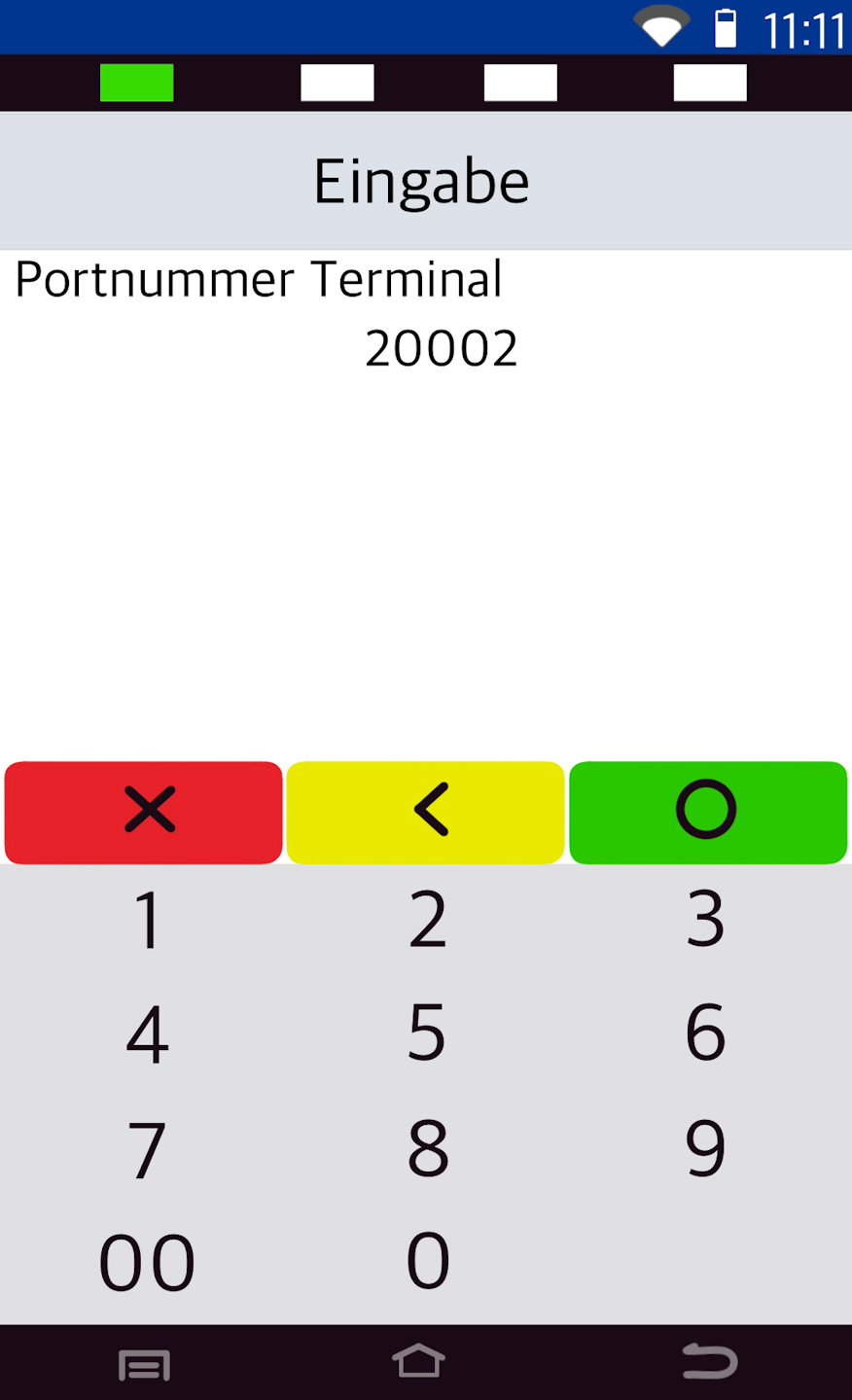
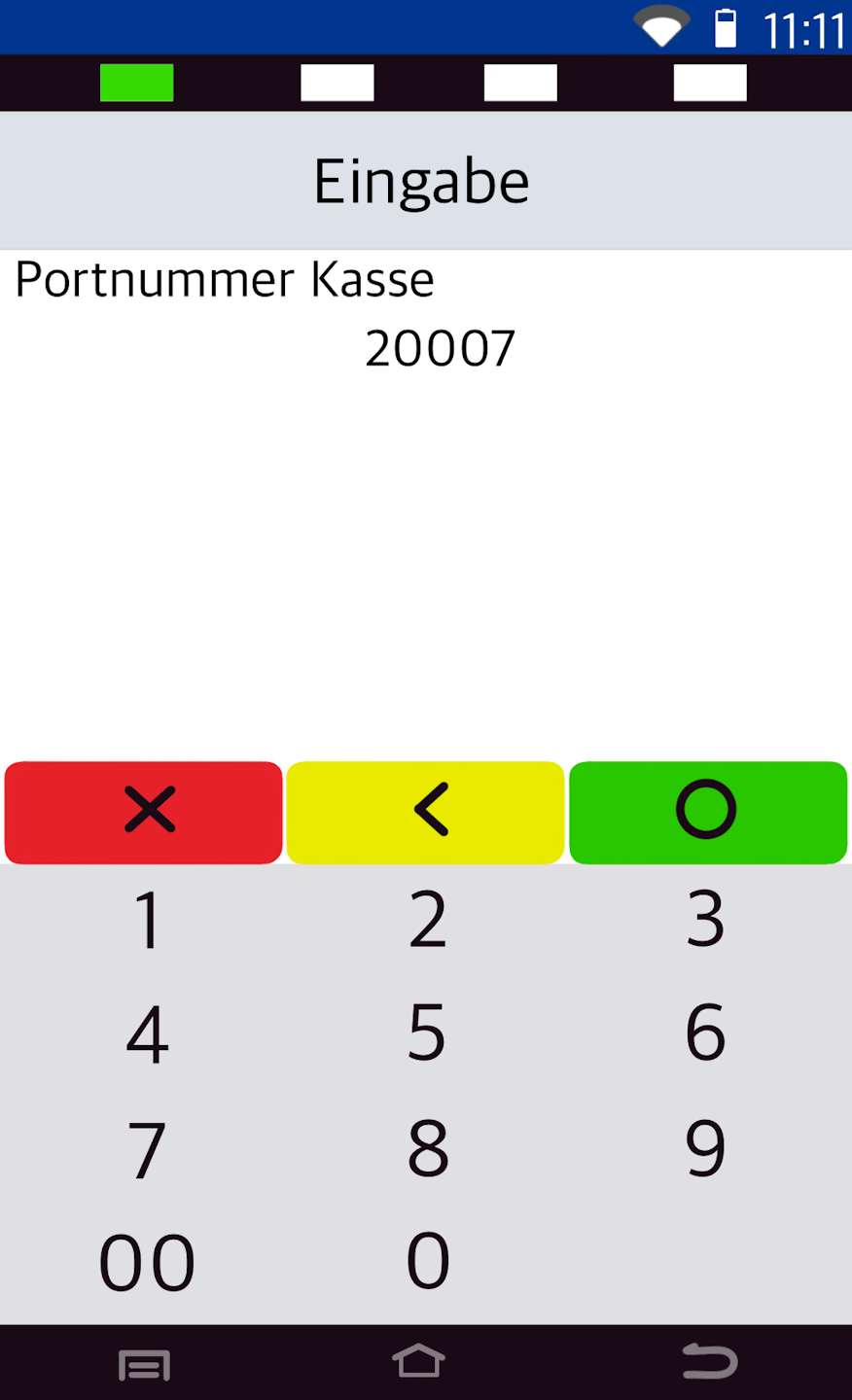
The port numbers for the Tillhub POS system are:
Terminal: 20002
POS: 20007
These port numbers are usually already preconfigured by the Verifone system. Please confirm the port numbers.
Completion
The configuration for the Tillhub POS system is now complete.
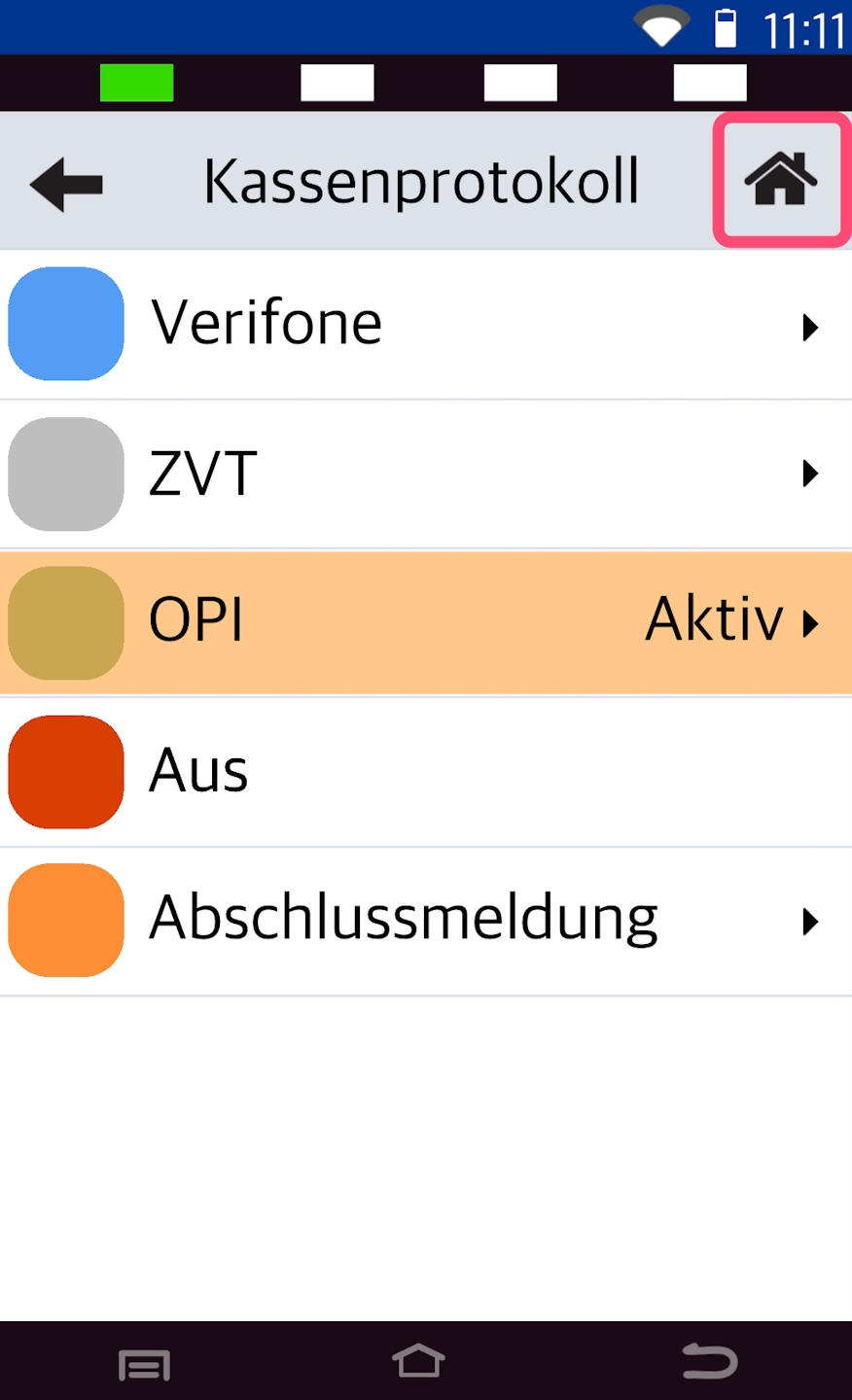
To return to your starting display, please tap the small house icon in the top right.
The next step is to configure your Tillhub POS so that it can send the payment amounts to the card reader.
Setting up the Tillhub POS for the card reader (as a step-by-step tutorial)
or also available as a video tutorial
Was this article helpful?
That’s Great!
Thank you for your feedback
Sorry! We couldn't be helpful
Thank you for your feedback
Feedback sent
We appreciate your effort and will try to fix the article
