CCV - Switching Your Card Reader Due to Contract Changes
Modified on Wed, 4 Feb at 9:51 AM
Have you received the confirmation email regarding the switch of your card reader to the new contract terms? This email includes both your old and your new terminal ID.
In this step-by-step guide, we will support you — both visually and in writing — with switching your CCV Mobile Premium or CCV Base Next card reader from the old to the new terminal ID.
Please perform an end-of-day report before switching, so that any open transactions are finalized. Existing transactions cannot be transferred to the new contract account.
Guide to End-of-Day Report – Link
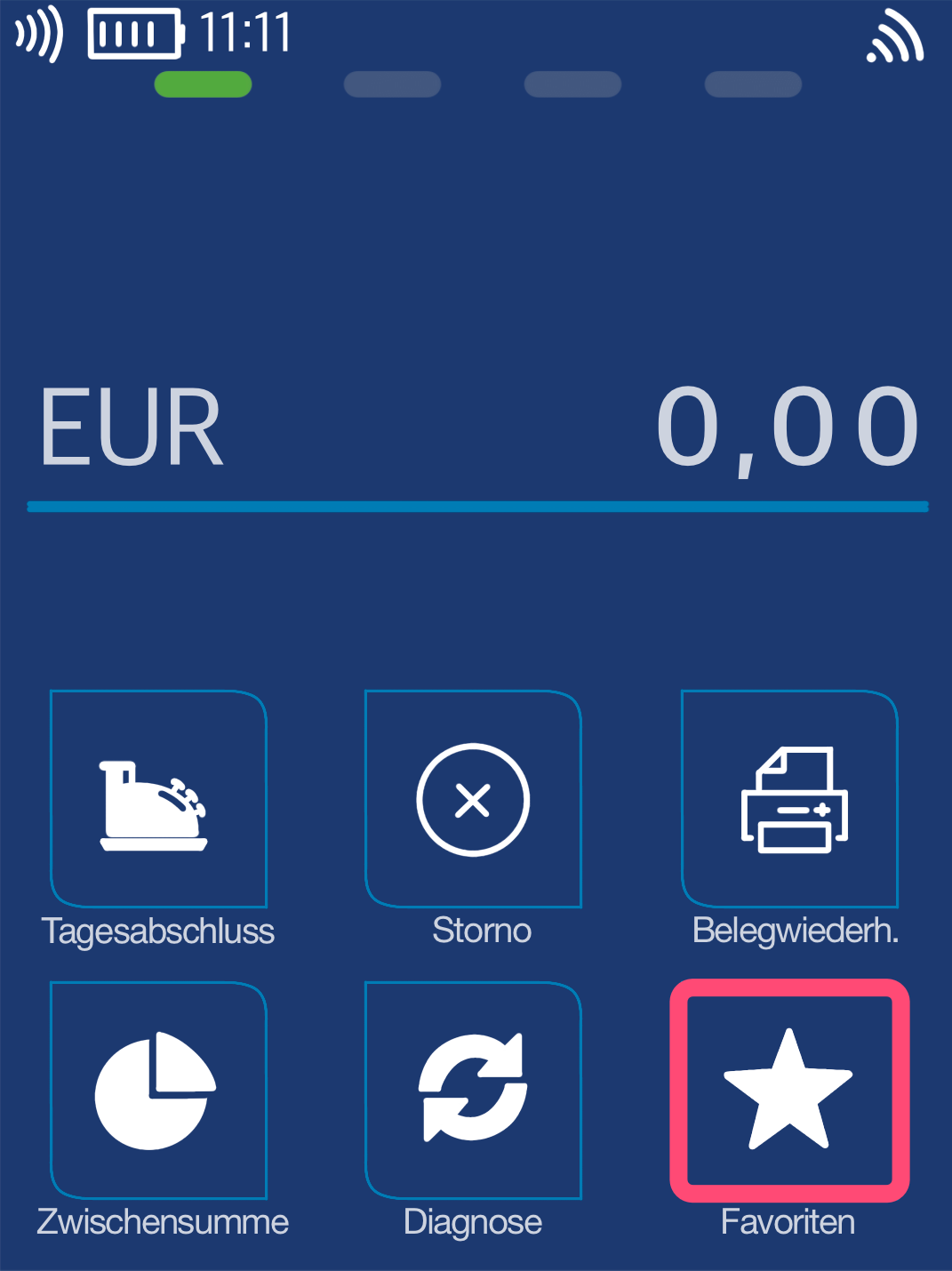
Favorites Button
You will see your main display. Please select the Favorites button.
Select by tapping.
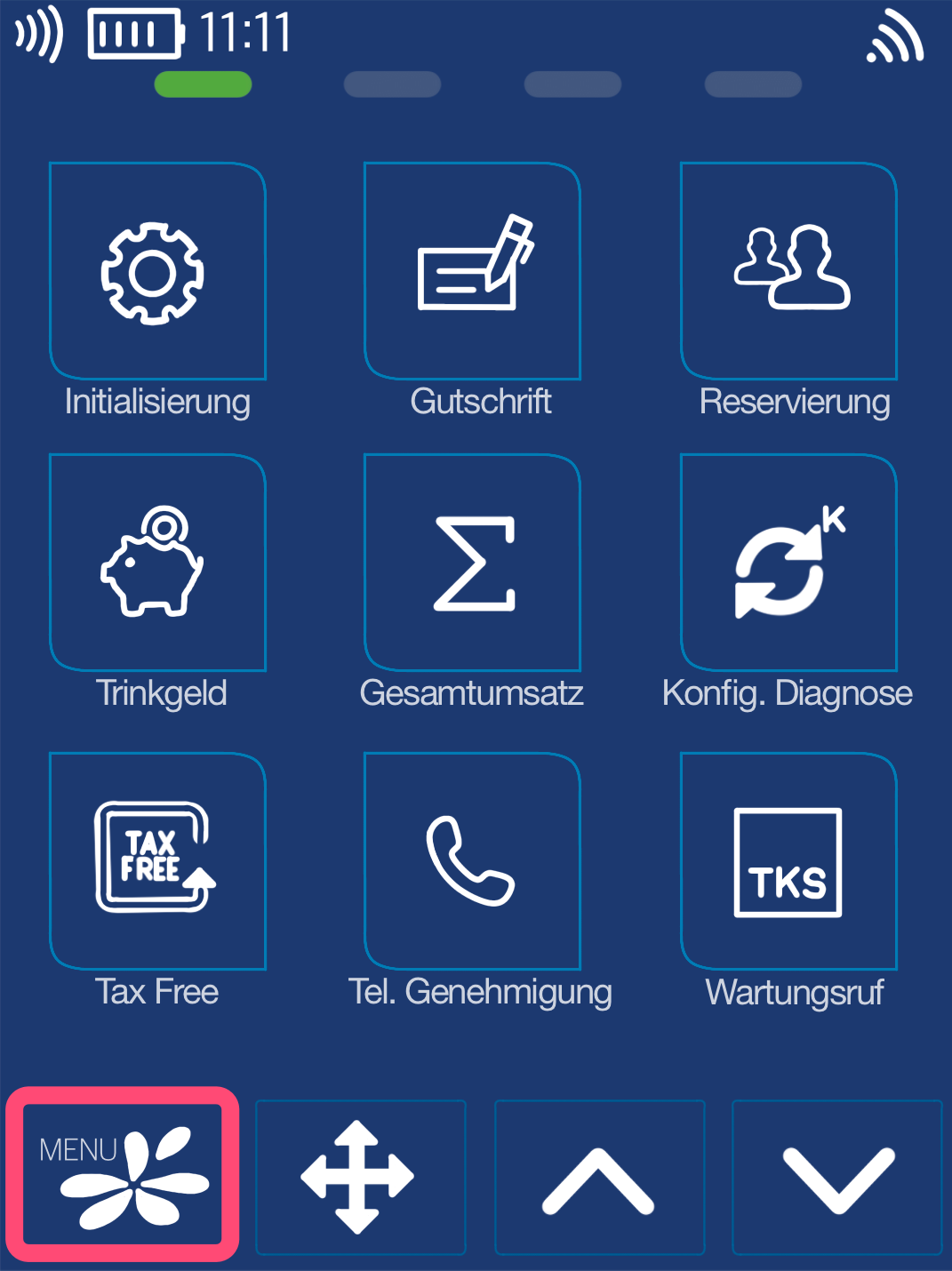
Menu Button
Now please select the Menu button.
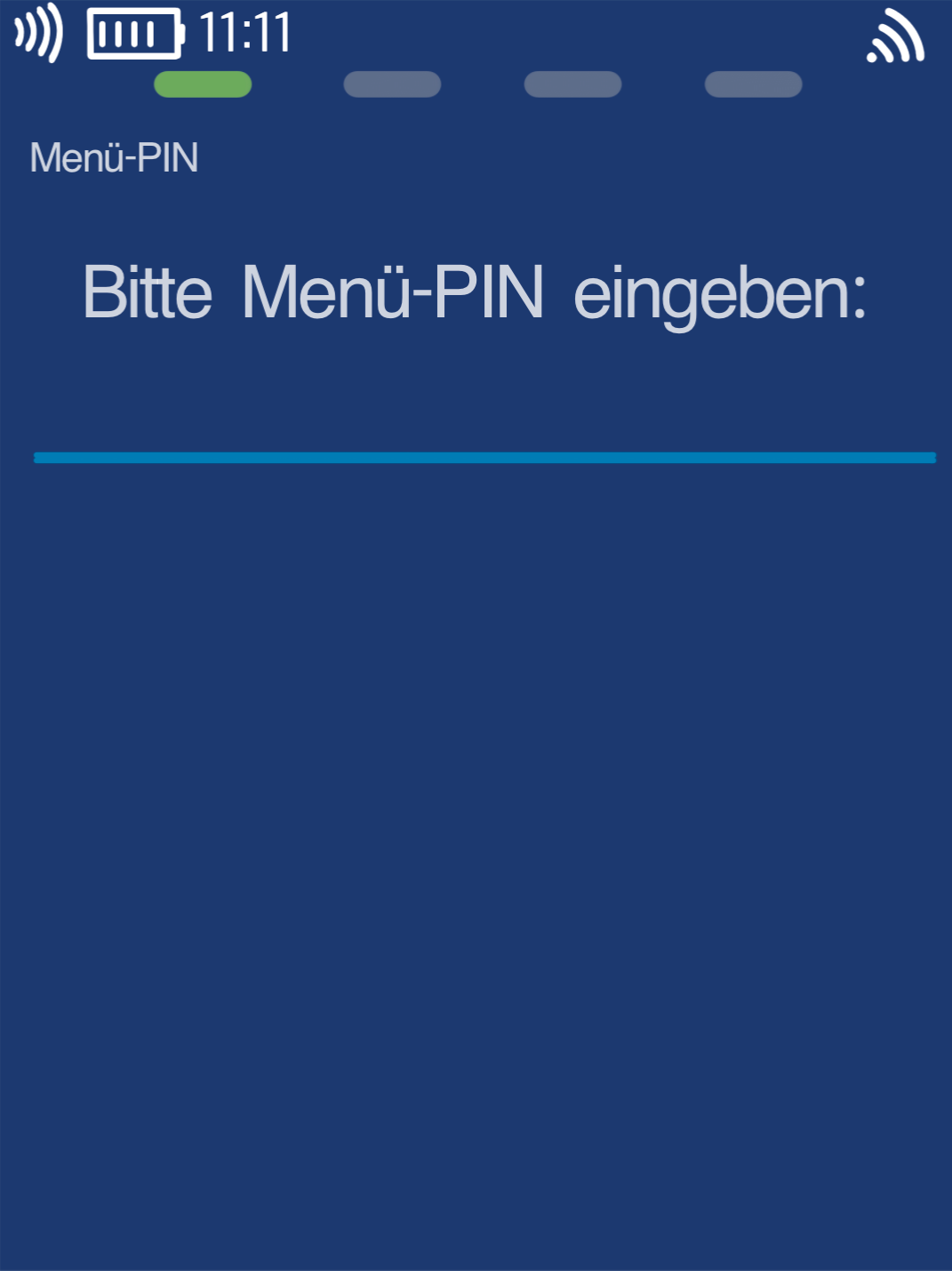
Menu PIN
Please now enter your merchant PIN.
You can find the Terminal ID on your merchant receipts or on the end-of-day report.
Terminal IDs starting with 61xxxxxx: 111111
Terminal IDs starting with 68xxxxxx: 111111
Terminal IDs starting with 526xxxxx: 0123
Please confirm the entry by pressing the green OK button.
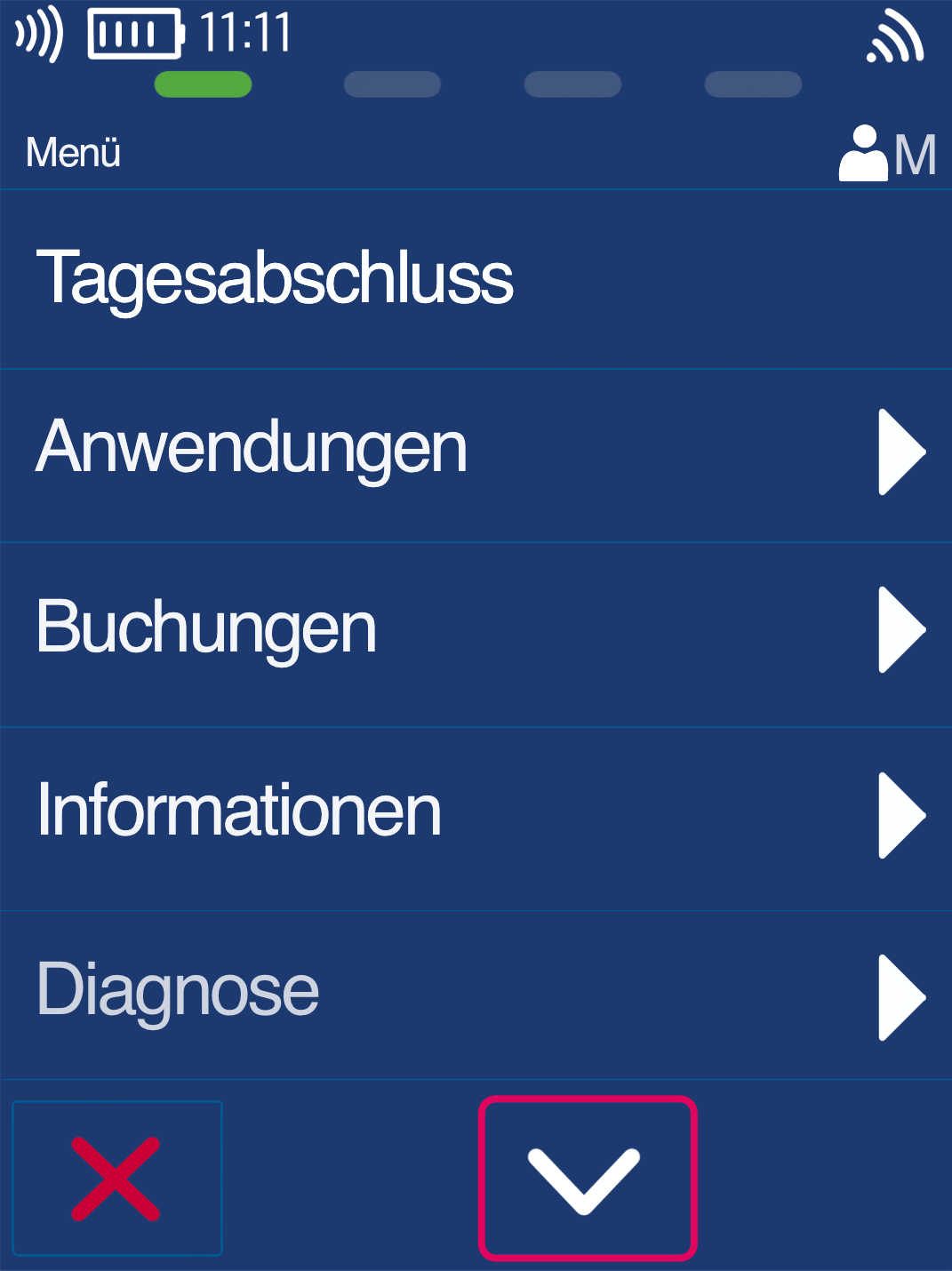
Main Menu
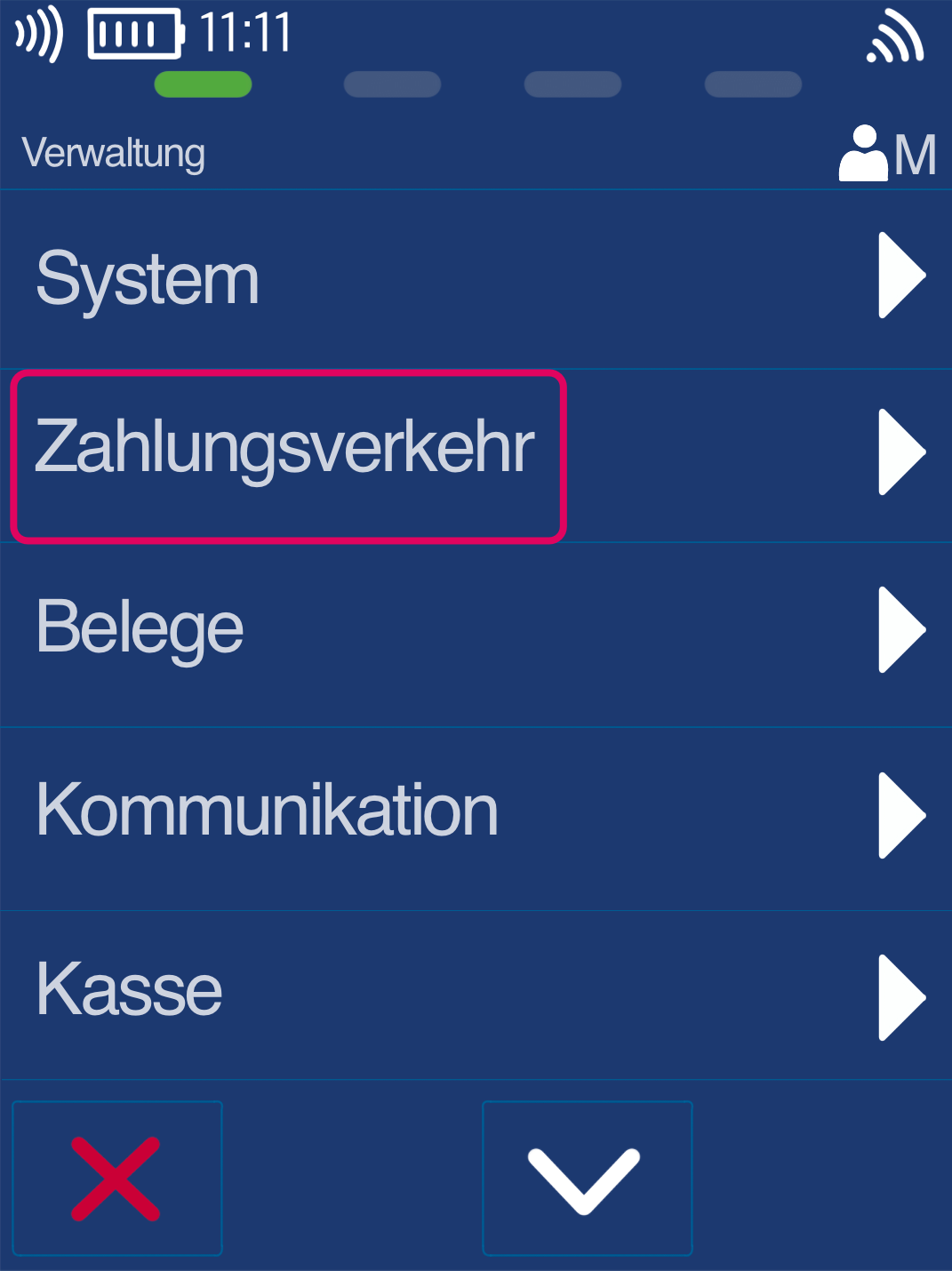
Please navigate with the down arrow key (Fig. 1) to the menu item Management (Fig. 2)
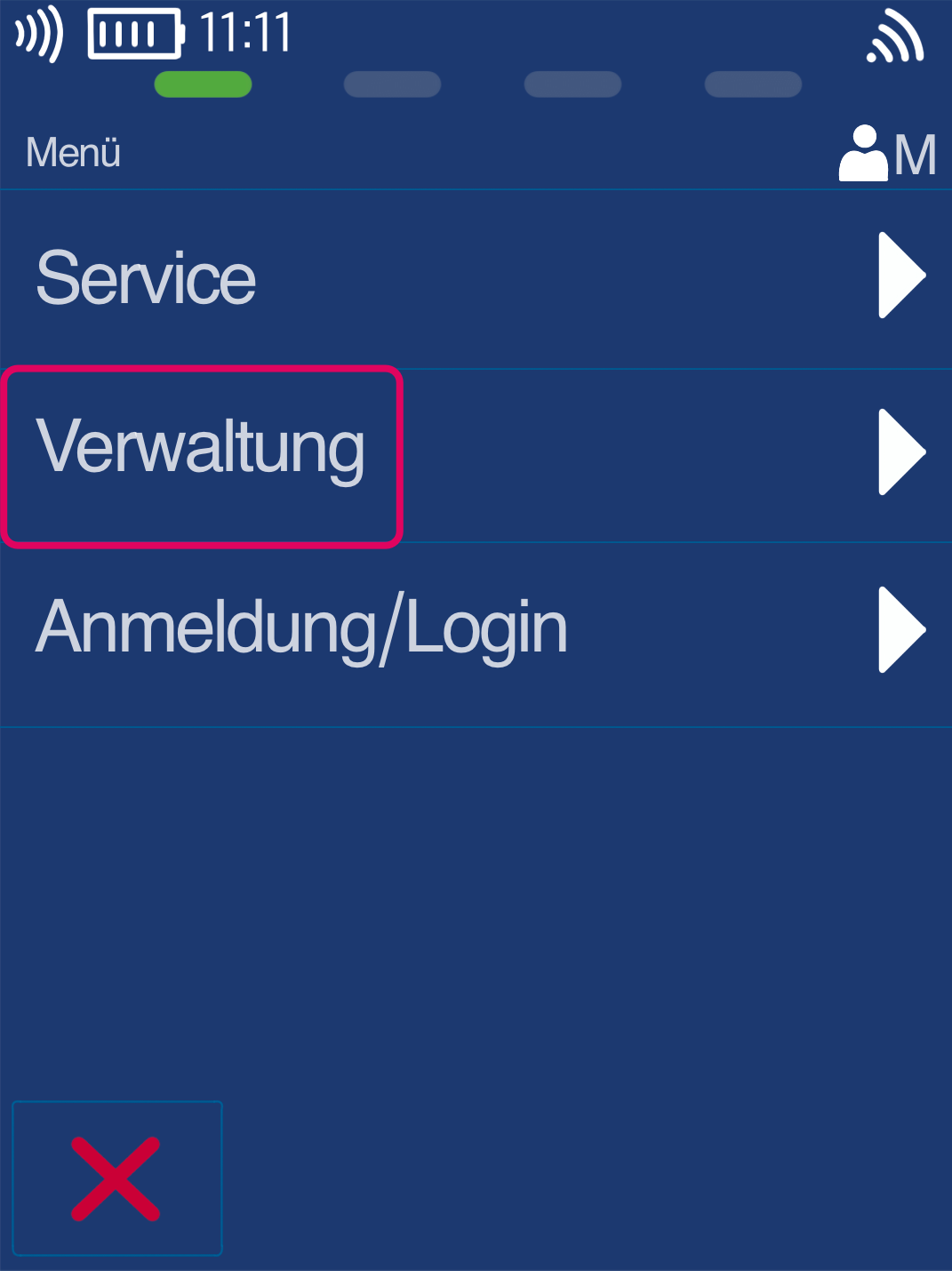
Payment Transactions Menu
Please select the menu item Payment Transactions.
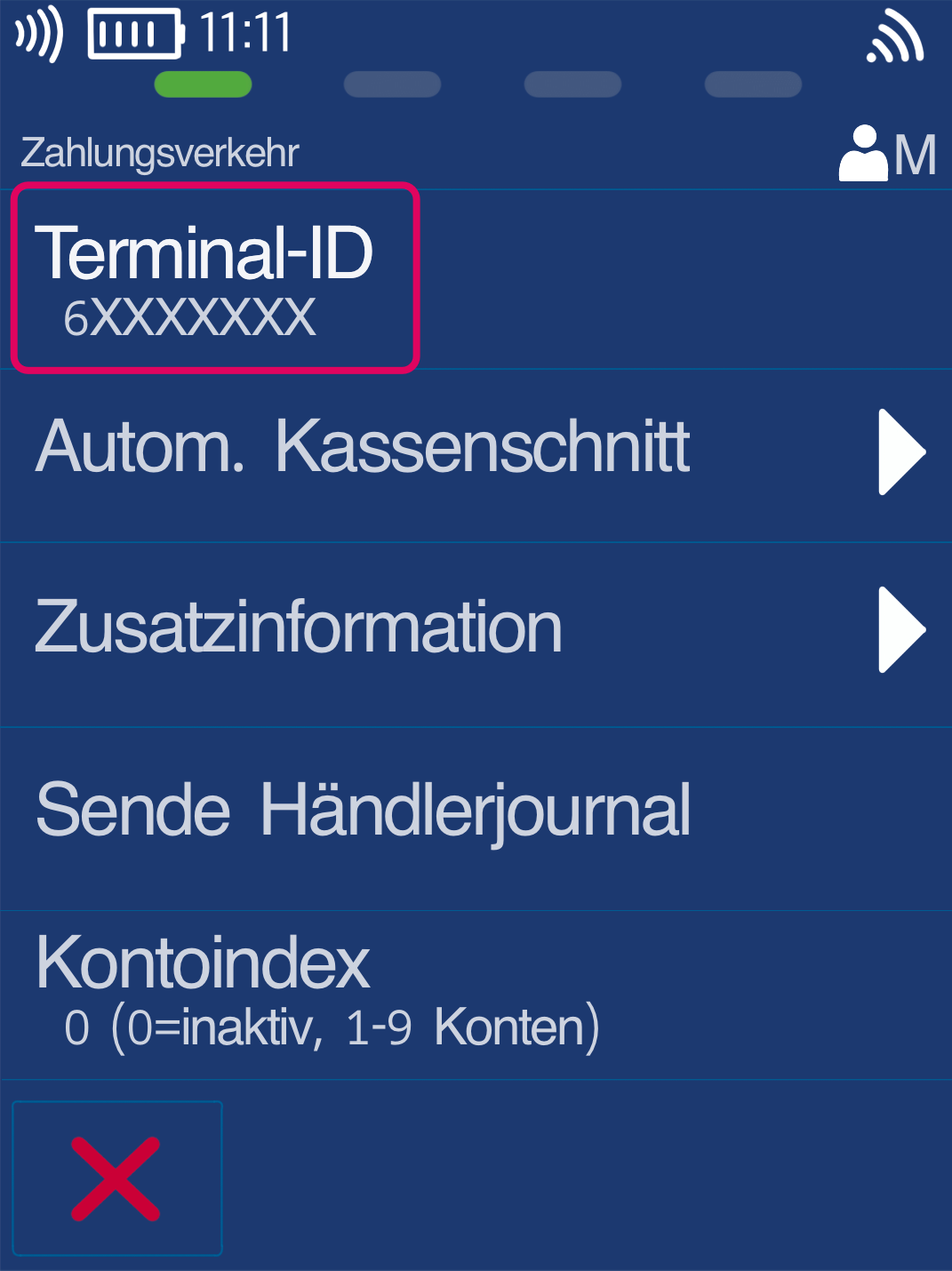
Terminal ID
The top menu item Terminal ID shows your currently active terminal ID.
To edit it, please tap the Terminal ID menu item.
Change Terminal ID
Your old terminal ID will be displayed. Please delete it using the yellow CORR key and enter your new terminal ID correctly.
Your old and new terminal ID were provided to you via email.
Please confirm your entry with the green OK key.
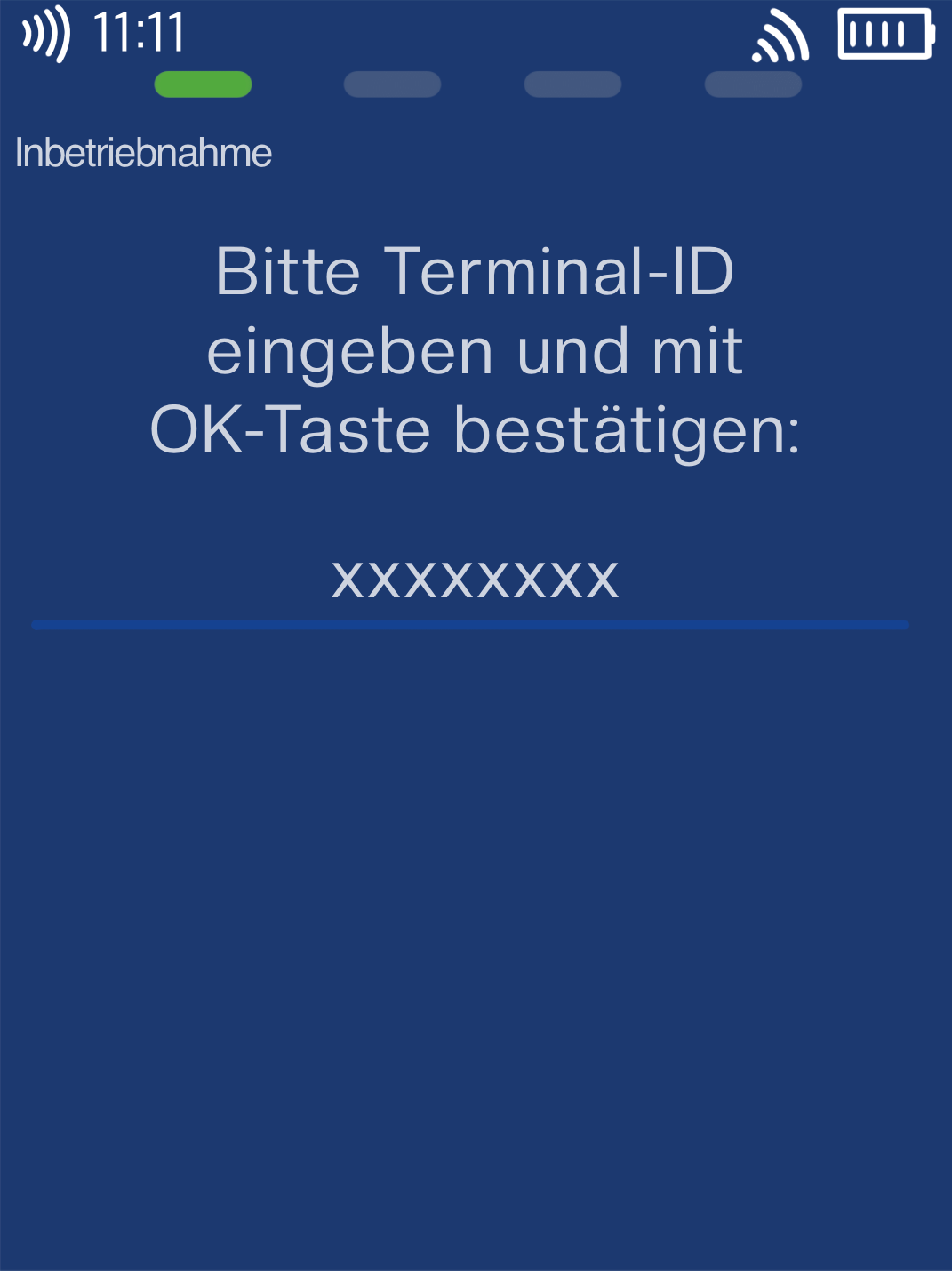
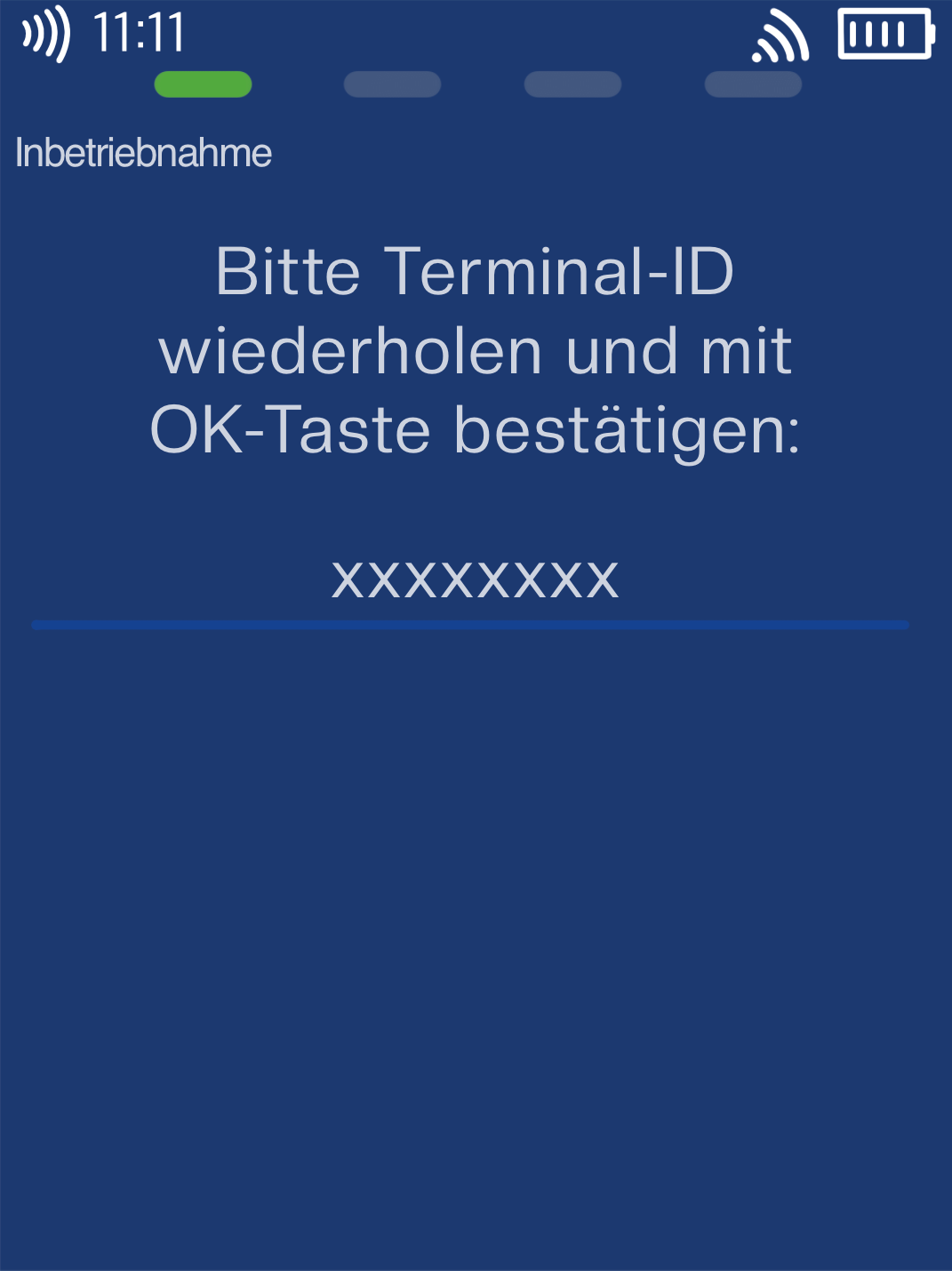
Repeat Terminal ID
Here too, please delete the existing terminal ID using the yellow CORR key and enter your new terminal ID correctly.
Please confirm the entry of the new terminal ID again with the green OK key.
The card reader will now start up with the updated contract information. Three diagnostic processes will be performed, each confirmed with a receipt.
Once all diagnostics are completed, your card reader will be ready for use with the new contract changes.
Was this article helpful?
That’s Great!
Thank you for your feedback
Sorry! We couldn't be helpful
Thank you for your feedback
Feedback sent
We appreciate your effort and will try to fix the article
